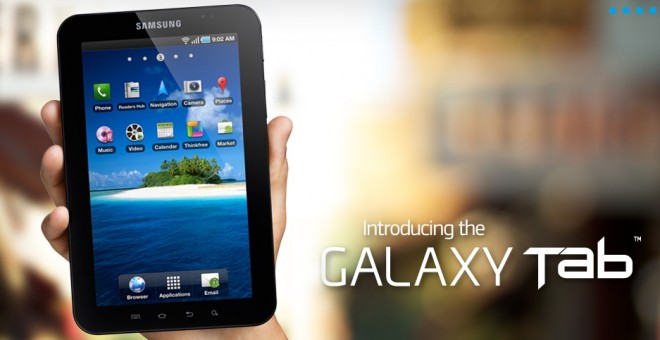

At first, we had to wait what seemed likes ages to get a glimpse of the Samsung Galaxy Tab in action, but now that there are plenty of hands-on videos out on the web, we were surprised to see Samsung post their own, official walkthrough video. If you just haven’t gotten enough of the Galaxy Tab, you’ll be happy to hear this video is about ten minutes long. A little too long if you ask us.
The video below is rather drawn out – it’s terribly similar to a Galaxy S phone, and with only a couple of exceptions, we’ve seen it all before. Still, being able to see the Media Hub in action and other such features is enough to make the video a worthwhile watch. But for the most part, it’s basically someone going throughout the entire device hitting up almost every application on the device. Even those who are the most excited about the Galaxy Tab may get a little bored.
The video showcases a lot of the re-worked applications that fit the Tab’s display. The Email, Calendar, and Contacts apps look great spread across that 7 inch screen, and you can tell some real thought was put into making them work perfectly on the WSVGA resolution display. Too bad most other applications won’t be as nice to look at. The built-in e-reader application looks very nice as well, if not a little iPad like. It should definitely be nicer to hold the entire device in one hand while reading a book instead of requiring both hands, like the iPad. It’s mostly personal preference, but I’d say the Galaxy Tab has the upper hand when it comes to being an e-book reader.
You’ll also see some accessories for the Tab as well, including the docking station (which sports an HDMI port for pushing audio and video in HD resolutions to an external monitor or TV) and the keyboard. So if you’d like to see the Tab on a HDTV, Samsung’s got you covered. And if you’re not so good at Swype, the keyboard accessory may be just what the doctor ordered.
Check out the rest of the video to see what else the Galaxy Tab offers.
[Via: TechCrunch]