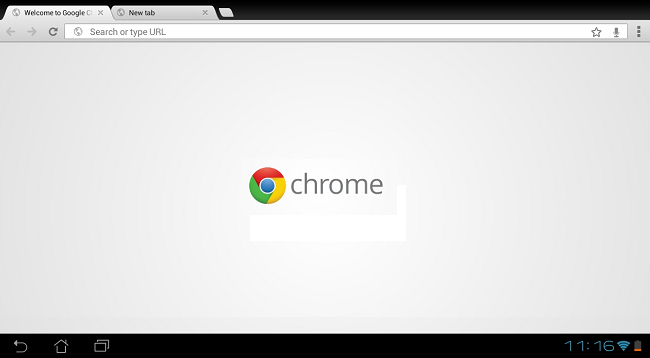
We’ve been tinkering around with the new Chrome Beta for a couple of hours now and we’re definitely impressed to see that Google has provided a slick browser that’s also easy on the eyes. Even in beta form, we can imagine that most people who try Chrome for Android will probably stick with it. We’re glad that Google realized that functionality can look good.
The introduction of Android 4.0 Ice Cream Sandwich was the first time we saw Google really hone in on the user experience for its mobile operating system and it’s taken that focus to Chrome. The browser is snappy, simple, and rather beautiful, given that it’s just a portal for viewing web content. If you use Chrome on your desktop, the benefits only get better. More on that later.
The first thing you will notice upon launching Chrome is the simplicity of its UI. You’re given the search/navigation bar, soft key for managing tabs, and the action overflow button for just about anything else you’d need to do. The options for going back and forward have been tucked in here, as well as the ability to add the current page to your bookmarks. You’ll also be able to add a new tab, a new incognito tab, access your bookmarks, view other linked devices, settings, and more from the action overflow/ menu key.
While we know Chrome is a snappy browser and most of that speed has been translated to the mobile version, Google didn’t skimp on the user experience. You’ll notice that pinch-to-zoom has never been more smooth (but it looks like the text re-wrap feature was sacrificed in the process), as well as scrolling. This is all fine and dandy but the way that tabs are handled and managed is what really makes the experience a fluid one.
With a simple gesture, you can easily access all open tabs without having to tap on a button. Simply swipe from the edge of the screen forward or backward and you’ll be on the next tab. This really speeds things up, especially if you’re surfing on the fly. If you want to get rid of an open tab, hitting the tabs button on the top of the browser will display all open tabs in a slick, card-like UI. The new swiping gesture found throughout Ice Cream Sandwich is also implemented here. To dismiss a tab, simply slide it away.
As I said above, if you use Chrome on the desktop, the benefits don’t stop. Like the stock Android browser in Ice Cream Sandwich, Chrome sync is here, so you won’t be without your bookmarks from the desktop, which is great, but Google has taken it a step further. Now if you’re using Chrome on your desktop, the open tabs will sync to your mobile browser, so now you won’t even have to click the Chrome to Phone button (if you use it) to finish reading that article on your phone.
There are more tweaks found within Chrome Beta but the features above are definitely the highlights. If you haven’t gotten a chance to try it out, we suggest you do. Unfortunately, Chrome Beta is limited to Android 4.0 but hopefully we’ll see that chance in the near future.
Check out the video below!