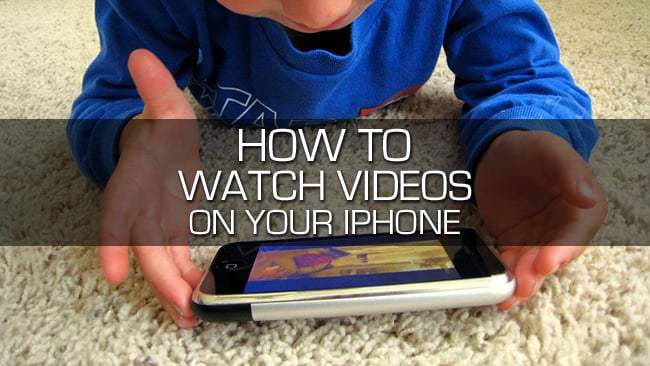
One of the coolest things about the iPhone, among many, is the ability to watch streaming video. You can catch up on your favorite shows, watch full length films or just browse YouTube for the latest and greatest videos. The iPhone allows you to watch pretty much anything you want, you can watch from home,…
How to Watch Videos on Your iPhone
Instructions
Difficulty Rating
- easy
Things you'll need
- iPhone
- From your iPhone tap the iTunes icon.
- Tap the Video icon at the bottom of the screen.
- Select the movie or show you want to purchase.
-
Tap the Buy button and enter your Apple ID and Password to purchase.
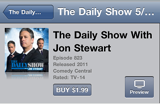
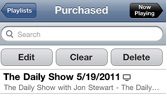
- Once your video has been downloaded (this can take several minutes depending on the size and data connection) you can tap the Purchased link to access your video.
-
From the Purchased screen tap the video you want to watch.