Samsung Galaxy S 4G
Available now at T-Mobile for $199 with a two-year contract
 Specifications (Spec-sheet)
- 1GHz Hummingbird processor
- 4-inch Super AMOLED display (800 x 480)
- 5MP camera (no flash)
- 512MB RAM
- GSM 850/900/1800/1900, UMTS 1700/2100
- microSD support up to 32GB
- Front-facing camera
- Wi-Fi (802.11b/g/n)
- Dimensions: 4.82″ x 2.54″ x 0.39″ (122 x 65 x 10 mm)
- Weight: 4.16oz (118g)
The Good
- Beautiful display with rich colors
- Android 2.2 Froyo operating system (Vibrant was released with Android 2.1)
- Thin and lightweight, comfortable design
- Comes with 16GB microSD card with SD card adapter
- 1GHz processor makes apps and gestures perform smoothly
The Bad
- 4G HSPA+ is fickle, switches to 3G and EDGE often
- Retains same plasticky feel as the Vibrant
- No flash on the rear camera
- TouchWiz isn’t for everyone, and may delay Android 2.3 Gingerbread update
- Comes preloaded with Inception, but you need to sign up for a Media Hub account to view it
Hardware
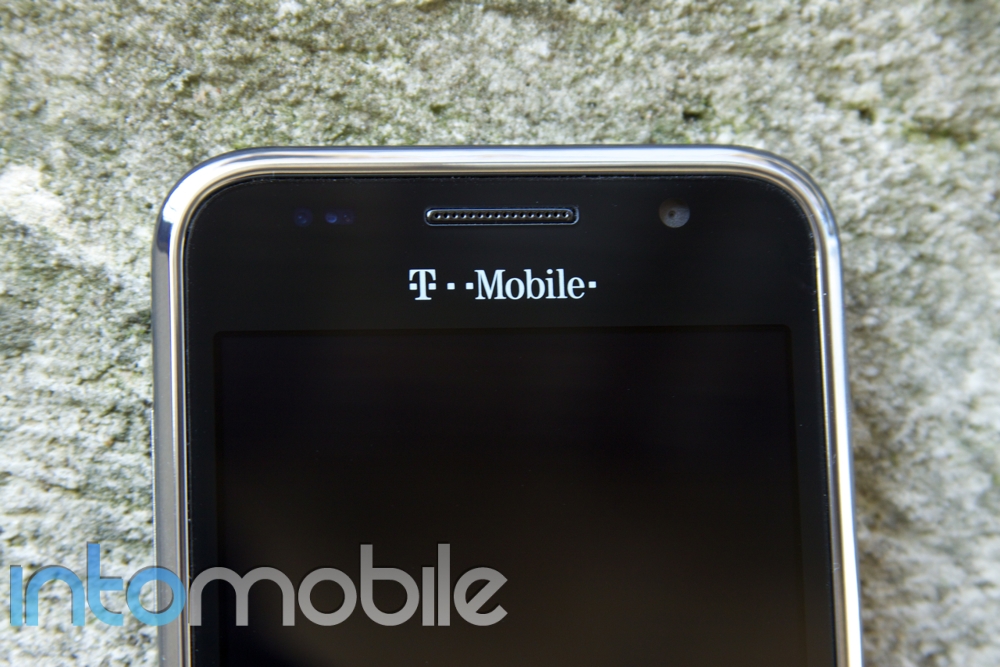
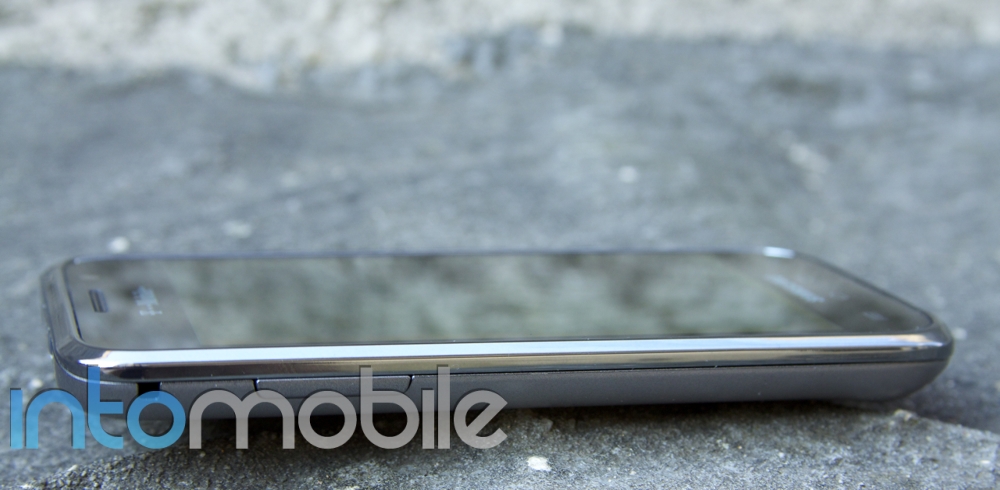
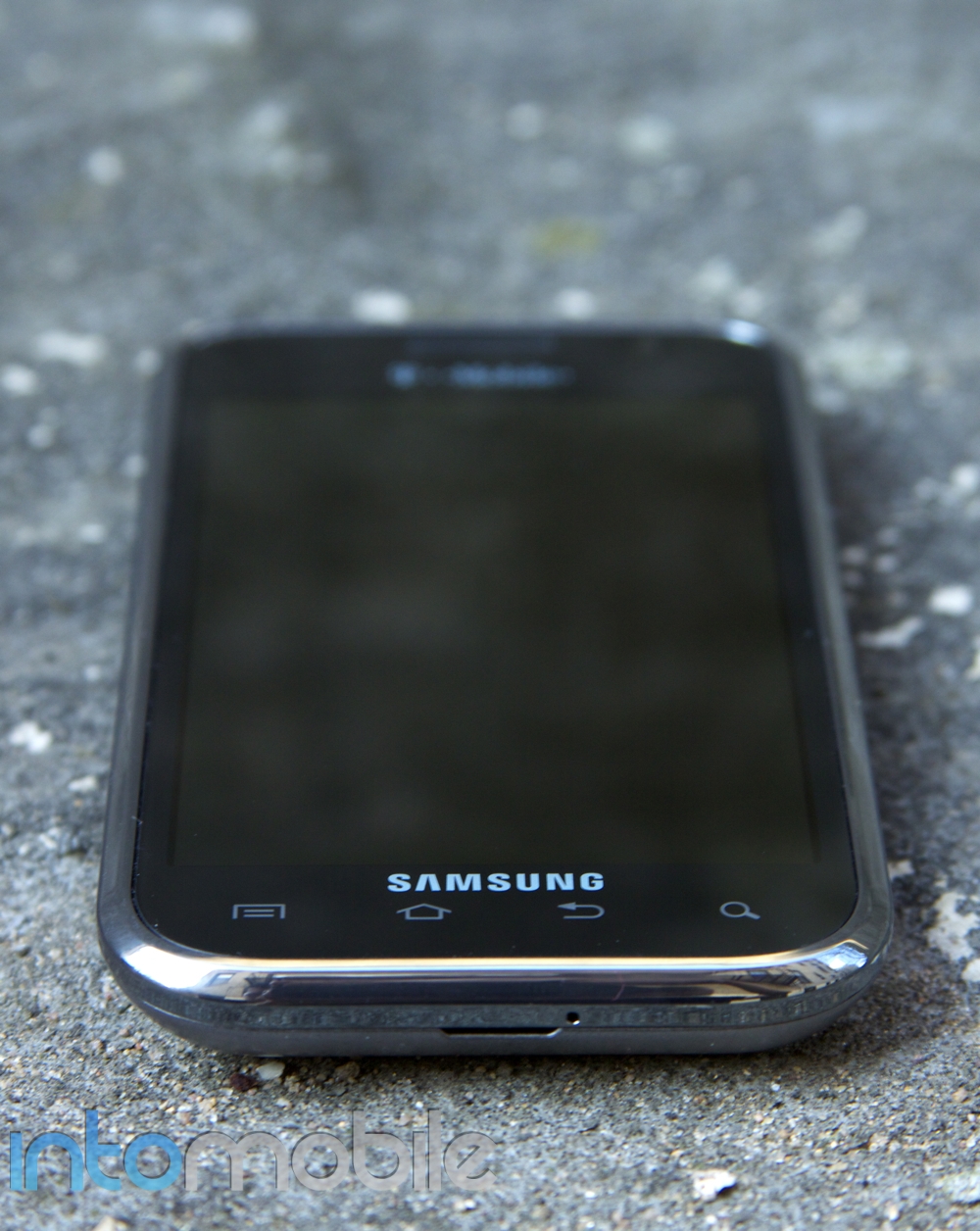
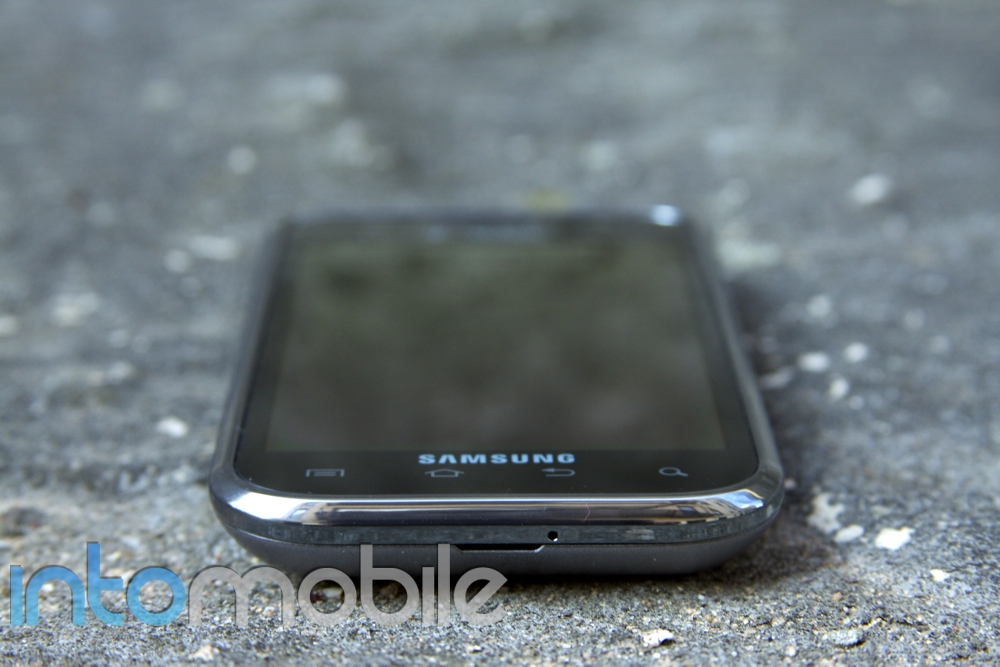
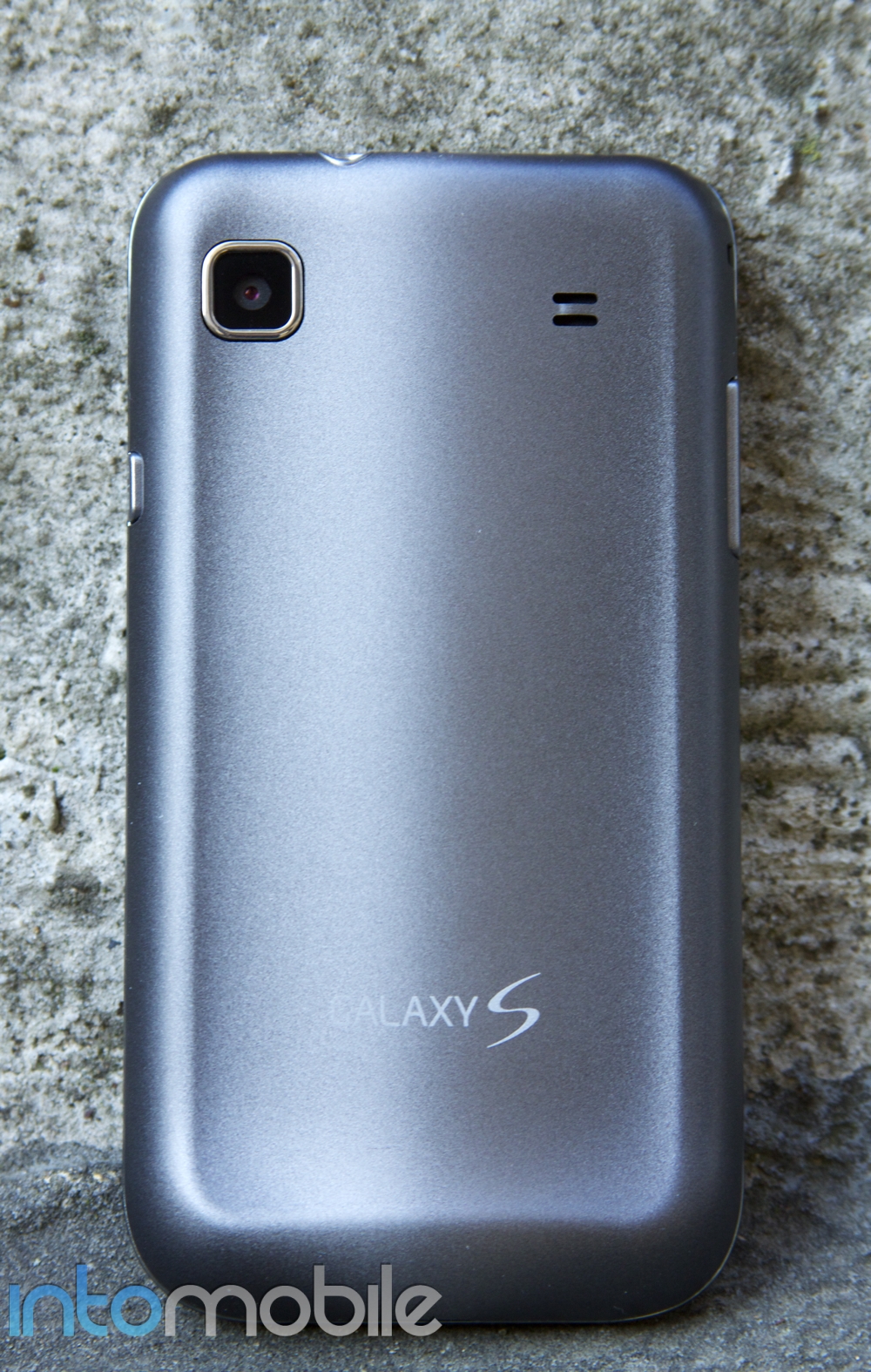
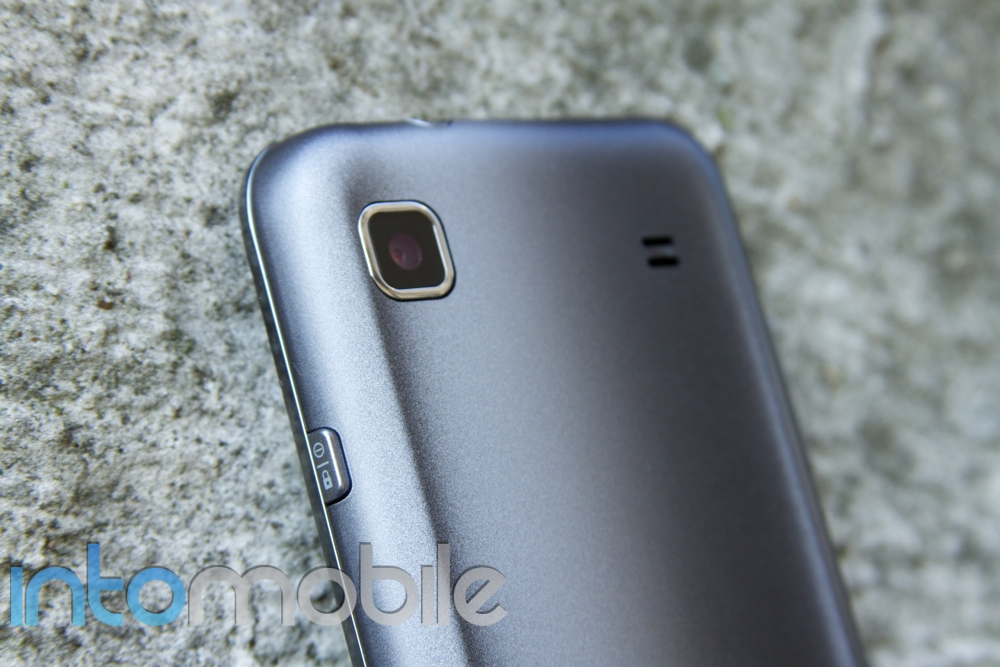
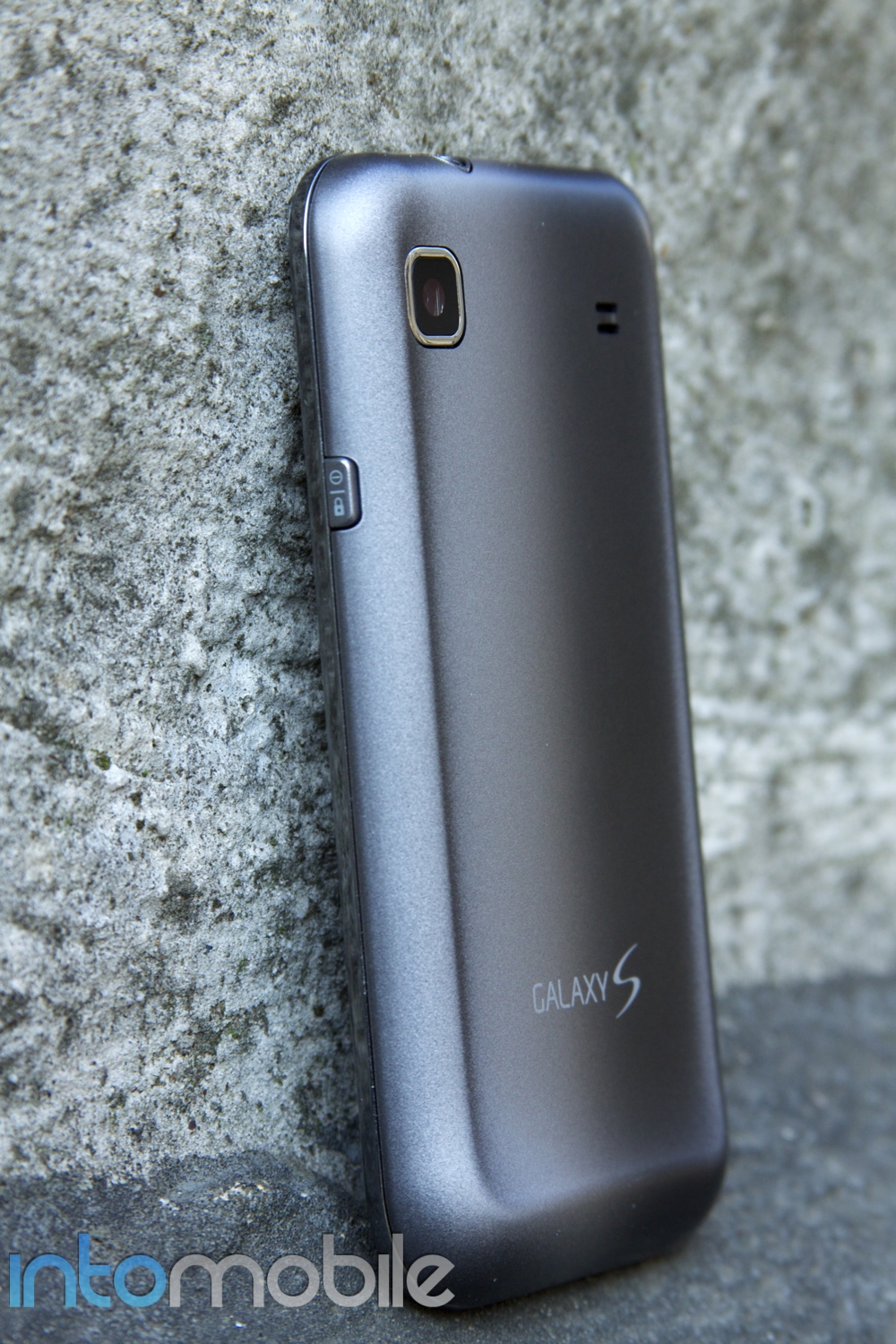
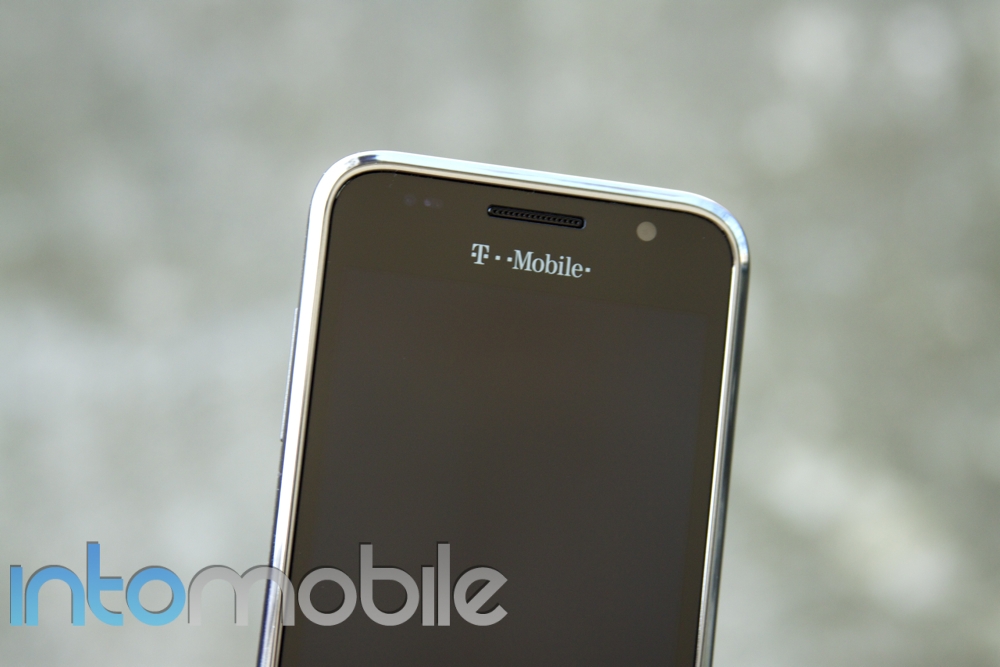
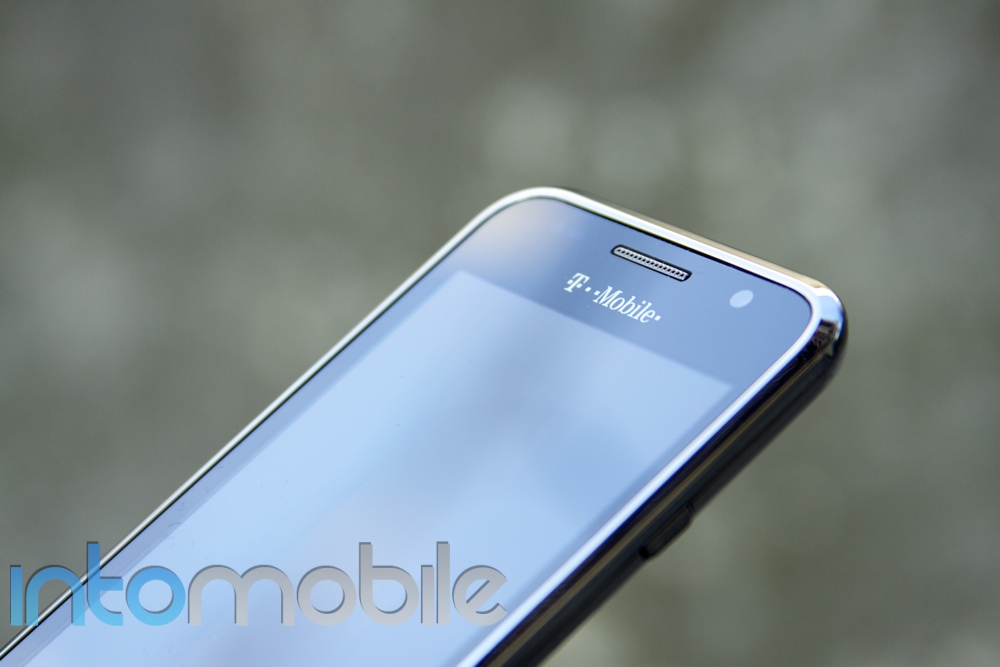
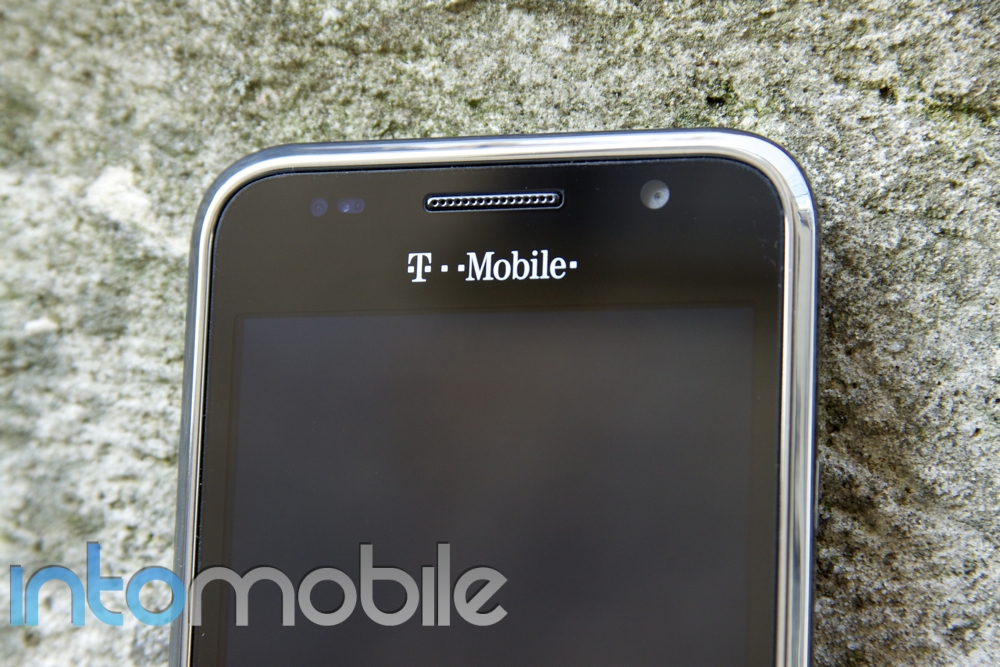
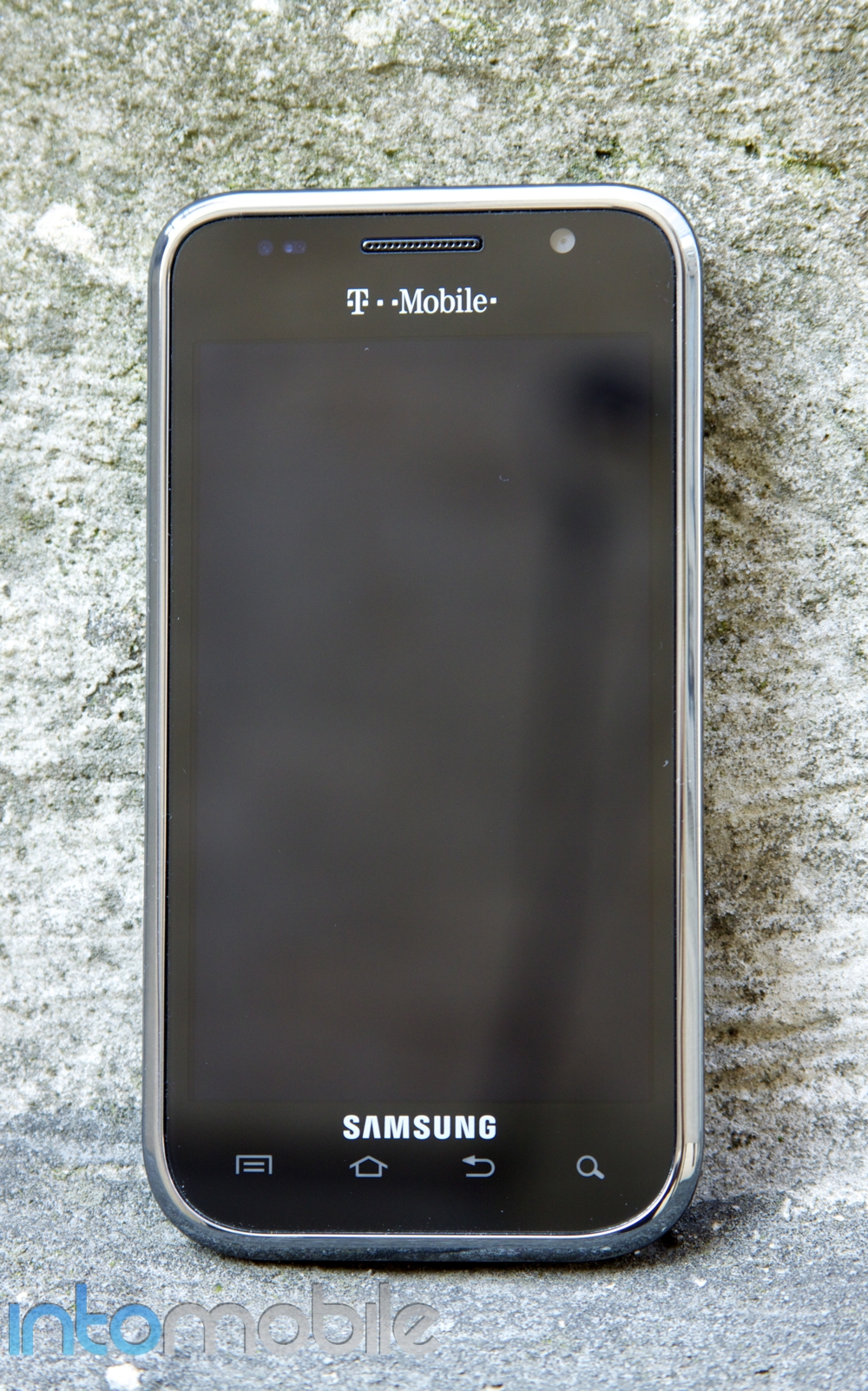
 The Samsung Galaxy S 4G is designed similarly to the T-Mobile Vibrant. To the undiscerning eye, the devices look practically identical at the face. The most noticeable difference is the back case: the Vibrant had a shiny finish whereas the Galaxy S 4G has a matte finish that changes color depending on your viewing angle. However, although the device is well-built and solid, it retains the plasticky feel that the Vibrant had. It’s also thin and lightweight – you almost don’t notice it at all when it’s in your pocket.
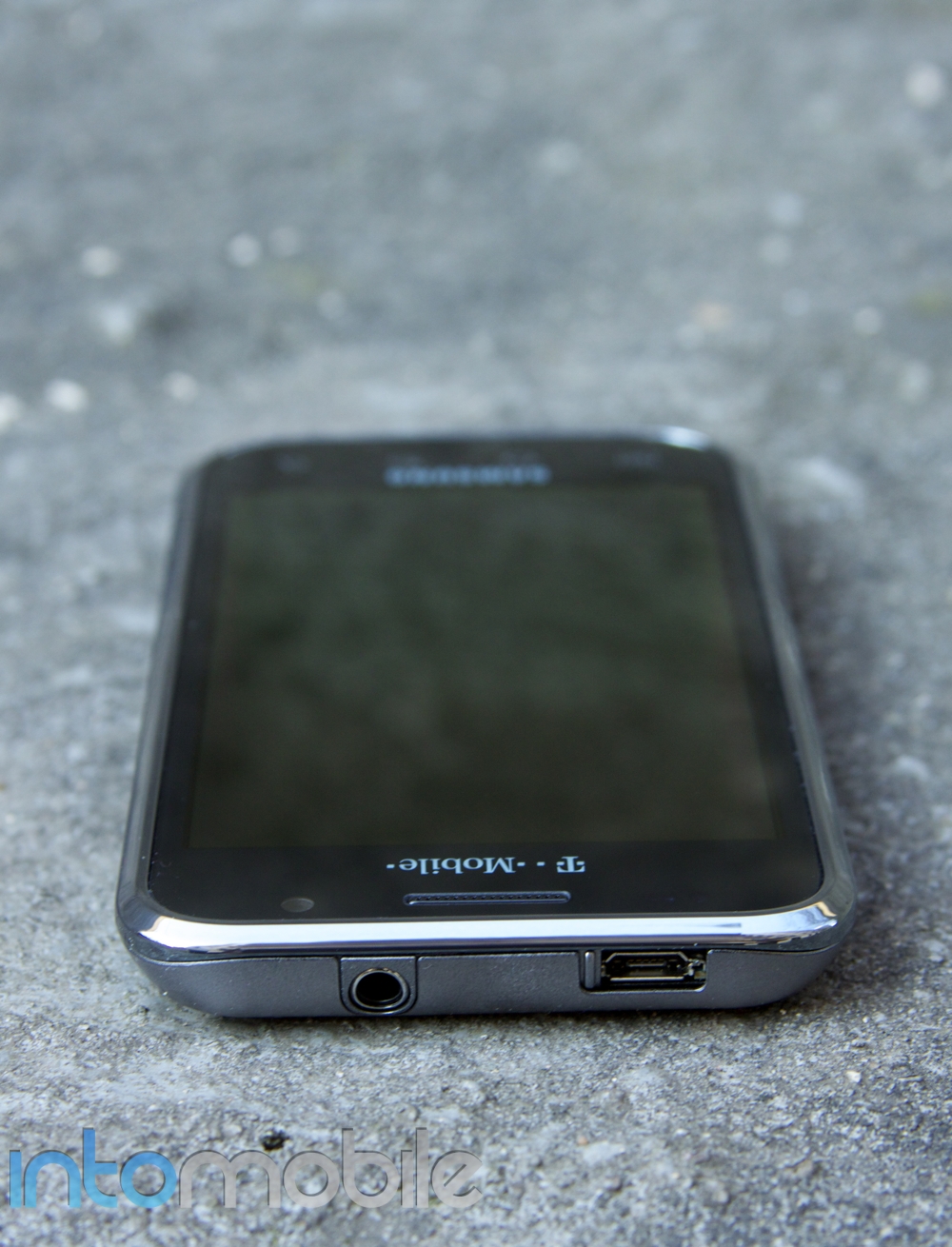
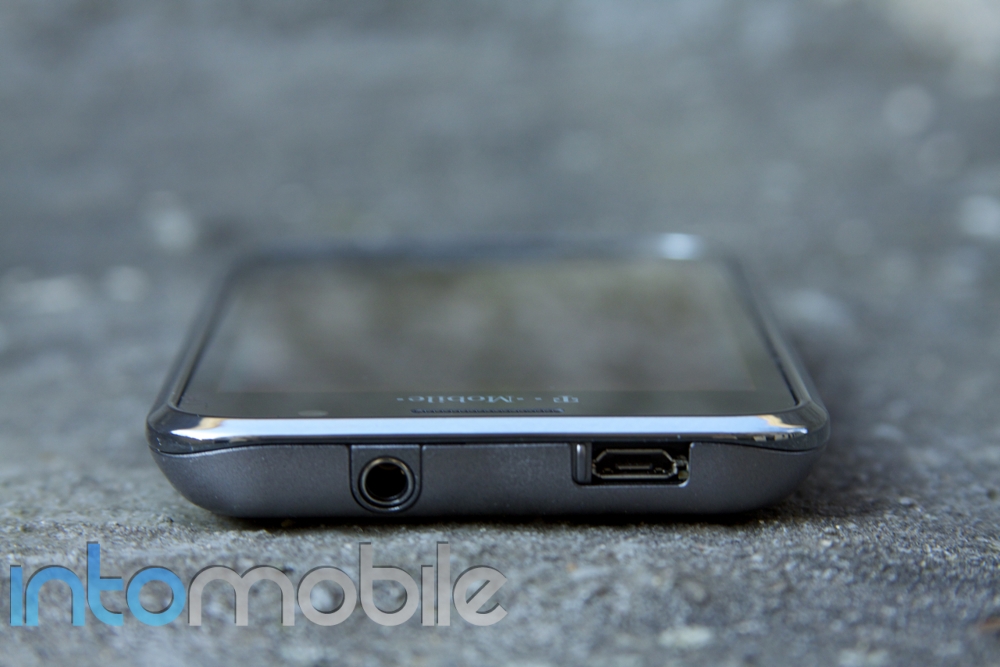
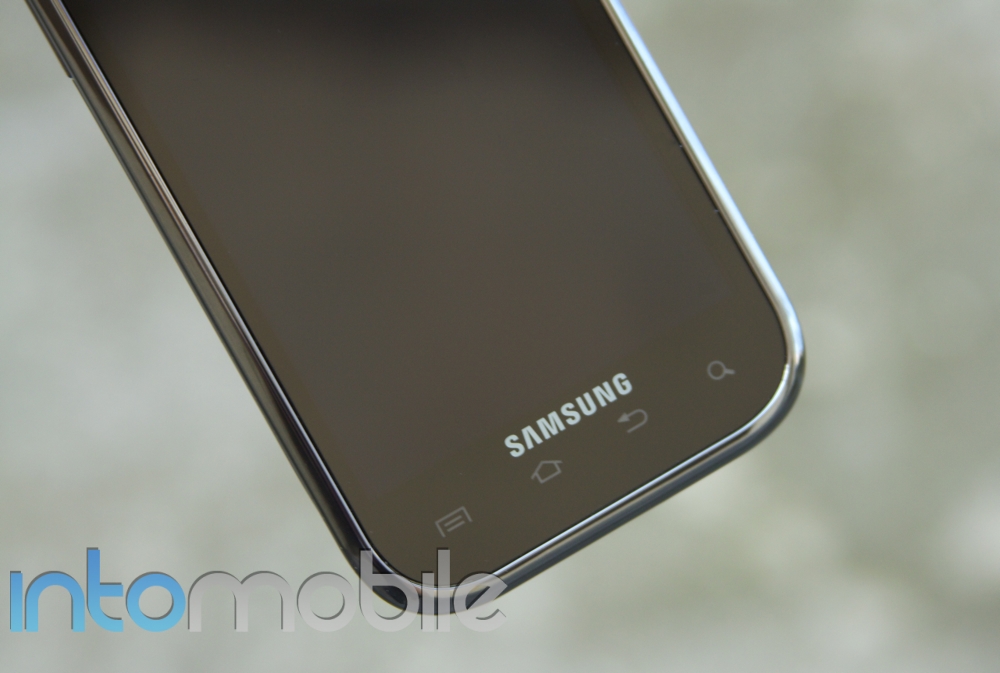
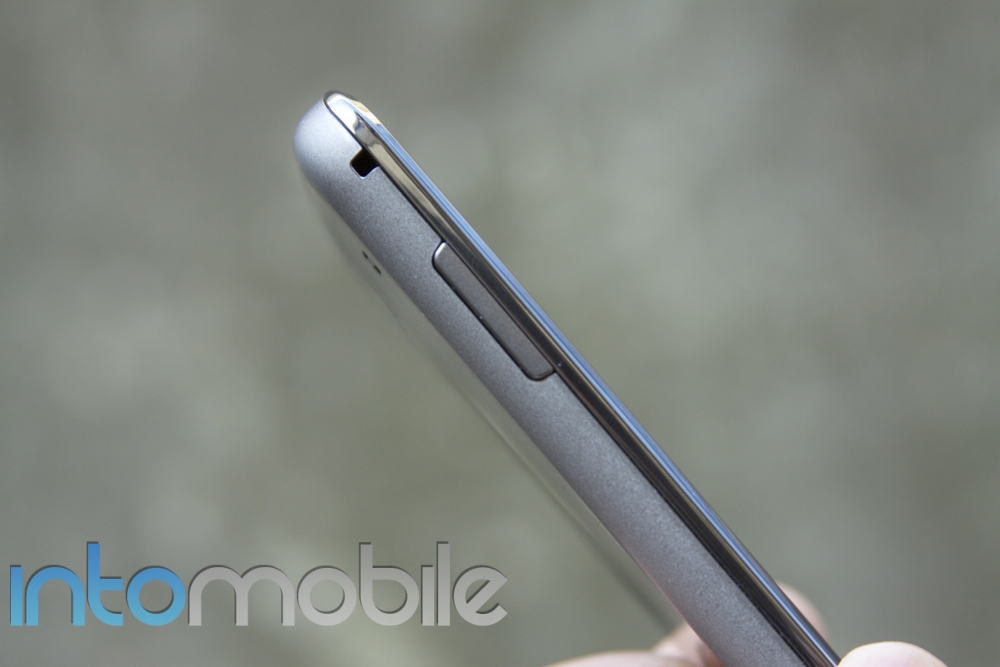
At the face, you’ll find the 4-inch Super AMOLED capacitive touchscreen display with the four capacitive Android home keys sitting below it. There is also a front-facing camera for self-portraits and video chatting, which can be used with the pre-installed Qik video software. There is a small hole for the microphone below, a basic volume rocker on the left side and the power/sleep button on the right side. Some find the placement of the power button a little unorthodox and annoying, but it’s easy to get used to after a few days. At the top of the device, there is a 3.5mm headset jack and the microUSB port, which is protected by a small sliding mechanism.
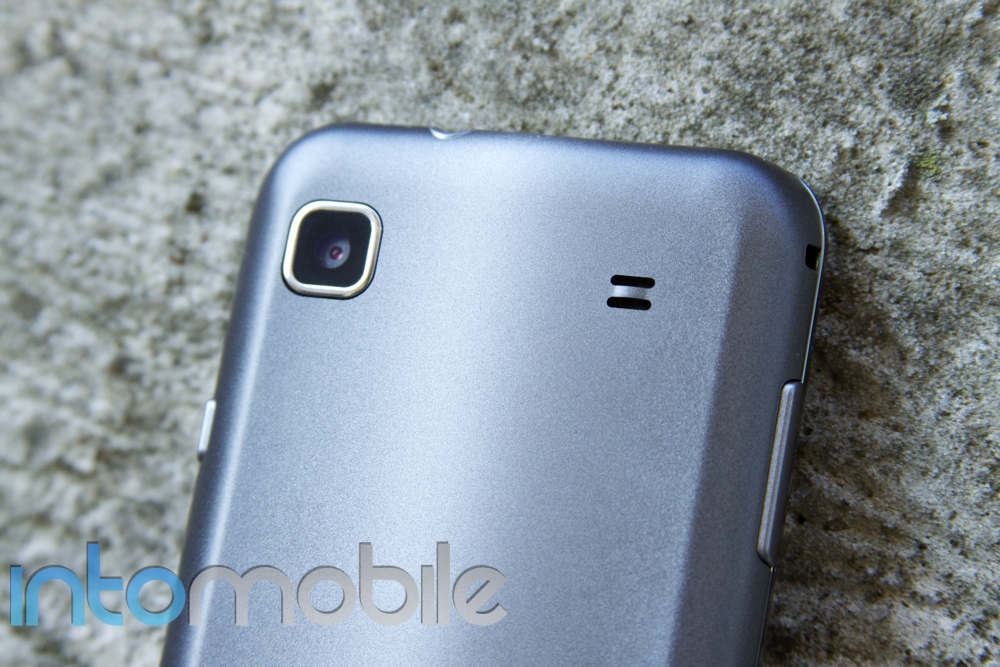
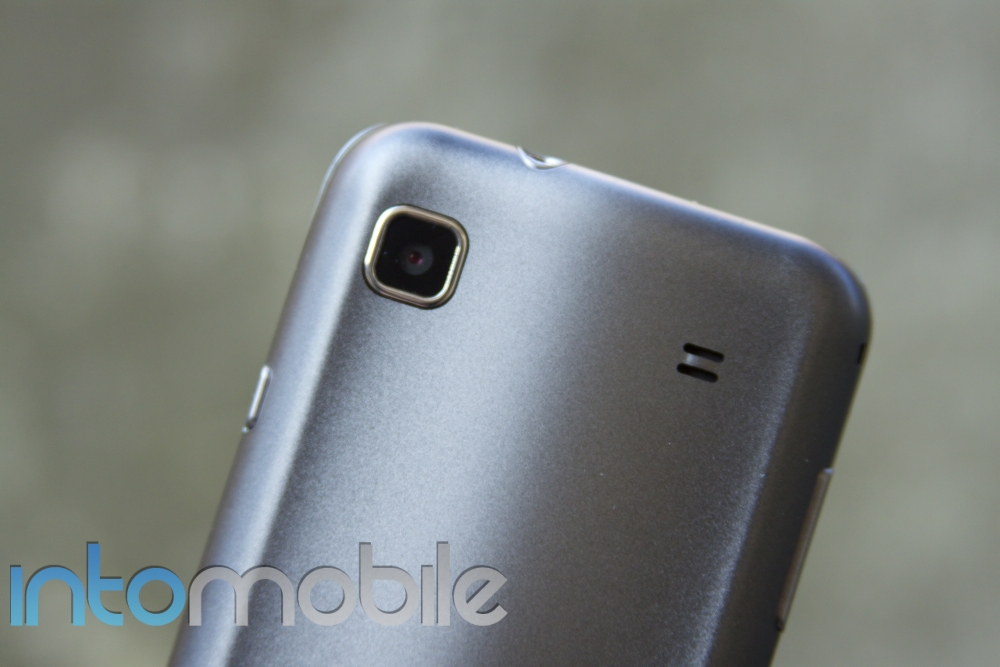
The phone lacks a hardware camera button, so you’re forced to use the on-screen button within the camera app. The 5MP camera on the back is capable of recording 720p HD videos, but doesn’t have a flash. The speaker is also located at the back, which can make speakerphone calls a bit muffled if you have your phone sitting face up on a table.
The box comes with the phone, battery, a 16GB microSD card, earbuds, a microUSB-to-USB cable, charging brick and an SD card adapter.
Software
You won’t find any ancient software in here — the Galaxy S 4G is running one of the later versions of Android – 2.2.1 Froyo. Unlike the Vibrant, which was released with Android 2.1 Eclair, you shouldn’t find too many app compatibility issues with the software version on the Galaxy S 4G. You’ll also be able to see Flash content on the web, store applications on your microSD card and you can use your device as a mobile hotspot and connect up to five devices via Wi-Fi.
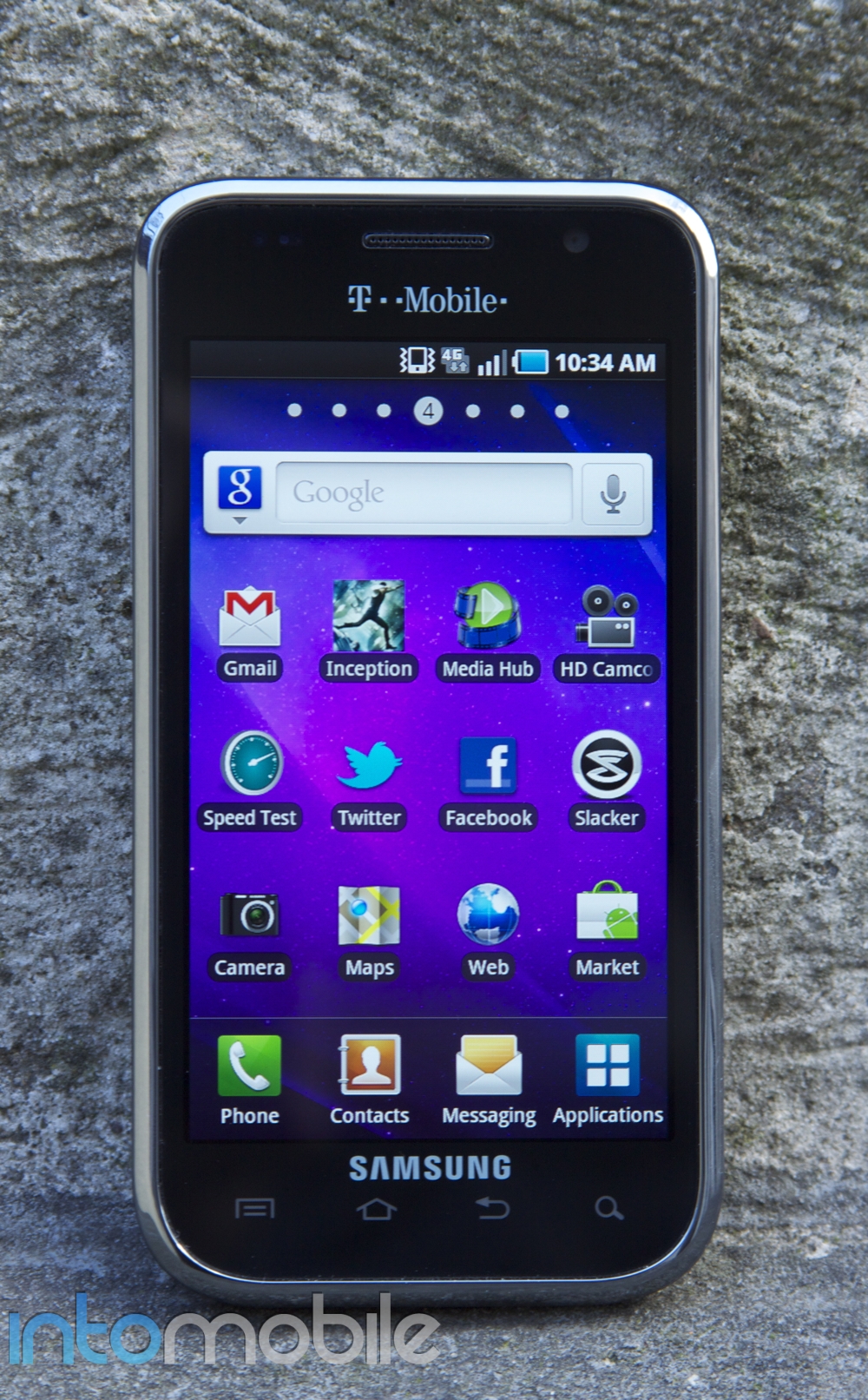
The Galaxy S 4G, like other Galaxy S devices, uses Samsung’s TouchWiz user interface. If you’re a fan of vanilla Android (i.e. Android software versions that don’t have custom user interfaces), this device may not be for you. The dock at the bottom of the screen has the phone application so you can initiate calls regardless of which home pane you’re on, your contacts, messaging and applications. When you open applications, you’ll see all of your apps arranged very neatly in alphabetical order in an iPhone-esque style layout. Instead of scrolling up and down like you would on vanilla Android, you swipe left to right in order to scroll through your apps.
TouchWiz also allows you to pinch the screen to reveal the seven different home panes you can customize. This makes it easier to jump from one screen to the next without having to swipe through several panes. Or, you can tap each dot at the top of your screen to jump to a pane if you prefer.
T-Mobile does pre-load this device with some software, too: AirSync, Amazon MP3 store, doubleTwist, Gogo, Media Hub, TeleNav GPS and T-Mobile TV are some of the apps included. It also comes with Qik video chat so you can do video calls with friends whose devices are equipped with cameras and the Qik app, too.
The Galaxy S 4G also does Wi-Fi calling, so if your network signal is weak or low, you can make and take calls via Wi-Fi. I made several calls via Wi-Fi calling and I’m surprised at how far T-Mobile has come in terms of quality. Voices sounded clear and natural and the quality was full rather than tinny and full of treble as Wi-Fi calls with T-Mobile would sound in the past.
It would have been nice to see Android 2.3 Gingerbread on the Galaxy S 4G, especially since Samsung’s Nexus S, which is also available for T-Mobile, sports the newest version of the Google operating system.
4G HSPA+
 This is the highlight of the device. The Vibrant didn’t have it, and neither did the Google Nexus S, but the Galaxy S 4G most certainly does – it’s even in the name. So just how well does the device perform now that it supports T-Mobile’s blazing fast 21Mbps HSPA+ 4G network? Not as well as I’d hoped, unfortunately.
In my speed test, I connected a MacBook Air to the Galaxy S 4G with two bars of signal in Brooklyn, NY. New York City is an HSPA+ covered area, which includes Brooklyn, and I got 4.04Mbps down and 1.00Mbps up on average from Speakeasy. On Speedtest, I was able to get 3.28Mbps down and 0.87Mbps up with a 55ms latency on average. These aren’t the most impressive speeds for a phone that touts 4G in its name. It’s also worth noting that in between my tests, the phone would sometimes switch to T-Mobile’s EDGE network.
The phone itself, with a full 4G signal, averaged 5.1Mbps down and 1.4Mbps up with three individual speed tests. The peak speed I was able to reach was 6.31Mbps down and 1.67Mbps up. These tests aren’t bad at all, and should work well enough for most applications, gaming and video streaming, but it is worth noting that in the same testing location, my iPhone 4 on AT&T’s 3G network got 4.89Mbps down and 1.43Mbps on a 3-test average.
For a phone that is essentially just a “4G” update to the Vibrant, and a network that is capable of a theoretical top speed of 21Mbps, I would have liked to see higher average download speeds.
Camera, Web Browser and Multimedia
Camera
The 5MP camera doesn’t take the greatest pictures in the world, but they’re admirable. Colors are natural and not over-saturated, and images are sharp. The Galaxy S 4G also takes pretty decent photos in low-lighting situations, but it doesn’t have a flash so you have no real options at night. The interface is a bit clunky and you have to do everything on screen (the menu key on your device doesn’t bring up settings like it would in just about every other app). However, you can adjust things like resolution, white balance, metering modes, ISO and color palettes within the camera app. Having these options is great, but again the interface could be a little more user-friendly.
The camera also has tap-to-focus, which is very handy and can even help you take super close-up shots like the one pictured below.
 Here is an outdoor shot in a shaded area where the Galaxy S 4G still managed to turn out a decent photo:
 The camera also records 720p videos which aren’t particularly great, but not bad for a camera phone, either.
Web Browser
The web browser is your standard Android browser, which is a WebKit-based browser. Most web pages are rendered well and quickly, and if you enable Flash content in settings, you’ll be able to see full web pages with Adobe Flash in all its glory, too. The only problem is it tends to slow down the device and I’ve found that some pages will freeze up when Flash ads appear on the page. Otherwise, the browser works well, especially over T-Mobile’s 4G HSPA+ network.
Multimedia
The Galaxy S 4G is much like every other Android device when it comes to multimedia: it’s not great, but good enough. However, it does come pre-loaded with doubleTwist software. All you have to do is download the corresponding software on your computer and you can sync music, pictures and videos between your device and iTunes wirelessly. It’s pretty great, but the player itself could use a simpler UI. It’s definitely not like an iPod touch where you’ll be plugging in and everything is perfectly organized and ready to go, but at least you’ll have your multimedia with you.
The gallery can get a little confusing when navigating or selecting content to share or transfer.
Call Quality, Battery Life, Verdict
The Galaxy S 4G has decent call quality. Voices didn’t sound metallic or tinny on the phone, and friends didn’t have any complaints about call quality on their end, either. Speakerphone did sound a little sharp, but it was plenty loud and didn’t distort voices to the point where I couldn’t understand callers. Battery life was pretty good as far as Android devices go. With push or sync settings enabled, the screen set to auto brightness and moderate text messaging, web browsing and phone calls, I was easily able to get 10 to 12 hours with the device before I needed to charge it. With lighter use, I was able to go two days in between charges, which was impressive.
So, should you get the Galaxy S 4G? It’s really hard to recommend this device to anyone since it just feels dated. The Vibrant is eight or nine months old now, and that’s exactly what this phone is with two exceptions: it has HSPA+ 4G capabilities and ships with Android 2.2 Froyo. The competition is getting stronger, like the Nexus S 4G for Sprint and the HTC Thunderbolt 4G for Verizon, so it might make the Galaxy S 4G feel a little dated in just a few months – or perhaps even a few weeks! But if you’re looking for a reliable Android handset for T-Mobile with good battery life and 4G capabilities, that’s what the Galaxy S 4G is – a reliable Android handset with decent battery life.