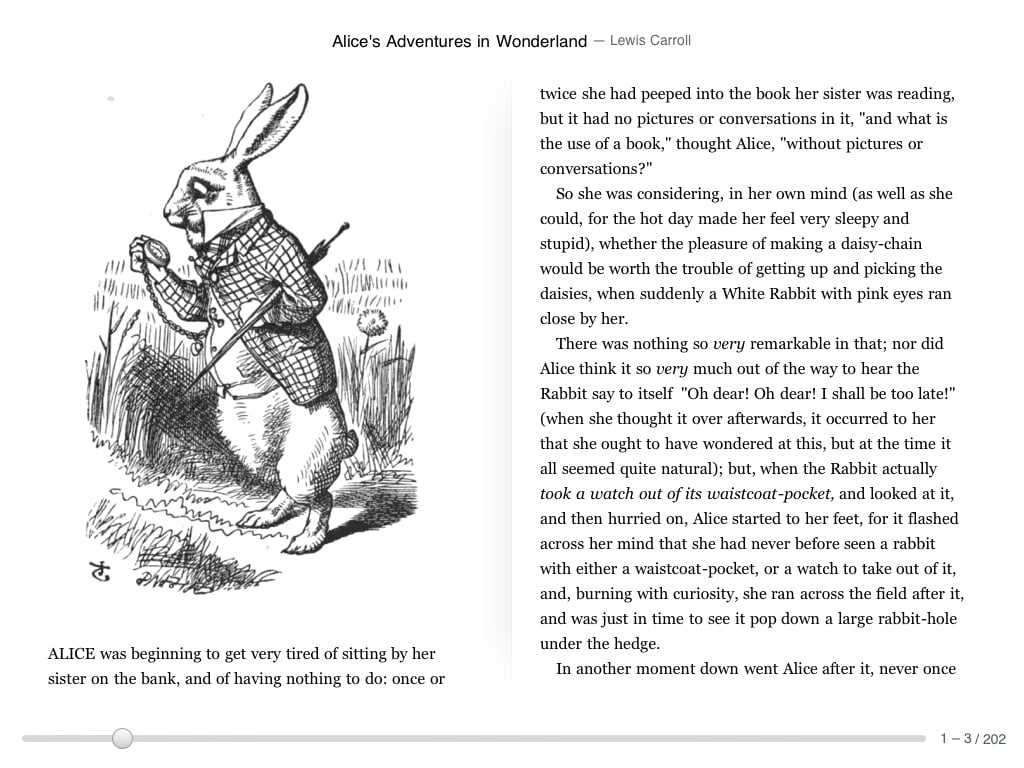

When Google Books first came out it was rightly seen as not being quite as good as its competitors like the Amazon Kindle and the iBooks app because it lacked some basic features like having a landscape mode. Well, the Google Books iOS app has just received an update and this includes a few small, subtle improvements which makes this a better reading experience.
The biggest and most-needed improvement to the Google Books iOS app is that you can now read in landscape mode. While this may not be a big deal on the iPhone or the iPod touch, you can see in the video this makes a big difference when you’re trying to read on a large-screen iPad.
This probably should have been there at launch as landscape mode has been present on devices like the Motorola Xoom. Still, it’s nice to see this get improved.
Speaking of improved, the Google Books iOS app also boosts the page-turning animations and 3D effects. I didn’t notice any lag when flipping through pages and the 3D page effect did look nice and realistic. Well, as realistic as it can on a digital display.
Another cool feature of the Google Books iOS app is an intelligent search of the book that fits in with the iPad’s aesthetics. You merely hit the search button in the top right corner and it brings up all the instances of your search query in the text. As you would expect, tapping on the result will jump you to that part of the book.
I still think the Amazon Kindle app is better and I’m digging the social networking elements Kobo is building into its apps but the search giant’s solution is getting better.
The updated Google Books iOS app is available in the App Store right now and you can download it here (iTunes link).