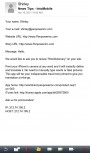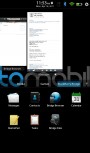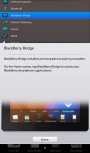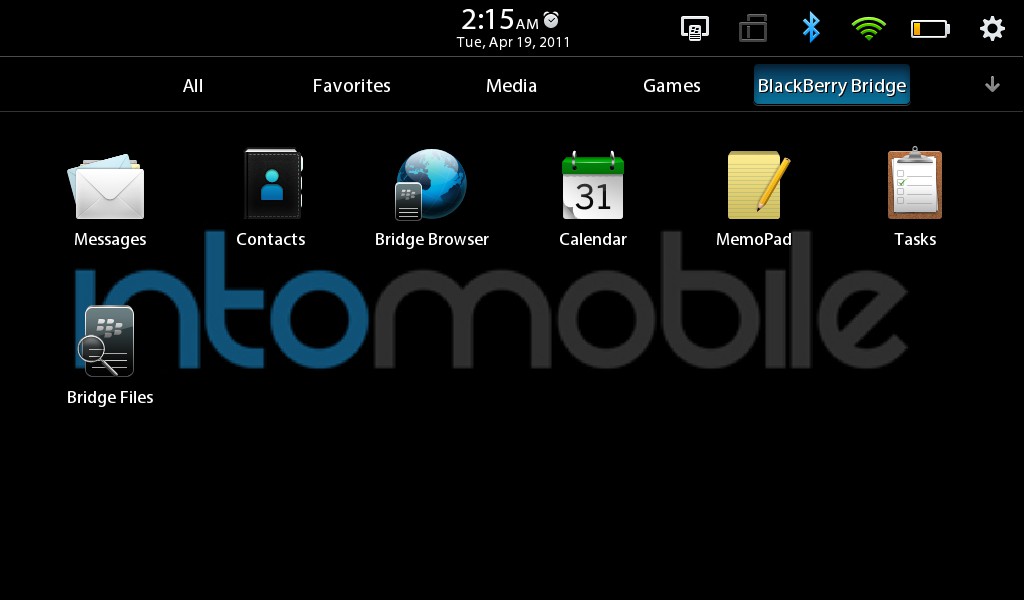

BlackBerry Bridge, the app which promises to bring all of your core smartphone apps to RIM’s latest tablet, has gone live with the launch of the PlayBook today. Despite a few hiccups with the app rollout, I managed to get my Torch 9800 paired up with the PlayBook just fine, and it’s now showing all of my e-mail, contacts, memos, calendar items, and tasks on the larger 7-inch 1024 x 600 screen. AT&T users will have to wait for access to this, as we’ve been told “AT&T is working with RIM to make the BlackBerry Bridge app available for AT&T customers. We have just received the app for testing and before it’s made available to AT&T customers we want to ensure it delivers a quality experience.” Bridge was one of the main things missing from my review last night, and filled a pretty sizable functionality gap in the PlayBook.
For those of you unfamiliar, Bridge is the only way RIM’s first tablet will have access to the apps above. Instead of having the data reside locally on the device, it’s basically just exploding what’s being stored on the phone out onto the bigger screen. When the PlayBook and BlackBerry phone aren’t paired via Bluetooth anymore, all that data disappears from the tablet. Though that might seem confusing to most people, it guarantees IT admins don’t have to worry about losing a vice-like grip on sensitive data, or having to manage PlayBooks on top of BlackBerry phones. I wrote a lengthy post on a bunch of other reasons RIM might have chosen to implement Bridge, if you want to dive deeper.
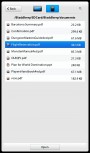
RIM promises that standalone PIM applications will be available within the next 60 days, which will make the PlayBook a viable choice for anyone not owning a BlackBerry smartphone, but even for those that do have one, there are still a few holes in Bridge. For one, only e-mails show up – that means incoming instant messages through Google Talk, text messages, or Facebook alerts don’t show up. That’s too bad, because consolidating all of those disparate communications under one roof is a big selling point for BlackBerry. Even BBM has yet to make an appearance. When just looking through e-mails, you can’t swipe to go to the next message, or pinch-to-zoom like touchscreen BlackBerrys can do now. It doesn’t seem like tapping an e-mail address will let you copy it or launch into composing a new message, either. The other PIM apps, like memos and tasks all work fine, but the unexpected surprise was access to the smartphone’s microSD memory card. Unfortunately, you can’t play audio or video files, which would have solved my issues of redundant music collections between phone and tablet, but still, access to documents and presentations is always nice to have on a bigger screen. Another nice and subtle feature is that incoming calls pop up on the PlayBook, and offer the ability to mute the ringer.
I still think it’s hard to swallow RIM’s pitch of Bridge as “feature” and not just their eternal slavery to corporate-grade security, but down the line, I expect RIM will enable software developers to use Bridge to pair smartphone and tablet apps, which should generate some pretty unique products that you won’t find on many other platforms. That day is a long ways off, however.