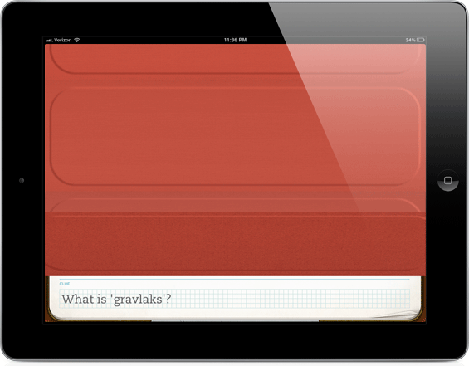
Evernote has once again updated its Peek app to make it work on all iPads (the original iPad included), whether or not you have the Smart Cover or not. They did this by introducing virtual covers that mimic Apple’s accessory and allow the same functionality.
You can choose between 10 differently colored virtual covers and use them in a similar fashion as you would use the physical Smart Cover. In other words, here’s how it works:
- Choose your study materials
- Close the cover
- Peek to see the clue
- Open the cover more to see the answer
- Shut the cover and repeat
All this is done by simply swiping the screen, making for a great experience.
Finally, at the end of its blog post, Evernote reminds us they also added new materials to the Peek app from VisitEurope.com, providing information about Western, Central and Eastern Europe, as well as Scandinavia and the Mediterranean. Nice! 😉
Evernote Peek (FREE) [iTunes link]