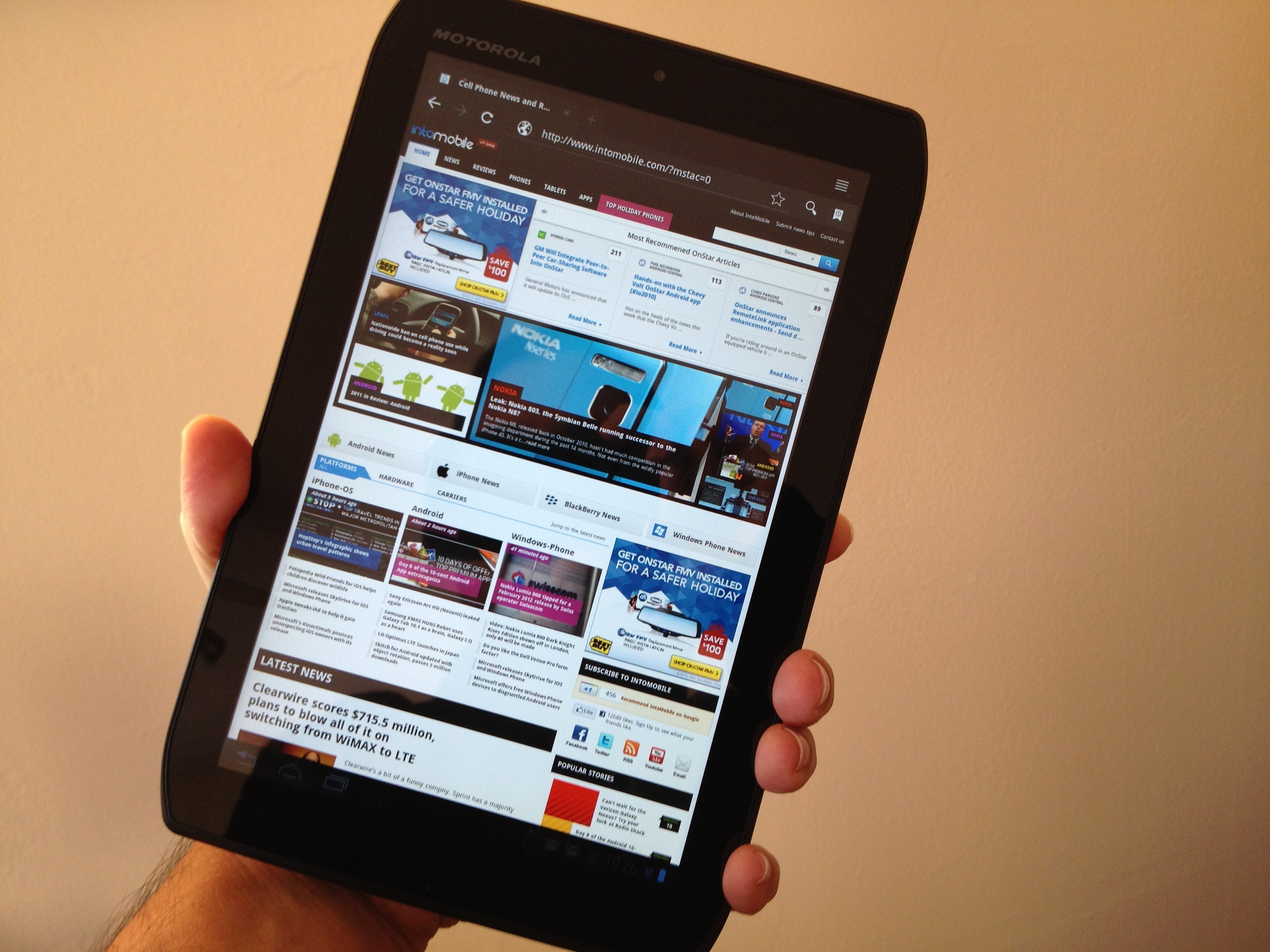
The Motorola Xoom was the company’s first dip into the Android tablet market when it was released almost a year ago and depending on who you ask, the tablet was either a hit or miss as other Android tablets, like the Samsung Galaxy Tab, completely took the spotlight away from the Xoom. Motorola has since then gone back to the drawing board and has produced the Motorola Droid Xyboard to attempt to reclaim the tablet throne away from the Tab.
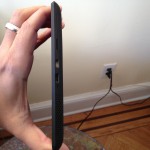
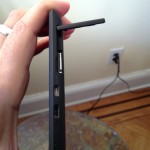
One of the first things I noticed about the Xyboard was its unique look. Motorola decided to add a bit of a slight curve to the edges of the Xyboard that makes it feel good when being held. The back edges of the device also feel comfortable as it has a soft rubber material that helps it from accidentally slipping out of your hands. The power button and volume rocker are located on the right side of the device and blend with the soft rubber that outlines the back of the device.
In fact, it blends with it a little too well as I’ve mistakingly pushed the power button when I mean to higher or lower the volume, and vice-versa. Motorola should have made these pop out a little more, or at least make it another material so I wouldn’t have to search the entire back of the device to find these buttons. To finish off the back of the Xyboard, Motorola decided to go with brushed aluminum.
While doing some casual browsing on the device, I noticed its battery life wasn’t as ideal as I would like it to be. After using the device for about 2 hours on Wi-Fi doing nothing more than browsing the Internet and writing emails, I was left with 50% battery left. Seeing as the Xyboard has 4G LTE, I’d hate to see what kind of battery I’d be left with if I had a long commute to and from work. If you decide to travel with the Xyboard, I recommend you keep your charger close at hand.
The Xyboard so far seems like a step above the Xoom, although it would have been great if it was released with Ice Cream Sandwich rather than Honeycomb, although the Xyboard will be receiving ICS some time in the future. There are a couple of nagging issues I’ve been having with its design and battery life, but I’m still enjoying its speed and how great it feels in the hand while using.