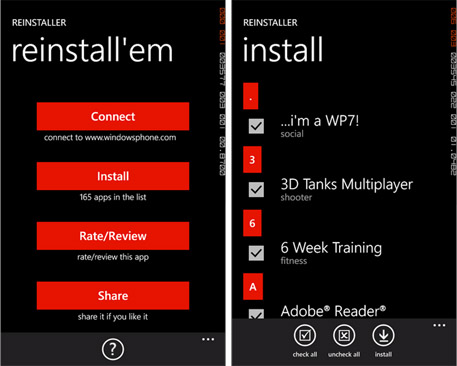
If you’re a savvy smartphone user, you experiment with your device all the time. Sometimes things turn bad and your phone is completely wiped as a result — you have to re-install all of the apps again.
If you have a Windows Phone device, now you can streamline this process with an app called Reinstaller. Available as a free download, it will help you get back all apps you had on the phone before a wipe or handset upgrade. Just run the app, login to your windowsphone.com account and let Reinstaller do its magic. You’ll be presented with a list of all the apps you’ve been running before the accident from where you can checkmark the ones you want installed again. It’s that easy and definitely worth bookmarking to have it easily accessible just in case (God forbid) something goes wrong… And you can see how it works from a short demo video below. Enjoy!
Reinstaller (FREE) [Windows Phone Marketplace]
[Via: WMpoweruser]