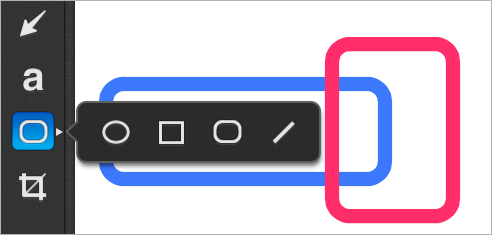
Evernote updated its Skitch for iPad app with few new features. First of all, version 1.0.3 brings a new (fourth) shape to the mix – rounded-corner rectangle.
Second, there are parental controls that allow users to disable the browser, location and photo features. In order to do this, simply tap on the “i” on the homescreen, and then set permissions from the Restrictions tab.
Moreover, this release also comes with support for more languages, with Skitch for iPad now understanding more than 10 languages.
Finally, Evernote made sure to fix some of the know errors and as a result – the application is now more stable and faster. It remains a free app and you can get it from a link below. Even if you don’t intend to annotate things that often, you still want to have the capability readily available at your disposal from Evernote, which you probably use already. 😉
Skitch for iPad (FREE) [iTunes link]