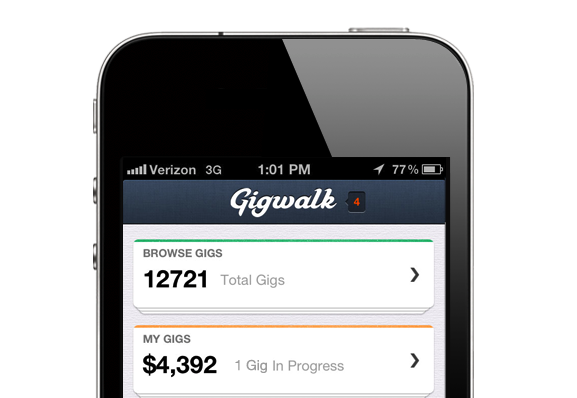
The Gigwalk app has just received a major update which brings a new suite of tools for companies to create mobile workforces.
If you’re not familiar with the app, it lets you use your iPhone to accomplish gigs that are created by businesses. For example, let’s say you want to easily find people who will canvass for an election, you could use this tool to find the users and get the work done.
Perhaps the neatest new feature is a real-time instant messaging service that is now built into the app and the online version. This will enable businesses and gig-takers to collaborate. If the job is to take pictures of an establishment, this can help cut out confusion about the jobs.
The updates also include the ability for companies to create mobile work groups which are specifically tailored for their needs. This also includes performance metrics, recruiting tools and more. The app itself now includes a survey guide, a notepad, and a photo library to help people get their jobs done quicker.
There are a host of these gig-finder apps including Zaarly and TaskRabbit but Gigwalk is trying to stand out by offering the most tools for businesses. It’s good to see it boost its enterprise offerings with this latest update.

You can download the Gigwalk iPhone app here (iTunes link).
You can also check out this infographic Gigwalk provided on the future of mobile work forces.
