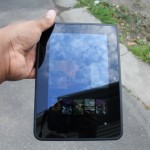
Getting to review the second generation Kindle Fire 7-inch is a great reminder of how fast a company has grown in what was supposed to be an unknown territory. Amazon, who’s arguably responsible for brick and mortar’s closing around the globe has made its own compelling case to why consumers should pick its ecosystem of services over the rest. By entering the hardware business, and successfully launching its Kindle Fire line of devices, the e-commerce giant has made an impact in the mobile tablet space.
It was clear that the online retailer was here to stay when it came to competing against the likes of Apple and Google. But, unlike other companies, Amazon has chosen a different approach to better equip itself against its competitors. Rather than rely on making money off the front end with hardware, the company set a trend that focused more on price, ecosystem, and product design. This three prong attack would lead consumers to where the company really wants them: retail. The Kindle Fire HD represents that strategy in a better and much improved package.
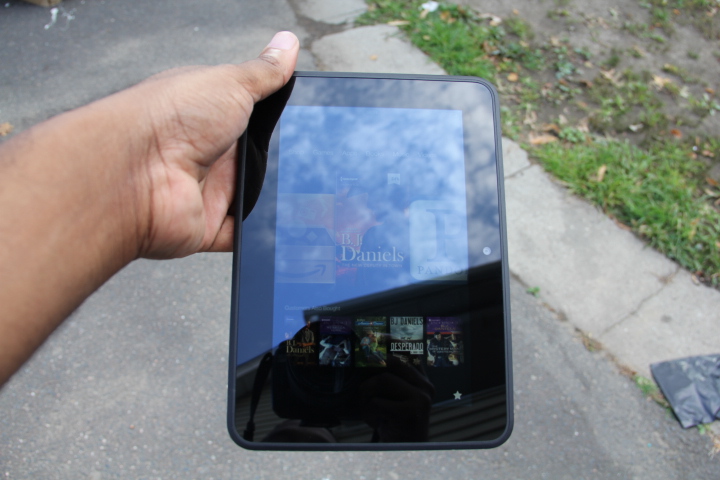
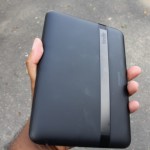
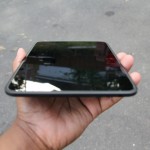
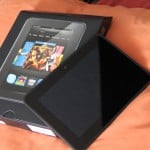
 Amazon designed this device really well. Going with a rounded body instead of a rectangular shape makes the tablet more comfortable in the hands, regardless of what viewing angle is used. I also appreciate how Amazon kept things moderate or aesthetically conservative, as the company decided not to over brand its tablet by making the size of its logo or the Kindle Fire name overly dramatic on the back.
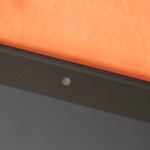
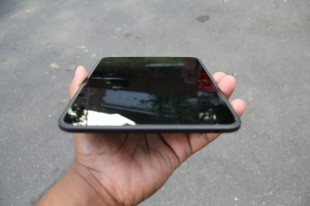 The tablet comes with a pretty decent set of specifications. The Kindle Fire HD packs a 1.2GHz dual-core CPU, 1GB of RAM, a PowerVR GPU, this on both the 16GB or 32GB version (I tested the 16GB version). Moreover, you’ll find Bluetooth, and the very cool MIMO Wi-Fi, along with an accelerometer, light sensor, and gyroscope. The camera is placed under the screen on the front of the Fire, and apparently it holds a HD lens that it takes photos at a 720p resolution (I’ll have more on the camera later).
 This is where the Kindle Fire HD falls flat for me. Firstly, for someone who’s a fan of stock Android, forking it to the level Amazon has is egregious. Now with that out of the way, lets dive deep into the Kindle Fire OS. Underneath this Android face lift, runs Google's Android 4.0.3 Ice Cream Sandwich. The tablet experience is truly a mixed bag, as the Fire HD is sold with software that is uninspiring, but offers services that is almost comparable to that of Apple’s iTunes.
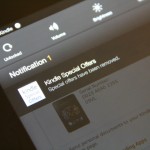
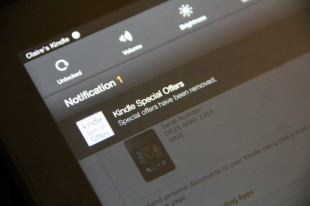 Lets talk about ads, shall we? In an unpopular move, Amazon decided to put ads on the lock screen to help compensate for cost of the improved parts. This forced the online retailer to offer an choice for users to opt out. Removing ads was painless. All you had to do is hit the manage device section on the website and unsubscribe from “offers” and pay $15 for the opt out. The lock screen returns back to the look of the original Kindle Fire. However, users are still unable to change the wallpaper on the lock screen, which makes no sense.
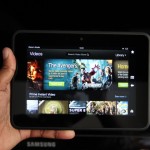
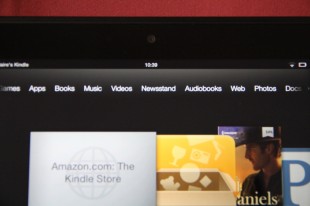 The home screen is composed of five main sections, three of which are what Amazon calls “carousel’s.” The primary carousel resides in the middle, where you’d find recently opened stuff (apps, music, movies, books, etc). The second carousel shows all the things the Kindle Fire is suppose to do. It sits right on top of the primary carousel, and contains a static list of all the various things your Kindle Fire HD can do. Here's the list: Shop, Games, Apps, Books, Music, Videos, Newsstand, Audiobooks, Web, Photos, Docs, and Offers.
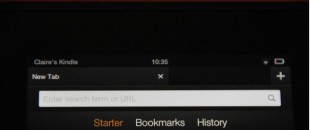 Not much has changed with what’s powering the web on the Kindle Fire HD, as you’ll find the same Silk browser that was on the original Fire. However, this time around, the browser brings some improvements lacking in last year’s Kindle Fire like faster download speeds thanks to a bunch of back end, server-side processing.
 This is suppose to be Amazon’s bread and butter, the thing that differentiates it from the rest of the pack (not including Apple). With Amazon, users who are or willing to be inside of its ecosystem of services, gets to indulge in some interesting features. The e-commerce giant offers an Apple like experience when it comes veriest entertainment portals.
 The Kindle Fire HD has a 1.3MP front-facing camera that you can use for video chatting on Skype HD. Unfortunately, there isn’t a native camera app, but I was able to find a third party application called Picshop that lets you take snapshots. Sorry, I’m not going to show you poor quality snap shots of my face, but trust me, it works. There's no rear camera, which doesn’t bother me. I believe having a shooter on the back of a tablet is not only a waste of money, but flat out ridiculous. I cringe every time I see folks taking pictures with a big slab.