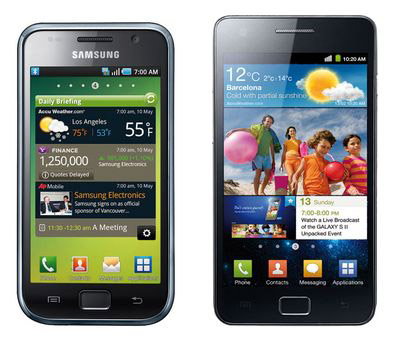
Let’s face it – people don’t read phone user manuals. I often respond to super-basic questions regarding various phone functions. After spending some 30 minutes explaining some particular feature, my final answer is – “why don’t you look at the manual?” Most often than not, basic questions are addressed in the user manual that comes inside the box.
Now that I own the Samsung Galaxy S II, friends with the same phone ask me about some specific “problem” they have. Yep “problem” is in quotes, because again – most of them don’t realize how to turn on some of the built-in features or which app to use for what.
So I decided to yet again give everyone my final answer – consult the user manual and only then (presuming you don’t find your answer there) – ask a question.
In most cases answers to how to do anything on the Galaxy S or any other Samsung phone can be found in the user manual. If you don’t have a user manual, you can download it from Samsung’s website. Simply select your carrier, phone model and get the PDF file.
Additionally, you may also want to consult Android 2.3 user guide. The printable version is available from here.
Hope that helps. 😉