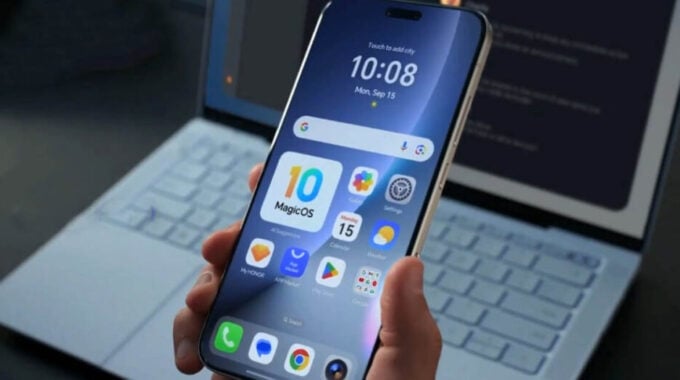
Honor phones are getting a clever new privacy feature that takes a unique approach to protecting sensitive user data. Instead of constantly bothering users with permission requests, the company’s new virtual permissions system simply feeds apps blank data when they try to access private information like call logs, messages, or calendar entries.
The feature, which Honor announced for MagicOS phones this month, represents a shift from the traditional model where users either grant full access or block apps entirely. Product Maintenance and Upgrade Specialist Honor Xiao Fangge demonstrated the technology in a video, explaining how it creates a middle ground that keeps apps functional while protecting user privacy.
“When an application attempts to read sensitive information such as call logs, the system will provide it with blank data, effectively protecting everyone’s data privacy,” Xiao Fangge said. The approach addresses a common frustration where users feel forced to grant permissions they’re uncomfortable with just to use certain apps.
This privacy enhancement comes at a time when smartphone users are increasingly concerned about data collection and app permissions. Traditional permission systems often create an all-or-nothing scenario where denying access can break app functionality, while granting it potentially exposes sensitive information.
Honor’s solution works by intercepting permission requests and feeding applications empty or dummy data instead of real user information. When enabled, apps believe they have access to the requested data but receive nothing useful, maintaining functionality without compromising privacy.
To activate virtual permissions, Honor users need to:
- Open the Settings app
- Navigate to Privacy & Security
- Select Virtual Permissions
- Toggle the feature on for specific apps
The feature targets several types of sensitive data that apps commonly request access to, including messages, call logs, and calendar information. These data types are particularly valuable to advertisers and data brokers, making them prime targets for protection.
Virtual permissions are rolling out with MagicOS version 10.0.0.160 and will reach all eligible Honor phones over the coming weeks. The phased rollout is typical for major privacy features, allowing Honor to monitor performance and address any compatibility issues before wider deployment.
The move positions Honor as a privacy-focused alternative in the competitive smartphone market, where companies like Apple have gained significant marketing advantages through privacy-centric features. As data protection regulations tighten globally and consumer awareness grows, privacy features are becoming key differentiators for phone manufacturers.