 Are you a Nexus One, or Motorola Droid user who has rooted your device? Tired of using the bland, not so great stock Android virtual keyboard? Well, you may want to consider installing HTC’s custom keyboard for Android, and while your at it, throw a custom skin on top!
The HTC keyboard is used on smartphones such as the Hero, and Droid Eris. In my opinion, it’s the best on-screen keyboard available. I’ve always installed it after flashing any non-Sense ROM, and now that devs are making skins for it makes the keyboard even more enjoyable.
You can install the keyboard through either MetaMorph, or just flash the zip file from recovery. (if you have root, you’re more than likely familiar how to get into recovery.) I find it much easier to just flash the zip file, but it does require downloading, moving the file to the root of your SD card, rebooting into recovery, flashing it, and rebooting it again. So in that aspect it may be a little more time consuming, but if you know how to flash a ROM, you know how to install this keyboard. There are about 18 different skins in total, in a variety of colors.
For the MetaMorph installation, you need to already have the HTC keyboard installed before you can apply the skin to it. For those who need the keyboard, and want a skin, I’d say just flash it through the zip file. Here are a couple other skins you can use for the keyboard.
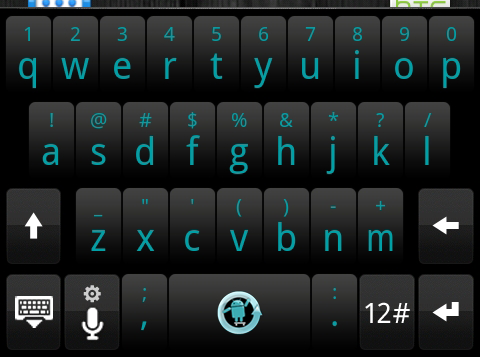
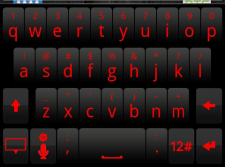
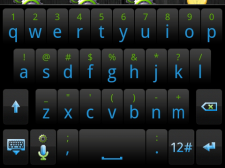
For those who want to flash the keyboard and skin with a zip file, check out this thread. For those who want to get their MetaMorph on, use this thread.
Note: this only works for Hi-Res screens.
Note 2: Not sure how it works with MetaMorph, but when using the zip file method, go into your settings, and enable Touch Input in the keyboards section. Then go into your messaging application, and long press on a blank text field. Select ‘Input Method’ and then select Touch Input, and you should be good to go.
[Via: XDADevelopers]