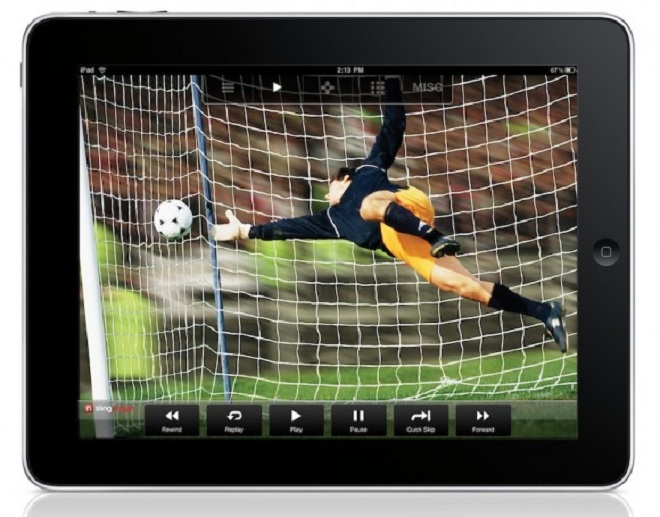

The SlingPlayer Mobile app already brings live TV content to your iPhone, Android and BlackBerry devices but you can now make the most of your large Apple iPad screen with the latest app.
As you’d expect, the SlingPlayer iPad app can stream your live TV content to the tablet, as well as your recorded content on a DVR. You’ll also be able to make your iPad into a remote control to change channels and power your SlingBox from the couch. You’ll need the Slingbox SOLO or Pro-HD to take advantage of this new program.
“A Slingbox is the perfect accessory to an iPad,” said John M. Paul, executive vice president of products at Sling Media, in a prepared statement. “When combined with the new SlingPlayer Mobile app, now anyone with an iPad can enjoy a beautiful, personalized TV experience anywhere in the world.”
You can download the SlingPlayer for iPad app here (iTunes link). At $29.99, it’s a pretty expensive purchase but it could be perfect for a business traveler.
This is the latest program to turn the Apple iPad into a major multimedia device. You can already use the Netflix app to stream a ton of video and Hulu Plus and ABC’s program will deliver your television needs.
Dish Network is also using Sling technology for its recently-released iPad app, so you don’t really have an excuse for not having good content on your device.
If most of your media isn’t as, uh, “mainstream” as the ones mentioned above, you should probably check out the VLC program. This will enable you to load and play nearly any video files you’ve pira… err, legally ripped on your iPad. You can also try out the Splashtop program for the ability to play any media off your desktop remotely but I’ve found there to be a little bit of a lag.
[Via Sling Media]