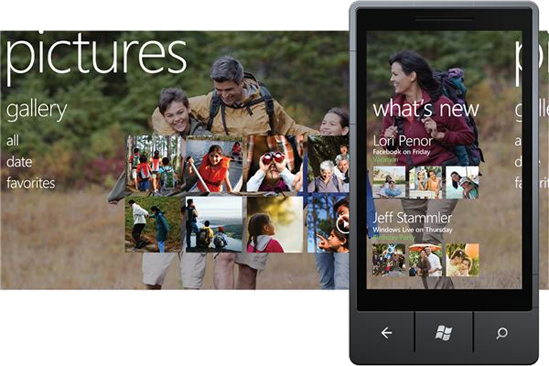
This short tutorial is primarily made for folks who think about getting themselves a Windows Phone 7 smartphone but are unsure whether it [Windows Phone] can geotag photos. The answer is yes it can and (best of all) doing so is pretty easy — and that’s also the reason why it’s not made for Windows Phone 7 users, cause they most definitely figured out how this works for themselves.
In order to include location data to the photos you take, simply start “Settings” from the App list and tap “Pictures + Camera.” Here you have to make sure that “Include location info” is turned on and you’re done!
Now if you decide to share/upload photos to Facebook and/or SkyDrive, your friends will be able to see where exactly you took them. Moreover, these photos will be visible on a map and accessible using Bing and Windows Live Photo Gallery. Presuming you do use Microsoft’s services, this is very cool. In any case, the geotagged data stays in your photos and will follow you no matter where you decide to upload them.