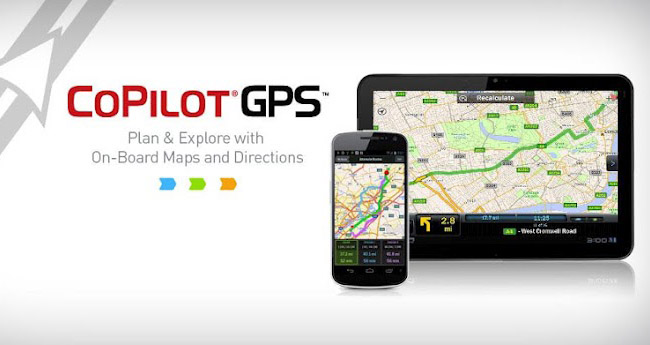
ALK Technologies launched a free update for CoPilot Live v8 iOS and Android USA and North America customers, providing them with turn-by-turn voice-guided navigation at no cost. Moreover, the updated app also brings other under-the-hood changes and new features, while allowing you to save your Favorites, Recents and subscriptions.
Here’s how to get the new version of CoPilot live:
- Download the latest CoPilot Live v8 app update in iTunes or Google Play. If you purchased your CoPilot Android app from the CoPilot Live Webstore, visit this page on your Android device to download the latest update.
- Launch the CoPilot Live v8 app and sign in with your existing CoPilot ID.
- Tap “Upgrade Now” when you’ll be asked to backup your Favorites, Recents and subscriptions.
- Once your CoPilot Live has completed the backup, you’ll be automatically redirected to the App Store/Google Play to download CoPilot GPS.
- After launching CoPilot GPS, again sign-in with your CoPilot ID to activate your free upgrade and transfer your Favorites, Recents and subscriptions. It will take a few moments to restore everything.
- On the My Maps screen, tap Get Maps and choose the map region you wish to download from the list.
And you’re literary good to go.
Please note that this upgrade is not applicable to CoPilot Live Premium or CoPilot Live Premium HD customers who already have the latest CoPilot navigation features along with a free year of traffic information.