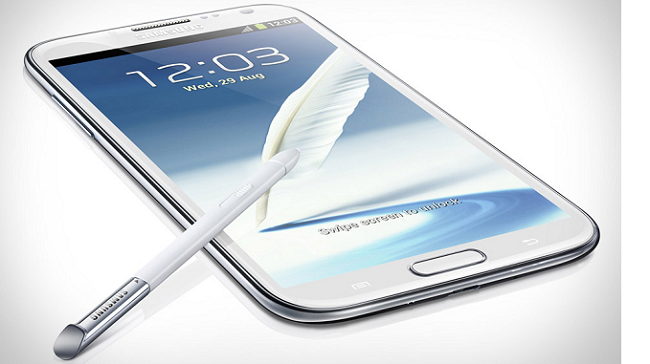
AT&T’s Samsung Galaxy Note II received a sweet update yesterday, bringing Android 4.4.2 KitKat to the Note II. The update, which was released during Google’s big show, breathes new life into the aging handset.
Here’s what to expect from the update:
- Media Controls – full-screen album art and media controls when listening to music
- Camera Shortcut – access the Camera application right from the lock screen
- Improved user experience when multiple messaging apps are installed – All SMS and MMS messages are together in the same app, alongside other conversations and video calls.
- Visual content such as photos, videos, maps, books, and games are even better with full-screen immersive mode. The UI stays hidden while interacting with the content.
- Restyled Status and Navigation Bars – status and navigation bars are translucent and can sit on top of apps, along with simplified status bar icons
- New storage access framework – Simple for users to browse and open documents, images, and other files, across most customer preferred document storage providers.
- Consolidated Location Settings – location services are integrated and more detailed by new Location menu
- Expanded Emoji Icons
- Wireless Printing – supports printing over Wi-Fi and Bluetooth
- Prevention Information pop-up message is suppressed.
- New platform support for secure NFC-based transactions through Host Card Emulation (HCE).
- Beats Music is Preloaded
- Video player closed captioning Settings > My device > Accessibility > Google subtitles (CC) and Samsung subtitles (CC) can be set sound for Samsung apps (call/message/email/calendar) Setting > my Device > Sound > Samsung applications
via: Samsung