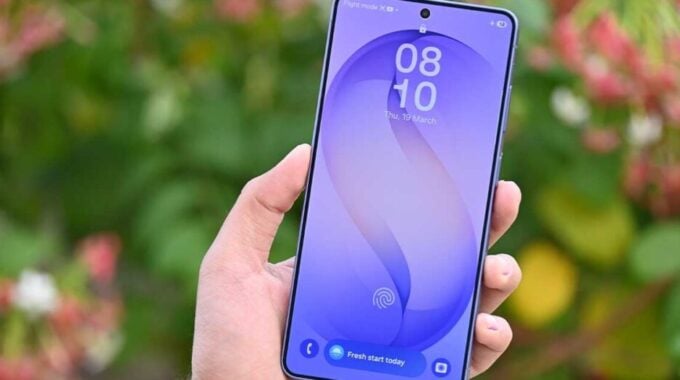
Samsung is adding a new security layer to Galaxy phones with One UI 9. The company now requires users to enter their PIN, password, or pattern before they can power off or restart their device. This change appears in the latest One UI 9 beta update and could help protect phones from theft.
The feature works differently than you might expect. You can still access the power menu by holding the side button as usual. But when you tap either “Power off” or “Restart”, your phone will ask for authentication. What’s more, if you try to exit the power menu without entering your credentials, you’ll be stuck there until you unlock the device.
As reported by Samsung fans who tested the beta, this security measure targets a specific theft scenario. If someone snatches your unlocked phone, they can’t simply turn it off to avoid tracking or remote wipes. The phone stays powered on and accessible to security features.
Samsung introduced this change in the second One UI 9 beta update, which is currently available to Galaxy S26 users in six countries. The beta program launched earlier this month and gives users early access to Android 17 features wrapped in Samsung’s interface.
This type of power-off protection isn’t entirely new in the smartphone world. Apple has included similar features in iOS for years, requiring Face ID or Touch ID before users can power down their devices. Google also added comparable protections to Android’s theft detection systems.
The timing makes sense given rising concerns about phone theft in major cities. Law enforcement agencies have pushed device makers to add more anti-theft features. Making phones harder to power off is one way to keep location tracking and remote security features active even after theft.
Whether Samsung keeps this feature for the stable One UI 9 release remains unclear. The company often tests controversial changes in beta programs before deciding whether to include them in public releases. User feedback during the beta period typically influences these decisions.
One UI 9 brings several other security improvements beyond power menu verification. Samsung has enhanced biometric authentication, improved app permission controls, and strengthened data protection features throughout the interface.
For users concerned about accidentally triggering this security measure, the system only activates when you actually try to power off or restart. Normal phone usage isn’t affected, and emergency calls should still work as expected even when the device is locked in the power menu.
The feature could prove especially valuable for business users who store sensitive data on their devices. Corporate security policies often require additional theft protection, and power-off verification adds another barrier against unauthorized access.
Samsung plans to continue the One UI 9 beta program throughout the summer, with a stable release expected later this year. The company will likely announce which security features make it to the final version based on beta testing feedback and user adoption rates.