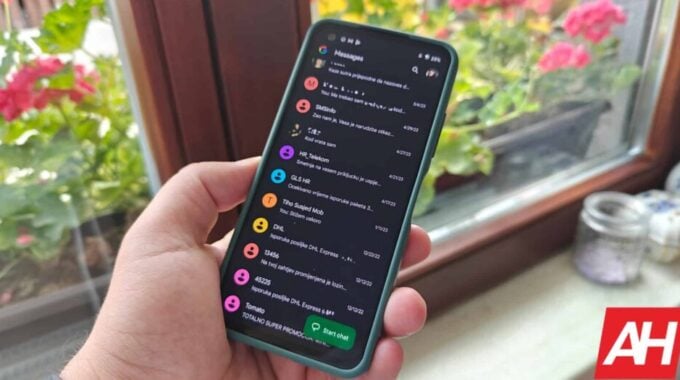
Copying just one line from a wall of text in Google Messages used to be genuinely annoying. Now, finally, it doesn’t have to be.
As Android Headlines reported, Google Messages is rolling out a new floating long-press menu to stable users, replacing the old toolbar that sat at the top of the screen. That toolbar placement was always a bit of a stretch, literally. With phones getting taller every year, reaching actions at the top of the display with one hand is a small but real frustration. This update moves everything closer to your thumb where it belongs.
The new menu shows up when you long-press any message. It gives you a clean floating list with options including Reply, Forward, Copy, Star, Delete, Select more, and Info. For photo messages, you also get Remix and Save. None of this is flashy. But it’s thoughtful, and sometimes that matters more than flashy.
The feature was first spotted by a Reddit user on Google Messages v20260903_04, the stable build, and other users in the thread confirmed seeing it too. Reports are coming in from Galaxy S23 Plus and S25 Ultra owners, which tells you this isn’t locked to Pixel hardware or beta testers. It’s a proper rollout, even if it’s still server-side and not hitting everyone at once.
But the part worth getting excited about is selective text copying. Before this update, long-pressing a message copied the whole thing. Now you can drag selection handles to grab only the chunk of text you actually need, whether that’s an address, a confirmation code, or a single sentence buried in a long message. That’s a small quality-of-life fix that will save a lot of pointless editing steps.
These changes were reportedly spotted in beta back in August, but wide availability was being controlled server-side. Stable users are now getting in on it too, though it may still take a while to reach every device. Keep an eye out next time you long-press a message. If the new floating menu pops up, you’re in.