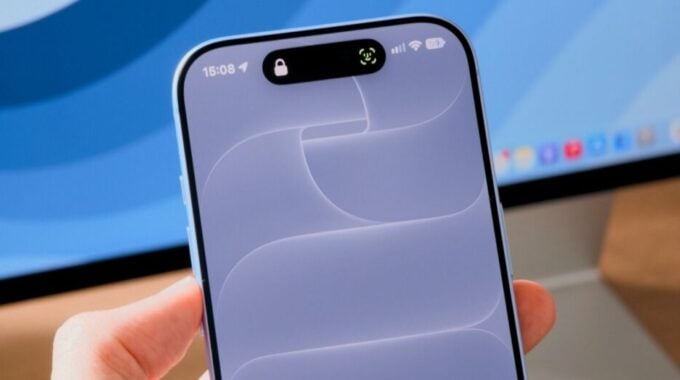
Some iPhone 18 Pro owners were getting their devices swapped out by Apple, and the problem kept coming back anyway. That’s how serious the Face ID bug in iOS 27 was. But relief is finally here. Apple has released iOS 27.0.1, a bug-fix update that targets several issues hitting the iPhone 18 Pro, and it’s worth installing right now.
The headline fix is for a nasty issue where iPhone 18 Pro and 18 Pro Max devices would randomly restart whenever Face ID failed to authenticate. Apple confirmed the bug earlier in September and promised a fix was coming. For a phone that costs well over a thousand dollars, random reboots caused by your own face-unlock system is not a great look. The fact that hardware replacements didn’t solve it made things worse. This was clearly a software problem from the start, and iOS 27.0.1 finally addresses it properly.
But that’s not the only thing this update tackles. There are two other fixes worth knowing about.
- A color artifact bug that appeared in photos shot at 2x zoom on the iPhone 18 Pro is now fixed.
- A glitch that caused the phone to freeze completely when opening Notification Center and Control Center at the same time has been resolved.
That freezing bug was particularly frustrating because most users had no idea a forced reboot would fix it. So they were just sitting there with a completely unresponsive phone, thinking something had gone seriously wrong. It wasn’t permanent damage, but it wasn’t fun either.
This update also matters in a broader sense. Apple has been pushing iOS 27 hard as a major release, with AI-powered Siri improvements and the new Liquid Glass design across the whole interface. A buggy launch experience on its newest Pro hardware was undercutting all of that momentum. Getting these fixes out quickly is Apple doing damage control, but at least it’s doing it.
To install the update, open Settings, tap General, then Software Update. You should see iOS 27.0.1 ready to download. If you’re still on iOS 26, you might see iOS 26.7 instead, which is a security patch for older devices. But if you want to jump to iOS 27, just tap the iOS 27.0.1 banner and it’ll skip straight there. The whole process is quick and painless.