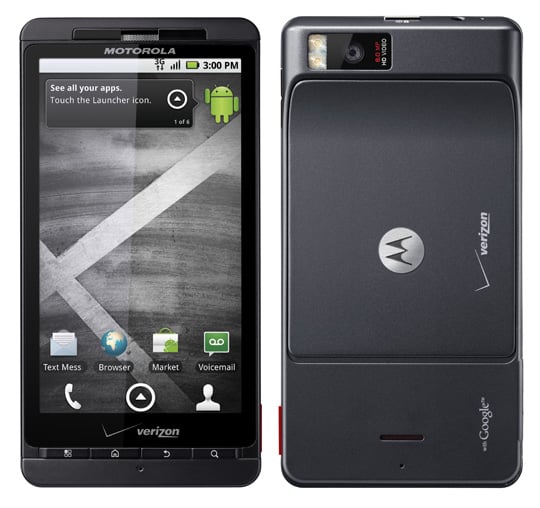
Right on time, the highly anticipated Android 2.2 (froyo) update is hitting Motorola DROID X handsets en masse.The latest 2.3.15.en.US update adds all the goodies associated with Android 2.2 including Flash support, Bluetooth voice dialing, improved screen rotation, updated 3G mobile hotspot app, and a handful of bug fixes and enhancements that improve the handset’s performance.
Now that you know that it is finally available, you probably want to know how to get the update. For those with patience, the update is delivered over-the-air and will arrive on your handset automatically within the next few days. A friendly notification will alert you in the status bar that an update is available. Download the 67.6MB froyo update and follow the instructions for installation.
If you want your froyo now and not at Verizon’s convenience, you can manually force an update by selecting System updates within the Settings –> About phone menu. For future reference, this simple procedure will scan for any available updates and will start the download process when an update is found. You can use it now and in the future to snag any key updates.
If you were one of those impatient DROID X owners that jumped ahead and installed a leaked Android 2.2. ROM, you will need to roll back your handset to the stock Android 2.1 to receive this official update. Don’t worry, we’ve got you covered with a set of detailed instructions available here. Once you are back to the oh-so-familiar Eclair, you can wait for Verizon to send you the Android 2.2 update or manually force an update as described above.
When you have installed the official Android 2.2 update, hit us up in the comments with your first and second impressions of this froyo build. While you are caught up the excitement surrounding the DROID X and its newly released Android 2.2, don’t forget to check back with us later today. We are rocking with Android 2.2 and should have a sweet hands-on video for your viewing pleasure.