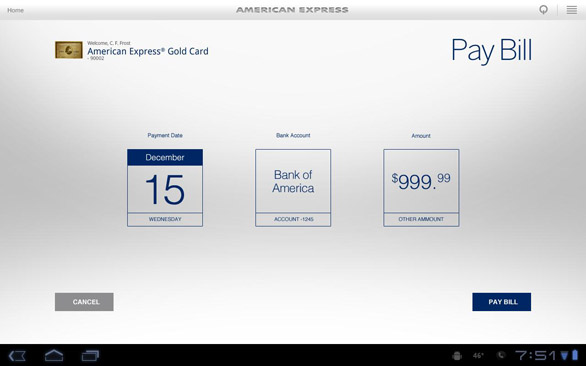
American Express is going for the steadily growing army of Honeycomb tablet owners. Their new application is said to be pretty awesome, allowing users to manage their bank accounts and conduct transactions while they’re off from their computers. Using the same user ID and password from the americanexpress.com website, Amex card holders are able to schedule payments, check account balances, view recent charges and payments, manage all of their card accounts, and view membership rewards point balance.
Unfortunately, not every AMEX card will work – at the moment the application sings along Consumer Cards, Business Cards from OPEN, and Corporate Cards issued directly from American Express in the U.S. Some of the eligible cards include American Express Green Card, American Express Gold Card, Platinum Card, Centurion Card, Zync, Blue, Clear, Optima Credit Card, One, Plum Card, Blue for Business, American Express Corporate Card, TrueEarnings Card from Costco, The Delta Reserve Credit Card, Delta SkyMiles, JetBlue Card, Hilton HHonors Card and Starwood Preferred Guest Credit Card from American Express. If you own one of these and you also happen to have an Android Honeycomb tablet, you’ll definitely want to grab the American Express app to manage your money using a big touchscreen. 😉
Amex for Android (FREE) [Android Market link]
[Via: AndroidPolice]