IntoMobile

Breaking news, information, and analysis on the latest mobile phones and mobile technology

Open NavigationOpen Search
  • Home
  • Platforms
    • iOS / iPhone OS
    • Android
    • Windows Phone
    • BlackBerry OS
  • Hardware
    • New Hardware
    • Tablets
    • Reviews
    • Rumors
  • Carriers
    • AT&T
    • Sprint
    • T-Mobile
    • Verizon
  • Manufacturers
    • Apple
    • Samsung
    • HTC
    • LG
    • Motorola
  • Best VPNs
  • Best AI Tools

How to keep your iPhone messages private

December 3, 2014 by Dusan Belic - 1 Comment

How to keep your iPhone messages private
Share on Twitter Share on Facebook ( 0 shares )

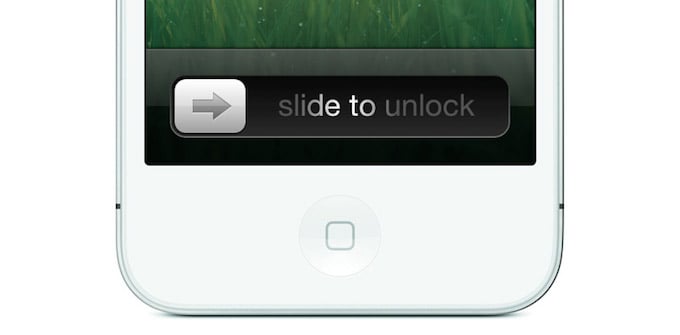
By default, the iPhone will show sneak peak of any incoming message on the lockscreen, allowing prying eyes to get a glimpse of your life. You may don’t like that; I know I don’t. Being weird is my right and any message I send is made for the receiver, only. Otherwise, I would use Twitter or Facebook.

However, you can forget your phone on a desk and the iPhone will show message preview on the lock screen. Your colleague or friend could see the snippet of the message, and that’s not good thing at all times. Luckily there’s a way to turn off this capability and it’s really easy. Here’s how to do it:

  1. Go to “Settings”
  2. Go to “Notification Center”
  3. Scroll down to the “Include” section and select “Messages”
  4. Scroll down to “Show Preview” and turn it off

And you’re done. There’s really no good reason for anyone to get a sneak peek into your private life if you don’t want to. 😉

Share on Twitter Share on Facebook ( 0 shares )

Back to top ▴

Back to top ▴

Follow IntoMobile

38k
36k
4k
13k
12k

Most Recent Posts

  • Honor Robot Phone is official: a moving camera, ARRI color science, and serious flagship specs
  • Realme 16x 5G is official in India, and that battery is no joke
  • Lenovo Legion Y700 Infinite hits 4.5 million on AnTuTu ahead of August launch
  • iOS 27 beta just exposed Apple’s entire iPhone 18 lineup, including a foldable
  • Google is emailing Pixel 11 discount codes right now, and you’ll want to check your inbox

Get Updates Via E-Mail

  • This field is for validation purposes and should be left unchanged.

About IntoMobile

  • About IntoMobile
  • Contact IntoMobile
  • Send us News Tips
  • Privacy Policy

Social Links

  • IntoMobile on Facebook
  • IntoMobile on Twitter
  • IntoMobile on Google+
  • IntoMobile on YouTube

Copyright © 2006-2021 IntoMobile. All rights reserved.