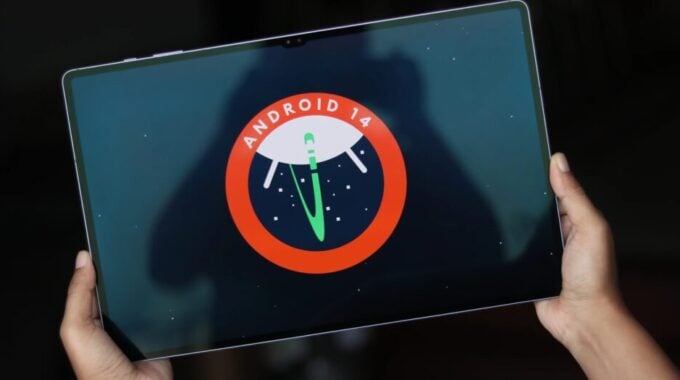
Security patches are not the flashiest news in mobile tech, but skipping them is how things go wrong fast. Samsung has started rolling out the August 2026 security update to the Galaxy Tab S10+ and Galaxy Tab S10 Ultra, and if you own either of these tablets, this one is worth grabbing sooner rather than later.
According to SamMobile, the update is currently live in South Korea. The firmware versions are X820XXSADZH1 for the Galaxy Tab S10+ and X920XXSADZH1 for the Galaxy Tab S10 Ultra. The download weighs in at over 300MB, so connect to Wi-Fi before you kick it off. It’s also unclear whether the Wi-Fi plus Cellular variants of these tablets are getting the same update right now.
South Korea is almost always Samsung’s first stop for software rollouts, which means other regions typically follow within days or a couple of weeks. If you’re in the US, Europe, or elsewhere, keep an eye on your update tab. These things tend to spread quickly once the initial push goes smoothly.
So why does a security patch matter? Monthly security updates fix vulnerabilities in Android and Samsung’s own software layer. Some of these are minor. Others patch real exploits that bad actors could use to access your data or mess with your device. Samsung has been pretty consistent about keeping its flagship tablets updated, and that reliability is one reason the Tab S10 series holds up well as a long-term purchase.
To check if the update has reached your device, here’s what to do:
- Open the Settings app on your Galaxy Tab S10+ or S10 Ultra
- Scroll down and tap “Software update”
- Tap “Check for updates” and wait for the scan to complete
- If the update is available, download it over Wi-Fi
- Tap “Restart” once the download finishes to complete the installation
The Tab S10 Ultra in particular is still one of the best Android tablets you can buy, and Samsung keeping it updated through 2026 is exactly what owners paid for. But don’t just sit on this one. Install it, move on, and enjoy knowing your tablet is a little more secure than it was yesterday.