IntoMobile

Breaking news, information, and analysis on the latest mobile phones and mobile technology

Open NavigationOpen Search
  • Home
  • Platforms
    • iOS / iPhone OS
    • Android
    • Windows Phone
    • BlackBerry OS
  • Hardware
    • New Hardware
    • Tablets
    • Reviews
    • Rumors
  • Carriers
    • AT&T
    • Sprint
    • T-Mobile
    • Verizon
  • Manufacturers
    • Apple
    • Samsung
    • HTC
    • LG
    • Motorola
  • Best VPNs
  • Best AI Tools

BlackBerry Bold 9790 review – smaller, cheaper, and longer-lasting than the 9900

December 22, 2011 by Simon Sage - 42 Comments

Share on Twitter Share on Facebook ( 0 shares )

The BlackBerry Bold 9790 had what you might call an enthusiastic reception in Indonesia, and now that RIM’s latest entry-level smartphone has spread to Canada, we’ve had a chance to review it.

At first glance, the 9790 looks like yet another buttoned-down BlackBerry, and in a lot of ways, it is. As far as its positioning among existing RIM handsets goes,  the BlackBerry 9790 is essentially a cheaper version of the Bold 9900, though it didn’t scale back quite as much as the Curve 9380 had from the Torch 9850 / 9860.

BlackBerry 10 is still a ways out, so odds are we’ll be seeing many more familiar phones like the 9790 in 2012. It’s been a rough year for RIM, and the next might not be any kinder if they try pitting 9790-grade phones against the fierce Android and iPhone competition out there.
The Good
  • Solid battery life
  • Reasonable pricetag
  • Speedy and responsive
The Bad
  • Dated operating system
  • Less-than-premium construction
  • Cramped keyboard compared to 9900

Hardware

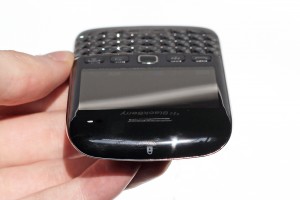
The BlackBerry Bold 9790 borrows most of its design queues from the other OS 7 devices, while roughly keeping to the same size as the old 9780 and 9700 chassis. It's slim enough to be pocketable, and though the keyboard is a bit smaller than the 9900 / 9930, it's still very usable. Under the hood, the BlackBerry Bold 9790 differs little from its big brother. It has a slightly slower 1 GHz processor, but in practice, you barely notice the 200 MHz speed difference. Similarly, the 480 x 360 screen resolution might seem like a big drop down from 640 x 480 on the 9900, but it's still plenty sharp.

Design

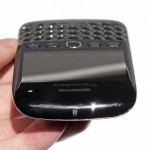
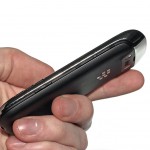
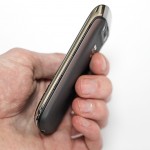
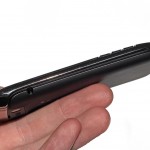
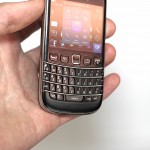
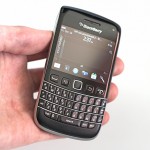
Although the QWERTY keyboard and size of the BlackBerry Bold 9790 liken it to the previous Bold models, there are a lot of style queues taken from Torch 9850 / 9860, like the excellent sliver-style media controls, the slight bump to accommodate the camera, and raised physical navigation keys. The reduced size compared to the Bold 9900 is a big selling point in some markets according to RIM. Though I'm inclined to agree that some might find the 9900 monstrously big, I'm not one of those people; the big keyboard on the 9900 is altogether luxurious to type on, and by comparison, the 9790 feels just a little cramped. If you made the switch from the Bold 9000 to the 9700 awhile back, you'll be familiar with the differences. I actually stuck with the 9000 through both the 9700 and 9780 launches because of keyboard size alone, and with the 9900 available, others may find themselves in a similar situation.

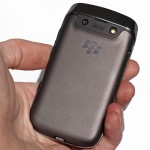
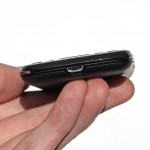
I would much prefer to see the navigation keys seamlessly integrated into the front face like the old Curve 9300, but overall, the slim design is highly pocketable and feels good in the hand. The smooth, matte soft finish of the battery door is a nice change of pace, though I tend to prefer something with a bit more grip. I'm still not sold on the bottom microUSB placement, since it means that I'll have a wire dangling in front of me at the desk, or I'll have to leave the phone upside-down. The placement makes sense if you use a dock, but it's not something I usually use.

Build Quality

The BlackBerry Bold 9790 stood up to over a week of wear and tear, but I didn't have a lot of faith that the plastic screen would be able to go long on its own without accumulating some scratches. The clicking action on the keyboard is a little soft, which isn't a bad thing at all. The tapering of the outside keys is a nice touch, since it reduces the risk of catching and lifting the keys from the outside. The lightness and slimness of the phone didn't give me the same amount of confidence as something like the Curve 9300, which had a bit more thickness to it. Build quality is definitely one of the areas that the 9790 is beat by the 9900, but I wouldn't place it that far behind other smartphones at this tier.

Camera

The one shining grace of the 5 megapixel camera on the BlackBerry Bold 9790 is that it has auto-focus. Now, most of you will think that this is a given on any decent smartphone, but not so; the 9900 had cut out auto-focus, supposedly to keep the slim profile, which mean RIM's flagship device sucked eggs when it came to taking close-ups. As a phone that's supposedly lower on the value chain, it's significant that the 9790 has the feature.

While I still wouldn't quite put the BlackBerry Bold 9790's macro lens in the same league as Sony Ericsson's, it's still very good, and the LED flash performs well in low-light to boot. There are a multitude of interesting scene modes, including snow, text, beach, party, and the standard ones like close-up, landscape, and portrait. There's a degree of image stabilization available plus face detection to keep everything in focus. Beyond that, there's not much fine tuning, like contrast control, that you might see on an Android handset.

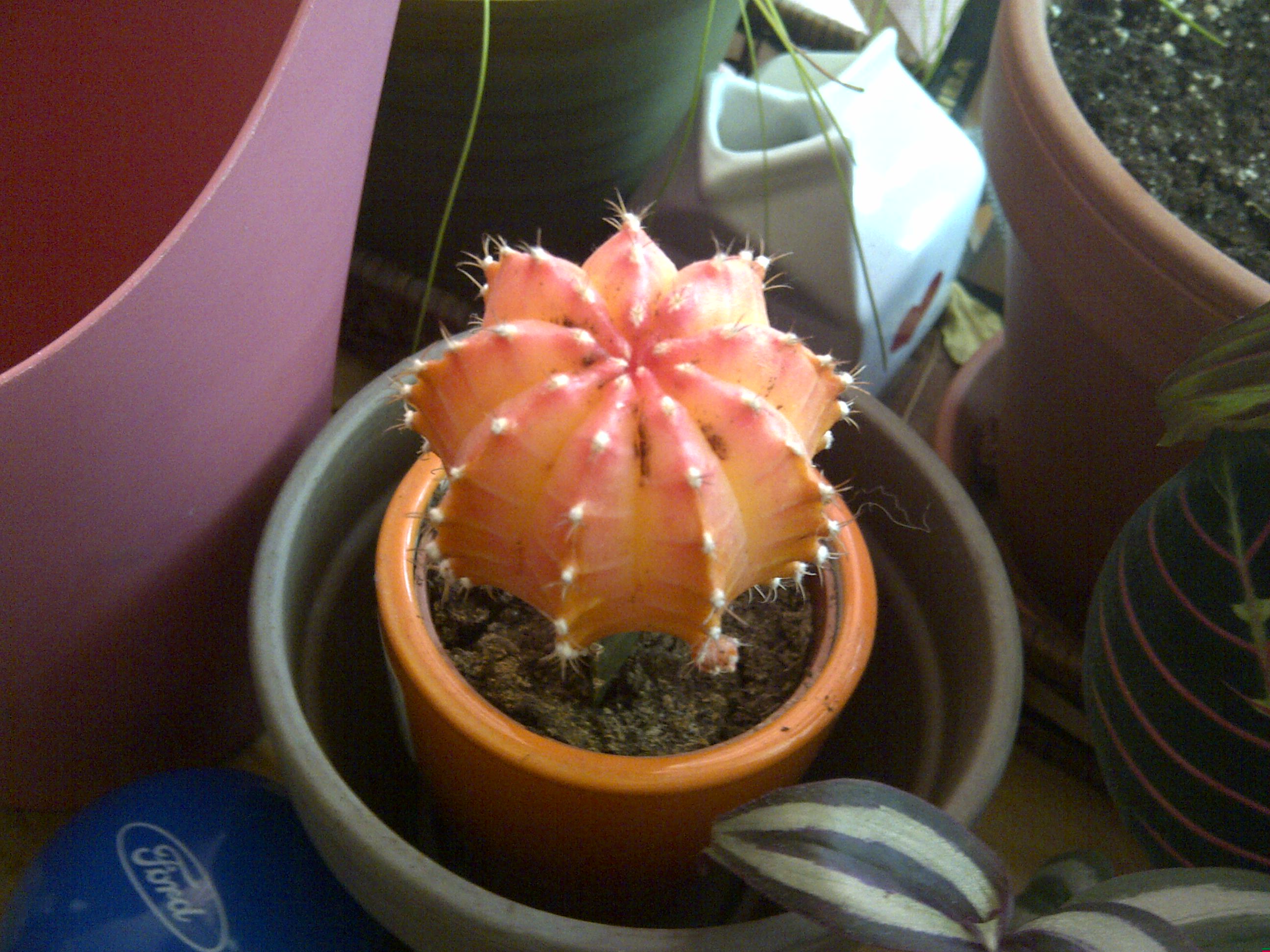
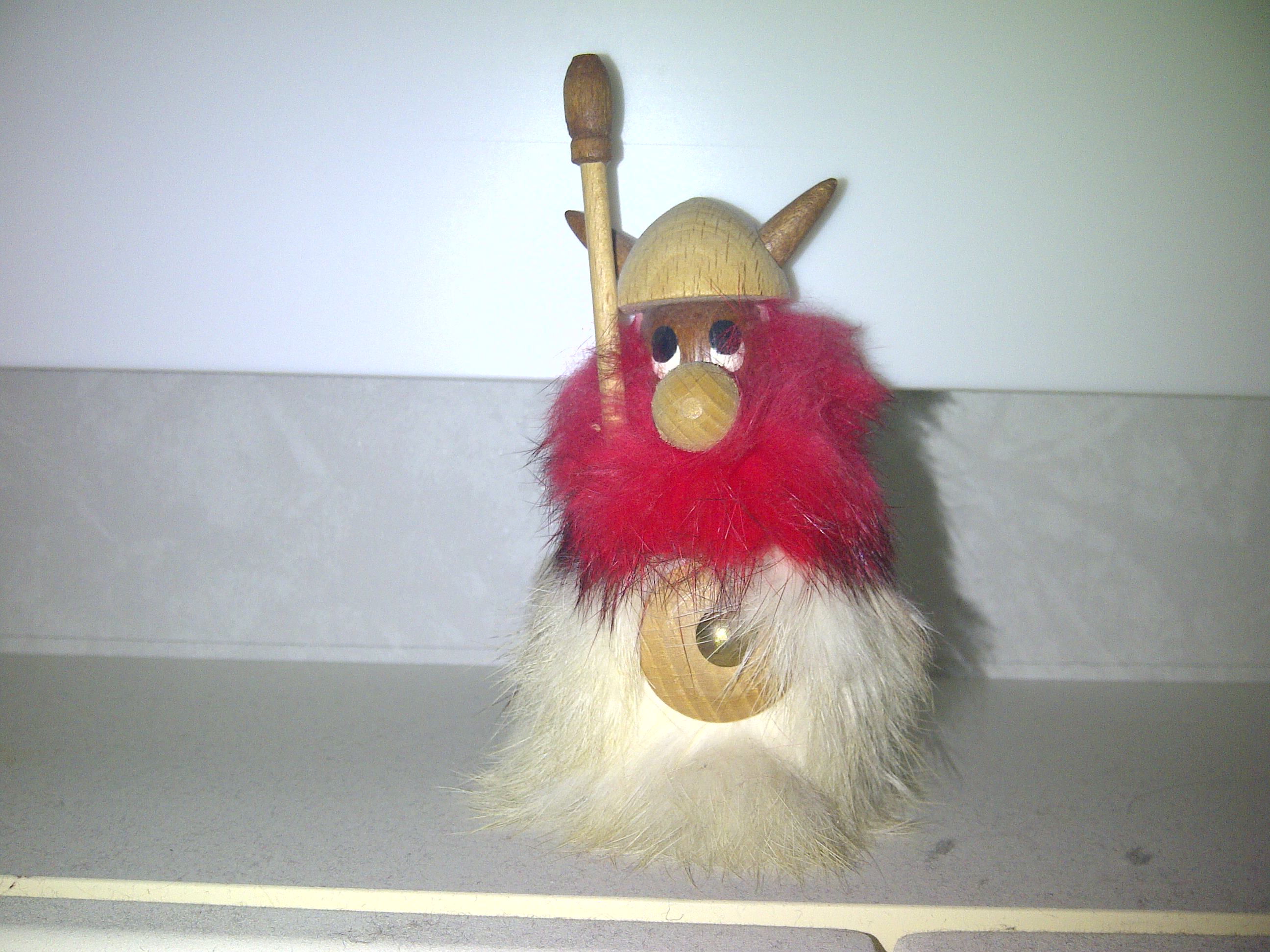
Here are some sample shots. Feel free to compare them to the Bold 9900's shots.


Software

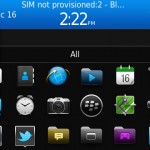
The BlackBerry Bold 9790 runs OS 7, which launched this summer mostly to take advantage of RIM's new, speedier processors. There is the addition of voice-activated universal search, as well as support for augmented reality apps and 3D games, but aside from that there isn't a lot new (let alone groundbreaking) in the BlackBerry software experience.

It continues to excel in messaging by tying into all of the major social networks and instant messaging clients, along with the usual stuff like e-mail and SMS. The notification bar at the top helps you jump quickly into incoming messages and other app alerts. Universal search continues to be a great way to find locally-stored and web content, but I'd love to see RIM continue where webOS left off, by turning the mechanism into an easy way to launch into actions. For example, typing from a dead stop at the home screen and having an option to post that text in a tweet. That would be a significant upgrade, but before it even has a chance of happening, the 9790 is more likely to see mobile hotspot with an OS 7.1 update.

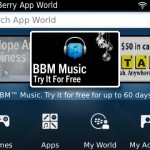
As far as apps go, RIM has been giving away a bunch of good ones as an apology for their big service outage. You aren't going to find a lot of mind-blowing titles in BlackBerry App World, as most developers have their hands full with Android and iPhone apps, but the important stuff, like Foursquare, Facebook, and Google Maps all work great. RIM makes a bunch of good ones themselves, like BlackBerry Protect to help you lock down your phone if you lose it, and BlackBerry Travel, which automatically populates your calendar with travel itineraries that are sent to your e-mail. Steer clear of BBM Music, though; it's a subscription music service that sucks for a variety of reasons. By all means, check out the trial if you insist, but unless you have a bunch of BlackBerry-toting friends, it'll be a lost cause.

Of course, BBM sees a lot of usage among fully-berried groups. BlackBerry Messenger supports group chatting, file sharing, calendar sharing, location sharing, and both delivery and read receipts for individual messages. Of course, if your friends are a little more varied in their choice of smartphones, Google Talk works pretty well (though not as well as its Android counterpart).

Multimedia

The BlackBerry Bold 9790 sports all the usual music and video playback capabilities of the latest OS 7 devices. I managed to get 720p videos playing smooth as butter, though there's still no love for .mov files. While the 2.4-inch screen size doesn't make it ideal for long-term watching, I've found the display amply sharp, and the processor fast enough to keep up with larger files stored on your microSD memory card or 8 GB of local storage.

As far as audio goes, I'm a huge fan of the new media control keys on the side. The volume control/track skipping keys are but a slim sliver, but they're sharp and curved enough to be easy to feel in your pocket, while the pause/play/mute key mashed between them sticks out enough the you can activate it very easily without disturbing the other two. Getting something to listen to is easy enough, with plenty of apps like Slacker Radio, Rdio, and now Spotify being available (though not technically compatible with the 9790), or if you're not into subscriptions, there's the Podcasts app and the Amazon MP3 store to buy tracks a la carte. If you've already got a solid collection, the BlackBerry Desktop software offers tools for hauling in your iTunes or Windows Media Player collections.

Browser

The BlackBerry Bold 9790's browser is based on WebKit, like that on the iPhone and on Android devices - a core RIM has been using since the summer of 2010 and the launch of OS 6.  Although there's no Flash support, the BlackBerry browser handles Javascript, CSS, and HTML5 rendering relatively well. The 1 GHz processor keeps up with panning and pinching to zoom on the touchscreen. As far as benchmarks go, the Bold 9790 scored 260 + 3 / 450 on the HTML5 test, 100/100 on Acid3 (though there was a significant slowdown plus a small artifact), and 25,219 on Browsermark.

Call Quality And Battery Life

The BlackBerry Bold 9790 wins big points for battery life. Of the OS 7 devices I've played with, it's fared the best. I was able to stream music nonstop from around 9 AM until around 4 in the afternoon. With just day-to-day usage, I could right up until 10 PM or so on a single charge. For me, this is the sweet spot; the processor is fast enough and display sharp enough to be a joy to use, but doesn't go overboard at the expense of battery life, or worse still, increased size to accommodate a bigger battery.

Call quality on Rogers was same ol' same ol'. As always, the BlackBerry contacts system has a bunch of fields for different phone numbers, as well as plugging into third party apps, so you can see their latest instant messages or Facebook updates from the native contacts app.

The Final Take

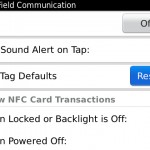
The main question with the Bold 9790 is "why would I want one with the 9900 available?" Well, the only thing that the 9900 practically boasts over the 9790 is the larger, sharper screen, but as far as I'm concerned, the gains in battery life more than make up for the difference. Beyond that, the 9790's camera has autofocus, and it's not missing any of the other tricks on big brother Bold, like support for augmented reality, 3D graphics, and near-field communications. Beyond that, the 9790 is $100 cheaper off-contract.

Of course, this is limiting the 9790 within the world of BlackBerry devices alone. In the grand scheme of smartphones, it's really hard to even consider RIM phones unless your needs are basic or a killer keyboard is high on your list. Don't get me wrong, all of the important functions are there, but if you're going to be signing up for a new contract and getting a fresh device anyway, you might as well feel more like you're living in the future and pick up an Android or iPhone. As practical as BlackBerry may be, the experience is still more or less what it was several years ago, which will only compound feeling old and dated by the time your contract runs out.

If you're already married to the Way of the BlackBerry and at least some of your friends are too, I would definitely recommend the 9790 over the Bold 9900 for battery life alone. If you're digging the form factor, but want access to higher-quality apps, I'd suggest checking out the Motorola Admiral, or its less-sturdy cousin, the Droid Pro+.


Share on Twitter Share on Facebook ( 0 shares )

Back to top ▴

Back to top ▴

Follow IntoMobile

38k
36k
4k
13k
12k

Most Recent Posts

  • iPhone No Sound: Tips on How to Fix this Common Issue
  • The newest iOS – things you surely did not know
  • Transferring money through mobile: Why digital wallets are the future of commerce?
  • Review: Shine laser light Bluetooth headphones
  • Neptune Suite smart watch with phone and tablet screens killing it at Indiegogo

Get Updates Via E-Mail

  • This field is for validation purposes and should be left unchanged.

About IntoMobile

  • About IntoMobile
  • Contact IntoMobile
  • Send us News Tips
  • Privacy Policy

Social Links

  • IntoMobile on Facebook
  • IntoMobile on Twitter
  • IntoMobile on Google+
  • IntoMobile on YouTube

Copyright © 2006-2021 IntoMobile. All rights reserved.