Samsung has released the third beta update for One UI 9.0 on the Galaxy S26, Galaxy S26+, and Galaxy S26 Ultra. The update is rolling out now in India, Poland, South Korea, and the UK, with other markets likely to follow.
This is the third beta build in most regions, though Indian users are receiving it as their second. The firmware version is S94xBXXU3ZZF7 for markets outside South Korea, and S948NKSU3ZZF7 for Korean units. At 1.7GB, it is a large download, so a stable Wi-Fi connection is recommended before you start.
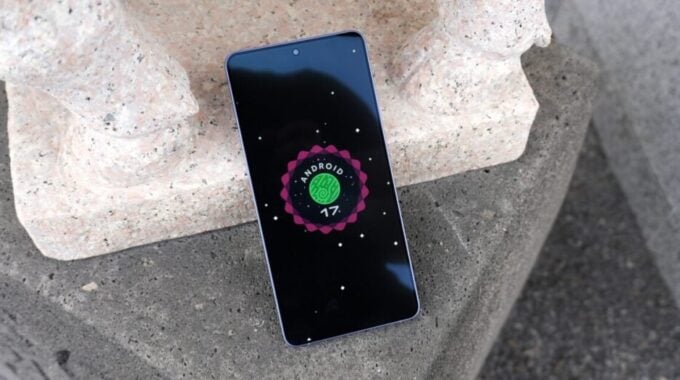
Beta testing cycles like this one are how Samsung refines major Android updates before pushing them to everyone. One UI 9.0 is based on Android 17, and the company has been running a structured beta program across its flagship S26 lineup to catch bugs early. The fact that they are already on a third build suggests testing is moving along steadily.
The update does not add new features. Instead, it focuses on fixing real bugs that beta testers reported. Here is the full list of changes included in this build:
- Fixed errors with the privacy display when setting routines or toggling the Quick Panel on or off
- Fixed a bug where part of the camera preview was cropped under certain conditions
- Fixed lock screen widgets, including weather and battery, not updating correctly
- Improved focus accuracy when using 30x camera zoom
- Fixed the home screen not swiping left or right when using the S Pen
- Fixed a scrolling issue in the My Files app where the file list would not reach the end
- Fixed a bug where the background would turn white intermittently when receiving a call
- Fixed a one-time reboot that could occur during video streaming
- Fixed a black background appearing when pulling down the status bar
The camera fixes are worth noting. A cropped preview and inconsistent 30x zoom focus are the kinds of issues that directly affect day-to-day use, so getting those resolved before the stable release matters. The reboot during video streaming was also a significant bug, even if it only happened once per session.
If your Galaxy S26 series device is enrolled in the beta program, go to Settings, then Software update, and tap Check for updates. Samsung recommends having at least 30 percent battery before starting the installation.