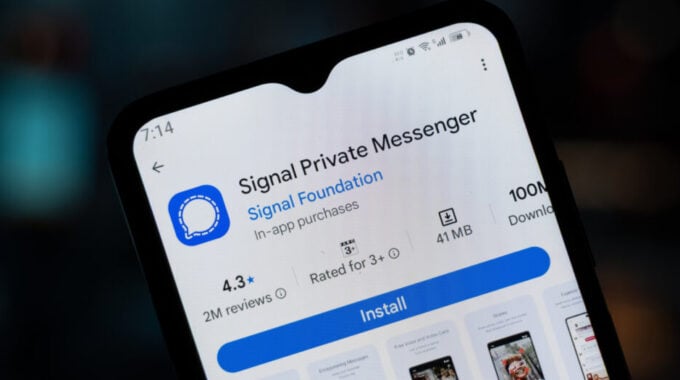
Signal is working on something many of its users have been waiting for. The app’s latest beta version lets you link an Android phone or tablet to your existing account as a secondary device, meaning you can access the same conversations across two devices without registering a second number.
Right now, if you want Signal on two phones, you need a separate phone number for each. That’s a real limitation for people who carry a work phone and a personal phone, or anyone who wants to read messages on a tablet without jumping through hoops. This change fixes that. As reported by Engadget, the feature was first spotted by the website AboutSignal, which noticed Signal had already updated its support page with instructions for linking Android devices.
The timing makes sense. Messaging apps across the board have been expanding multi-device support over the past few years. WhatsApp added it in 2021. Telegram has always allowed it. Signal, which has always prioritized privacy and security above convenience, has been slower to move in this direction. Linking an additional device to an encrypted account is technically harder to do without weakening the security model, which likely explains the wait.
Here’s how the linking process works in the current beta:
- Download Signal on your second Android phone or tablet from Google Play
- On a phone, start the setup process and tap the kebab menu (three dots) in the upper right corner instead of entering your number, then choose “Link device”
- On a tablet, you’ll see a “Link your account” button on the welcome screen
- The secondary device will show a QR code that you scan from your main phone via Signal Settings > Linked devices > Link a new device
- You can then choose whether to sync your chat history to the new device
That last point is worth paying attention to. If you skip the chat sync and later change your mind, you’ll need to reinstall Signal on the secondary device entirely. It’s not a huge deal, but it’s something to decide upfront.
Beyond the multi-device support, AboutSignal also found that Signal built a split-screen interface designed for tablets. It shows your chat list in a panel on the left and the open conversation in a larger panel on the right. The layout works best in landscape mode, and you can customize it, including removing the chat list if you prefer a cleaner view.
Signal has not said when these features will roll out beyond the beta. Given that the support page has already been updated with instructions, a wider release probably isn’t far off. For now, users who want to try it early will need to be on the beta version of the app.