CooTek been’s making keyboards for several years now. Its the company behind TouchPal, a popular keyboard alternative for Android phones. CooTek recently expanded its portfolio by releasing a keyboard tailor-made for Android tablets. I’ve been playing around with the tablet version on a 7-inch Acer Iconia tablet and love what I am seeing.
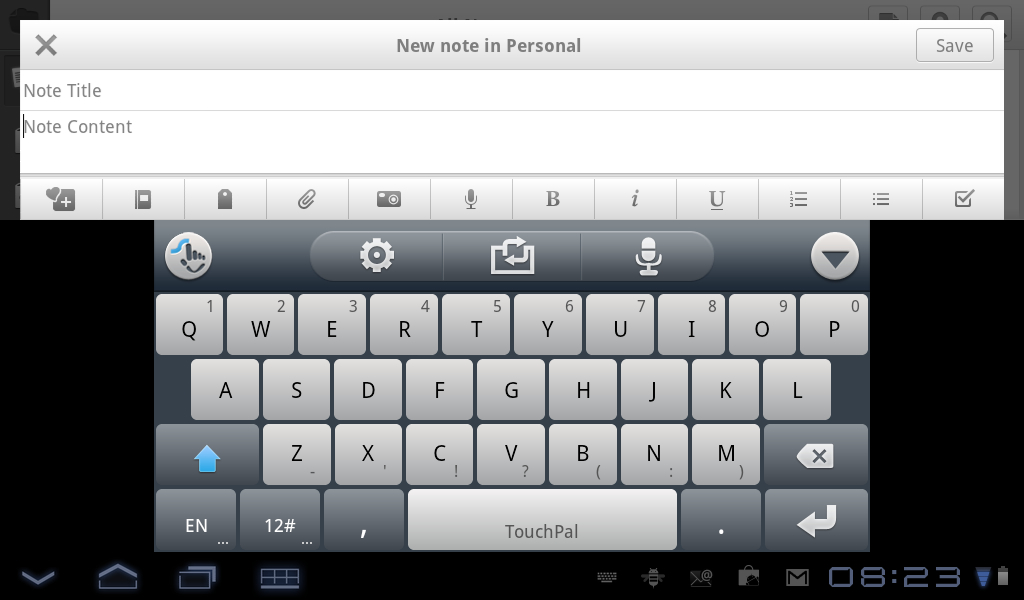
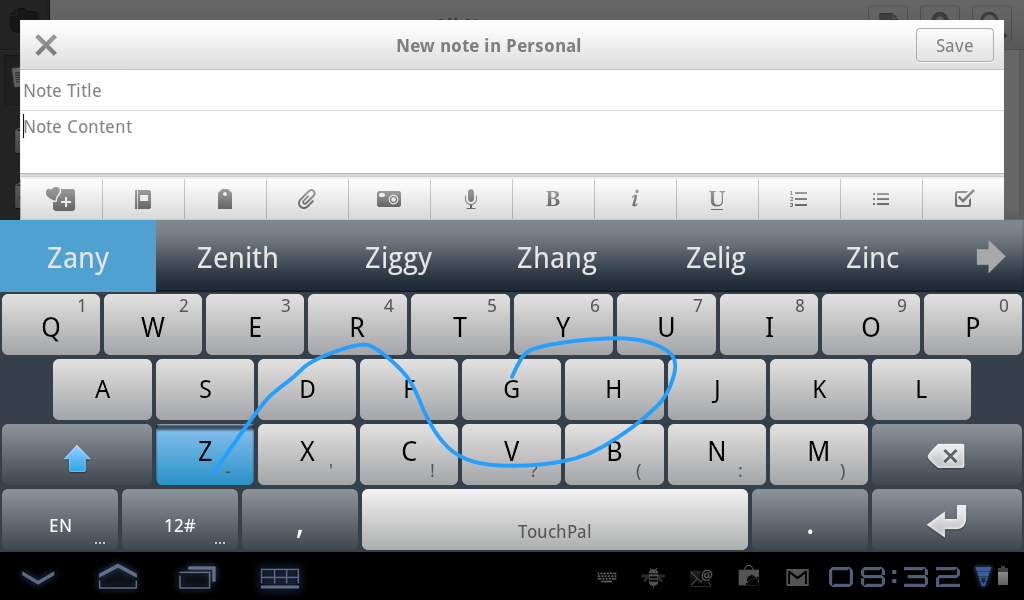
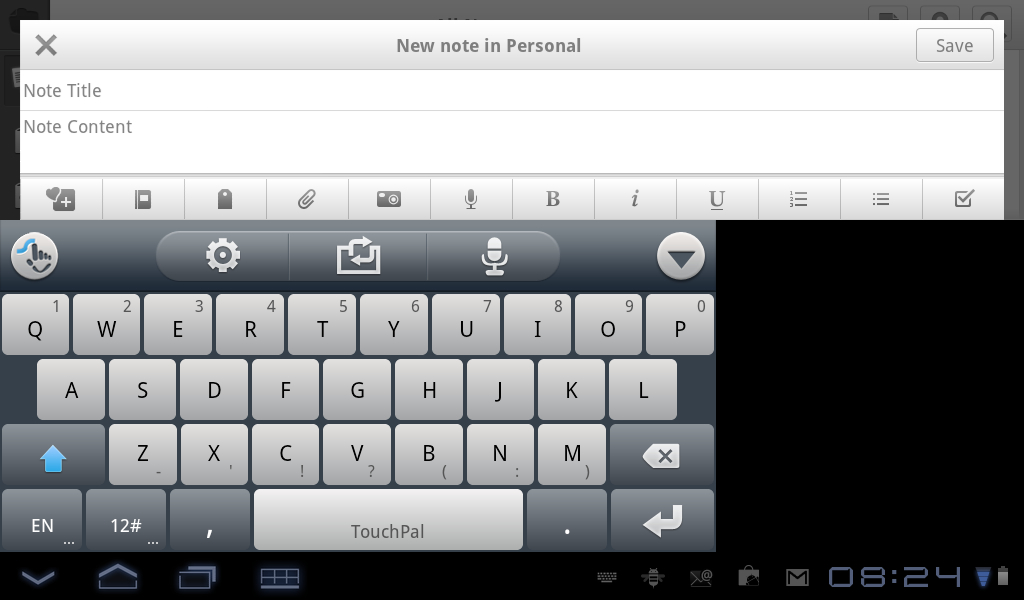
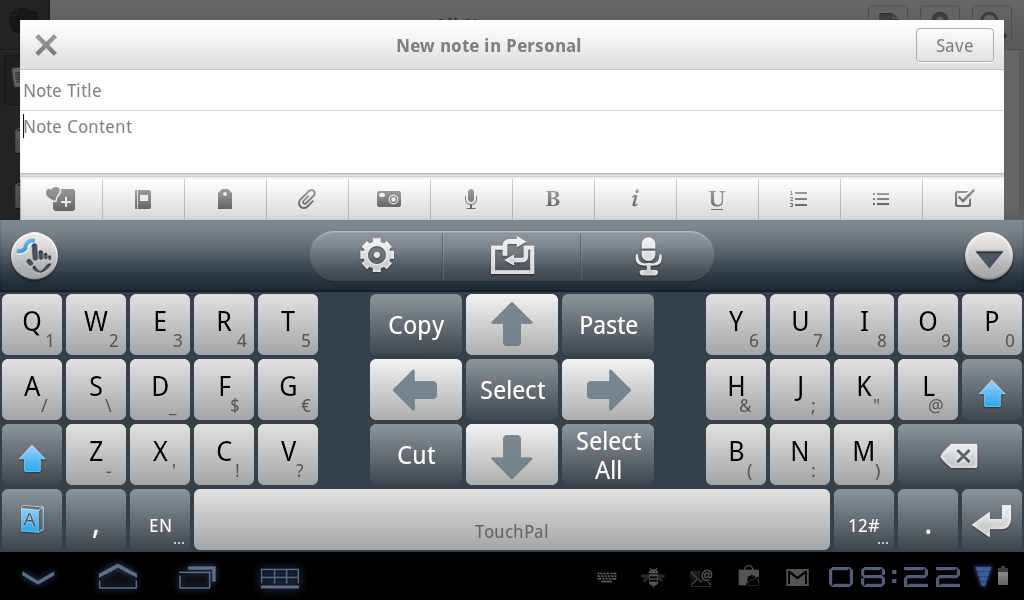
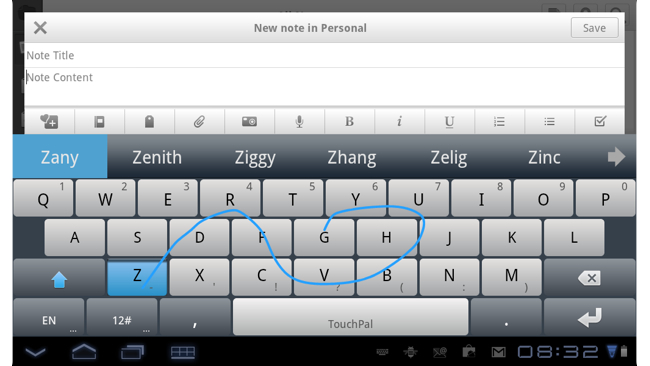
What I like most about the keyboard is its flexibility. There are five different keyboard layouts in landscape mode including a Split Layout, Full Layout, Center Layout, Left Layout and Right Layout. The software also includes Curve, which lets you enter words by swiping. On a tablet, the landscape keyboard is spacious and provides easy access to frequently used characters like the comma and period. Letters are easy to tap, and you can’t miss the auto correct words at the top of the keyboard. If you use the split keyboard, there’s also a handy set of text selection keys that’ll let you highlight a piece of text and copy/paste it. TouchPal also accepts voice input using Google’s underlying voice recognition engine.
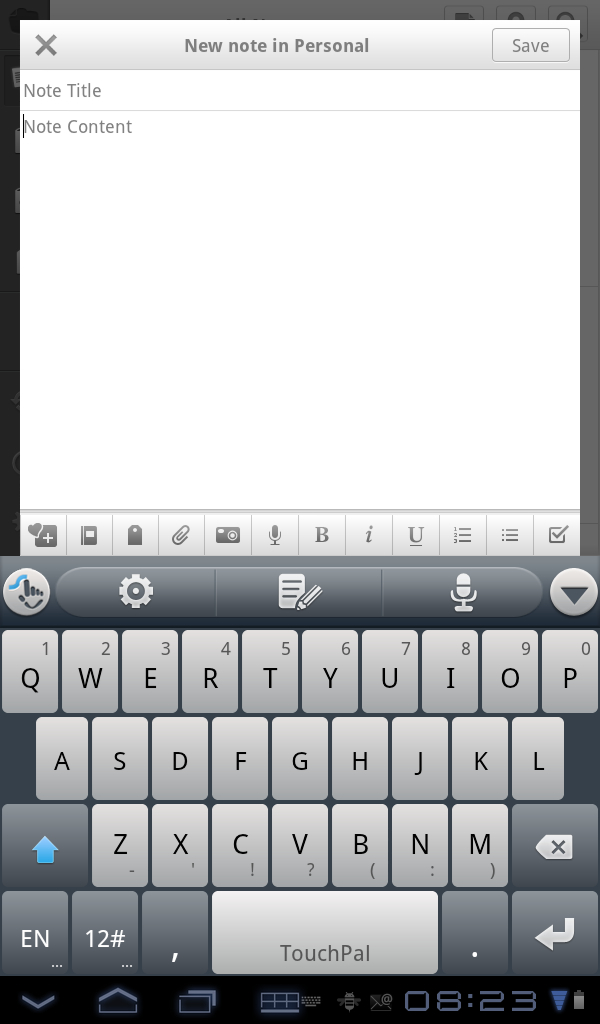
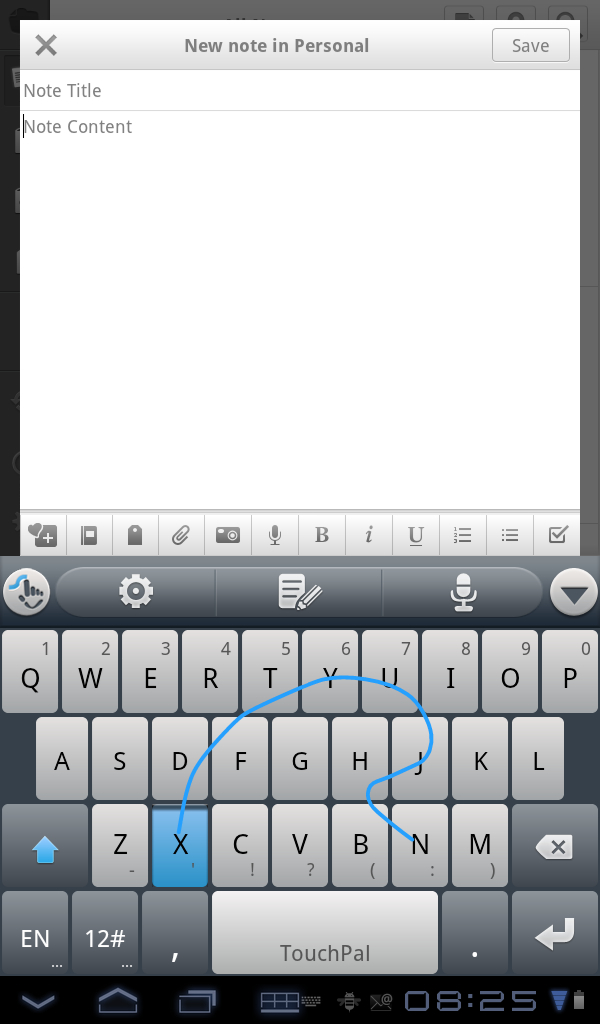
Portrait mode has less flexibility than the landscape keyboard, mainly because you don’t have the space to move the keyboard around the screen. Despite this limitation, TouchPal does a superb job with its single keyboard. The keyboard accepts tap, swipe and voice input. You can easily toggle between the letter keyboard and the text selector keyboard. There’s also your standard numeric keyboard that’s only one tap away.
TouchPal is available for free from the Android Market and supports a variety of languages. If you’ve never used it, check it out. You don’t have anything to lose and you may find, like I did, that you really like it.
[CooTek]
YouTube demo video:
Gallery: