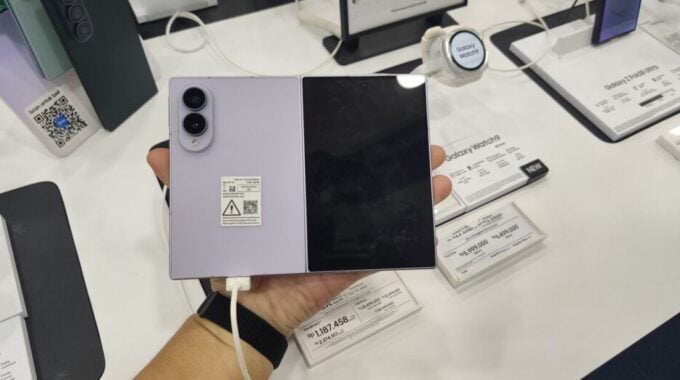
Samsung DeX has been around since 2017, quietly sitting in the settings menu of flagship Galaxy devices like a feature waiting for the right hardware to make it truly shine. And honestly, for most of that time, running a full desktop interface directly on your phone screen would have been laughable. But the Z Fold 8’s 7.6-inch inner display changes that math completely.
According to Engadget, a Play Store app called Gadesk now lets you run DeX right on your Z Fold 8’s inner screen, no external monitor, no wireless display adapter, no extra hardware at all. That’s a big deal. DeX is genuinely useful as a desktop replacement for light work, and putting it on a 7.6-inch folding screen makes the Z Fold 8 feel closer to a true pocket computer than any foldable has managed before.
So how does it actually work? Gadesk tricks your phone into thinking it’s connected to an external display using Android’s wireless debugging feature. Then it intercepts the desktop output and overlays it onto the inner screen using accessibility permissions. It’s clever, and because it runs entirely through official Android and Play Store channels, there’s no rooting, no sideloading, and no shady APK files involved. That matters for people who don’t want to mess with their device’s security.
Setup takes a few steps, but nothing too painful. You’ll need to disable Auto Blocker in your security settings, then enable wireless debugging through Developer options. Getting to Developer options means tapping your build number seven times in Settings, which feels like a cheat code from 2012, but it works. Once wireless debugging is on, you pair Gadesk using a one-time pairing code, grant it accessibility permissions, and hit “Start desktop.” The whole process takes maybe five to ten minutes on your first attempt.
Inside the app, there are some settings worth adjusting right away. Gadesk defaults to landscape orientation, but portrait actually works better for the Z Fold 8’s aspect ratio if you’re doing any kind of multitasking. There’s also a virtual trackpad option with copy, paste, and zoom controls, and you can dial back its opacity if it gets in the way. Gesture shortcuts for Home and Back are set to two and three-finger taps by default, but you can remap or disable them entirely.
Here’s the catch, though. Gadesk is not fully free. The free tier caps each DeX session at 15 minutes and throws ads at you. You can extend sessions by 10 minutes at a time by watching promotions, which is a little painful. The paid version removes both the time limit and the ads for a one-time fee of $20. That’s reasonable for what it does, but worth knowing before you commit.
The app also works on other DeX-capable Galaxy phones running One UI 8 or later, and on Google Pixel devices through Android’s built-in desktop mode. So Z Fold 8 owners aren’t the only ones who benefit here.
This kind of feature matters because it shows where foldables are headed. The hardware is finally big enough to make desktop modes feel practical, and third-party developers are filling gaps that Samsung hasn’t officially addressed yet. Whether Samsung eventually builds something like this natively into One UI is a real question. But right now, Gadesk is the answer, and it’s a pretty good one.