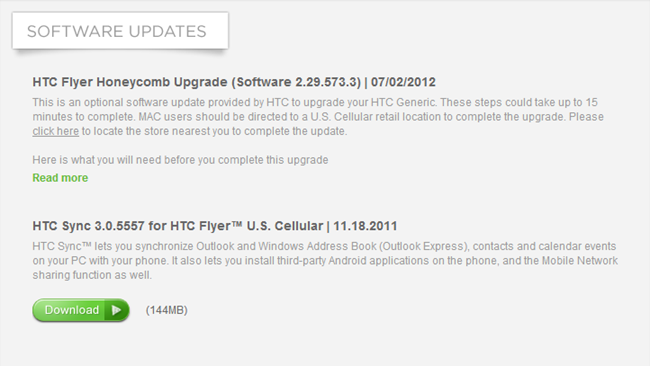
We’ve almost forgot about US Cellular’s version of the HTC Flyer, thinking it got its Honeycomb update along with the rest of the pack (last year’s December). Wrong – it’s still running Gingerbread.
For like a dozen of you who own US Cellular’s version of the Flyer, you’ll be glad to know that now you can officially make it run Honeycomb. It’s not Ice Cream Sandwich but it’s something, right? Nope – you can hack your way to Android 4.0 if you do some research.
Then again, if that’s not your pot of tea, proceed to this page and follow instructions how to make your Flyer run the best version of Android it can officially handle. You’ll need a PC to complete the task cause this ain’t no over-the-air affair. If you own a Mac, you can boot Windows or — worse case scenario — bring your Flyer to a local US Cellular store and ask for help.
Or, the best solution, sell the Flyer on eBay and grab the Nexus 7. 😉
[Via: AndroidPolice]