IntoMobile

Breaking news, information, and analysis on the latest mobile phones and mobile technology

Open NavigationOpen Search
  • Home
  • Platforms
    • iOS / iPhone OS
    • Android
    • Windows Phone
    • BlackBerry OS
  • Hardware
    • New Hardware
    • Tablets
    • Reviews
    • Rumors
  • Carriers
    • AT&T
    • Sprint
    • T-Mobile
    • Verizon
  • Manufacturers
    • Apple
    • Samsung
    • HTC
    • LG
    • Motorola
  • Best VPNs
  • Best AI Tools

Sony Xperia Z Review

March 7, 2013 by Charles West - 8 Comments

Sony went into this year’s CES event looking to shake things up. When the company revealed the Xperia Z and ZL, it did just that. It was safe to say that most of the media were pleasantly surprised with what Sony had come up with. In fact, one of the standout moments of the entire show was…

Read more
The Good
  • 1080p HD display; 443 ppi is stunning
  • Water and dust resistant
The Bad
  • A couple of software bugs
  • Oddly placed Power button

Hardware

When you see this phone in person, you'll instantly notice that this is the best Xperia design that Sony has ever produced. Unlike Samsung’s more plasticky approach to its design elements; Sony put some real heft to its Xperia line by making each device feel as solid as can be. The Xperia Z feels very good when you hold it. And I’m sure if you chuck it at someone’s head it’ll inflict serious damage without leaving a blemish on the body. Though we don't suggest this just to prove its durability.

Sony’s Xperia Z has a slim body measuring a mere 7.9mm (0.31 inch) and weighing in at 146g (5.15 ounces). When I put it next to my iPhone 5, it was a hair thicker than the iPhone’s thinner 7.6mm (0.30 inch) profile. Inside the new Sony is support for the UK’s hexaband LTE (1/3/5/7/8/20) and triband HSPA, along with quadband GSM/EDGE. Also rounding out the list is WiFi a/b/g/n, Bluetooth 4.0, aGPS/GLONASS, NFC, WiFi Miracast support, a microUSB 2.0 port with MHL/HDMI support, and a microSD card slot (expansion up to 32GB memory). Internal storage out of the box is 16GB, while the 1.5GHz Qualcomm S4 Pro quad core processor is matched with 2GB of RAM.

On the back there’s a 13-megapixel camera with Sony’s own Exmor RS branding, while a 2-megapixel Exmor R camera is above the display for video calls and those self portraits folks love to shoot for friends on Facebook, Instagram or Twitter.


Out of all the technical “nerdy” specs listed above, I’d say the most important qualities of the device has to be the 1080p display and the two other notable features: the Xperia Z's IPX5/7 and IP5X ratings. The 1080p screen looks awesome when you play video and view pictures taken, as the handsets 1920x1080 pixels and 16,777,216 color TFT (443 pixels per inch) jumps off the screen. As for the Xperia Z’s IPX5/7 and IP5X ratings, it can handle water up to a depth of one meter and be resistant to guided water jets. The phone can also survive the attack of dust. I put the phone through a test by submerging it a pitcher of water, and it passed with flying colors.

Design

What more can be said about the design? Sony did an excellent job as I stated earlier, with the introduction of its new “omnibalance” appeal. The entire body is shaped as a rectangle, as the company took a different route away from the typical rounded corner appearance seen on most phones today. The phone is covered with what Sony calls “scratch-resistant, shatter proof sheet on mineral glass,” which you can feel as you hold the device.

Sony decided to place a small speaker on the lower right side, along with the power button, volume rocker and SIM card slot. On the top right lays the headphone jack, and on the upper left side, sits a slot for the micro SD card and the micro USB port for charging. All of the ports on the handset are blanketed with sealed covers, with a rubber lining behind each one, ensuring that the water doesn't get into the device.

I really appreciated Sony adding an LED notification light to the upper right side of the display. It’s tiny but it works. Notification indicators are one of the most underrated features on a smartphone in my opinion. All devices should have one.

Software

The Sony Xperia Z comes with Android 4.1.2 out of the box. It’s not the newest version of Android, but it’s a serviceable build to do most of the awesome things baked into Jelly Bean. Since this device is unlocked and from overseas, there isn’t any annoying bloatware loaded on the device by a wireless provider. The Xperia Z comes preloaded with all of Google’s core apps, including Chrome, Play Store, YouTube, Maps, Messenger, Google+, Search, Talk, Play Movies & TV, Play Books, Play Magazines, and Local.

Of course, Sony added its own special apps such as Movie Studio, TrackID, PlayNow, Office Suite, Sony Car, Wisepilot for XPERIA, Update Center, WALKMAN, Notes, and Socialife.

Sony includes a Media Remote app for those who own a Sony smart TV, as this allows users to have control of the TV through the phone. Sony’s custom UI also brings a few features that aren't so bad, like a Rolodex-style gallery widget and a pre-installed expandable power management widget. You’ll find plenty of media-oriented libraries that emphasize the company’s push in imaging.

I did find one odd issue, though. For example, when I tried to access the shortcut to the camera from the lock screen, it would often bounce me back to the lock page. The only way to sidestep the glitch was to unlock the phone as normal and head into the camera manually. We can expect this issue to easily be fixed with an upcoming update.

Web Browser, Multimedia And Camera

Web Browser

The Sony Xperia comes preloaded with Google’s Chrome as the default browser. For those of you out there who've used Chrome for Android, should know how nice the browsing experience is. You can do everything with the browser as you would on your laptop or desktop, including bookmark sites, share with Facebook or Google+ (Twitter if installed), or use ‘Chrome to Phone’ -- zapping the page on your computer to your phone.

Users can expect all the other standard bells and whistles with the Chrome app as well. Enough said.

Multimedia

The Xperia Z is incredible when it comes to viewing photos and videos. Everything just looks great on that 1080p HD 443 pixels per inch resolution screen, so maybe it’s clouding my judgement here. I’m not going to nitpick the phone on “viewing angles” because I wasn’t really bothered. However the phone could benefit from bringing down the brightness, adding a wider range of contrasts and a lower base setting would do justice. Sparingly, Sony’s Bravia Engine 2 mostly gets the job done on contrast and sharpness enhancements to photos and videos. This works whether pictures or videos are recorded on the phone or downloaded from somewhere else.

I only noticed extra saturation by the Bravia feature on a few photos I shot -- all were taken with the flash on. The appearance of the photos looked as if they were altered with a heavily saturated filter.

I wasn’t a big fan of the speaker performance on this device, as you can barely hear sounds come from the tiny speaker on the side. Additionally, sound coming from the headset wasn’t nearly as impressive as I expected from a Sony device.

Camera

Sony opted to continue with the typical industry path with a 13-megapixel sensor. The Xperia Z rocks a Exmor RS chip, which is the first time the new sensor has appeared on a phone. Moreover, the device comes with real-time HDR for both photos and full HD video. HDR video is a beast on this phone. Using this feature, I instantly noticed the high-powered range of lighting while capturing a video. The Xperia Z pops colors a bit more than the average device, however, the approach is still eye-catching.

The Xperia Z also offers up other pleasant camera features like “Super Auto” mode, which simplifies the clutter and determines the type of scene mode necessary for the picture being shot. In addition, you’ll find a host of other photo options such as Normal, Burst, Picture effect (shows nine different filters), Sweep Panorama, and Scene selection (17 different scene modes: Night scene, Gourmet, Landscape, etc.).


Call Quality And Battery Life

Unfortunately, I couldn't conduct a thorough review on the call quality because of the lack of an extra SIM card. As for the battery life, it’s a bit more complex, as the handset includes what seems to be a gimmick battery saving feature called battery STAMINA. This feature supposedly saves up to four times the run-time by shutting off background data use when the screen is turned off. I didn’t get that much battery savings, but it definitely improved leftover juice in the phone twofold.

Battery STAMINA might not do much for a power user who happens to do a lot of video, gaming, and social networking -- in order for it to work the screen as to be off. When I wasn’t using STAMINA mode, the phone got up to two days or so connected to WiFi and on standby. Again, without a SIM card, I wasn’t able to check battery life over a cellular connection.

The Final Take

I see no reason why people wouldn’t like the Sony Xperia Z if it were pushed to the American market correctly. Despite the company making a truly worthy device, Sony still finds itself in an uphill climb to grab mindshare away from its competitors. Samsung is by far the king of the mountain when it comes to offering consumers Android handsets they desire, and even LG is making noise these days.

Going against its competition, I’d still have to say Sony has a real winner on its hands. I know, once the Xperia Z finally gets released in the U.S. -- it may not get a legit push from the carriers. However the company is showing that its definitely changing things up on the design side, with a more compelling look that doesn’t really follow the top devices on the market right now. That’s encouraging.

Sadly, there isn’t a clear timeline as to when people should expect the Xperia Z to hit the stores of carriers. Luckily, GSM Nation currently has this device in stock, as they’re the only retailer at the moment to have it.

This uncertainty only hurts Sony in the battle to stay relevant. The Japanese phone maker must get its phones out on time and ahead of big releases from its competitors. The Xperia Z is one of the best devices out right now, and most people in the U.S. know nothing about its existence.

Check out the gallery below!


HTC One X+ review

January 14, 2013 by Blake Stimac - 2 Comments

We’ve been sitting on this review for a while now, but it’s better late than never and it’s definitely not a handset you want to miss out on! In 2012, we saw what was to be HTC’s most ambitious handset to date, the One X. Between the beautiful design and the powerful innards, the handset…

Read more
The Good
  • NVIDIA Tegra 3+ is blazing fast
  • Retains the sexy design of the original One X
The Bad
  • Overall, hardware upgrades may seem a bit minimal
  • To us, fewer color options isn't a good thing.

Hardware

When the original HTC One X was launched on AT&T, many were bummed that it didn't feature the NVIDIA Tegra 3 processor. The decision to go for the dual-core Snapdragon S4 was likely due to the all in one solution that supports LTE. Well, this time around, you will find a NVIDIA processor running the show, as well as a beefier battery, 64GB of internal storage, and front-facing camera with a wider viewing angle.

If we're talking international units, the differences between the two handsets aren't terribly different. You do have a faster CPU, thanks to the NVIDIA Tegra 3+, which is always a good thing. The quad-core beast also allows for Tegra Zone, which is a dedicated application portal that showcases games optimized for the CPU.

Although the Tegra 3+ is probably our favorite upgrade in the One X+, that doesn't mean we haven't forgotten one of the best features of the device - the display. The Super LCD 2 on the device is every bit as good as the original, providing beautiful clarity across the board. It's also a very bright display, in which you likely won't need to have it fully illuminated most of the time.

The lack of a microSD card slot on the One X+ may be a letdown to some, but with 64GB at your disposal, you likely won't need one for a while.

As we said before the look of the device is essentially identical to it's predecessor, so be sure to take a look into the official review of the original One X while you're at it!


Design

The One X+ retains the beautiful design that we loved in the original One X, but this time around, it only comes in one color. While the carbon black look is very nice, it completely lacks the contrast we absolutely loved about the white HTC One X. The subtle effect that makes the screen look like it's spilling over to the side on the white One X is completely lost in the One X+, which is pretty unfortunate. Nonetheless, it's still hard to call the phone ugly, and it's still one of the sexiest devices we've ever seen. The pop might be gone, but the overall design remains pretty superb.

The subtle curved looks to the device still remains here, and the One X+ is every bit as gorgeous as it's predecessor.

Build Quality

Like the design, little has changed in terms of build quality in the One X+ compared to the One X. This is very much a good thing, as it remains one of the more solid handsets and provides a great in-hand feel. Known for some of the best hardware in all the land, HTC keeps to its usual standard of best in class hardware with the One X+. It's not every day that a company makes a phone that looks and feels identical to it's predecessor, and people are more than OK with it. Well done, HTC.

Web Browser, Multimedia And Camera

Camera

Always a strong suit in HTC devices, the One X+'s camera is quite nice. You'll easily be able to take some great photos with this shooter, and the software is simple and elegant.

The 8 megapixel camera on the HTC One X + provides an impressive experience across the board. As you'd expect in many smartphone cameras, the shooter does suffer in low-light, but the multi-leveled flash is there to take on that task, and does so well. Like the original, color saturation can be off a times, but usually for the better in many ways. HTC also provides a handful of filters and editing options for tweaking photos.


Call Quality And Battery Life

Using the international unit on T-Mobile, I was only able to achieve 2G speeds on the device, though call quality was just fine. Calls were clear, with no distortion on either end in testing.

We were more than happy to see a larger battery in the HTC One X+, but don't expect a dramatic jump in battery life. The beautiful display and powerful processor will still eat through a charged battery like any other phone, but the extra mAhs in the One X+ helps you squeeze a bit more out. Battery life is just fine for a phone of this caliber. It's a beast of a phone, and most devices of it's kind tend to struggle, but the One X+ fared nicely in stress tests.

The Final Take

The HTC One X plus is one hell of a phone, but it might not be for everyone. This isn't to say this is a bad phone in any way, as it has the guts to take on many of the big dogs and most certainly will. If you're thinking about upgrading to the One X+, you might want to look at the phone in your pocket right now before taking the plunge. If the original One X is in your pocket, it might not be worth the upgrade for you.

More internal storage, a bigger battery, and a faster CPU are always good things, but they aren't groundbreaking. That said, if you're looking for a powerful device that has plenty of power under the hood, the One X+ is definitely worth a look. The Tegra 3+ processor is impressively fast, as you'd expect, and since the One X+ ships with Android Jelly Bean, the combination of the CPU and the butter smooth experience from Jelly Bean ensure a silky experience when interacting with the device.

To some, HTC Sense may be a thorn in the side of the device, but don't expect it to go anywhere. The enhancements made in Sense with Jelly Bean might be somewhat minimal, but are nice, nonetheless.

I really like the One X+ and while the hardware upgrades may just be a few bumps from that of the original, it's still one of the most powerful devices on the market and shouldn't be overlooked! Even with the introduction of the NVIDIA Tegra 4 at CES this year, it's hard to say that the HTC One X+ is behind the times, because it isn't.


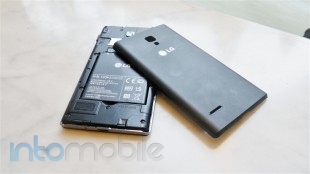
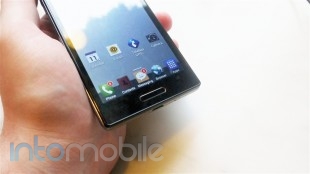
LG Optimus L9 Review for T-Mobile

December 12, 2012 by Blake Stimac - 15 Comments

It should be pretty easy to see that LG has been on a tear with its latest Android devices this year. From its newest flagship phones like the Optimus G, and the slightly more recent Nexus 4, LG has produced some of the best high-end devices of the year. That said, LG hasn’t forgotten the mid-range…

Read more
The Good
  • Simple and understated design is easy on the eyes
  • Nice in-hand feel
The Bad
  • Design might not pop enough for some
  • Camera could be better

Hardware

The Optimus L9 doesn't try to be anything it's not, and we like that about the handset. It's not the most powerful handset in the world, but what it does do, it does nicely.

The specs for the Optimus L9 run pretty well for a device in its range. The L9 rocks a 4.5 inch qHD display, 1GHz dual-core TI processor, 1GB of RAM, 5 megapixel camera, VGA front-facing camera, microSD card slot, and Android 4.0 Ice Cream Sandwich.

The face of the device is pretty much what you'd expect to see in most handsets today. Up top, you'll find the ear piece, front-facing camera, proximity and ambient light sensors, as well as LG and T-Mobile logos. Below the display, LG has taken a similar route to what you see on something like the Galaxy S III, which is adding in a dedicated home button to the device and placing two (back and menu) capacitive keys on both sides. The physical home button itself is lined with a small chrome accent that's very subtle. This chrome accent, although thicker in size, is also found along the perimeter of the device, too.

The sides of the L9 are quite bare, leaving only the necessities. On the left, you'll find the volume rocker, the bottom sports the micro USB charging port, the right has the power-lock switch, and the 3.5mm headphone jack finds home up top. The back, all done up in a nice, slightly-textured for grip, soft touch finish, is rather sparse as well. Here you'll only find the 5 megapixel camera with LED flash, LG's chromed-out logo, and speaker grill.

Design

LG's design aesthetic has long been subtlety, which hasn't always worked out. Sometimes an understated design can read as boring to people, but I've got to say that I'm a fan of these types of designs. Clean lines and small accents go a long way, and you'll find these here in the L9.

At this point, I'd call LG the king of subtlety with its designs, and I don't think that's a bad thing at all.

Software

Along with Android 4.0 Ice Cream Sandwich, the Optimus L9 is skinned with LG's Optimus UI, which is still one of the most toned-down custom user interfaces we've seen. While some may prefer stock Android ala Nexus, the Optimus UI is one of the more livable, as it doesn't throw too many unnecessary customizations at the user.

The standard homescreen layout looks like just about any Android you've seen before, with a few LG touches thrown in. Tweaked icons and a different placement for the 'all apps'  icon, which is on the right side of the dock, just to name a few.

You'll also find a small selection pre-set themes for the homescreen, and a quick way to edit how many homescreen panels. Other Optimus UI tweaks include a set of notification toggles that you can edit right from the panel, allowing you access to your most frequently used toggles without having to sift through ones you don't use.

One interesting feature that we really like on the L9 is Quick Memo, which is an easy way to take a screenshot of whatever is on your screen and quickly edit or share it. Enabling the feature is as easy as pressing both the volume up and down keys at the same time from any app on the phone. From there, you can choose if you'd like to draw on the captured screen or quickly jump to a notepad-looking screen. You'll also have the option change the pen type and ink color of the memo. After you're done with the memo, you can either save it to your gallery or send it via any application that utilizes Android's sharing API, which is pretty much everything.

Like most Android phones today, the Optimus L9 is littered with bloatware, and it has little to do with LG. Most applications that you'll likely never use are from T-Mobile, but you can easily disable these applications from showing up in your app drawer in the settings menu.

There's a lot to like about the Optimus UI, and of course, there's always room for improvement. Luckily, the updated Optimus UI found on the Optimus G is pretty delightful, and we hope to see it make its way to the L9 in a future update.

Web Browser, Multimedia And Camera

Camera

The camera on the LG Optimus L9 could be better, but that's a saying you hear on just about any mid-range device. Still, that doesn't mean that the handset isn't capable of taking completely acceptable photos, which it can. Many times, the resulting pictures dramatically differed from what was showing on the viewfinder, and always for the better. Low light performance was a bit underwhelming, but the LED flash helps a lot. The flash itself isn't too bright, so you won't need to worry about washing out your subjects with a blinding light in photos.

The camera software is a nice experience, and lays out your basic features along the left side of the viewfinder, and it's easy enough to dig into the settings to go deeper. A notable feature is voice shutter, where you can say, "cheese" in order for the camera to take a photo. This can come in handy if you're trying to take a group photo while you're holding the phone away from you.

Call Quality And Battery Life

T-Mobile's service here in San Francisco is pretty darn solid, so I wasn't surprised when calls made with the LG Optimus L9 came out loud and clear, with no interference on either side.

Battery life was also a pretty nice experience, and the 2150 mAh battery is responsible for that.  I easily managed to squeeze out a full day of juice from the battery, but as you might have guess, results will likely vary depending on how you use your phone. With WiFi on constantly, the screen fully illuminated, and after some light gaming, the battery drain was more noticeable, but didn't have be running to my nearest charger.

The Final Take

There's a special place for the likes of the LG Optimus 9. It seems too easy to come out with a crappy mid-range handset, which is why it's refreshing to see a phone that does exactly what it promises to do, without an over-bloated UI or poor performance. The L9 is a solid handset for the mid-range market that performs servicably. Of course, if we could, we'd attempt to sway you to a device like the Nexus 4, but the L9 should prove to be a good first-time smartphone, or for someone who wants a smartphone and wants to do some light gaming, without breaking the bank.

At $249 off contract from T-Mobile.com, or free with a new contract, the LG Optimus L9 is a good choice for a mid-tiered handset on the carrier.

HTC Droid DNA Review: HTC’s comeback kid or just another big phone?

December 7, 2012 by Kelly Hodgkins - 14 Comments

HTC introduced the Droid DNA, a flagship Android handset that recently hit Verizon Wireless with an eye-popping 5-inch, 1080P display.  No slouch on the inside, the Droid DNA also includes a 1.5GHz quad-core Qualcomm Snapdragon S4, 2GB of RAM and 4G LTE connectivity. After last years disappointing HTC Rezound, is HTC ready to make a comeback with…

Read more
The Good
  • High-res display is perfect for movies, smooth text
  • Curved glass screen is smooth and responsive
  • Excellent build quality, not plasticky like other Android phones
The Bad
  • Battery life is mediocre
  • Only 11GB of usable storage, with no microSD expansion
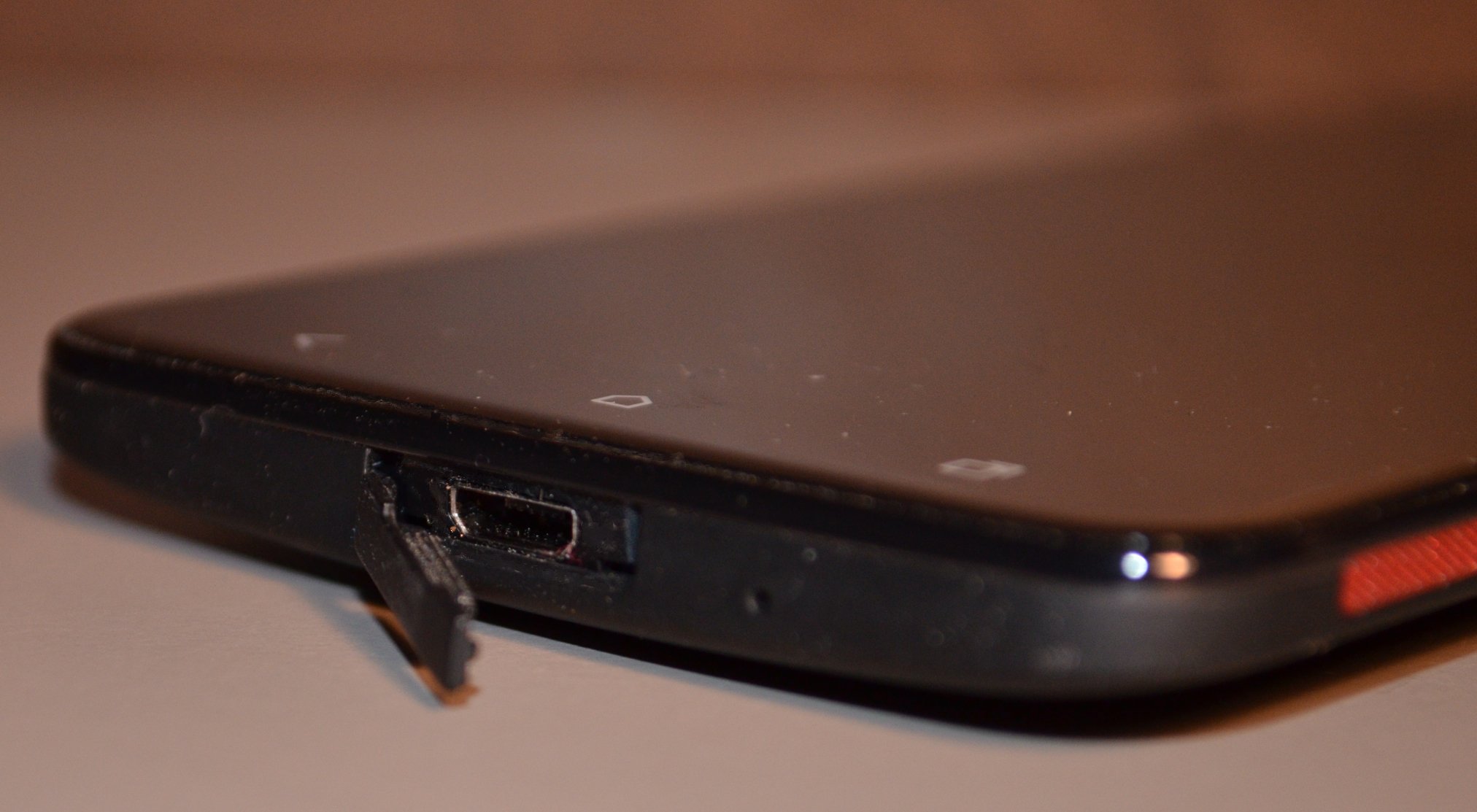
  • Some odd design decisions like a hidden LED notification and difficult microUSB cover

Hardware

The Droid DNA is at the top of its class when it comes to hardware specs. The DNA ships with a 5-inch, 1080p Super LCD 3 screen that has an impressive 441 pixels per inch. It beats the 326 ppi Retina display of the iPhone 5 and the 306 ppi of the Galaxy S III.  On paper, it is the best display offered on any US smartphone.

The Droid DNA uses the same quad-core, 1.5GHz Snapdragon S4 processor and Adreno 320 GPU that LG uses in its Optimus G and Nexus 4 phones. The DNA ships with 2GB of RAM and 16GB of onboard storage (11 GB user available). There is no microSD slot, so you can't expand beyond the 11GB, which could be a problem for media-hungry users that need the extra space.

On the back of the handset is an 8-megapixel camera with an f2.0 lens, autofocus, stabilization and an LED flash. You can't see it, but the back also houses an LED that's used for notifications. It's an unusual location for an LED, but it works to alert you when you have the phone facedown on a table. HTC also squeezed in a speaker at the bottom of the rear cover.

On the front is a 2.1-megapixel webcam capable of capturing 1080p video at 30fps and a speaker used for listening to phone calls. Instead of physical buttons, HTC placed three touch-sensitive buttons just underneath the display.  Connectivity options include 4G LTE, Wi-Fi 802.11 a/b/g/n, Bluetooth 4.0 with A2DP and NFC. The DNA also features Qi wireless charging technology, but you need to purchase a charging pad for the system to work.

Design

The Droid DNA is a lightweight phone that is longer than it is wide. It's not as chunky as the Samsung Galaxy Note II and feels a lot like the Galaxy S III. The thin profile makes the handset easy to hold, even though its display measures a hefty 5-inches. The front of the handset is adorned with a curved glass display that is smooth to the touch and the back features a grippy, black matte battery cover. Buttons on the front are touch-sensitive and include home, back and multitasking. This multitasking button launches HTC's custom multitasking UI from anywhere in the OS.

Even though the phone has a nice fit and finish, HTC did make a few odd design decisions that detract from the overall experience. First, it includes a front and back LED notifications. The back LED is great when the phone is placed facedown on the table, as long as you don't enclose the handset in a case. Once you slap a case on the phone, the back LED is hidden. HTC did include a front LED, but it is small and located under the front speaker grille. The notification flash is barely noticeable during the day and only slightly better at night. This is a big detractor for folks who like to set different color LEDs for different alerts.

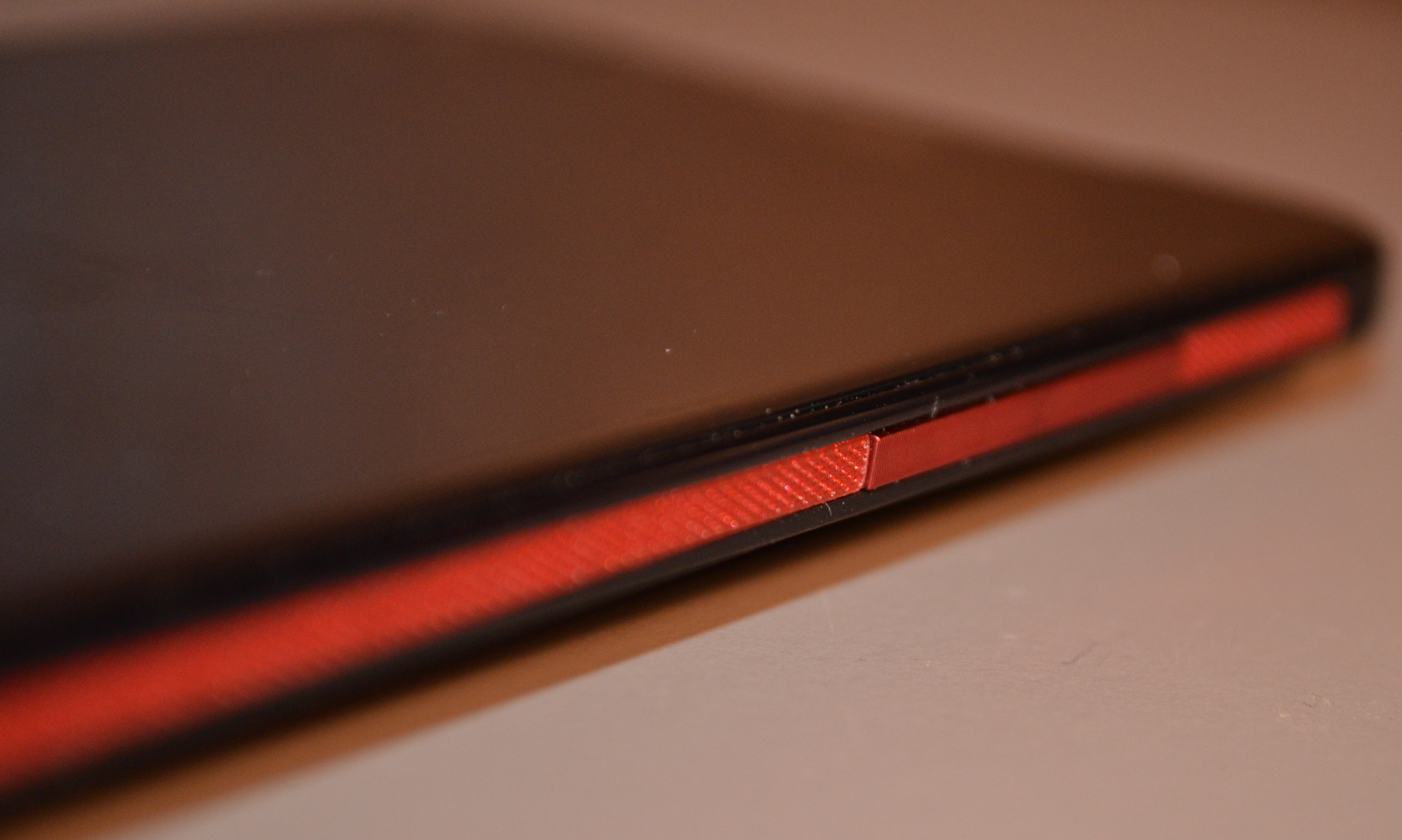
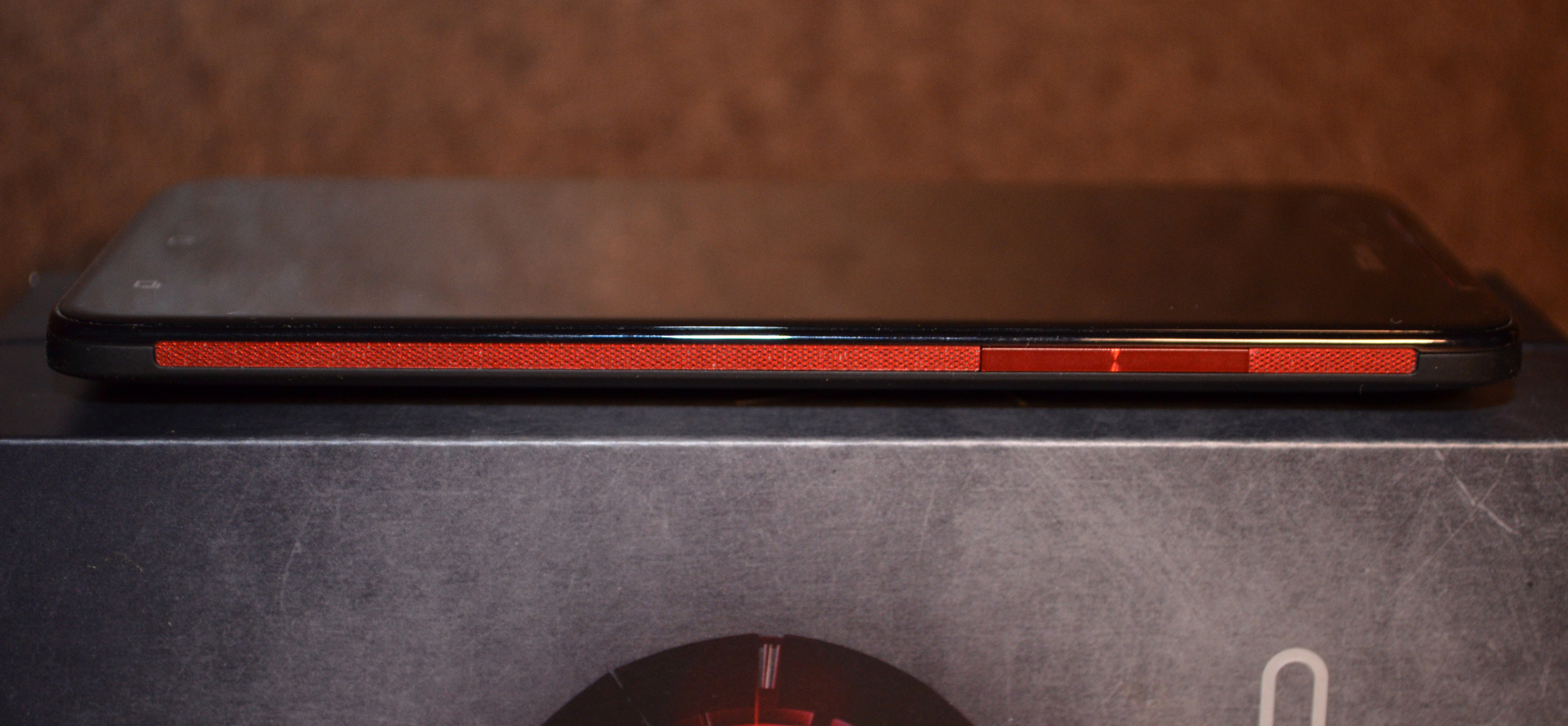
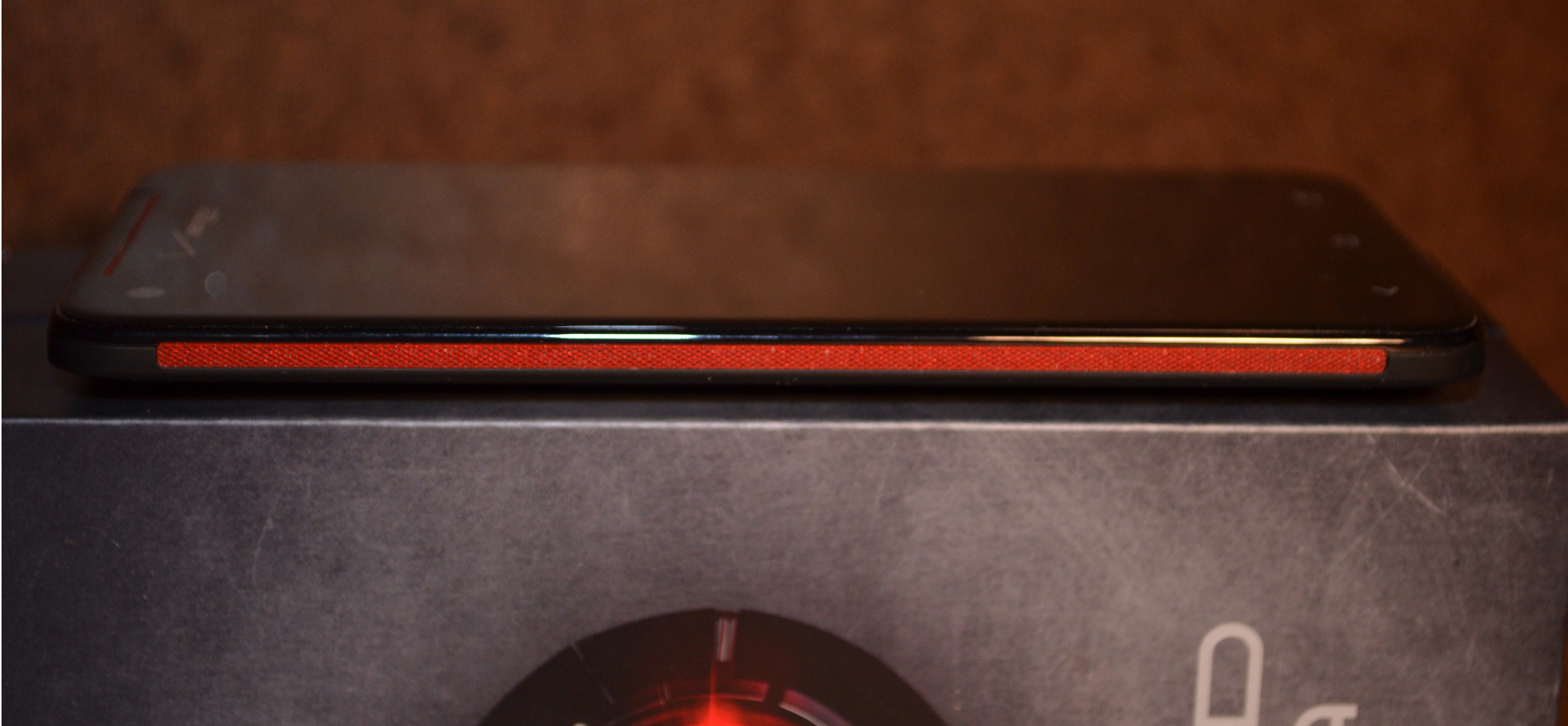
Also, HTC placed the power button at the top of the phone and installed it so that it is flush with the case. This makes it hard to reach  when you are cradling the phone in your hands. I prefer to have the button on the side, so I can hold the phone and toggle the screen on and off without having to re-adjust my fingers. The volume button on the side is also flush with the case and difficult to find with your fingers when you are not looking at the phone. It is also a solid slab and doesn't include any markings to indicate volume up or down. You are forced to feel around for the right spot that'll adjust the volume.

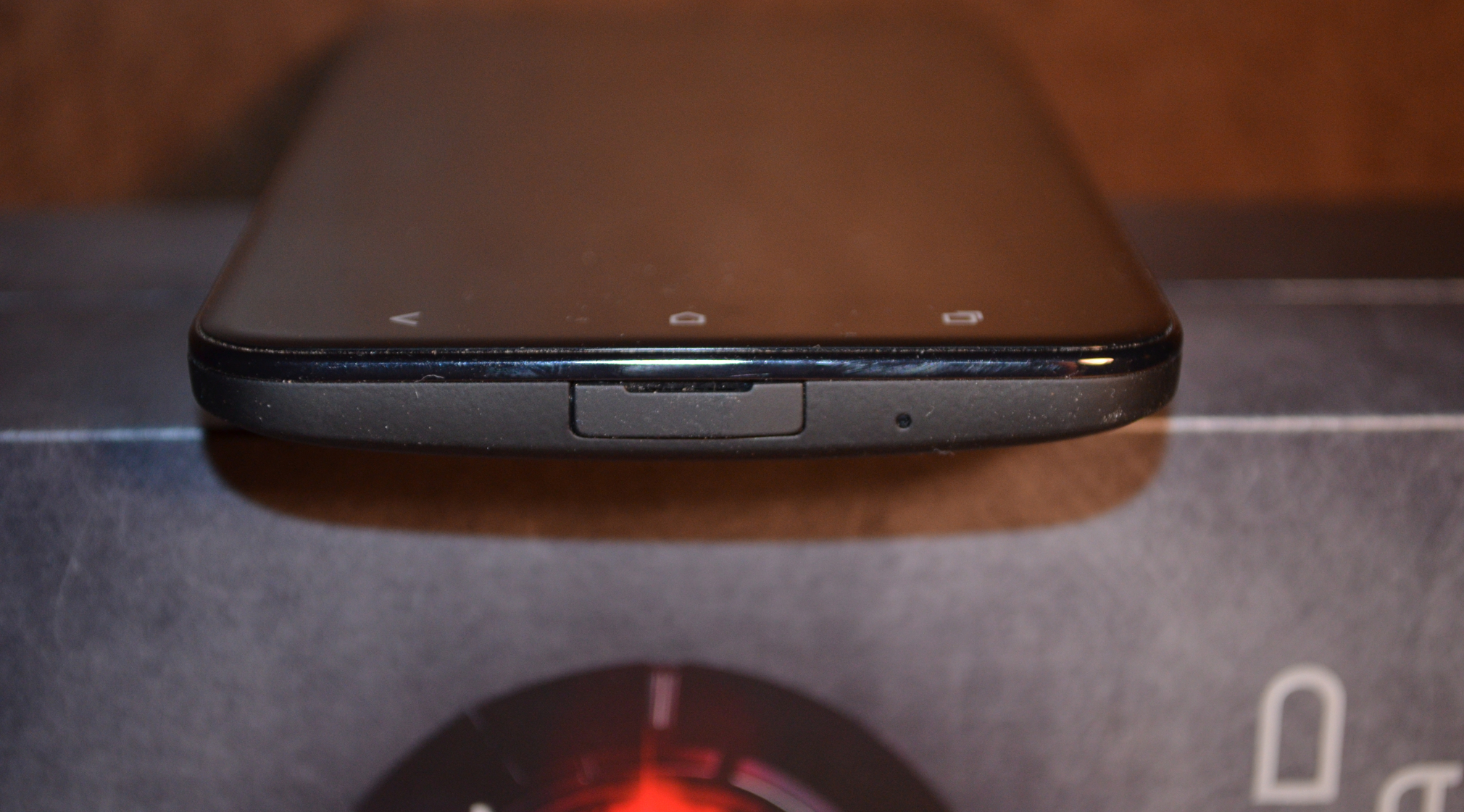
My biggest design gripe, however, is the flap that covers the microUSB port. The flap is difficult to pry open, difficult to push back in and is not very flexible. This means you have to fight with it every time you need to charge or sync your phone. Since you have to charge this monster of a phone every day, you may find yourself ripping off the cover out of frustration. Speaking of charging, I should also note that HTC decided to go with a non-replaceable battery on the Droid DNA. Android users who are accustomed to swapping out batteries may not agree with this decision, while former iPhone owners will feel right at home.

Build Quality

The Droid DNA has an excellent build quality. It is lightweight, but solid. The back cover has a nice, light rubbery coating and the phone is not plasticky like the Samsung Galaxy S III or the Galaxy Note II. The buttons are solid in their slots and don't wiggle. The best part of the phone is is the curved front glass which is a dream to use.  The subtle tapering of the screen allows your finger to slide easily across the display, giving the phone a smooth feel that you don't get on a handset with a flat, glass screen. The screen was resistant to scratching, but I tend to be careful with my phones. If you baby it, you will likely avoid deep scratches. If you're unsure, then drop $20 on an InvisibleShield and give yourself some piece of mind. I did not drop the phone during testing, so I can not comment on the impact resistance of the front glass panel.

Software

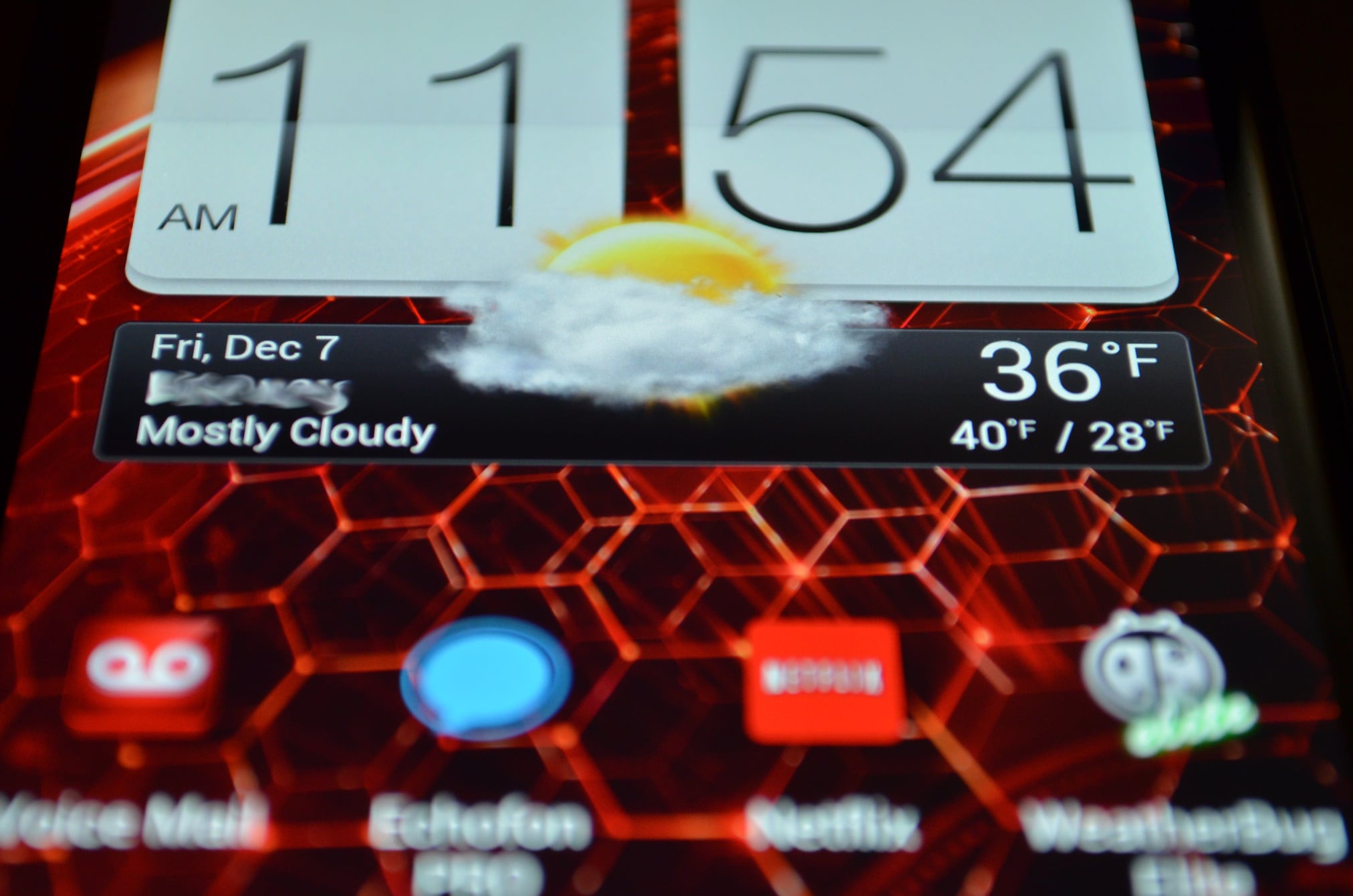
The Droid DNA ships with Android 4.1.1 Jelly Bean overlayed with HTC's Sense 4. It's the same UI we have seen on other HTC phones, with a handful of customizations from Verizon Wireless. Sense leaves its mark throughout Android with its own lock screen, custom home screen, distinct app drawer, and a totally revamped multitasking system that has a dedicated button on the front of the handset. Accessing the widgets is also different in Sense -- instead of opening the settings like you do on recent versions of Android, you add widgets by long-pressing on the home screen.

The most prominent change on the Droid DNA is the tight integration of Amazon into the handset. Unlike other Android handsets, the Droid DNA includes a single sign-in option for Amazon that lets you add your Amazon account credentials into the settings and use them across multiple apps like Amazon Mobile. The phone comes with Amazon Mobile, Kindle, Amazon MP3, IMDb, Audible and Zappos apps pre-installed on the handset. End users can only uninstall updates and can not remove these apps from the phone.

Besides the Amazon software, the Droid DNA includes Verizon's ringtone app, Voice Mail,  My Verizon Mobile, and VZ Navigator. And if that wasn't enough, the handset also has Slacker Radio, Reign of Amira, and NFL Mobile. Unless you install a custom ROM like CyanogenMod, you are stuck with this bloatware on your phone.

Web Browser, Multimedia And Camera

Camera

The Droid DNA pushes the envelope for camera phone technology in the Android platform. The handset features an 8-megapixel shooter with autofocus, LED flash, and the ability to take simultaneous photos and videos. It's not DSLR quality yet, but it does rival most of  your $200 point-and-shoot cameras.

Outdoor photos were sharp and color reproduction was good, with just a hint of over saturation. Indoors, the sensor did a good job handling low-light with a barely perceptible amount of grain and noise in the photos. The LED helps to compensate when light inside is not adequate, but like most smartphone flashes, you tend to get some overexposure, especially on close subjects.

Video recording is supported at 1080P and the quality was impressive. Autofocus was good on moving subjects and exposure adjustment was prompt when moving from a shady to sunny areas. The only stuttering was when I panned too quickly, but this is a common limitation seen in other smartphones and low-end point-and-shoot cameras. Mobile photographers will appreciate the camera software, which is filled with options for both manual and automatic settings.

Call Quality And Battery Life

Like most new phones, voice calls to landlines and mobile phones was crisp and clear. Callers couldn't tell that I was on a mobile phone and the phone did a good job minimizing background noise. Call volume was good when using the phone and the speakerphone was loud enough for use in a car or quiet room. Connectivity was top notch with LTE downloads in the 13Mbps/7Mbps range and 3G speeds of 1.3Mbps/950Mbps. Data connections were solid and I only experienced a few lags in the connection which were hardly noticeable.

Battery life was good on the Droid DNA, but not great. The handset lasted 5 hours and 28 minutes when I played a looping video at 50% brightness. In real life, the phone lasted a work day under moderate usage, but a mid-afternoon power charge was needed when I used the phone heavily. I found that the more I used the screen, the faster the handset drained. When I added in other services like Bluetooth and GPS when driving, I accelerated the battery drain even further.  The DNA has a 2,020mAh battery that cannot be swapped or replaced. Plan on plugging in the handset when driving long distances or carrying around an external battery pack if you are going to be away from a power source for more than a day.

Conclusion

The $199 Droid DNA revealed itself to be worthy of its title as HTC's flagship Android phone.  The 5-inch, 1080P display is gorgeous and performance from the quad-core processor is rock solid. The camera is top-notch and the wide-view feature may be attractive to photographyy enthusiasts.  I found only a few things wrong with the phone, and those were primarily design decisions like putting in a small LED and a flush power button on the top of the phone. These quirks are often bothersome for the first few days of using a phone and then you get used to them.

The closest competitors to the Droid DNA are the Samsung Galaxy Note II and the Galaxy S III. Both handsets offer robust sharing features and extras like the S-Pen in the Note II and advanced gestures in the S III that let you really customize your phone. The pair also offer removable batteries and microSD expansion. It comes down to personal preference when deciding between the trio -- the DNA has a beautiful high-resolution screen and a quad-core processor, while the Note II and S III offer more tweaks and customizations for the user. It is a toss up between the three phones and I recommend checking out the trio in a Verizon store before buying one on a two-year contract.


LG Nexus 4 Review

December 5, 2012 by Blake Stimac - 6 Comments

In a time of custom user interfaces, carrier bloatware, and delayed updates, the fragmented world cried out for a pure Android experience phone. It was Xena Nexus that was born to save the day, and the latest iteration of the handset family, the Nexus 4, is better than ever. The Nexus 4 shares the DNA…

Read more
The Good
  • First stand-out Nexus handset since the Nexus One
  • Sleek, stylish, and understated design
  • Significantly better camera over the Galaxy Nexus
The Bad
  • Android 4.2 can be pretty buggy at times
  • Glass on both sides is beautiful, but can be fragile
  • Fingerprint magnet

Hardware

Sharing virtually every component  found in the LG Optimus G, the Nexus 4 is a powerful piece of hardware that's sure to please any Android fan who is sick and tired of custom user interfaces or just wants to make sure they are running on the latest version of the OS without having to wait too long.

The face of the Nexus 4 is about as clean as any Android handset can get, and this is mainly due to the lack of capacitive buttons below the display. As we can expect from any Nexus handset going forward, the Nexus 4 utilizes on-screen buttons for navigation, leaving the face solid black without interruption.

The 4.7 inch True HD IPS Plus display is the main attraction here. It's easily one of the best displays we've ever seen on a smartphone, offering up an incredibly crisp and colorful experience. In our opinion, there are few rivals to this display.

Above the display is exactly what you'd expect: You've got the ear piece, proximity and ambient light sensors,  and front-facing camera. Below the display, you might be happy to see that there's a notification LED in the same place found on the Galaxy Nexus. The fully customizable (via apps like Light Flow) LED is smack dab in the middle, below the display. It's slightly smaller than the LED on the Galaxy Nexus, but it's not something to really complain about.

Both sides of the Nexus 4 are covered in Corning Gorilla Glass 2, making the device's in-hand feel top-notch. The edges of the front glass panel are slightly curved, which isn't the first time LG had chose to do something like this. It reminds us of the Optimus 2X, but the effect is more subtle. Surrounding the curved glassed edges is a dark metallic strip, which just adds to its modern look. While we do like the two panes of glass on the Nexus 4, fingerprints will easily show up on the phone.

The sides of the device are kept rather clean and are done up in a nice soft-touch finish. About half way through the, the sides become angled, allowing the device to be held more comfortably. The left side of the device houses the volume rocker, the right is where you'll find the power/lock button, the top has the 3.5mm headphone jack and noise-cancelling microphone, and the bottom houses the micro USB charging port.

Despite its sleek design, the Nexus 4 is a monster internally. As you'd expect, the Nexus 4 essentially shares the same innards as the Optimus G. This includes the Snapdragon S4 Pro, and 2GB of RAM. You can also expect to see the standard WiFi, Bluetooth, GPS, NFC, and other radios found in a modern smartphone today.

Design

The Nexus 4's design is every bit as delightful as the Optimus G. While the Nexus 4 may be its own beast, most of its design is rooted in LG's latest flagship device, and that's a very good thing.

The Nexus 4 is essentially a LG Optimus G that's been tweaked, ever so slightly to fit the Nexus aesthetic.  The sharper corners found on LG Optimus G are gone, leaving the overall look of the Nexus 4 to look very similar to the Galaxy Nexus.

One of our favorite design elements of the Nexus 4 is the Crystal Reflection backing that's also found on the LG Optimus G. LG's patented method shows a pattern underneath the glass panel that responds to light, making the pattern change at different angles. It's a nice touch, and if you were concerned about the back of the Nexus 4 looking to flashy, don't. It's significantly less flashy in person.

Build Quality

The Nexus 4's build quality is both a welcomed addition and a worrying one, at the same time. While Android devices have long needed build materials that aren't made of plastic, the Nexus 4 fulfills the promise of a sexier, yet more fragile build quality.

While the handset is done up in Gorilla Glass 2 on both sides of the device, it still doesn't mean that it can't break. It's glass. There have already been a few incidents with some people dropping the handset, leaving a cracked back panel.

If you're clumsy with your phones like I am, you might want to get yourself a case. While Google offers up a bumper case for the Nexus 4, it might not save the handset from complete annihilation, but it does give the handset a better grip on surfaces.

Software

The Nexus 4 ships with the latest version of the Android operating system, which shouldn't come as a surprise. Android 4.2 is an incremental update that adds in some much needed and some (in my opinion) unnecessary features along the way. It's still Jelly Bean, so there's no new dessert to hear of at the moment, and we're betting that Google is saving the likes of Key Lime Pie for the next I/O conference in 2013.

Here are some highlights of Android 4.2:

  • Security - One nifty feature that we're glad to see Google include is this version is some strengthened security. The new security system even extends to side-loaded applications, which are scanned immediately upon installation.
  • Keyboard - The new Android 4.2 keyboard includes a gesture-based typing method, much like Swype. However, as you're swiping your finger around the screen, the predicted word follows your finger and keeps guessing what word you're trying to type. It might sound intrusive, but it works well.
  • Widgets on the Lock Screen - This is probably one of my least favorite features, but some will love it. Google has given users the option to add widgets on the lock screen. Yep. That's about it. At the moment, applications with widgets need to be updated for compatibility. The feature itself feels a little under cooked, and while it will likely get better over time, it's a feature I'll likely never end up using daily.
  • Daydream - Yet another seemingly useless feature, Daydream is essentially a screensaver for your Android device. Sure, it's definitely nice to see pictures or news feeds glide across your screen when it's charging, but I've found that the battery level essentially remains stagnant with my use of the feature, especially when I was using a wireless charger.
  • Miracast support - Android 4.2 introduces wireless display support via Miracast. Unlike DLNA, Android 4.2 allows wireless devices to directly connect to each other and share content from your tablet or smartphone to supported devices.
There are many more tweaks here and there in Android 4.2, but nothing is really going to blow your socks off (you're likely going to have to wait for Key Lime Pie for anything really exciting). Probably one of my biggest gripes about Android 4.2 is that it can be pretty buggy. Luckily, Google has been pushing out the Android 4.2.1 update to device, which should ease most of these woes.
Overall, the software experience is still very much Jelly Bean, but I personally believe that this update could have waited. Sure, I get that Google wants to ship Nexus devices with the latest and greatest version of Android, but 4.2 feels like it was both rushed and unnecessary in some areas.

Web Browser, Multimedia And Camera

Camera

If you're coming from the Galaxy Nexus, you might just cry a tear of joy, as the camera on the Nexus 4 is significantly better. The same shooter found in the AT&T Optimus G, the Nexus 4 can take some stunning shots. Photos can come out a bit over saturated, but it seems to work in its favor a lot of the time. One of our complaints has to do with the flash, and some flash it is. It's simply too bright. Many photos come out very washed out if too close, so it's best to give your subject some distance. Again, if you're coming from the Galaxy Nexus, it will look like the best washed out picture you've ever seen.

Google has updated the camera software rather dramatically, and we're not sure how we like it. The camera UI is hidden until you touch the screen, where you'll then be presented by a set of options surrounding a circle. The idea is to slide your finger to the option you want once the screen is touched, but I've found this to be more of a nuisance than anything. Luckily you can avoid this this method of navigating through the camera software by tapping the circle on the top right of the viewfinder.

Android 4.2 introduces native HDR photos, and many new editing features and filters right in the camera app, which are all very welcomed additions.

As you can see below, the camera can make some photos come out pretty dark, but low-light photos came out surprisingly well at times.

Call Quality And Battery Life

On T-Mobile's network, I had no issues with calls whatsoever. T-Mobile's services is pretty great in most areas here in San Francisco, but your experience may vary. Since this is a pentaband device, you can also bring the Nexus 4 over to AT&T and use its HSPA+ network.

Battery life seems to be a mixed bag on the Nexus 4 but it's become better as time has went on. The handset should indeed get you through the day -- it just might need to go through a few battery cycles first.

The Nexus 4 also supports Qi wireless charging, and works very well with LG's Qi Wireless Charger, which is one of the cheapest you can find right now. We know that Google will release its very own Qi Charging Orb, but it could still be a while before that happens.

No Lte! Omg $@#%

This is a tricky area for a lot of people, but it wasn't for Google. Many have said that the lack of LTE is a deal breaker for the Nexus 4. As far as I'm concerned, it's not much of an issue for me. Testing the Nexus 4 out in San Francisco, I was able to get 22Mpbs easily in some areas of the city and I'm sure it's faster in other parts. LTE is fast, but it's not global, and the fact of the matter is that Google wanted this to be a phone that has the widest spread compatibility out there.

If the lack of LTE is a deal breaker for you, then you might be better off grabbing the Optimus G itself, which is available on AT&T and Sprint. If that's not good enough, then you can cross your fingers that Verizon will eventually release the Nexus 4 with LTE -- that will stay behind on Android updates and ship with bloatware. So, there's that.

The Final Take

We've already put the Optimus G through its paces and walked away incredible impressed with what LG has achieved. Now its brought all the best features of its flagship device to the newest Nexus handset, and it's exactly the phone I was hoping for to replace my Galaxy Nexus. With a blazing-fast processor, significantly better camera, great design, and insanely cheap price point, there's not much of a reason to hold on to the Galaxy Nexus if you have one in your pocket now.

I've been a long time fan of LG and have owned many handsets produced by the company, but the Nexus 4 (and Optimus G) shows that it's found a winning formula. From the beautiful True HD IPS+ display to the great in-hand feel and Crystal Reflecting pattern on the back, LG is back like never before.

Android 4.2 brings some nifty features along the way, but it's not going to be the driving force for anyone to get the Nexus 4. You can get the same experience on the Galaxy Nexus. The Nexus 4 is all about the hardware. We knew LG was going in the right direction with the Optimus G, but Android fans finally have a Nexus handset that is as exciting as the original.


LG Spectrum 2 review

December 4, 2012 by Charles West - 5 Comments

The Holiday Season is here, and as usual, Verizon is prepared to offer shoppers cheap and affordable alternatives compared to all of its competitors. Last month, Big Red introduced the LG Spectrum 2 to grab the attention of potential customers looking for a budget-friendly mid level 4G LTE smartphone on its impressive cellular network that…

Read more
The Good
  • Solid hardware
  • Verizon LTE data speeds
  • Wireless charging
  • "Say Cheese!" voice shutter
The Bad
  • Power button inconveniently placed
  • Hardware design is uninspiring
  • LG's custom UI

Hardware

The hardware on the LG Spectrum 2 is pretty solid. If you’re thinking of buying this phone you’ll find that it isn't built mostly of flimsy plastic-like materials (ahem, Samsung). Instead, what you will discover is the phone carries more durable plastic that feels good in the hand. For example, the back cover of the device has a harder shell that feels like rubber when you touch it. As for the chassis, LG opted to go with either a metal or aluminum material that has made the device more sturdy when holding it in the hand. It’s no question that LG (for the most part) put out a well made phone.

Under the hood of the phone holds some decent specs, including a 4.7-inch 720p display, a Qualcomm 1.5GHz dual-core Snapdragon S4 processor with 1GB of RAM, 8MP rear camera with LED flash, a 2150mAh battery, NFC chip that comes with two NFC Tags, and a microSD card slot for expandable memory.

Unfortunately, the LG Spectrum 2 suffers from the same problem as other low-to-mid range phones, and that’s low-budget quality in certain areas of the handset. The best example of this is the cheap plastic covering the screen -- it’s not a smooth experience. The cover can sometimes cause your fingers to stick to the screen while scrolling, and it makes tapping on apps a chore. It’s understandable because in order for a device to be budget-friendly certain sacrifices in quality have to be made.

Design

The hardware may be solid, but the overall design of the LG Spectrum 2 is uninspiring. It has a well put together brick look, tapered with square corners. However, the handset lacks the same kind of style and flare seen on better looking brick phones like the HTC 8x and Nokia Lumia 920. I also had a couple other issues with how this phone was designed. I don’t understand why LG felt the need to add four touch buttons below the screen, when most feature phones today only have three. The LG Spectrum 2 has a back, home, settings, and multitasking button to pull up previously run apps -- which is totally unnecessary.

My second gripe is where they placed the power button. LG decided to put the power button at the top of the phone in the right corner, which makes it wildly uncomfortable to power the phone off if you’re right handed. I tried different types of judo with my hand, whether it was using my index finger or thumb: it was awkward no matter what. The only positive with the power button is when you press it a blue light circles around it, which is pretty cool. Other than that, you’ll find the speaker on the lower back of the phone along with the volume rocker, USB port, and headphone jack on the upper left corner.

Software

Software is one of the most important aspects of picking a phone. If any of you out there are familiar with my reviews, then you’d know that I loathe manufacturer made custom user interfaces and bloatware (pre-installed apps). In my opinion, these two unnecessary additions both suffocate the stock version OS and lessen the user experience as a whole. Anyhoo, in this case, LG tries to appeal to those with its Optimus UI.
LG’s Optimus UI offers some Samsung Galaxy-like pre-installed features such as Quick Memo, Car Mode and Office Mode. With Quick Memo, you get to screen capture web pages, photos, and videos, so they can then be written and drawn on with your finger or stylus. There’s also LG’s NFC app Tag+, which lets you edit the settings affiliated with the two NFC tags that come with the handset. One tag is designated as “Car Mode” and the other as “Office Mode.” Being that I don’t own a car, I didn't play with this feature at all. However, the settings seemed to be straightforward and easy enough to set up.

Using the phone brought some annoying occurrences, like when I noticed some lag when I quit out of apps. For example, once I closed the Google Chrome browser app the phone had a hard time loading up the apps on my screen. This happened quite a few times. This could be due to LG’s Optimus UI, the bloatware from Verizon, or a combination of both. I also had an issue when I tried to see my notifications in my drawer, as they wouldn't appear sometimes. It was weird. One thing I did like was the Spectrum 2’s awesome water effect when it’s plugged in and being charged. The screen looks like it’s filling up with water.

Besides all the things I've mentioned, there’s nothing mind blowing about the features of the phone, as you’ll see similar things on other LG devices like the Optimus G (checkout our review here) and Optimus L9.

Web Browser, Multimedia And Camera

Web Browser

When you’re using a 4G LTE phone on Verizon you expect blazing speeds. Well, I’m here to tell you Big Red’s LTE connectivity lives up to its hype, as I experience top notch page loads when I browsed the Internet. Testing the network on Speedtest.net, got me insane speed results of 31.44Mbps down and 11.77Mbps up! Browsing the web was more than an okay experience I’d say. I have no idea what’s powering the default browser on the Spectrum 2. My suggestion is to just download Google Chrome and make it the default browser, as it’ll give you a way better user experience anyway.

Multimedia

There isn’t any major multimedia features to boast about here. What you’ll find is your typical music and video player apps, with the addition of a video editing application called ‘Video Wiz’. Video Wiz is an app that lets you put pictures, music or videos together in a short presentation. It’s cute, but don’t expect to get serious video editing work done on it. Video playback on the 720p display was more than adequate for me while I was watching YouTube videos. Speaker quality on the phone is not great, but serviceable.

Camera

While on paper the specs of the camera may be 8 Megapixels, the quality of the shots didn't validate the number. Pictures came out above average when compared to other smartphone cameras, although it’s far from the best I've ever seen. The LG Spectrum 2 didn't handle taking shots well in low light which isn't so much of a surprise considering it’s a mid range device. Colors in pictures taken seem washed out, especially for those indoor shots.
In addition, the camera comes with some minor adjustments and features such as exposure, ISO, and white balance. What I found to be really cool was a feature you can activate that lets you use the voice shutter in a unique way. Before taking a picture, all you have to do is say “cheese!”, and the camera will take a photo without pressing any buttons whatsoever. This is perfect for those of you superficial types who like to take lots of pictures of yourself. Nevertheless, I found the zero shutter to be confusing at times, because it was hard to figure out if I took the picture or not.


Call Quality And Battery Life

Verizon is not only famous for its data speeds but its widespread cellular coverage in the U.S. Again, it’s not much to say here, I had no problems with drop calls nor did I have any wonky issues with reception during conversations. Signal strength was solid as well.
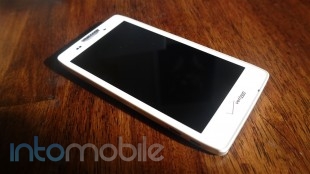
Battery life is above average. The phone has the same 2150mAh battery in it as the Samsung Galaxy S III, so I got a good 24 hours worth of juice out of it. Standby time was awesome, as I remember having the phone sit on my dresser for days at a time without a single charge. LG was kind enough to send its wireless charging plate to me and it made charging much more easy.

The Final Take

Although this may come off as a great deal; priced at $100, I’d be lying to you if I said there wasn't anything better for the same cost or less. It’s the holidays so you’ll be bombarded with deals from many places. Interestingly, Verizon is now selling the Nokia Lumia 822 for $100 and the Motorola Droid Razr M at $49.99. Both phones are good choices. And for that reason I would pass on the LG Spectrum 2 for the handsets I just named.

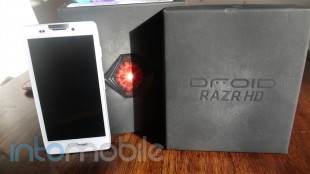
Motorola Droid RAZR HD and Droid RAZR MAXX HD Review

November 13, 2012 by Blake Stimac - 1 Comment

The US likely doesn’t need an introduction to the Droid RAZR line from Verizon, as we’ve seen Big Red push the handsets to no end and have seen multiple devices from the Droid RAZR family come out this year. Now we have two new entries into the club, and they’re both the best in their…

Read more
The Good
  • One of the most solid handsets we've come across
  • Large battery will get you through the day easily
  • Close to stock Android experience
The Bad
  • Design could look a bit underwhelming from many iterations
  • Camera is decent but could be better

Hardware

Since both devices are so similar, we're mostly going to focus on the RAZR HD and add in some details when they become specific to the RAZR MAXX HD.

From top to bottom, inside out, the RAZR HD is a solid device. The spec list runs long and the power underneath the hood of the device should satisfy even the most hungry power users around.

The face of the Droid RAZR HD is exactly what you'd expect it to be. The 4.7 inch Super AMOLED HD (720p) display is accompanied by the Verizon logo below, and the 1.3 megapixel front-facing camera, ear piece, proximity and ambient light sensors, and Motorola's logo above it. Perhaps one of our favorite tweaks we've seen in some of Motorola's more recent phones is the LED notification light that's built directly into the ear piece. The LED is a small line, and not a circle like most notification LEDs that's fully customizable with applications like Light Flow. We suggest you download immediately to give yourself some control of the LED.

The face of the device is covered in a sheet of Corning Gorilla Glass that just adds to the solid feel. A metal strip lines the sides of the device, adding in another element to emphasize its strength. The top of the handset is where you'll find only the 3.5 mm headphone jack, the right houses the power/lock button and volume rocker, and the left side has the micro USB and micro HDMI ports, and a place to pop in the micro SIM and micro SD card via a small (provided) pin. The bottom the the Droid RAZR HD is clean, with the exception of two exposed screws, which is something we've seen recently on the Optimus G.

The back side of the handset is your standard Motorola affair, of which we take no issue with. Covered in Kevlar, it's easy to see Motorola's choice to make the device as strong as can be. You'll also find the 8 megapixel camera with LED flash, speaker grill, along with another set of Motorola and Verizon logos.

Internally, the Droid RAZR HD is a beast with its 1.5GHz dual core Snapdragon S4 CPU and 1GB of RAM. While the new trend in specs is leaning towards  quad-core CPUs and 2GB of RAM, Motorola could indeed make up for that in the customers eyes by making what's quite possibly the most solid device we've ever touched.

Design

There's nothing and everything to see here, as the new RAZR handsets look similar to what we've seen in previous devices. That said, the industrial design of these handsets are pretty easy on the eyes.

Droid handsets have usually veered away from elegant designs in favor of masculine ones. This doesn't seem to be a problem with the ladies, though, as I've seen quite a few women rocking Droid RAZR handsets. The design is a nice combination of what a Droid device should look like, while maintaining a look that everyone can enjoy.

Build Quality

The in-hand feel of both devices is superb. Between the solid glass panel on the front and the Kevlar backside, the Droid RAZR HD feels like you're wearing some brass knuckles in you hand. It's just that solid.

This is easily the strongest handset we've ever come across, and easily challenging anything HTC has put out in the build department (but not design and style). Nonetheless, if strength is what you're looking for, then you have an option that likely will stay on the top of the smartphone pile in the build quality department for a very long time.

Software

The software experience on the RAZR HD is fairly close to stock Android, with just a few customizations sprinkled in. We love the quick toggles screen that is accessible by swiping to the left on the main homescreen panel, and the clock widget that provides relevant information like battery status, weather, and more.

We're more than impressed that Motorola has comes this far in terms of its software, even though Google likely had a large hand in scaling it back. That said, Motorola's software was leaning towards stock Android anyway, and it's definitely welcomed.

One minuscule downside is that you'll find Verizon bloatware littered throughout your app drawer, but we had no trouble disabling these applications in the settings.

Web Browser, Multimedia And Camera

Camera

Historically never a strong suit in Motorola handsets, the camera on the Droid RAZR HD is a weak point. However, it's miles better than the mess of a sensor that was put into the likes of the Atrix 2 and other devices.

Although the camera ( including the physical sensor itself and the rather bad software that hasn't changed in a very long time) isn't the best experience, it's not completely inept. In great lighting conditions, the RAZR HD is capable of taking completely acceptable photos for MMS and sharing to social networks, but they just aren't going to be a quality that would make you want to print them out. But there are a few gems that are great.

The RAZR HD can take some nice photos, but one of the main issues we had in our testing were photos that came out significantly darker than they should be. Check out the samples below.


Call Quality And Battery Life

Call quality on both handsets was great and that's thanks to Verizon's network. Calls were loud and clear on both ends, with no interference or degradation at all. If you remember to use the devices as a phone, you shouldn't have any troubles in the call quality department.

Even without the extra 770mAh battery found in the RAZR MAXX HD, the Maxx-less RAZR HD should definitely satisfy many users. With most newer Android handsets just barely passing the 2000 mAh battery threshold, an average user may not even need the extra battery the MAXX HD provides. It will really come down to how often and heavily you use your phone and if the extra 770 mAh is worth another $100 for you. Either way, battery life is going to be exceptional on both of these devices, even with LTE.


The Final Take

If you've been interested in the Droid RAZR lineup but have yet to jump the shark yet, this would be the time to. Both the Droid RAZR HD and MAXX HD are solidly built handsets that will be able to take a beating that's well beyond normal wear and tear. It seems that way, anyway. Couple that with a nice display and snappy processor and you have a phone that is going to impress a lot of people.

The software experience on the handsets is so close to stock that it's almost disappointing that Motorola added in the customizations that it did. Still, it's really hard to complain about. Motorola is smart to move away from heavy customizations and it's something we wish other handset-makers would follow suit with. We know that won't happen, though.

Even with some concerns with the camera, there's just too much to like about both the Droid RAZR HD and Droid RAZR MAXX HD to not consider them.

With an all day battery life and some high-end specs, these are by far the best iterations of the Droid RAZR family ever.


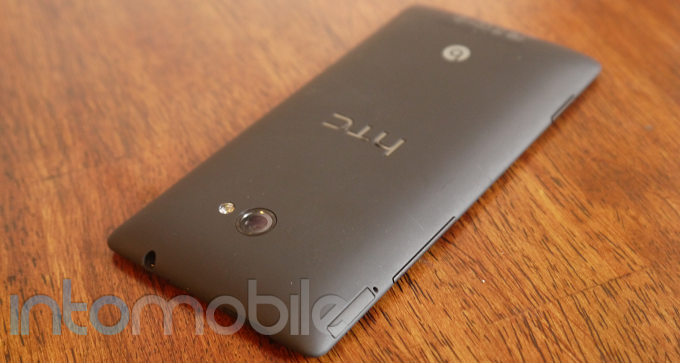
HTC 8X Review – HTC finds a winner in Windows Phone 8

November 8, 2012 by Blake Stimac - 12 Comments

Windows Phone, whatever your opinion is on the operating system, certainly isn’t without its fair share of nice hardware. While the first line of devices failed to make a splash, the likes of Nokia and its Lumia line gave the world handsets to look at with refreshing designs that complimented the Windows Phone user interface…

Read more
The Good
  • Solid in-hand feel
  • Snappy Qualcomm CPU
  • Windows Phone 8 brings some simple but much needed features to the table
The Bad
  • Design is unique, but still similar to what's available already for Windows Phone
  • Windows Phone has a ways to go until it can compete with iOS/Android

Hardware

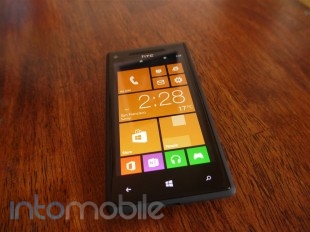
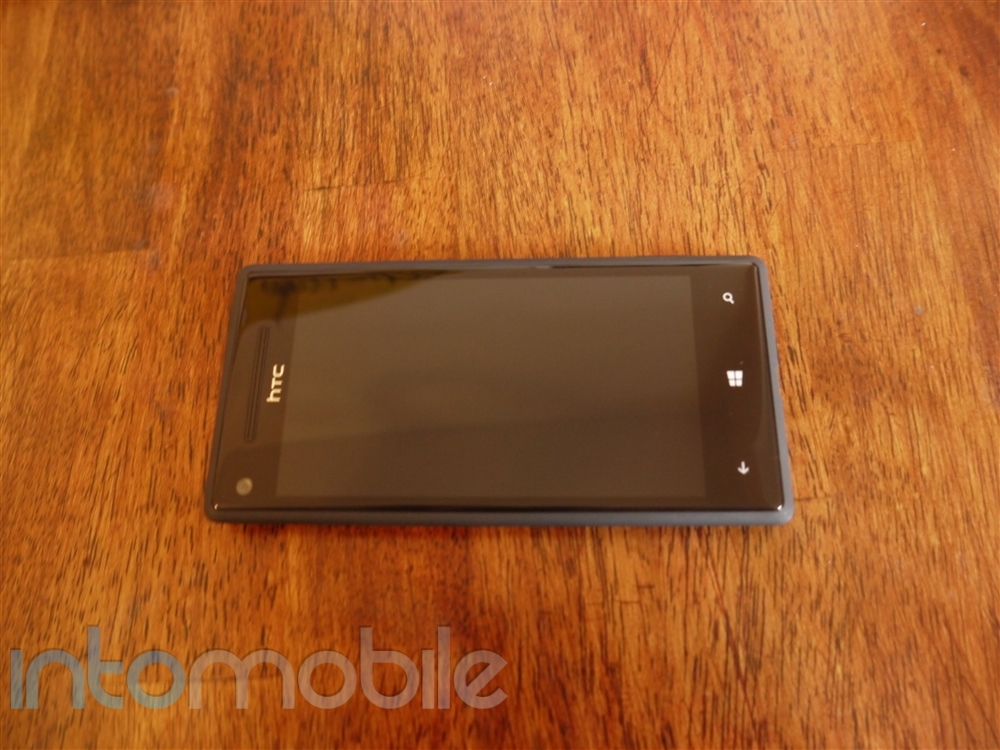
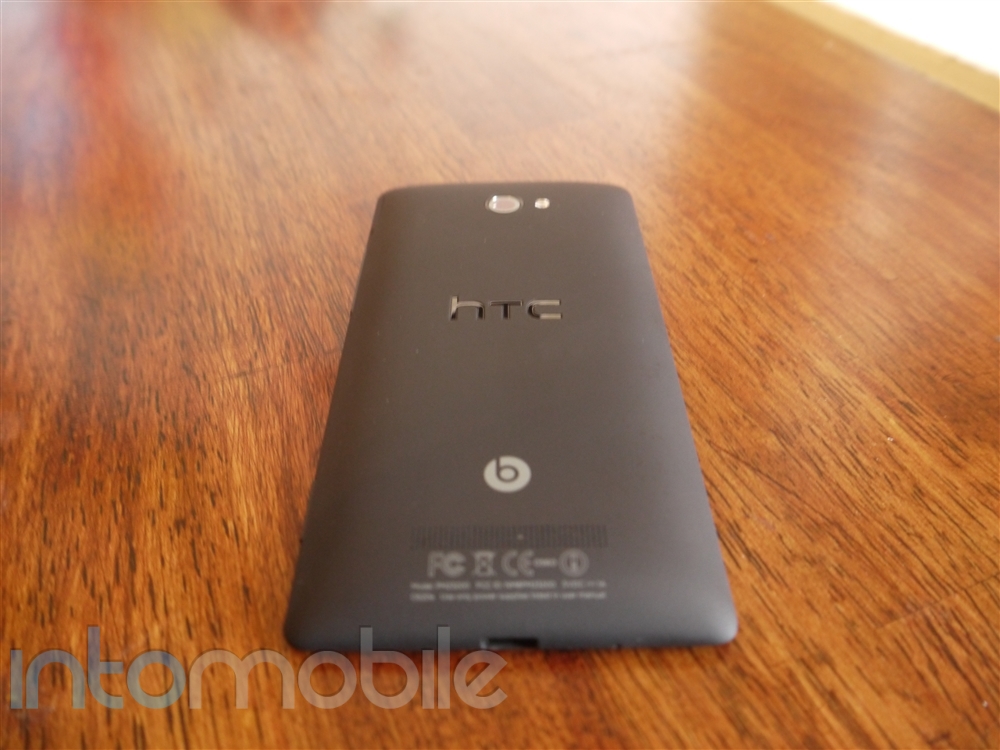
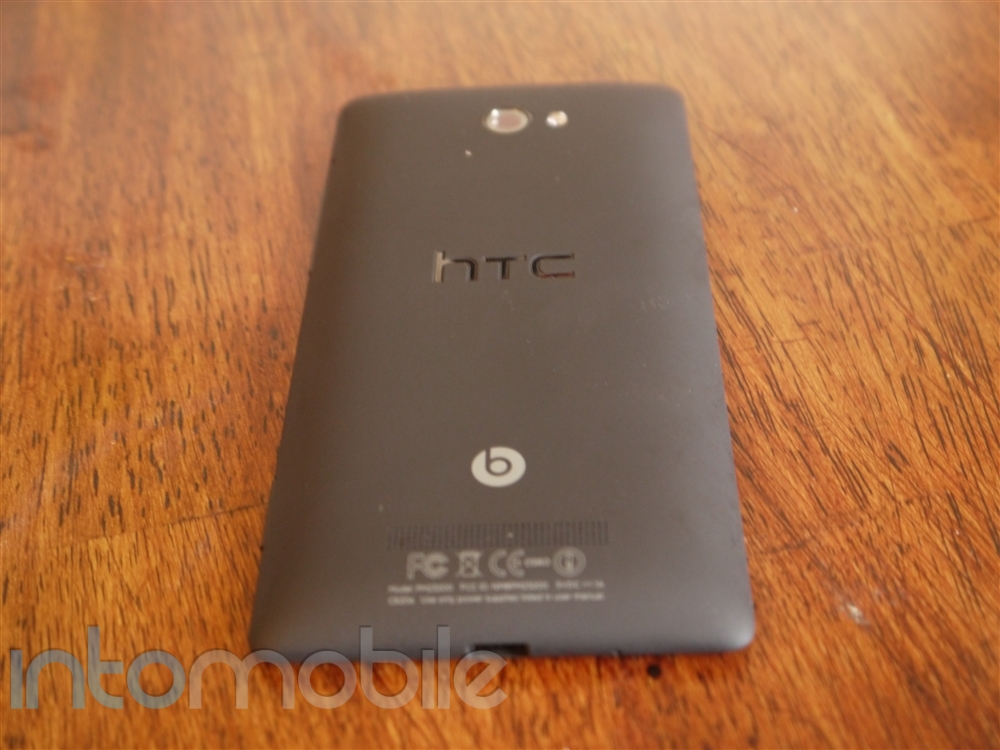
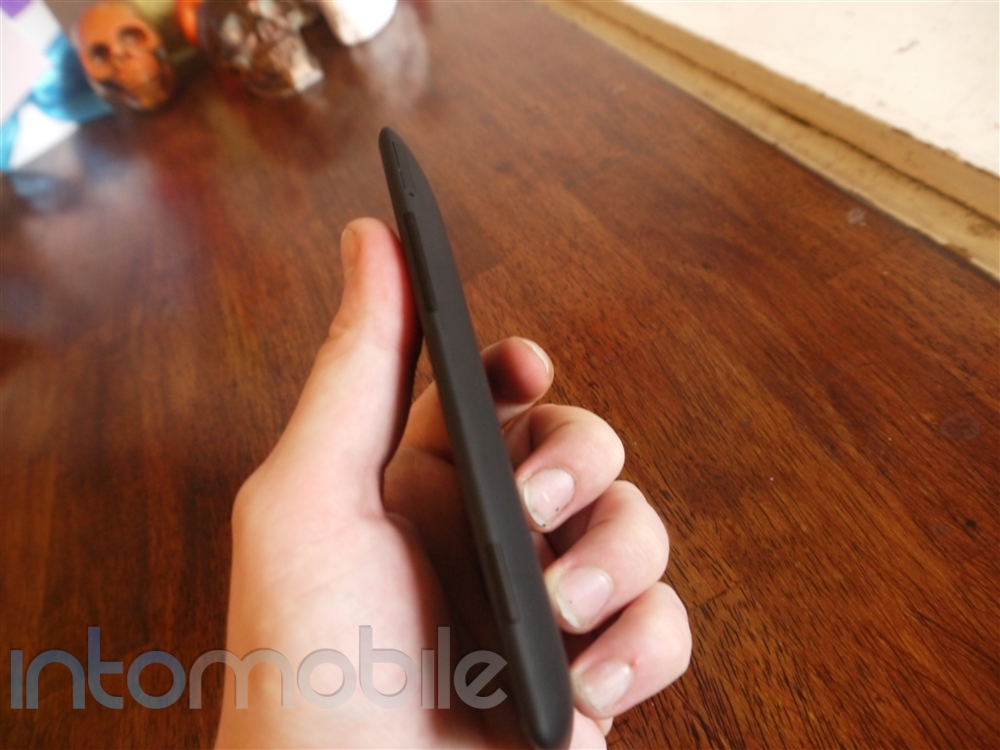
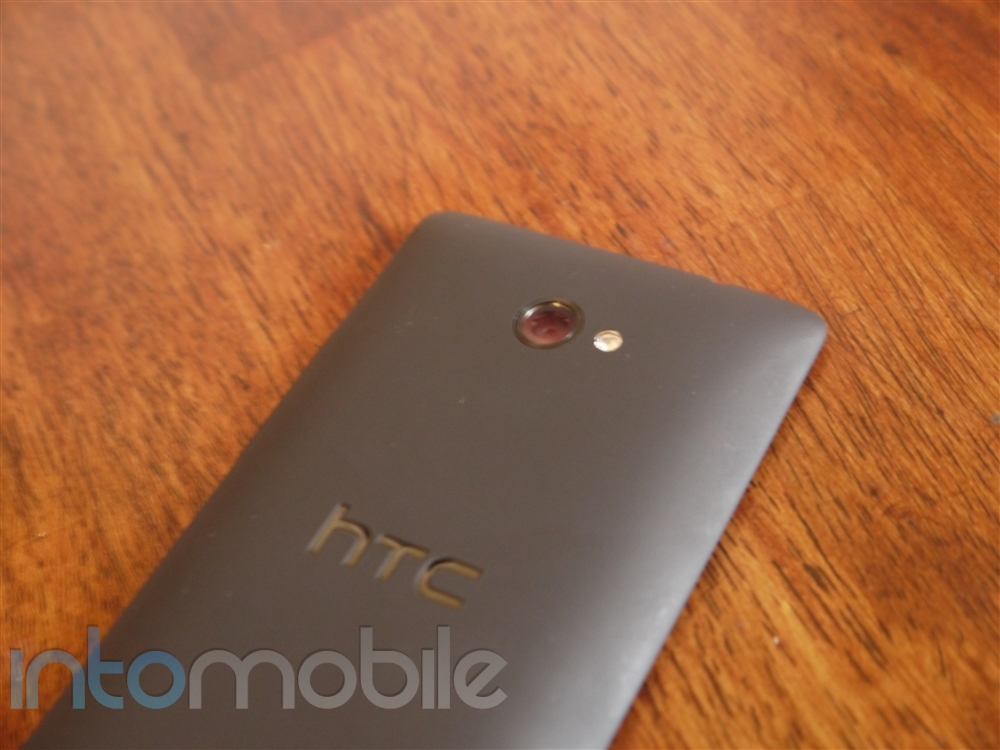
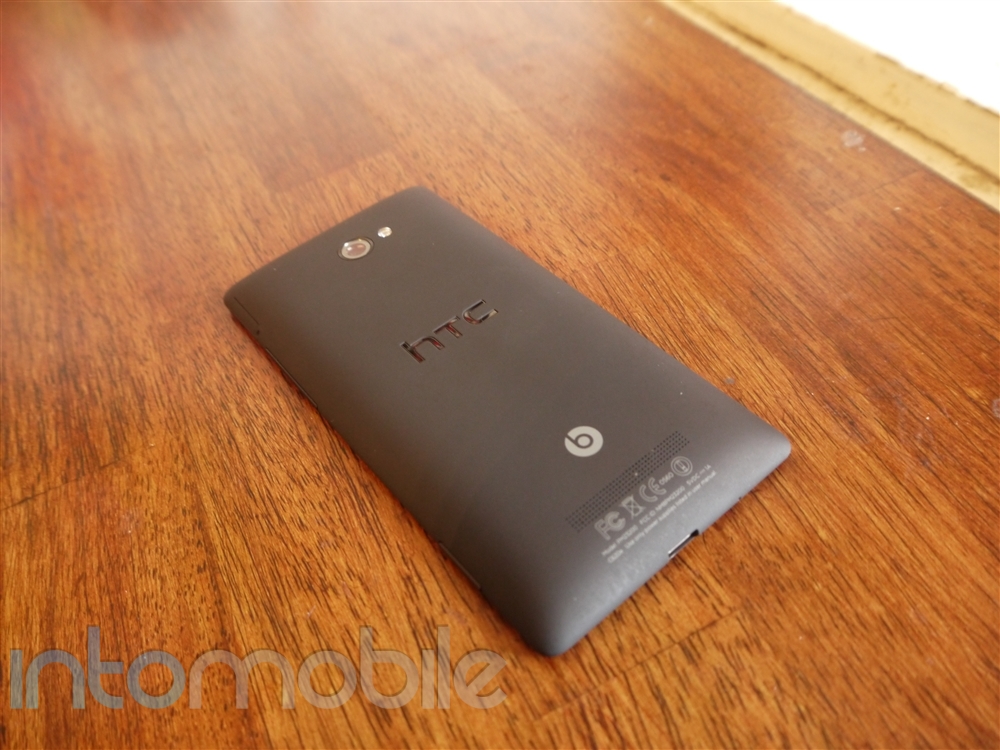
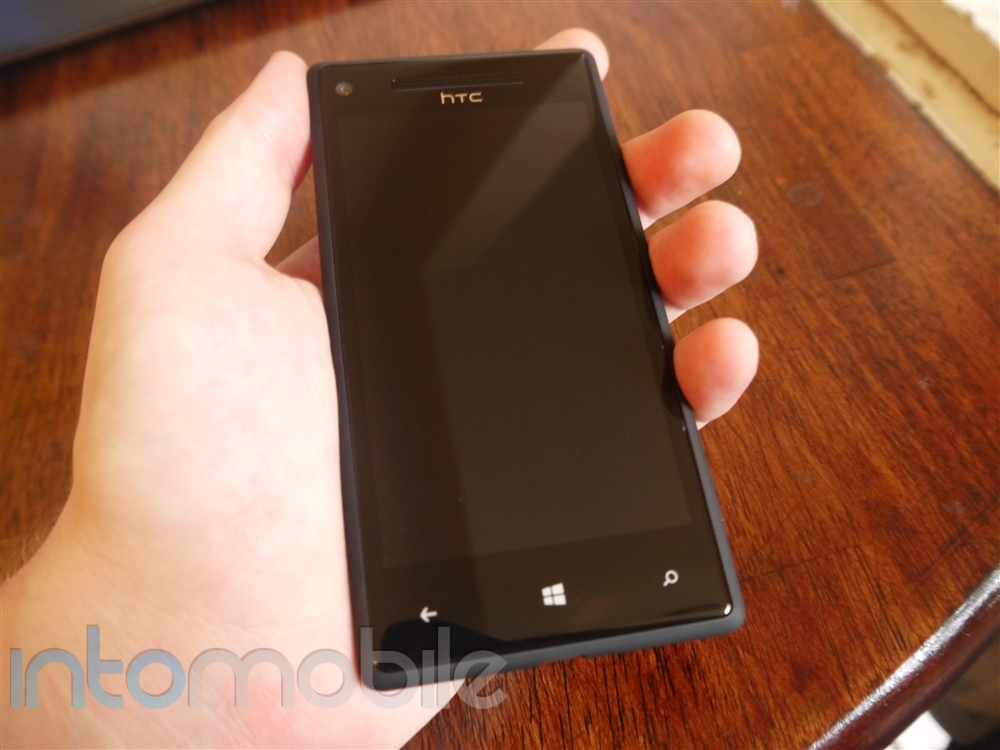
The HTC 8X is packed with some very nice features that will ensure that you'll have a fluid experience navigating the new Windows Phone software, browse the web, and just about anything else you'd want on the phone. The combination of a 1.5GHz  dual-core Snapdragon S4 processor and 1GB of RAM will make sure you there won't be much standing in your way. Other highlights of the 8X include the wide-angled 8 megapixel rear facing camera, Beats Audio support, and much more.

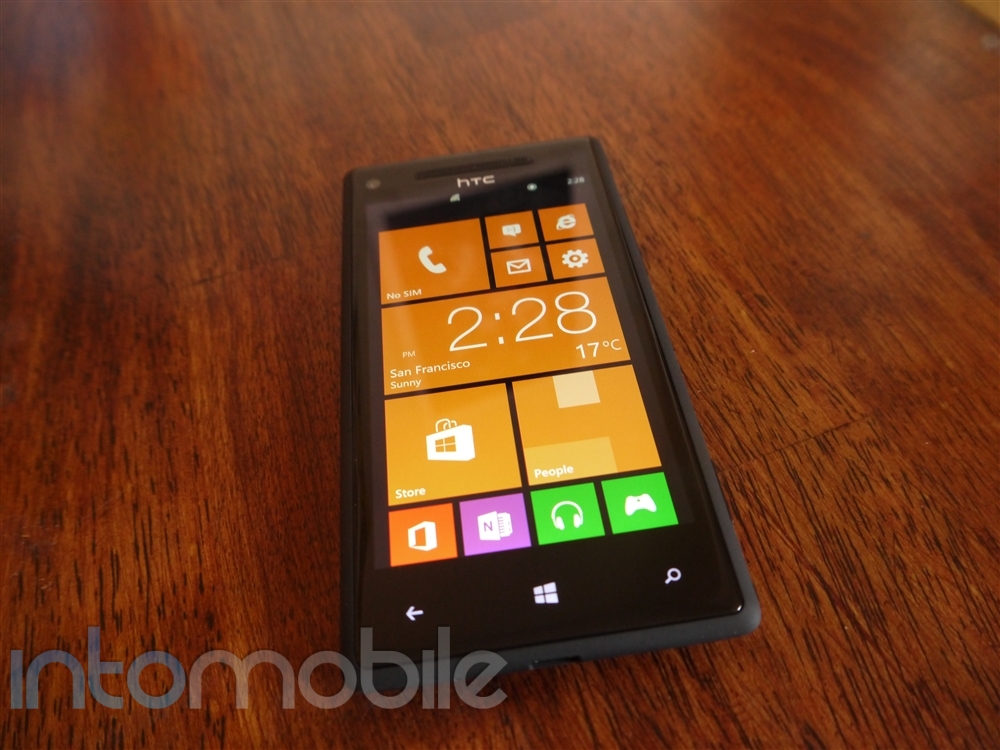
One of our favorite features that we loved on the HTC One X has made its way to the 8X, and that would be the Super LCD 2 display. This 4.3 inch panel rocks a 1280 x 720 (720p) resolution, resulting in a great PPI of about 341. The Super LCD 2 display and the very high pixel density of said display is something to admire, and likely something that you'll notice immediately. Seriously, the display is beautiful, making the Live Tiles on Windows Phone pop.

While it's a design choice that we'll get into later, the materials surrounding the display on the face of the device actually make the screen look smaller than it is - it almost looks like there's too much bezel, even though it's not the case.

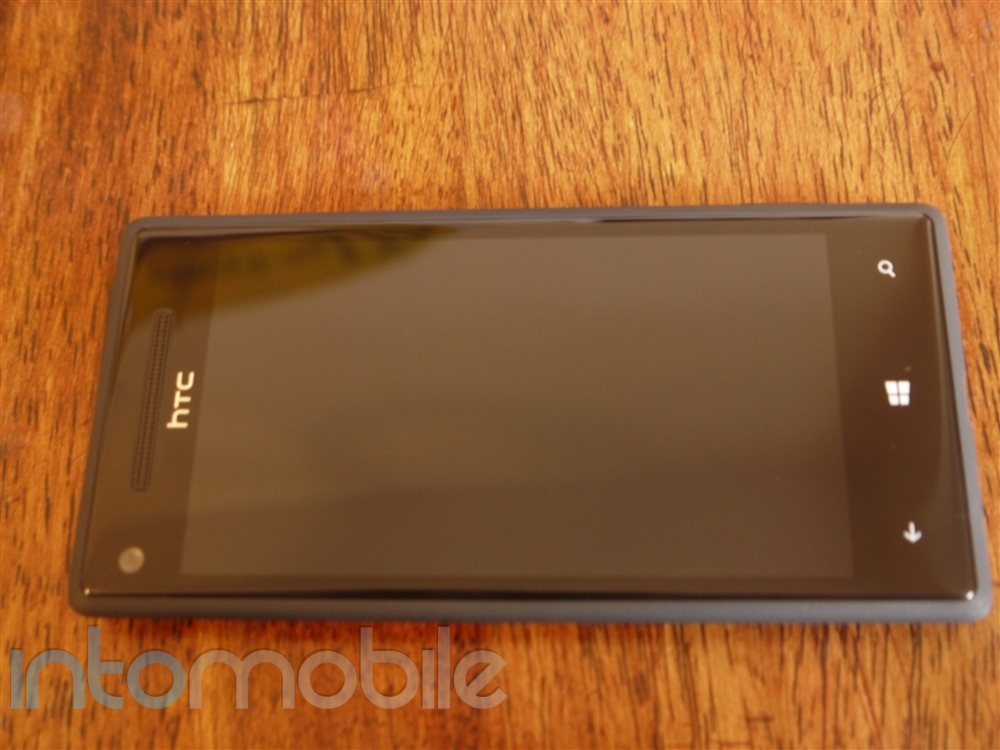
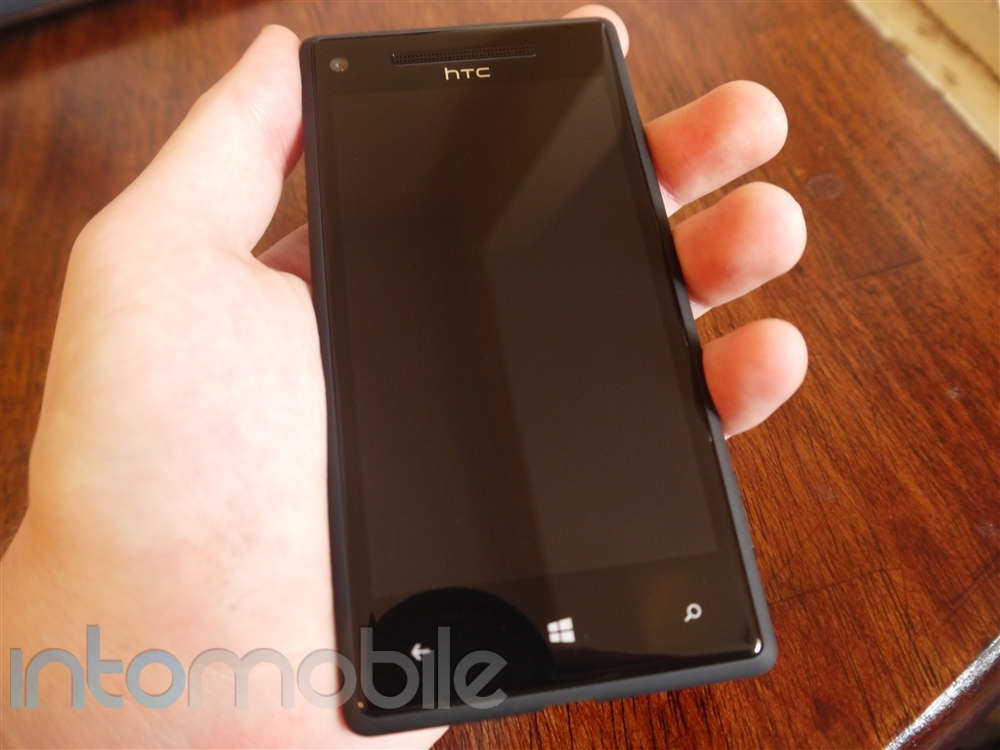
This is very much a Windows Phone, as you'll fine only the bare essentials on a very clean slate. Below the LCD panel are the three Windows Phone capacitive keys for back, home, and search. Above the display is where you'll find the front-facing camera, standard proximity and ambient light sensors, ear piece, and HTC's logo.

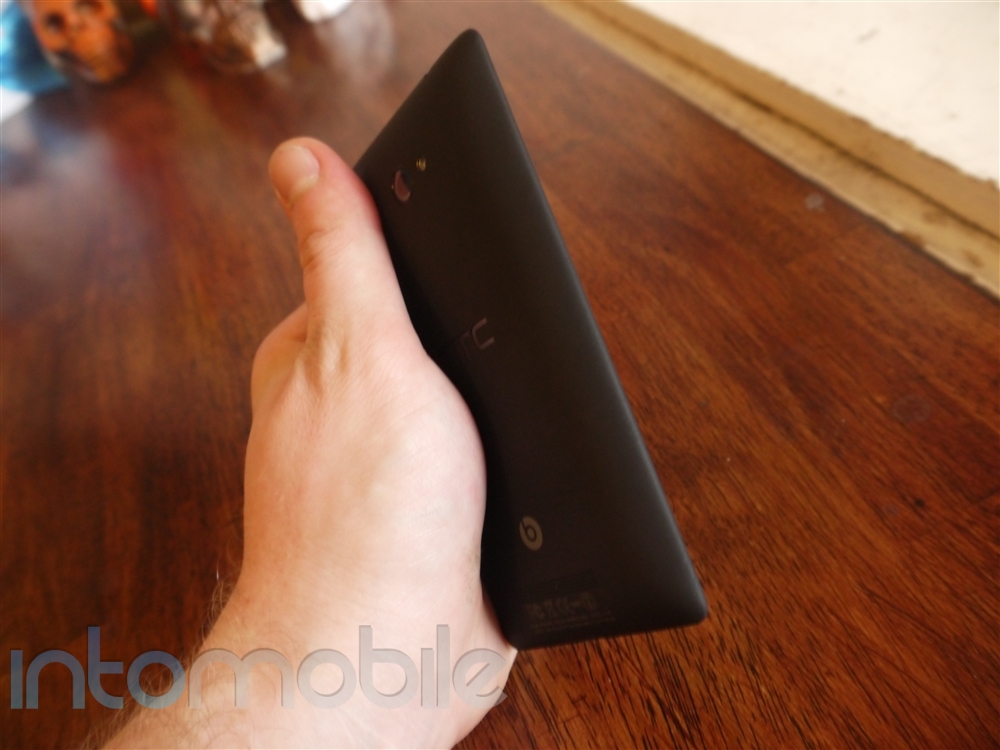
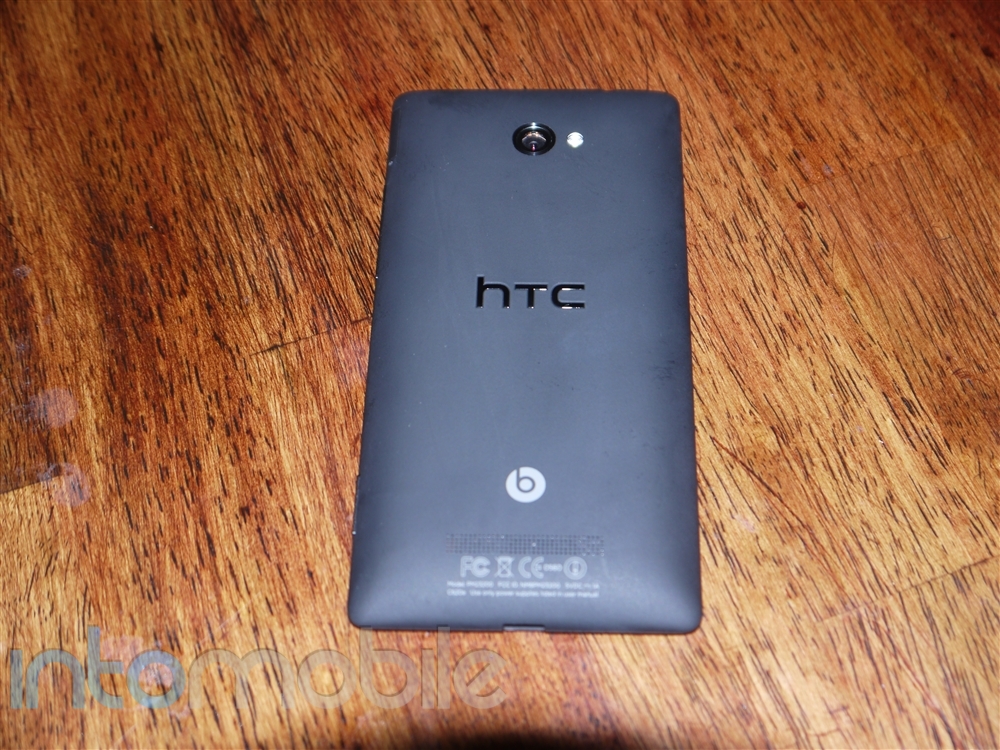
The sides of the 8X are designed to look sharp, but since they are covered in a nice soft touch finish, it works really well. The "sharp" sides don't necessarily help or harm the device when it comes to in-hand feel, and looks like more of a design choice to help the handset stand out, which is does.
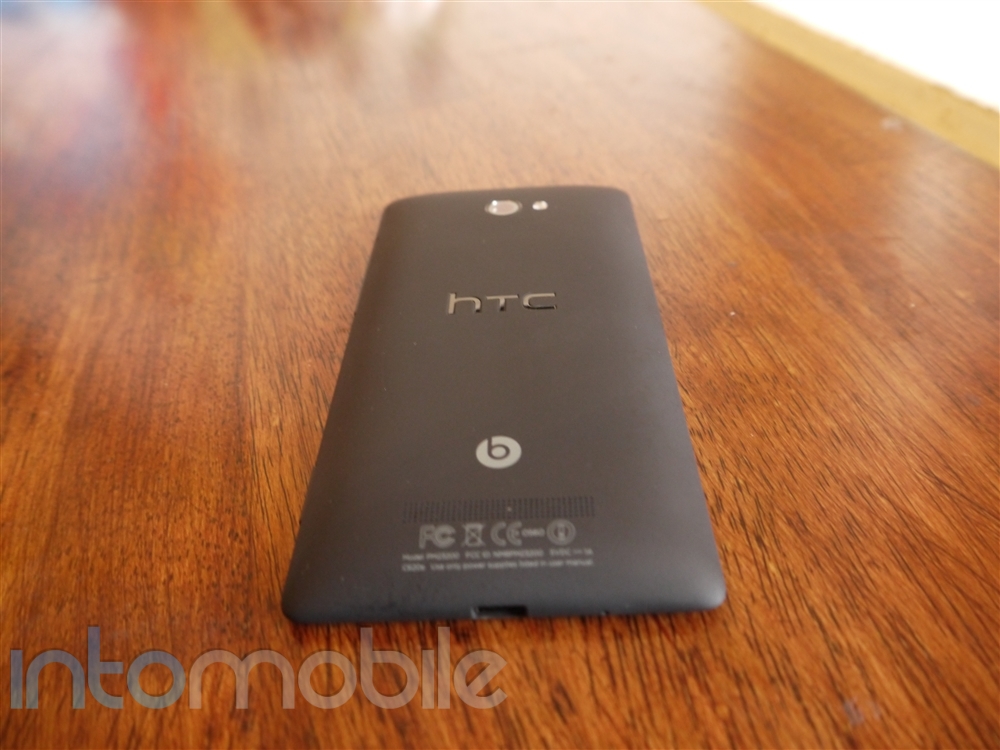
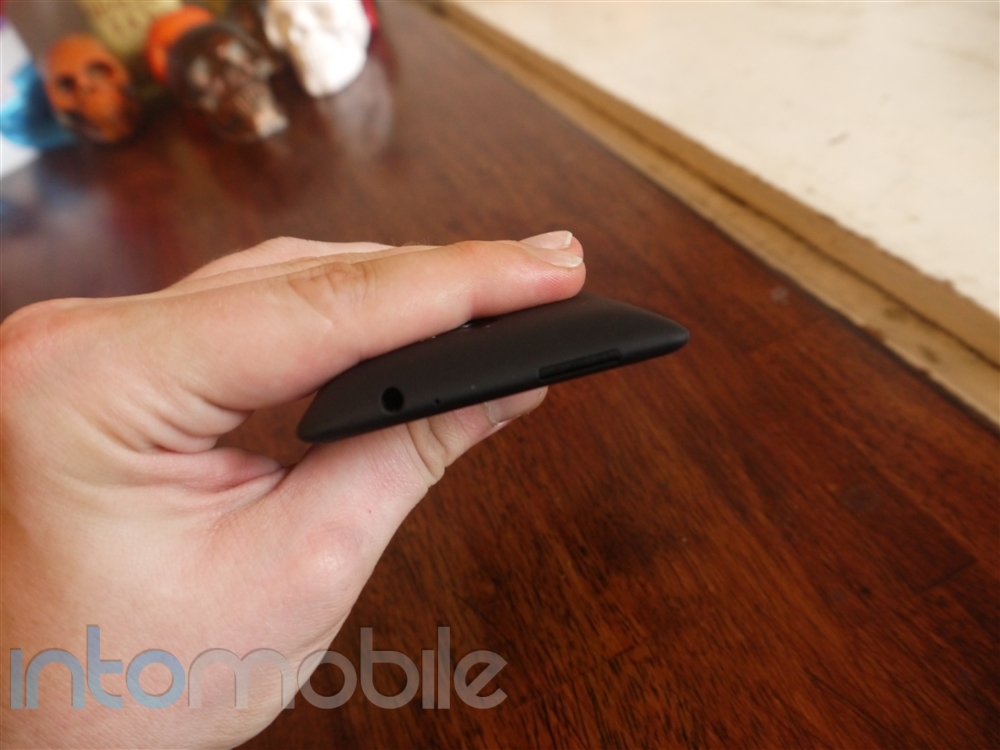
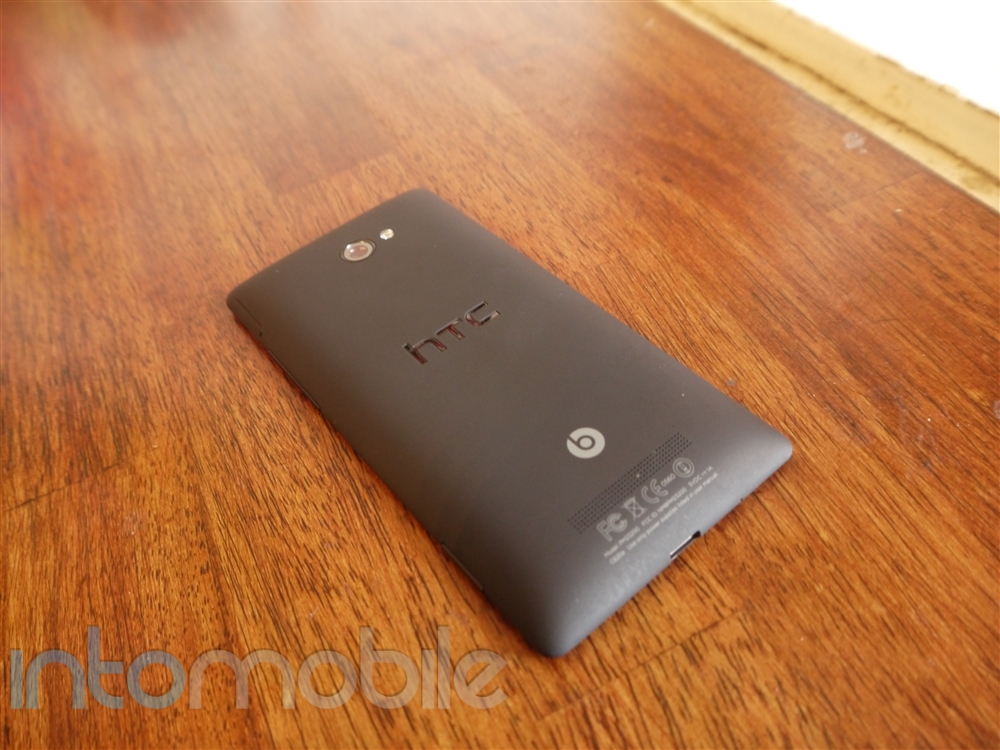
The left side of the device is clean, leaving most buttons on the other side. The bottom houses the micro USB port and microphone, and the top is where you'll find the power/lock button and 3.5mm headphone jack. The right side of the device gives you the slot to insert the micro SIM card, volume rocker, and dedicated camera button. The latter of which is so nice to see that it makes me wish that HTC would still do this with its Android handsets. The dedicated shutter button on the device allows a Windows Phone user to jump directly into the camera application while the phone is asleep by holding down on it.

Design

This is a trickier area than you might think. Not only is the design of the HTC 8X beautiful, it's also very familiar to other Windows Phone devices from Nokia. While this isn't a terrible thing, we do wish we knew how much creative control Microsoft gave when it came to the 8X, as it looks like it missed a chance to truly differentiate itself from the rest. Don't get us wrong, there's nothing bad about the design of the 8X, but if you covered the HTC and Nokia logos up on the 8X and the Lumia  920, the handsets would look like they were designed by the same handset maker. We're sure Microsoft wants some sort of unity on the design front, but the fact that a handful of the best Windows Phone handsets have some rather significant similarities doesn't help the handset maker.

Like the Lumia line, the 8X starts with a slab and then looks as if the screen itself was placed on top of said slab. This effect looks best on the lighter colored handsets, as the contrast really makes it look nice. But again, we've seen this exact thing on Nokia handsets.

Build Quality

Should I just skip this section? Anyone in the market for a smartphone should know at least one thing about HTC, and that's that the company will always bring handsets to the table that are as solid as can be. There's just no other way to say it.

The in-hand feel of the 8X is nothing out of the ordinary from HTC. It's excellent. The sharper edges along sides wouldn't work as well if the display was larger than 4.3 inches, but the device fits snugly in the hand.

Software

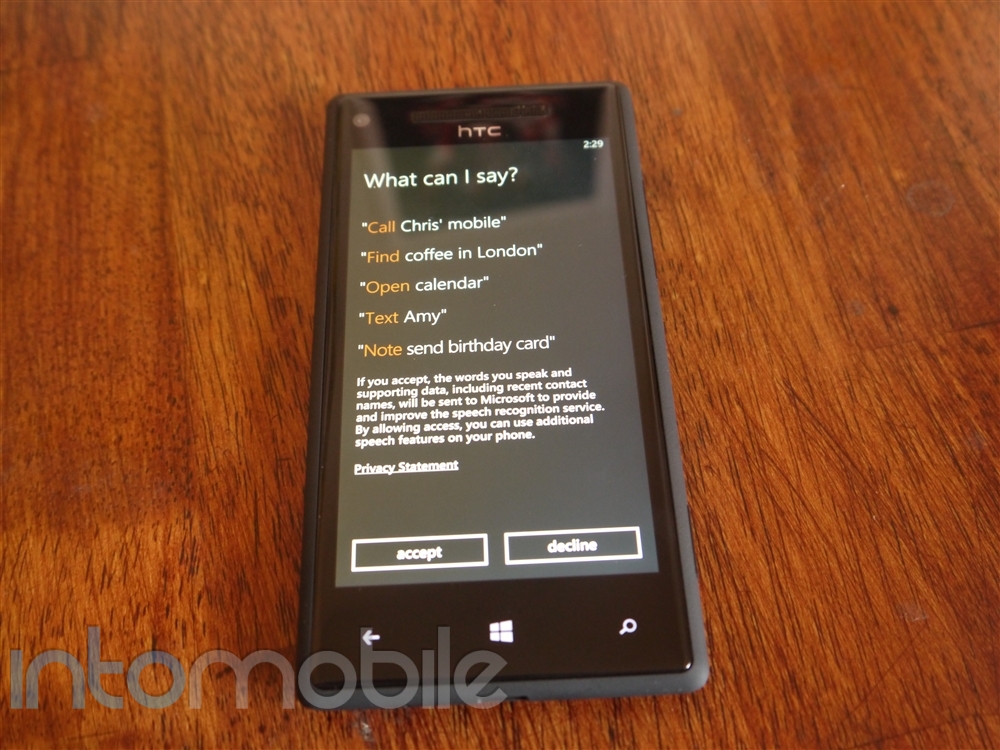
Microsoft introduced a handful of new features in Windows Phone 8, making it the best version of the OS to date. That said, the slick UI still doesn't compensate for the lack of top apps available. However, that will most certainly change in the future, and is slowly making its way in the right direction..

Windows Phone 8 brings resizable tiles, live apps, and many more features to the table, but the overall feel of the new OS feels more like a incremental update that deserves to be Windows Phone 7.9 more than anything. Remarkably compelling features are lacking in Windows Phone 8, and while it's better than ever, some consumers will overlook Windows Phone for iOS or Android, and they'll have missed out on considering such a solid handset like the HTC 8X.

For more details on the new Windows Phone 8 OS, check out our overview here.

Web Browser, Multimedia And Camera

Camera

When it comes to cameras, we've long been fan of HTC's offerings. Like Android devices like the HTC One X, the 8X's 8 megapixel shooter is pretty superb, but not necessarily perfect. Nonetheless it's an experience that will go toe to toe with many competing cameras today. When handling the 8X, you might feel that there are a significantly amount of features missing from the device compared to something like the One X, and that's because Windows Phone 8's camera features aren't yet that robust.

Windows Phone 8 doesn't currently support many of the features you'll find on HTC's Android devices, and the camera software is pretty bare bones. It does keep the experience simple, but that likely won't satisfy shutterbugs. HTC provides a "photo enhancer" application to apply filters to photos after you take them, but that's about it.

Nonetheless, we still like the camera on the 8X. It might lack a wealth of features but that will change in the future and the camera itself is still very solid.

Call Quality And Battery Life

Call quality wasn't an issue in the least bit, as the HTC 8X performed very well during calls. Both sides came out loud and clear, with little to no distortion throughout the duration of the calls.

Battery life on the 8X was actually pretty decent. Whether it was because it's better at managing the 1800 mAh or the fact that I didn't play games as much on the handset due to the lack of them on WP8 is beyond me. Either way, the 8X performs serviceably, and that's all we're really asking for.

The Final Take

If you're in the market for a new smartphone and Windows Phone is your first must-have, you're going to be left with a few options that should get the job done for you. In our opinion, HTC 8X should undoubtedly be your first choice but we'd be lying if we said that the Lumia 920 doesn't come in a very, very close 2nd.

While the design aesthetic of the 8X is pretty reminiscent of a few existing Windows Phone devices out there today, it's hard to take point off, as it's still a very nice looking handset. When it's in your hand, you definitely know you're holding something of quality. Other specifications take the 8X over the top, like the great display and snappy processor.

All that said, Windows Phone 8 is a different story. As we had said above, WP8 seems like it deserves 7.9 status due to a lack of features that you'll likely use every day. This is hardly to say that the latest version of the Windows Phone is bad, but it's still rather easy to see that Microsoft's road to and iOS and Android level of success is a long one. Luckily, with solid handsets like the HTC 8X, there will be a few shortcuts on it's roadmap.

Personally, if I was going to switch over to Windows Phone this year, the HTC 8X would be my go-to phone.


Nokia Lumia 920, Lumia 820 now shipping

October 30, 2012 by Dusan Belic - Leave a Comment

Nokia Lumia 920, Lumia 820 now shipping

Nokia announced that it has started shipping the Nokia Lumia 920 and Lumia 820 will reach the first operators and retail outlets in select countries this week. Users in France and the UK will be first to get the company’s new Windows Phone devices, followed by Russia, Germany, Australia, Hong Kong, India, Italy, Poland, Saudi…

Read more
The Good
The Bad

Hardware

Add Content Here

Design

Add Content Here

Build Quality

Add Content Here

Guts And Glory

Add Content Here

Software

Add Content Here

Web Browser, Multimedia And Camera

Add Content Here

Web Browser

Add Content Here

Multimedia

Add Content Here

Camera

Add Content Here

Call Quality And Battery Life

Add Content Here

The Final Take

Add Content Here

Flash Review – LG Optimus G for AT&T and Sprint

October 23, 2012 by Blake Stimac - Leave a Comment

We’ve already covered the international unit of the LG Optimus G in detail in our recent review, but now it’s time for the US variants to get the spotlight. Every bit as nice as the original, AT&T and Sprint will be carrying LG’s best device to date in the coming weeks, and it’s destined to…

Read more
The Good
  • Snapdragon S4 Pro makes the handsets the most powerful around
  • In-hand feel is one of the best of all Android phones.
  • Interesting software features that are sure to impress
The Bad
  • Design may be too understated for some
  • LG's custom UI has only marginally improved

Hardware

Inside both handsets are the core pieces of tech that make the Optimus G special. Rocking a 1.5 GHz quad-core Qualcomm Snapdragon S4 Pro processor and 4.7 inch True HD IPS+ display, the Optimus G brings a deadly combination of sheer processing power and a beautiful display. However, there are a few differences in the two handsets.
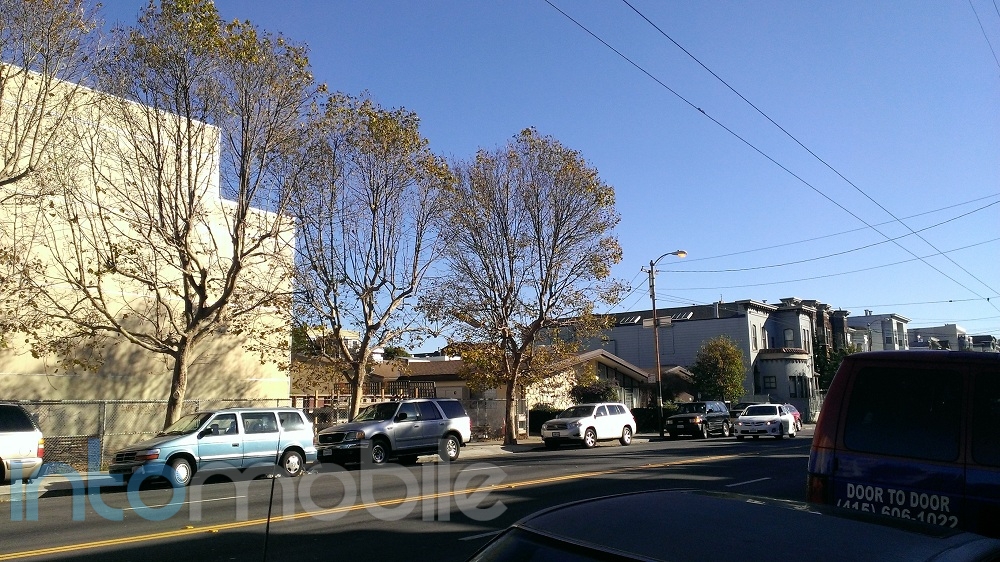
One of the few areas that you'll see some true differences between the  Sprint and AT&T Optimus G handsets is physical hardware and design. While they share a majority of the same innards, AT&T's handset has a few tweaks you won't find in any other version of the Optimus G. The AT&T unit houses a removable micro SIM slot and micro SD card slot via a small tab on the left side of the handset. AT&T also filled the micro SD card slot with a 16GB micro SD card, cutting the internal storage in half.

While the expandable storage and removable micro SIM card are welcomed (Sprint's SIM is embedded), these features make AT&T's Optimus G wider. Not by much, but it doesn't have the quality in-hand feel as the global and Sprint versions. To top it off, we're pretty sure that the AT&T Optimus G lacks real glass on the back, as it feels like plastic.

Design

The overall design aesthetic in the Optimus G handset stays the same in the US variants, but there a few minor differences between the two devices.

The two handsets both have LG's patented Crystal Reflection backing, but the patterns differ. AT&T's handset rocks  the same pattern we saw on the global unit we reviewed last week, while Sprint's has a slightly different pattern that looks similar to the leaked LG Nexus' pattern and is slightly more subdued than the triangle pattern. Either way, the Crystal Reflection method is pretty nice and isn't nearly as flashy as many of the photos make it out to be.

With the exception of the AT&T Optimus G's width, the device also has a slightly textured plastic on the top and the bottom of the device. It actually looks very similar to the battery cover on T-Mobile's Galaxy S II - textured, but smooth. It doesn't necessarily add or take away much from the overall design. It's just there.

Build Quality

No real surprises here. Both the AT&T and Sprint Optimus G units are just as solid as the unit we recently reviewed. While we're uncertain that the AT&T unit has glass on the back side, the quality of the device still remains solid.

Web Browser, Multimedia And Camera

Camera

Probably one of the most dramatic differences between the Sprint and AT&T Optimus G handsets are the cameras. While Sprint's Optimus G retains the global handset's 13 megapixel camera, the camera itself juts out of the back slightly. On the other hand, AT&T's unit has an 8 megapixel camera that is flush to the back.

The cameras on both handsets also prove a point that's constantly overlooked by consumers, and that's that more megapixels don't always make a better camera experience. The 13 megapixel shooter on Sprint's handset is anything but bad, but the larger sensor can have issues with graininess.

Here are a few comparison shots of both devices, side by side. (AT&T on top, Sprint on bottom)


While it's hard to say that any of the pictures are genuinely bad, some will likely appreciate the AT&T's camera a little more due to the over saturation of photos. In most cases, the 13 megapixel shooter captured the scene more realistically, yet the 8 megapixel camera still looked a bit better.

Call Quality And Battery Life

Call quality on both handsets was pretty great. Both networks hit their own share of snags in different areas here in SF, but for the most part, one shouldn't be too concerned about call quality.

Battery life differed on the two devices, and the main reason for this is that Sprint's LTE network has nowhere near the same footprint as AT&T. Without LTE here in San Francisco, Sprint's Optimus G lasted longer in testing. That still doesn't mean that the LTE-enabled AT&T Optimus G didn't fare well in tests, but it's now common knowledge that LTE will run your battery down much faster. Either way, you'll be able to pull a day out the the Optimus G, no matter what variant you choose.

The Final Take

As we said in the first Optimus G review, LG really has hit a home run with its new flagship handset. The software optimizations are quite nice, but not everyone is going to fall in love with the new and improved user interface.

The internal hardware that runs the show is nothing short of awesome. The Qualcomm Snapdragon S4 Pro just flies on the Optimus G, no matter what you're doing on the phone. The 2GB of RAM ensures a more fluid experience across the board, and the in-hand feel of the device is one of the best we've ever come across. If you're in the market for a new smartphone, be sure to hold the Optimus G before making any assumptions. It's premium feel will make other devices with polycarbonate feel like cheap, mid-range phones.

While it's not without competition, the Optimus G is definitely one of the best Android devices on the market right now. As I said in the first review, I'd take it over the Galaxy S III in a heartbeat. Not many people will agree with me there, but there's too many reasons to grab the Optimus G over Samsung's flagship handset for me.

If you're still on the fence about the Optimus G, you can always just wait for the Nexus 4 to come along.

Overall, LG's efforts in its latest handset have proven that it can run with the big dogs, and the Optimus G does just that.


« Previous Page
Next Page »

Back to top ▴

Follow IntoMobile

38k
36k
4k
13k
12k

Most Recent Posts

  • Samsung plans to expand Exynos chips to more devices in 2027
  • OnePlus Turbo 6X and Turbo 6X Pro launch in China with massive batteries under $207
  • OnePlus 15 may support Quick Share and AirDrop file transfers
  • Galaxy Z Flip 8 clears FCC certification ahead of summer launch
  • Samsung Galaxy A27 gets price hike despite downgrades from previous model

Get Updates Via E-Mail

  • This field is for validation purposes and should be left unchanged.

About IntoMobile

  • About IntoMobile
  • Contact IntoMobile
  • Send us News Tips
  • Privacy Policy

Social Links

  • IntoMobile on Facebook
  • IntoMobile on Twitter
  • IntoMobile on Google+
  • IntoMobile on YouTube

Copyright © 2006-2021 IntoMobile. All rights reserved.