IntoMobile

Breaking news, information, and analysis on the latest mobile phones and mobile technology

Open NavigationOpen Search
  • Home
  • Platforms
    • iOS / iPhone OS
    • Android
    • Windows Phone
    • BlackBerry OS
  • Hardware
    • New Hardware
    • Tablets
    • Reviews
    • Rumors
  • Carriers
    • AT&T
    • Sprint
    • T-Mobile
    • Verizon
  • Manufacturers
    • Apple
    • Samsung
    • HTC
    • LG
    • Motorola
  • Best VPNs
  • Best AI Tools

Droid Incredible 4G LTE: Does this Incredible handset live up to its name?

July 10, 2012 by Kelly Hodgkins - 1 Comment

The HTC-made Droid Incredible 4G LTE landed on Verizon Wireless on July 5th . It is the third phone in the popular Incredible series of handsets and the first to run on Verizon’s 4G LTE network. The original Droid Incredible launched in April 2010, while the Incredible 2 debuted last year. This third and latest…

Read more
The Good
  • Fast processor and smooth performance
  • Nice, portable size
  • High-resolution display is crisp
The Bad
  • Camera is decent, but not great
  • Small screen a detractor for power users
  • Bland-looking design

Hardware

Guts And Glory

We were disappointed when the Incredible 2 launched with a single-core processor, a low-resolution screen and an otherwise disappointing set of specs. The Incredible 4G LTE takes the handset series up a notch by including a 1.2 GHz dual-core Qualcomm Snapdragon S4 processor, a 4-inch SuperLCD display with 540 x 960 resolution, 8 GB internal storage, 1 GB RAM, GPS and a 1700 mAh Li-Ion battery.

Connectivity options include Bluetooth 4.0, Wi-Fi 802.11 a/b/g/n with Wi-Fi Direct and a micro-USB connector that's used for charging and connecting accessories. The Incredible 4G LTE also includes an 8-megapixel camera with a backside-illuminated sensor, an f/2.2 lens, and an LED flash. Shooting options include HDR, panorama and 1080p HD video.

Design

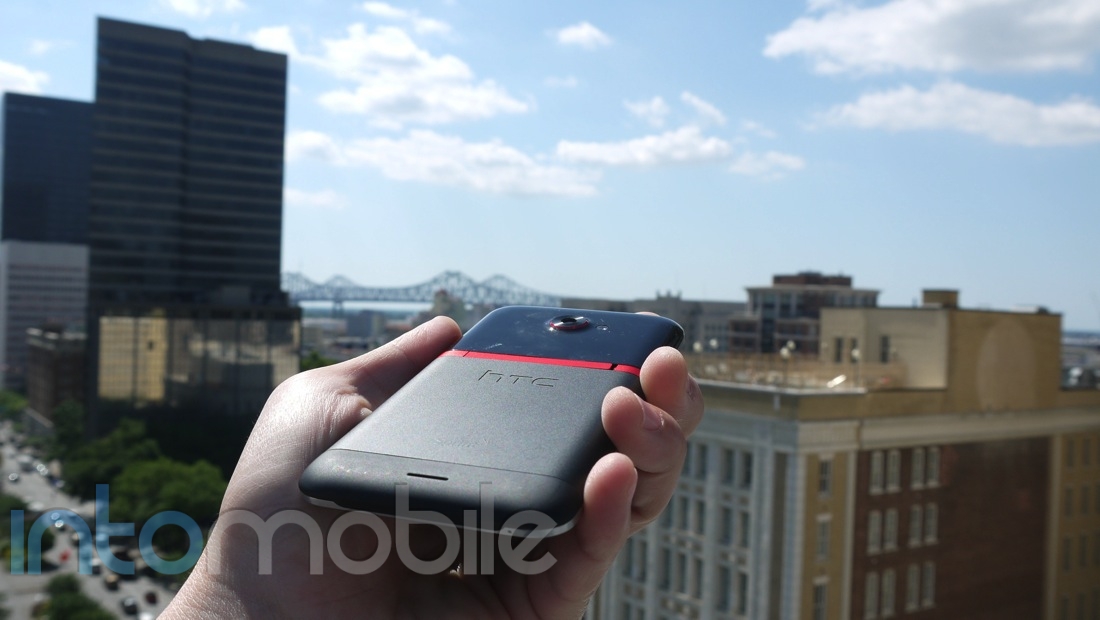
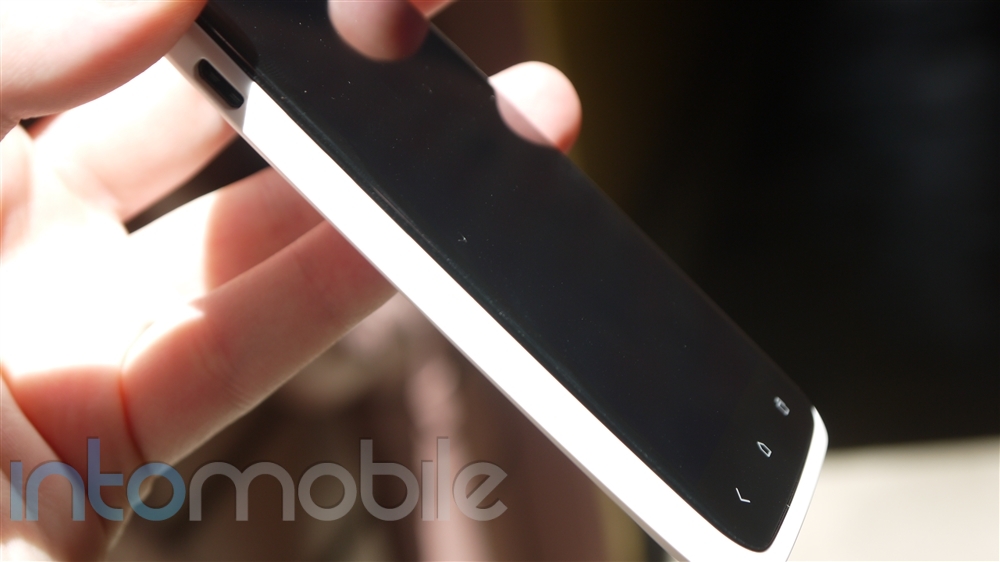
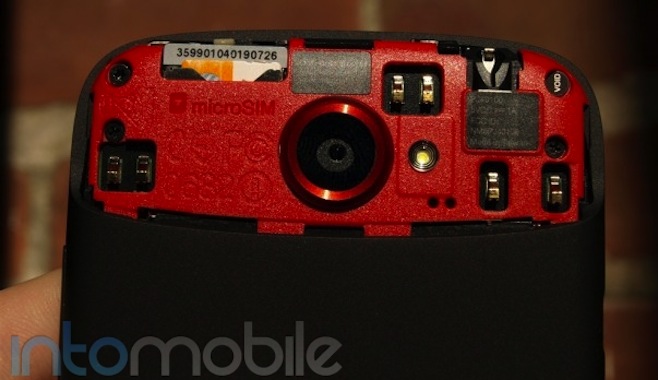
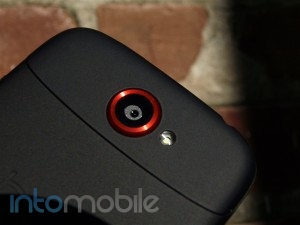
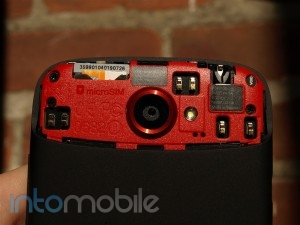
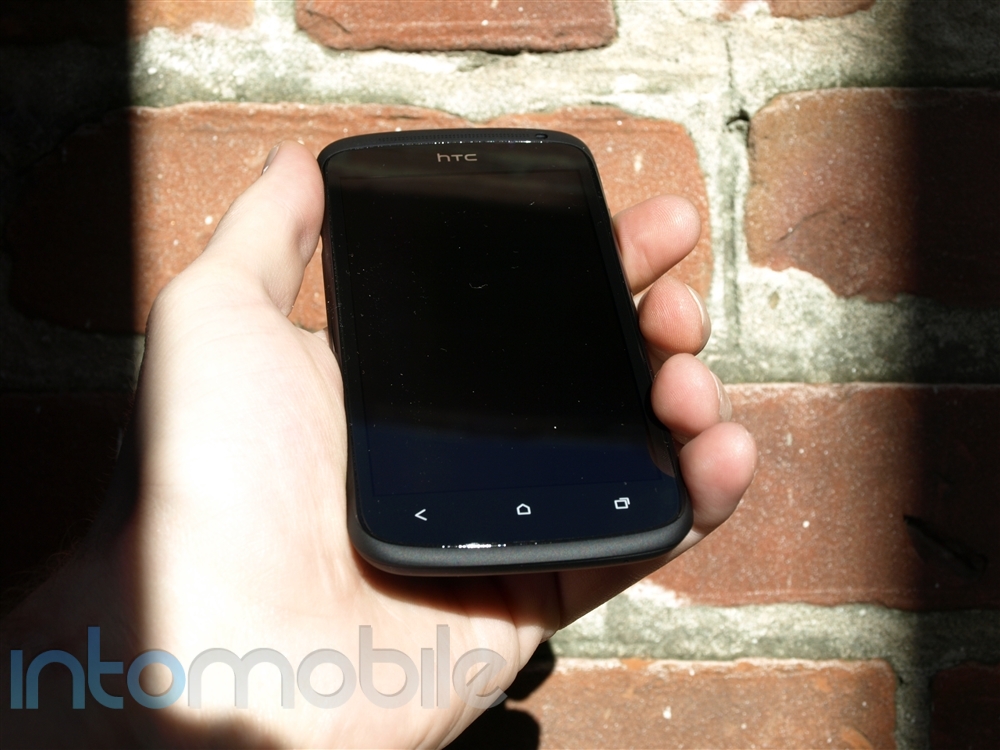
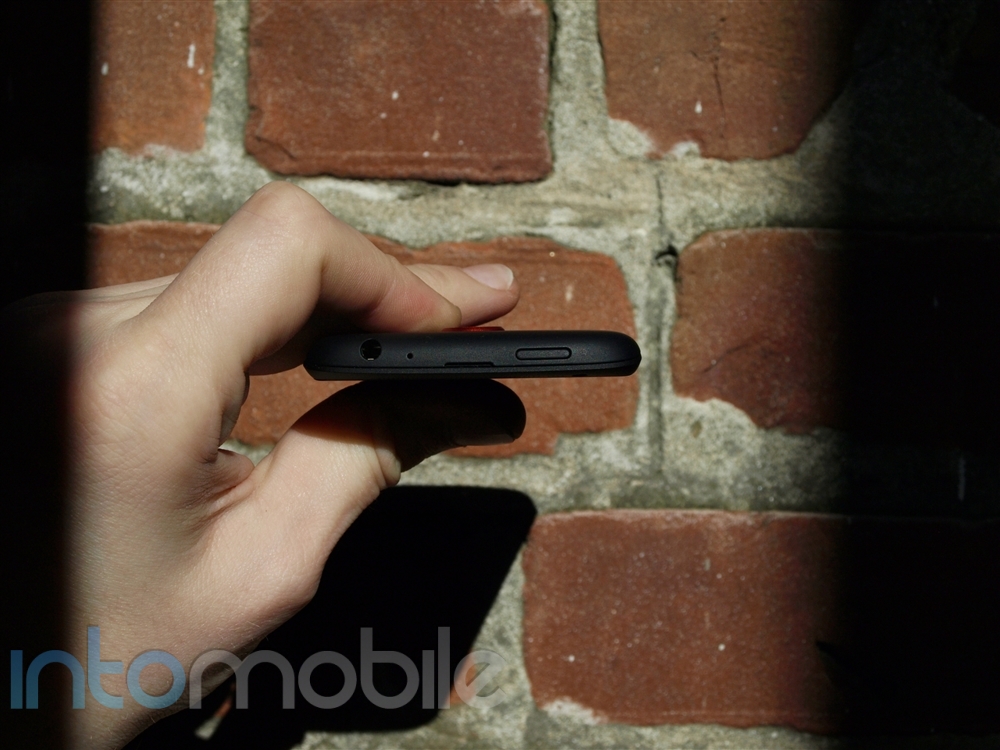
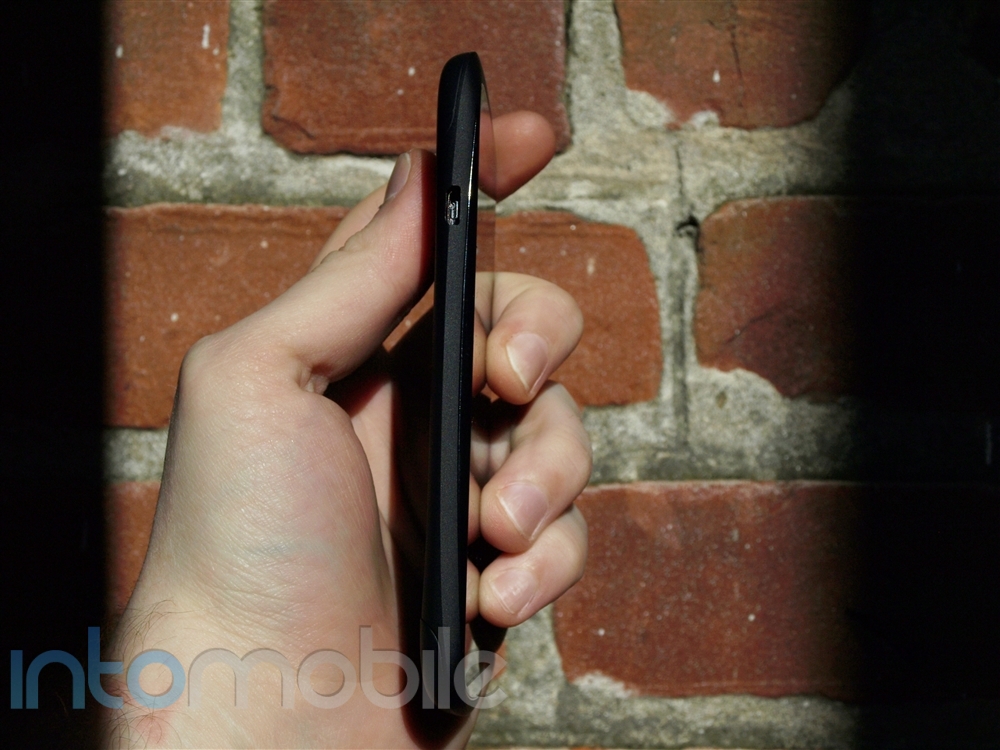
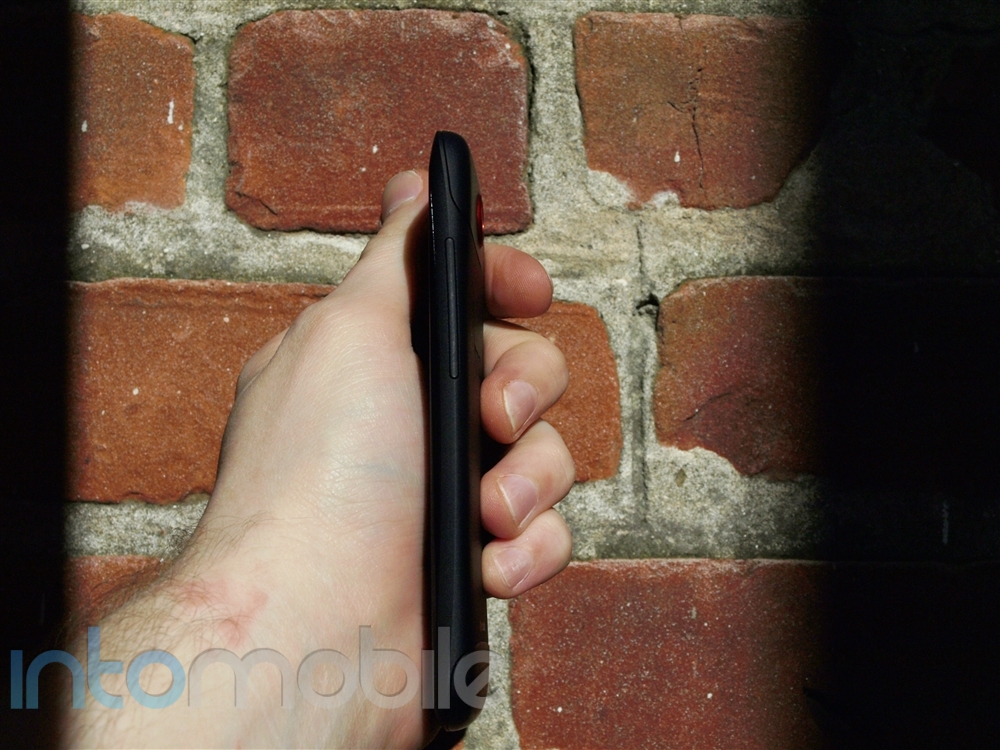
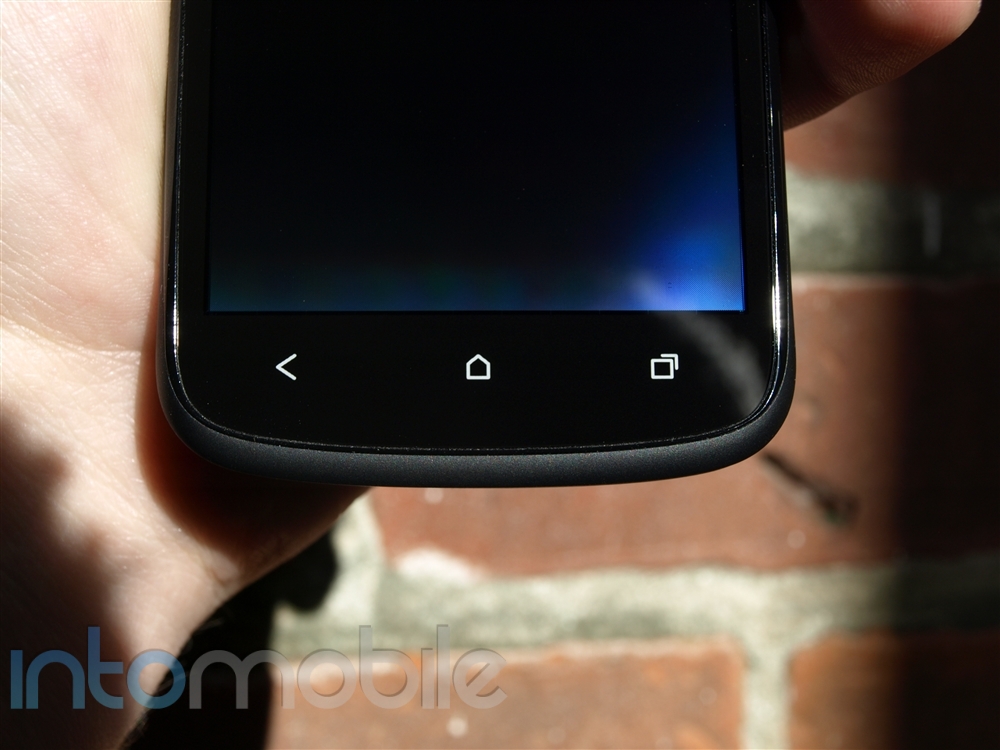
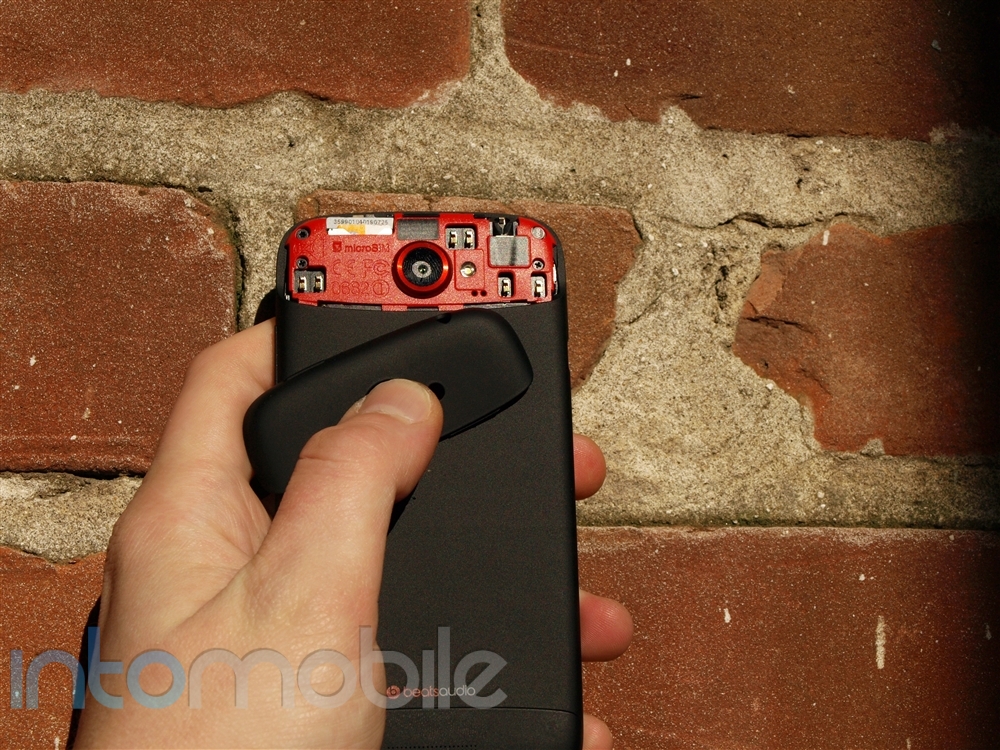
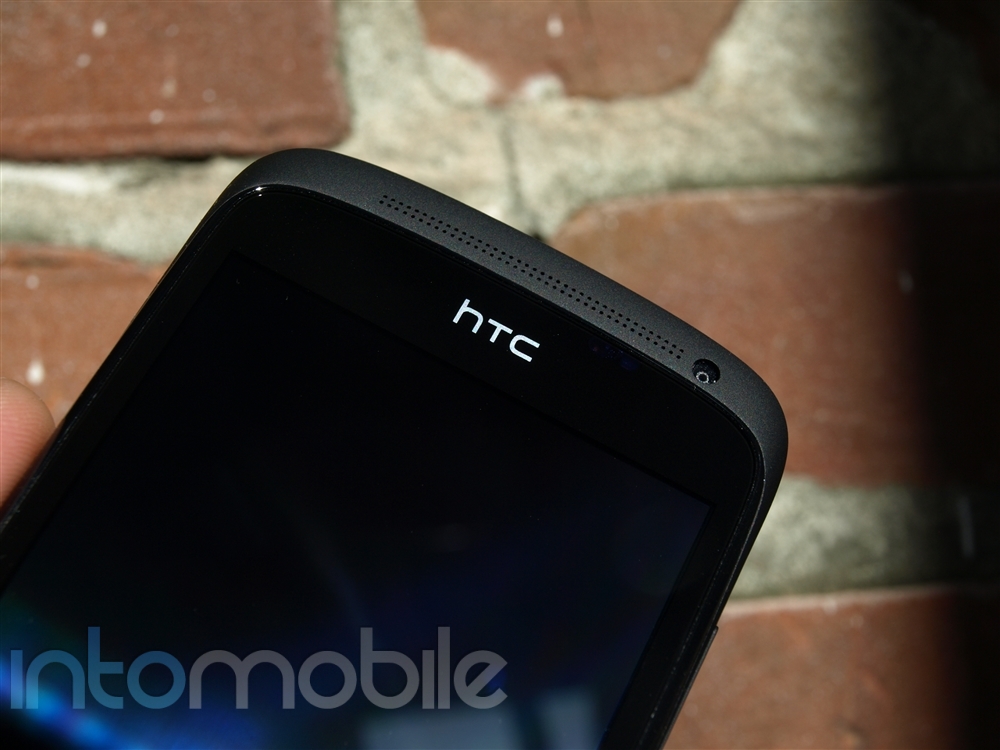
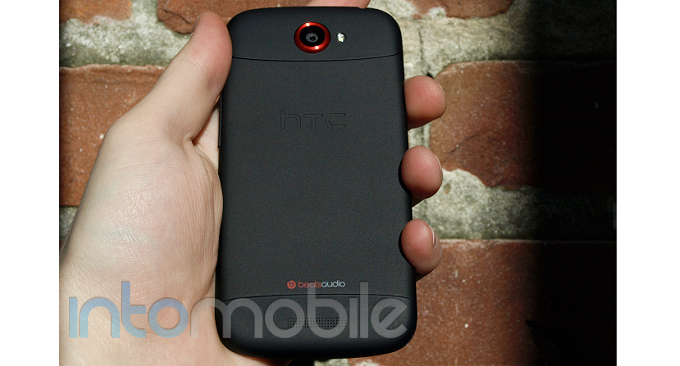
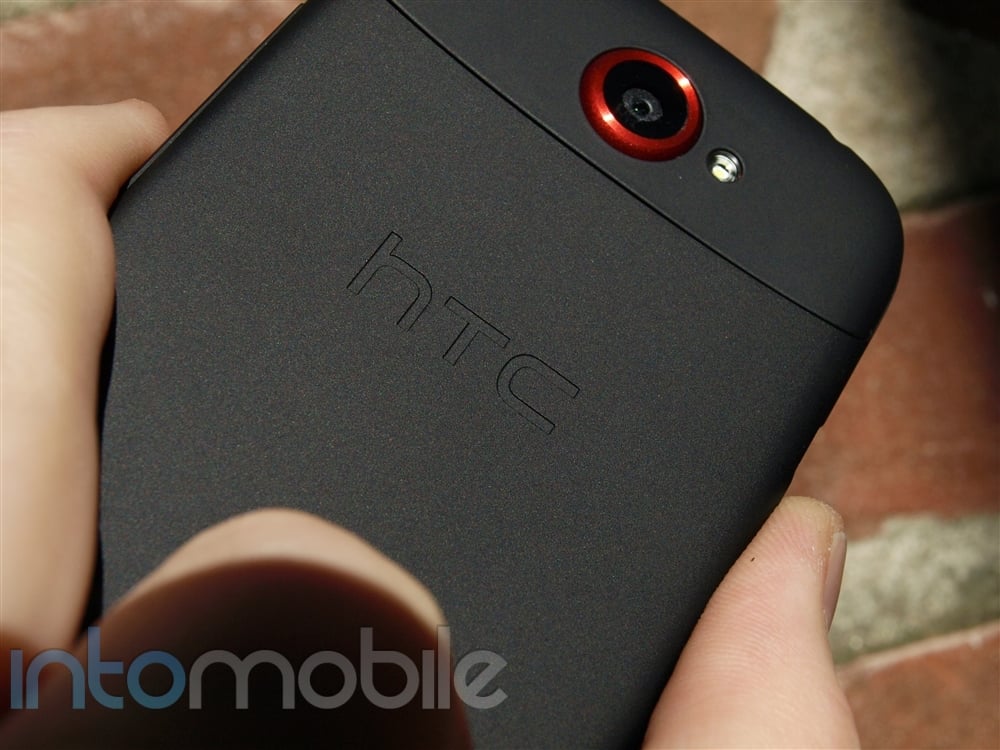
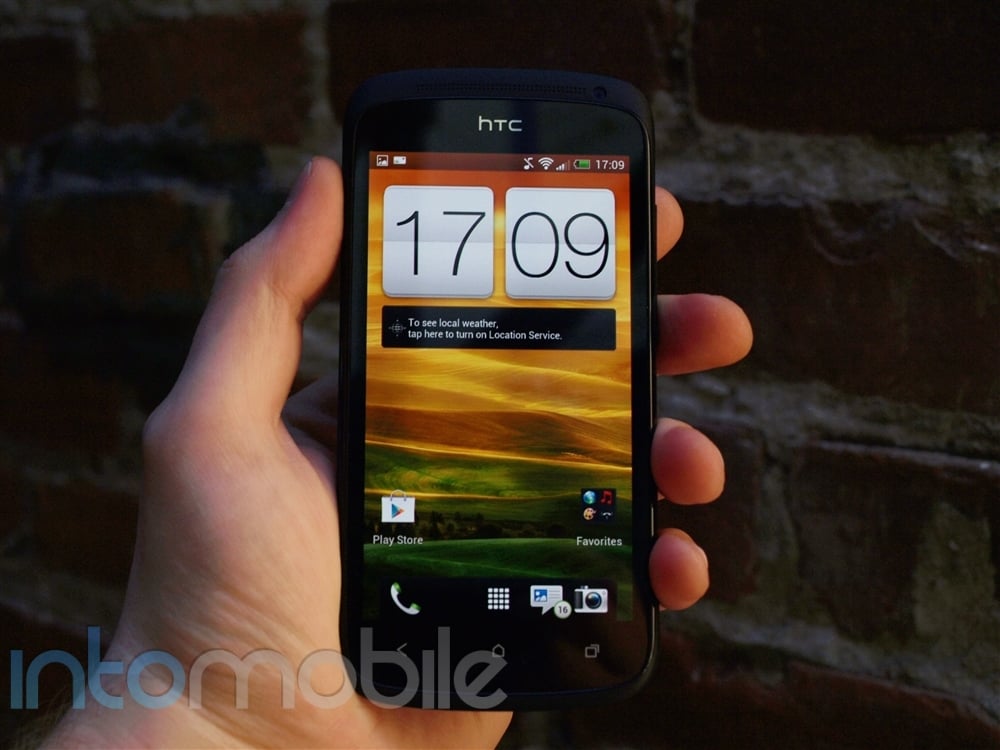
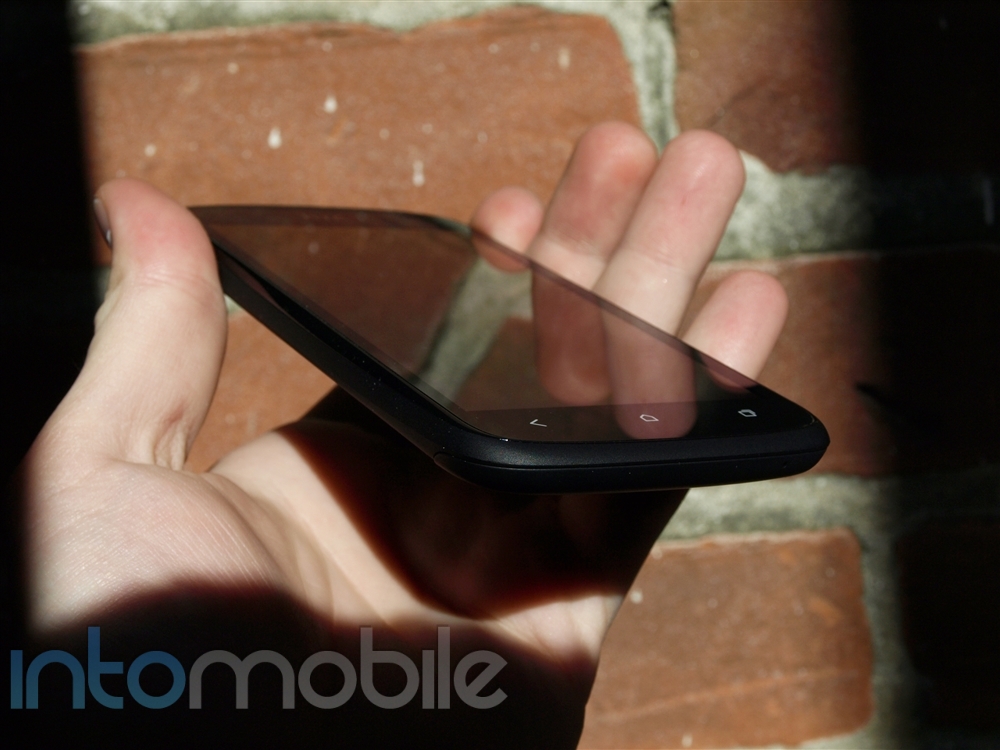
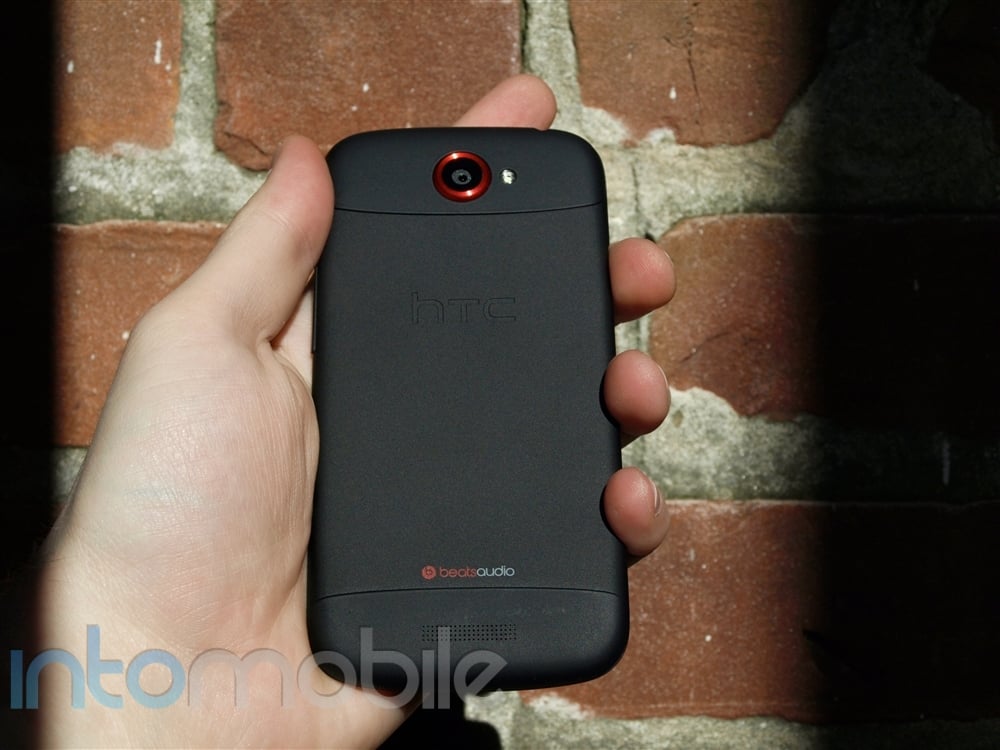
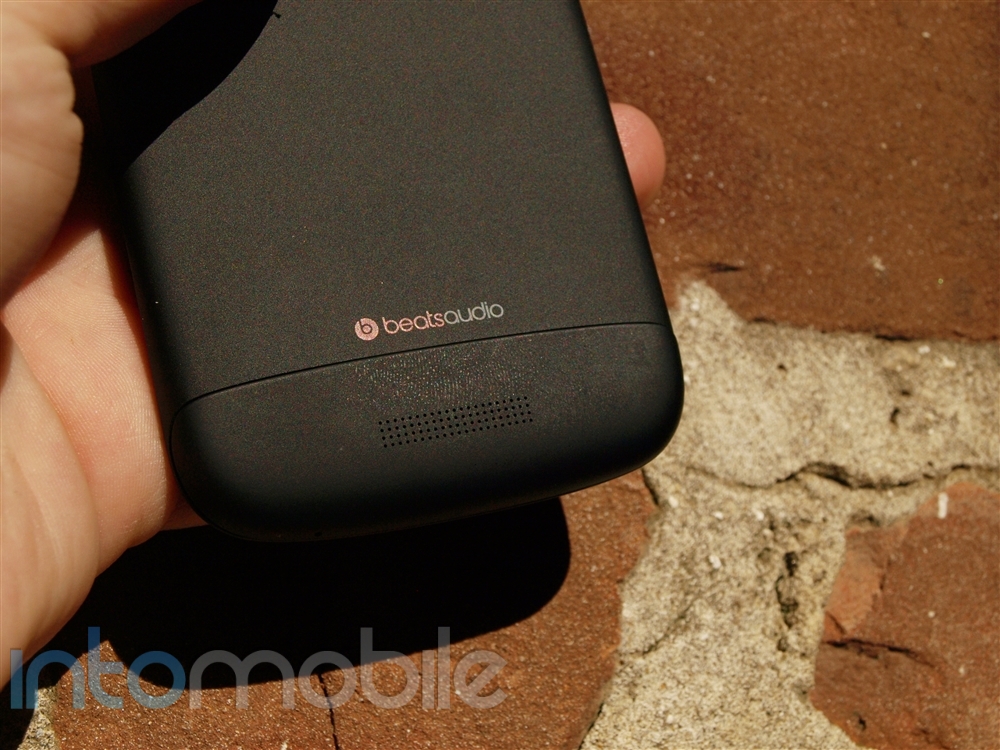
The Incredible 4G LTE is a hybrid that mixes some of the styling of the HTC Rezound with the Incredible 2. From the front, the Incredible 4G LTE looks a lot like the Incredible 2. It has the same design and even the same size display. The back of the phone, however, is inspired by the Rezound and has the same textured battery cover and Beats audio logo. Like earlier Incredible models, the charging port is still on the left side of the phone and both the power button and the headphone jack are on top. The volume rocker has changed sides and is now on the right hand side of the device. There is no dedicated camera button, but this is not surprising as none of the Droid Incredible handsets had one.

One design decision many may disagree with is the screen. Rather than following "the bigger, is better" footsteps of Samsung, HTC opted to keep things small with the Incredible 4G LTE. The handset has a 4-inch Super LCD display that's a fantastic improvement over the lower-resolution screen of the Incredible 2. The Incredible 4G LTE has a pixel density of 275 ppi and it shows in its crisp and colorful display. It's not as striking as the 4.8-inches of the Galaxy S III, but that's the trade-off you make for getting a phone that you can use with one hand and one that'll fit in your pocket.

Software

The Incredible 4G LTE is powered by Android 4.0.3 Ice Cream Sandwich with Sense 4. It's a new and improved version of Sense that is much more subtle than previous versions of the custom UI. It certainly isn't the stock Android that you see on the Galaxy Nexus, but it's not as bad as earlier versions of Sense which were heavily customized and overly-animated. The interface may be familiar to Android users as it is identical to HTC's current crop of devices like the One X and the One S.

Sense 4 has some new features that add value to the handset. It includes a new lock screen that you can use to display weather, incoming messages, email and more. You can also access the four apps on your main dock and open them quickly from the lock screen. Phone, messages, email and camera are placed there by default, but you can change them if you want. There are a few other tweaks for calling and typing that make using Sense 4 an enjoyable experience. You can easily start a call by using the phone's smart dial feature and, when you are talking, you can flip the phone over to activate the speakerphone. The keyboard also has a trace feature that mimics Swype.

On the downside, Verizon has loaded up the phone with a fair amount of bloatware including some game demos and Verizon-specific apps like My Verizon Mobile. There's also a dedicated "Verizon Apps" button at the bottom of the screen that's always present when you are browsing through the apps. It sits right next to the buttons for "All", "Frequent" and "Downloads". In my opinion, this Verizon Apps button takes up valuable space and I would love to see a customizable favorites app list there instead. While we are on the subject of wasteful UI features, there's also a persistent WiFi entry in the notifications list. You can't get rid of the notification, so you just have to learn to live with it.

Web Browser, Multimedia And Camera

Web Browser

The Incredible 4G LTE ships with its own browser that includes support for Adobe Flash. Similar to other flash-enabled browsers, Flash functionality requires you to download the Flash plug-in from the Google Play Store. Once it is installed, you can enjoy Flash animation and Flash video within the browser window.

Performance of the Incredible's browser was impressive. Web pages loaded quickly and scrolling was smooth and responsive. HTC also does a good job formatting the content to limit side to side scrolling. The one thing that detracted from the overall experience was the screen size. A 4-inch screen is just too small to do any serious browsing. It's fine for a quick search while on the go, but you won't be doing any long-form reading on the little screen.

Multimedia

Just because it's small, it doesn't mean that the Incredible 4G LTE is not powerful. The handset has a snappy dual-core processor that handled every video that I threw at it. Even streaming video worked flawlessly, primarily because of the handset's 4G LTE connection. Though the display is small, the video quality was crisp thanks to the high-resolution display.

Like the Rezound, the Incredible 4G LTE also has Beats audio which is a proprietary audio enhancer found on some HTC phones. I wasn't too impressed by its performance. It added a bit of bass to the music, which was great for dance and rap music; not so good for pop, country or classical. Most of the time, I preferred to leave Beats audio off.

Camera

The camera on the Incredible 4G LTE is good, but not great. It's an 8-megapixel shooter with a backside-illuminated sensor, an f/2.2 lens, and an LED flash. Like most Android phones, shooting options are plentiful and include face detection, auto smile capture, custom ISO, custom white balance and more. You can also choose from several scenes like HDR, panorama, portrait, landscape, close up, whiteboard and indoors. On the video side, the camera is capable of recording 1080p HD video.

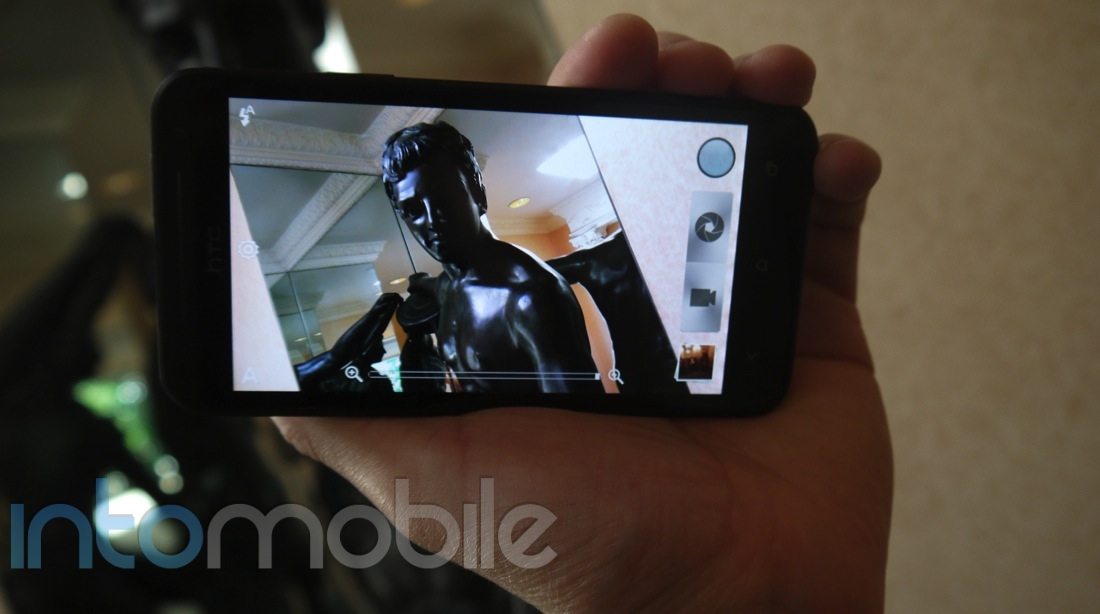
As shown below, the interface is streamlined and easy to use. On the left hand side is a toggle that lets you switch the LED flash between auto, on and off. Directly underneath the flash setting is a button that'll display the camera's full settings menu. At the bottom left is a button that'll let you select one of the many scene modes. One the right hand side of the screen are two buttons that'll let you take a photo or start recording a video. I really like this design choice as it's very convenient to have both recording modes available immediately at the tip of your finger. At the top right is another button that lets you add effects like depth of field, monochrome and others to your photos. The bottom right is the preview area that lets you see a thumbnail of your last shot. A zoom slider in the middle rounds out the camera UI.

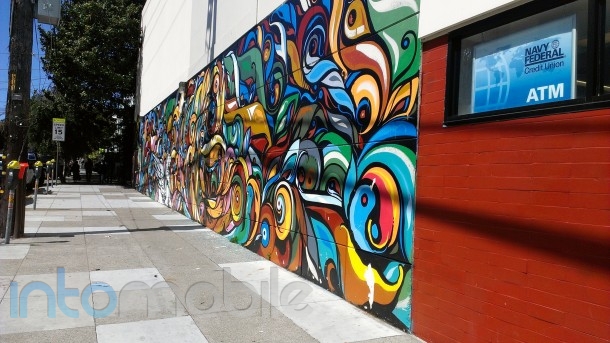
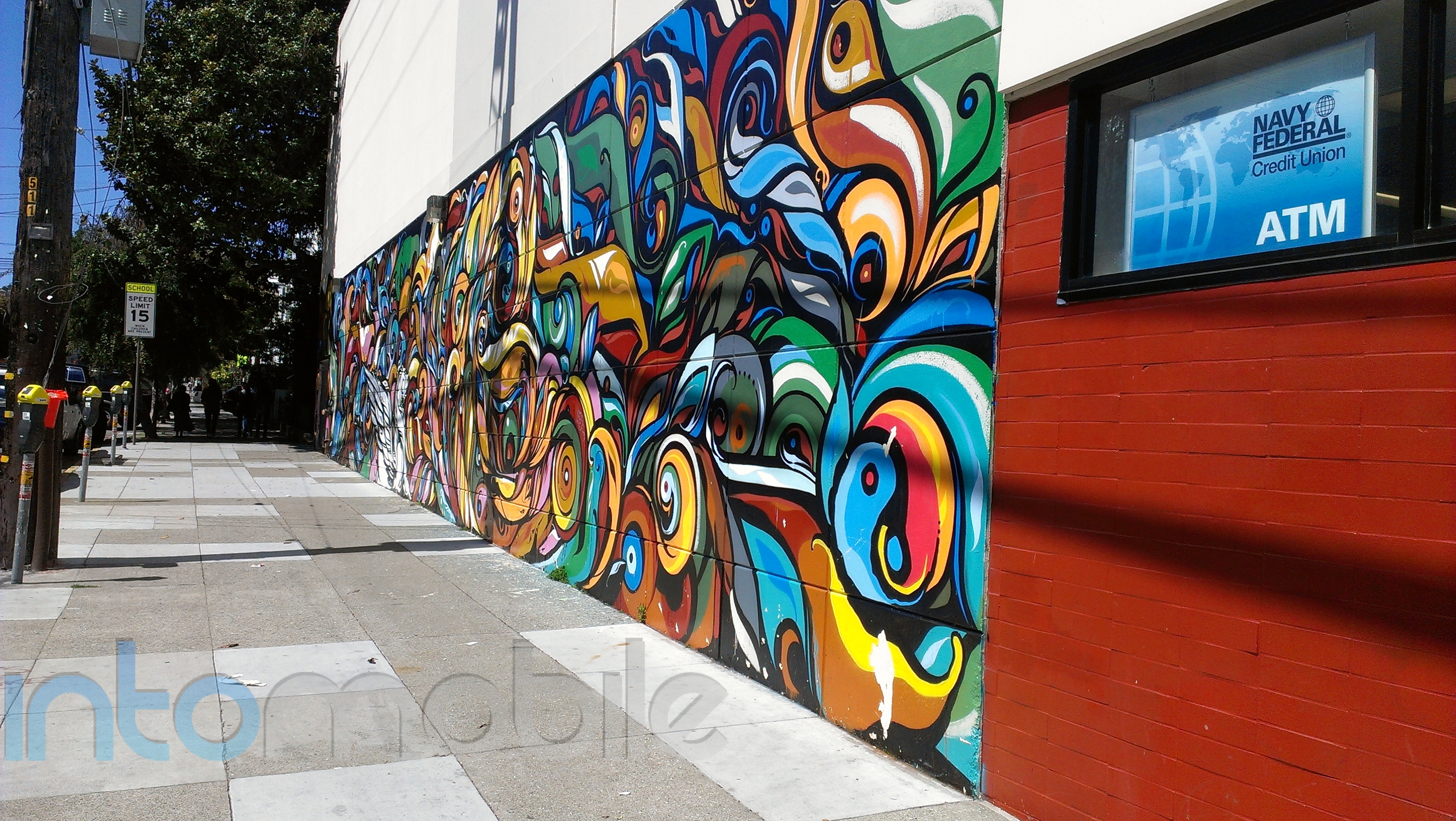
Picture quality was good, but it wasn't as good as the Galaxy S III or the iPhone 4S. Wider scenes where you are trying to capture everything in your field of view were easy to shoot and came out looking beautiful. Group photos and landscapes were my favorite photos to take using the Incredible's camera. As expected, images were crisp in bright sunlight and grainy in low light. There was also blur when capturing a subject that was moving. Both of these are common limitations seen in most camera-enabled smartphones.

Focusing was sometimes off, especially on macro shots, which produced images that had a crisp background and a blurred foreground. I noticed this when I was trying to photograph a flower. Even though I kept tap-focusing on the flower's petals, the focus repeatedly moved to the background leaves. It eventually did focus on the flower, but it was frustrating to have to tap ten or more times to get the focus correct.

In the end, most casual users will be happy with the camera phone on the Incredible 4G LTE. It has a variety of options and takes decent photos. Camera phone enthusiasts, however, may want to take a look at the Galaxy S III as an alternative.

Call Quality And Battery Life

The Incredible 4G LTE is the first handset in the Incredible series to feature 4G LTE data connectivity, As a result, the handset pulled down data consistently at 10-15Mbps and uploaded around 7-10Mbps. This is a huge jump from the 3G-enabled Incredible 2, which barely made it to 2Mbps up and 750kps down. Call quality was equally as good with no dropped calls in my testing. Both the earpiece and the speakerphone were loud and clear as well.

Like its predecessors, the Incredible 4G LTE has a removable battery that can be replaced as needed. Specs claim the 1700mAh cell delivers about 9.5 hours of talk time and over two weeks of standby, but in my usage of the phone, I didn't even come close to these estimates. I could go a day or two with minimal usage and about 14 hours with moderate to heavy usage. It was better than most 4G phones I've used and about on par with the iPhone 4 and other 3G phones.

The Final Take

The Incredible 4G LTE from Verizon is a solid offering, with a few caveats. The handset's performance was top-notch, and the build quality was very good, but it's a small phone with a comparatively small display, which will limit its appeal. With the Incredible 4G LTE, HTC is targeting those customers looking for a pocketable phone that you can use with one hand. It would also be a good phone for customers who have smaller hands and find the larger phones unwieldy.

If you are one of those aforementioned people, then I think you will be very happy with this latest offering from Verizon and HTC. With its high-resolution screen, LTE connectivity and dual-core processor, the Incredible 4G LTE is a solid performer and a nice jump from previous Incredible handsets. Customers looking for a bleeding-edge handset with lots of screen real estate, though, should pass on the Incredible 4G LTE and look at the Samsung Galaxy S III or the Galaxy Nexus, instead.

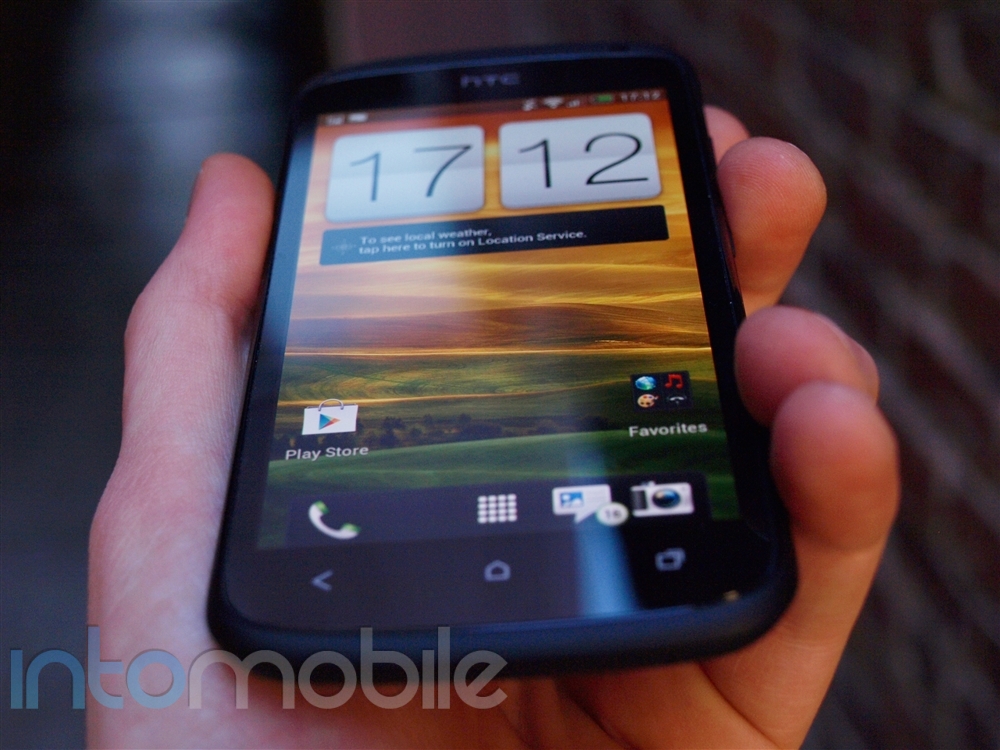
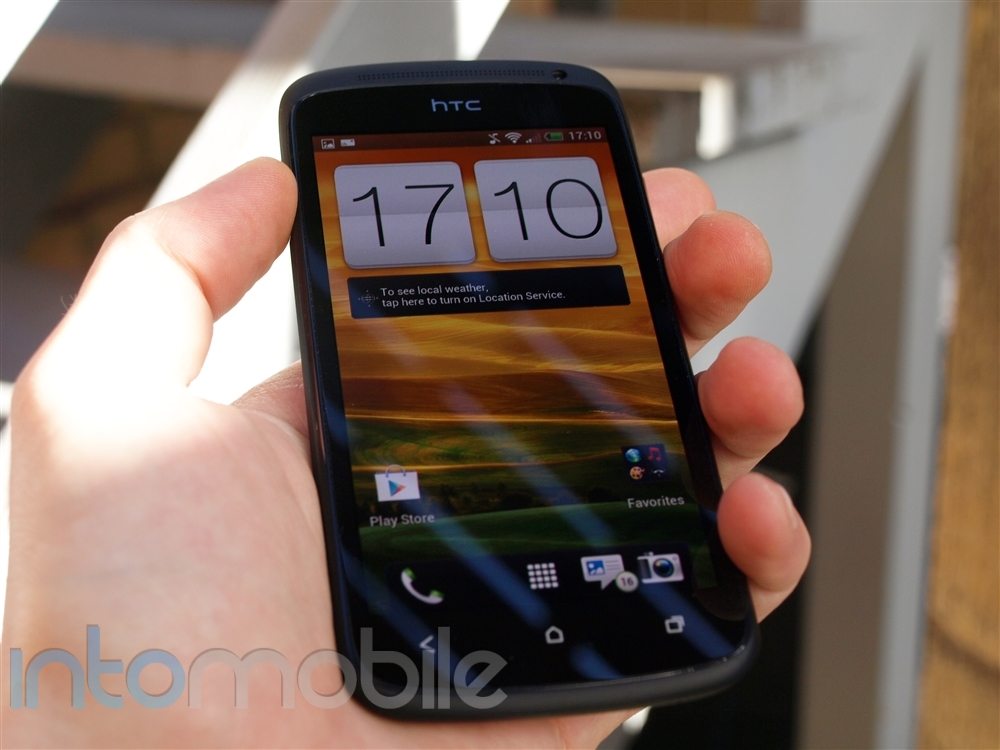
Droid Incredible 4G LTE
Droid Incredible, Droid Incredible 2 and Droid Incredible 4G LTE
Droid Incredible 4G LTE

Droid Incredible 4G LTE
Outdoor, color photo taken
Outdoor with Vignette filter
Macro shot of flower
Outdoor landscape

Droid Incredible 4G LTE lockscreen, homescreen
Droid Incredible 4G LTE Camera UI
Droid Incredible 4G LTE Browser


Google Nexus 7 tablet review : What’s a Kindle Fire?

July 7, 2012 by Blake Stimac - 12 Comments

While it wasn’t much of a surprise when Google announced its very own 7 inch tablet at the I/O conference for only $200, we’re still more than excited to see such a combination of power and software at such a great price point. The collaboration with Asus proved to be a great partnership and we…

Read more
The Good
  • Easily the most powerful Android tablet for the price
  • Jelly Bean takes the Android OS to new heights
The Bad
  • Missing rear camera and HDMI port may be a turn off to some
  • Android's tablet application selection still needs to catch up

Hardware

By now, you probably know all about the Nexus 7's hardware, but we'll give a refresher to the uninformed.

The Google Nexus 7 is a powerful tablet that bests even some ten inch devices out in the market today. That said, Google didn't set out to make the most powerful tablet in all the land, and you'll find that in some areas, the Nexus 7 is lacking. Google's mission was to make a powerful, yet affordable tablet, and that's exactly what it did.

While Google could have easily teamed up with Samsung again to make a Nexus tablet, we're glad to see that the search giant went with Asus. The company shipped one of the most popular Android tablets, the Transformer, and its successor the Transformer Prime, so we we're not surprised to see Asus next to Google in this venture.

The face of the Nexus 7 comes clean, with only the 1.2 megapixel front-facing camera on the top of the display disrupting the front of the device. On the right you’ll find the power/lock button, with the volume rocker below it. The left side is void of buttons, but has 4 pogo pins for what we would imagine is for an unannounced dock or something of the sort. This side, along with the top right side (with the back facing to you) also have microphones for noise cancellation. The top of the device is clean, save for the aforementioned microphone, and the bottom hosts the micro-USB port for charging and the 3.5 mm headphone jack.

The rear of the device lacks a high-res camera, which is perfectly fine by me. There’s never been an instance that I – number one: have only had a tablet on me and no smartphone, and – number 2: immediately reached for a tablet over my phone to take a picture. Sure, it can be a selling point on a tablet, but if you consider the lens on your smartphone for just a second,  you might begin to see just how unnecessary a 5-8 megapixel camera is on a tablet. Because of this and to keep costs down, Google left it out, leaving us with relatively clean back panel.

Inside the Nexus 7 is the stupid-fast NVIDIA Tegra quad-core processor, which will handle any game or other rich media content you throw at it with ease. Tagging along is 1GB of RAM, 8 or 16GB of internal storage, WiFi, Bluetooth, NFC, gyroscope, GPS, and just about anything else you’d expect to see in a high-end smartphone or tablet today.

The real highlight of the Nexus 7 is the NVIDIA Tegra 3 quad-core CPU. The blazing-fast processor make the lack of a rear-facing camera and other missing ports forgivable. Mobile technology moves fast, but a $200 tablet rocking a Tegra 3 won't feel old or be leaving your side anytime soon.

Design

Design-wise, the Nexus 7 is definitely easy on the eyes - especially the white version Google I/O attendees received. It's nothing too special, or over designed, but just right. It's a 7 inch slab, so there's only so much you can really do.

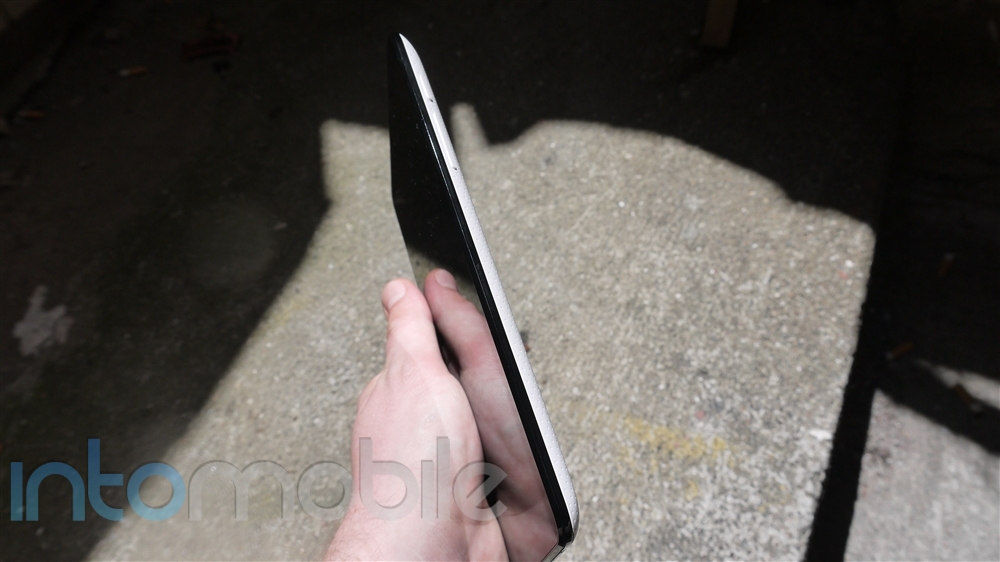
It's beveled edges make the tablet look thinner than it is and it results in a nice in-hand feel. This is something Amazon should have though about when designing the boxy Kindle Fire.

The back panel of the tablet is definitely interesting. The material used isn't quite soft-touch but is smooth to the touch, which offers up a nice grip onto surfaces. The back panel is also covered with tiny indentions that give off a perforated look and provide a subtle texture.

Another notable "feature" about the Nexus 7 is just how light it is, coming in at 340 grams (11.99 ounces) , which is the equivalent of about 2.5 Galaxy Nexus handsets. The Nexus 7 is easy to handle and won't get too heavy in the hand with prolonged use.

Build Quality

In our time with the Nexus 7, the build quality of the device seems quite solid. In the beginning, the back panel seemed questionable, but that was mostly due to the overall lightness of the device. We do know that some sort of protective glass from Corning is covering the 7 inch display, but the name Gorilla Glass won't be found anywhere.

Just like most Samsung Android devices, the lightness of the Nexus 7 may make it seem like it's made of cheap materials, which isn't the case. The Nexus 7 should prove to be a pretty sturdy tablet, and if you're really concerned, you can wait out for the upcoming covers that Asus recently revealed.

Software

Shipping with Android 4.1 Jelly Bean, the Nexus 7 has a lot going for it as far as new enhancements to the operating system is concerned. It's not the biggest update we've seen for Android, but that's because Jelly Bean builds off of Ice Cream Sandwich, which has been the most dramatic update to the operating system we've seen to date.

One thorn in the Nexus 7's side is the selection of tablet optimized applications. While a majority of applications in the Google Play store should run just fine on the tablet, it's clear that this is still an issue that needs to be worked on.

To get more information on the Jelly Bean experience, be sure to head over our Android 4.1 highlights review.

Web Browser, Multimedia And Camera

Web Browser

The Nexus 7 is currently the only Android device that ships with Google Chrome as the default browser. Chrome is officially out of beta and provides a slick web browsing experience that many people will enjoy. That said, Chrome doesn't support Adobe Flash and Android 4.1 Jelly Bean never will get support, so that might be a let down to some.

Flash on mobile devices may have never received the proper attention to make it a great experience but it's still better than nothing. HTML5 may be the future, but it still has a long time before it becomes as ubiquitous as Flash ever was.

Chrome is a pretty great experience on a tablet but my one peeve about the browser is that I do wish it kept a similar layout as it does for phones. Of course, Google wants the browser to mimic that of the desktop version, but I find the tabs at the top of the page get cluttered and aren't big enough to comfortably tap on with a finger. This is a minor complaint, as it's pretty much the most solid mobile browsing experience you can find.

Multimedia

Google is pushing the Nexus 7 media capabilities through Google Play like never before. After signing into your Google account for the initial setup, you'll find you homescreen is covered in Google Play widgets for recommendations. The Google Play Store now offers up TV Shows and Magazines, which is a very welcomed addition. While Google is trying to become the one-stop shop for consuming media on Android devices, there are plenty more outlets for you to choose from.

You can also use the Nexus 7 as a way to control a Nexus Q if you have one, along  with Google TV.

Camera

The Nexus 7 lacks a rear-facing camera, so you won't find the camera application inside the application drawer. The 1.2 megapixel camera will do fine for video chat but we'd refrain from using it as anything else. That said, if you want a dedicated application for the measly camera on the your Nexus 7, you can find one on the Google Play store.

Call Quality And Battery Life

Battery life on the Nexus 7 is pretty great. It should definitely serve up the 9 hours of HD video play back that Google promises, and more with other tasks. With moderate to light use, the Nexus 7 should easily last up to a week on a single charge. That said, with the crazy powerful Tegra 3 running the show, you're probably going to be playing a lot of games with this tablet, and even then it fares quite well.

The Final Take

So, the Google tablet has arrived. Almost every rumor that we heard concerning the tablet has come true in the specifications area. We're left with a powerful and affordable tablet. Instead of giving our final opinion just yet, we're going to break it down and tell you what the Nexus 7 is and isn't.

What It Isn't

The Nexus 7 is no iPad killer, nor does it even need to be. Google's tablet is going for a market that Amazon has proved is there, and both companies have even caught Apple's attention with the race to the bottom. Unless someone saw a real benefit from owning two Nexus 7 tablets, we have our doubts that Google's latest offering would sway someone who is on a mission to grab an iPad. That said, even if a 7 inch iPad is announced in the near future, you can bet your ass it won't be $200.

What It Is

Not only is the Nexus 7 the absolute best Android tablet available on the market for the price, it's also one of the best tablets on the market in general. Rarely can that be said. Yes, some specifications were sacrificed to achieve the price point and retaining the power under the hood, but we'd say it's a good trade off.

There are three things that stand out about the Nexus 7, and that's the fact that it's a Nexus device that will get updates faster than any other Android tablet around, the fact that it has the NVIDIA Tegra 3 quad-core processor, and it's price point. The combination of the latter two will likely find their way into more Android tablets going forward, but there will only be one Nexus tablet, which is enough to get some attention.

In short, Google killed the Amazon Fire, plain and simple. Not only is the Nexus 7 significantly more powerful in terms of processing power, it offers up the latest and full Android experience, uninhibited by Amazon's crap UI on the Fire. Basically, if you have $200 to burn, getting Amazon's tablet offering right now would essentially be equivalent of setting your money on Fire, so to speak.

With the rock solid CPU, great price, and the latest version of Android under it's belt, it's really hard to go wrong with the Nexus 7.


Samsung Galaxy S III Review : Is Samsung still the rightful heir to the Android throne?

June 19, 2012 by Blake Stimac - 14 Comments

The moment many people have been waiting for is finally upon us, and that would be the official release of the Samsung Galaxy S III. From a quick glance of its latest flagship handset, it’s easy to see that Samsung has put a lot of effort into the Galaxy S III and rightfully so. The…

Read more
The Good
  • The 4.8 inch Super AMOLED HD display is big and beautiful.
  • 1.5GHz dual-core Snapdragon S4 is very fast.
  • New design works well with the "designed for humans" element.
The Bad
  • As per usual, the heavy use of plastics may turn some off.
  • Some features are a bit gimmicky
  • Some may prefer the previous Galaxy S handset's design.

Hardware

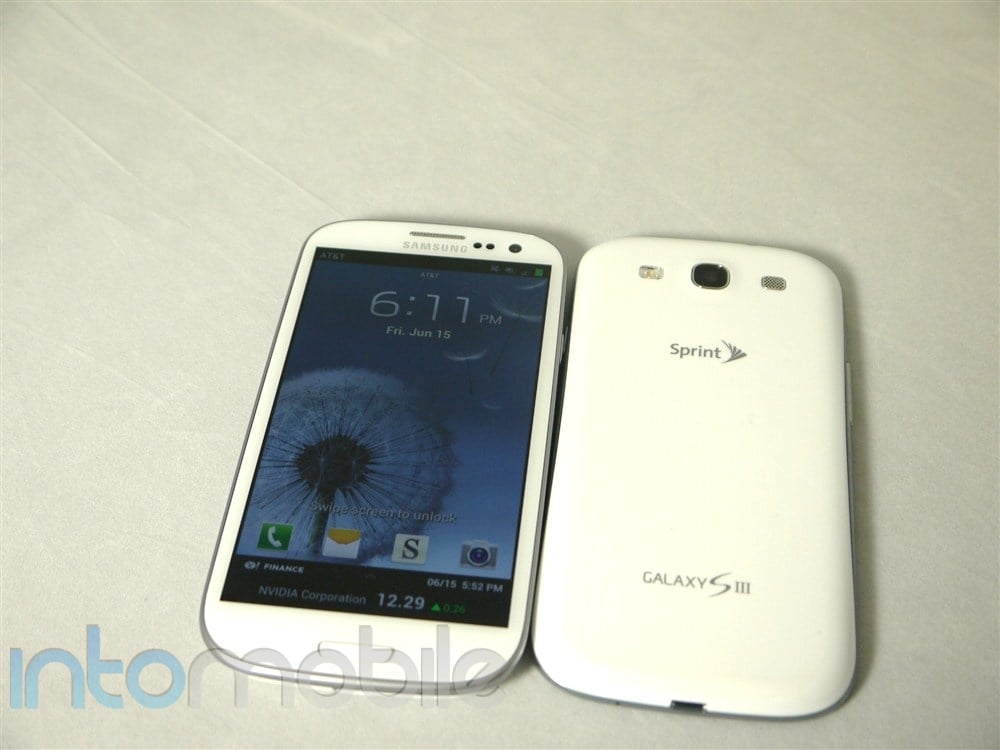
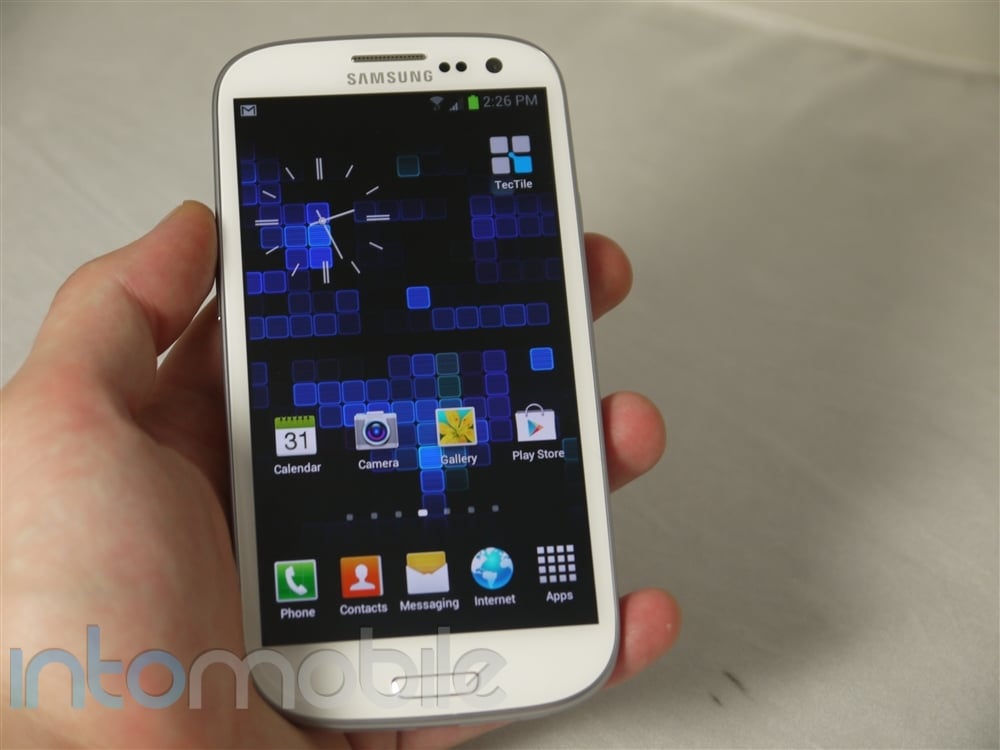
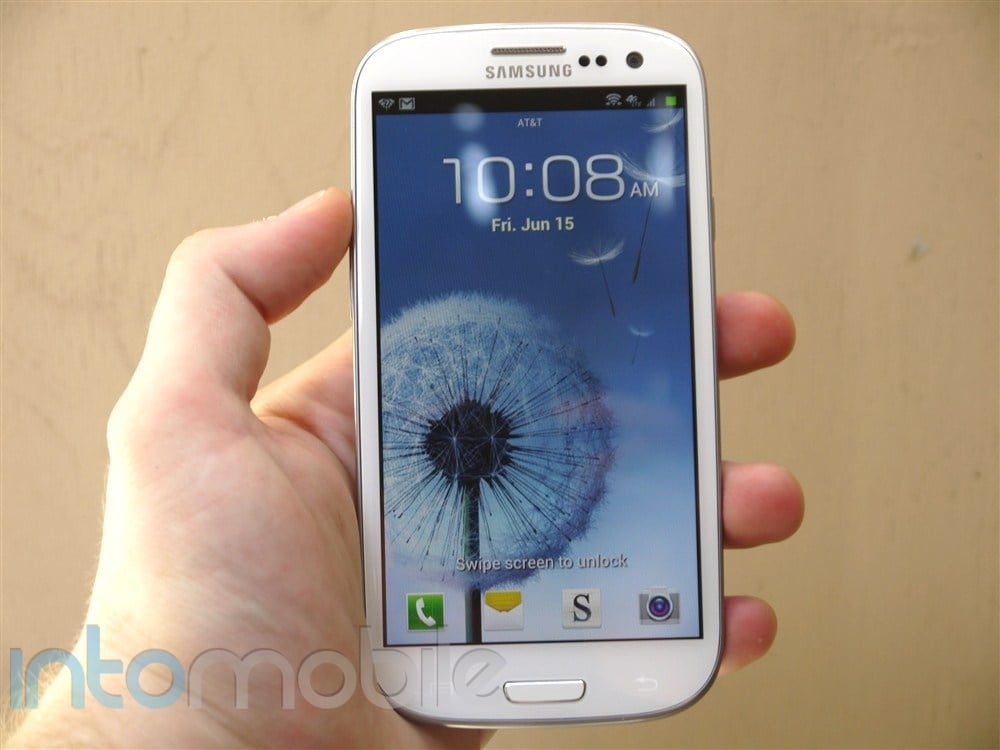
We have a tendency to say this for certain handsets that come across our desks, but we'll get it out of the way first. You need to hold the Galaxy S III to experience it, and not just a five minute fiddle. To truly appreciate it, you need to use the handset as your normally would, only to realize that it's not like every other phone you've used before. Samsung has escaped the wrath of the US carriers with the Galaxy S III, as all variants are physically identical, with the exception of the carrier's logo found on the back of the handset.

Sprawled across the face of the Galaxy S III is the large 4.8 inch Super AMOLED  display, in which you won't find it any more difficult to hold in your hand when comparing to the Galaxy S II or Galaxy Nexus. Sure, some may not feel that they need such a large display in their pockets, but if done right, it's just as nice as 4.3-4.5 inch display. To make sure your screen is about as safe as can be, Samsung has used Corning's Gorilla Glass 2 to protect it.

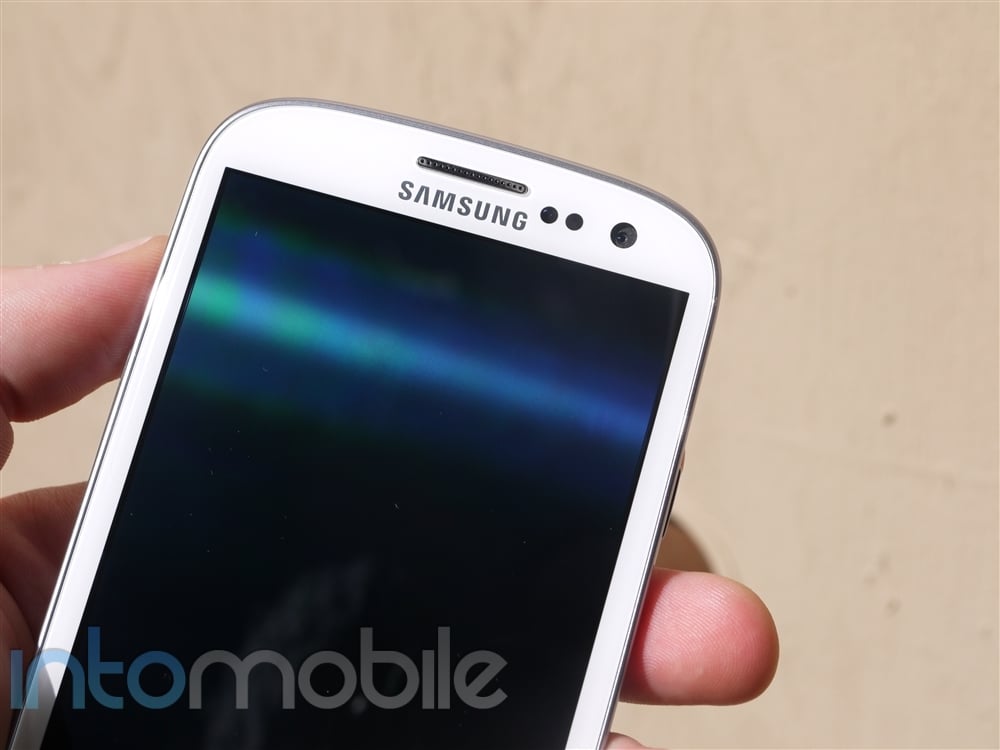
Above the display you'll find a nice helping of sensors, including the ambient light and proximity sensors, 1.9 megapixel camera, and a notification LED on the top left. The notification light isn't a one-trick pony, either. You can download an application like Light Flow to customize the notification color for specific notifications. This is something we were hoping for with the HTC One X's notification LED, but it only changes from green to amber.

Below the display, you'll find the dedicated home button that's made it to the US variants for the first time and it's surrounded by two capacitive buttons for menu and back. We're not necessarily sure why Samsung chose to go with buttons that aren't required, as Ice Cream Sandwich makes use of an on-screen button layout, but it works. Tapping the home button will take you home, tapping twice will open S-Voice, and holding it down will bring up past applications. While there's not dedicated search key on the device, holding down the menu key on the homescreen or in any application will open a search box.

The Galaxy S III keeps it simple around the sides, bringing you only the essentials. The left side of the device sports only the volume rocker, the right has the power/unlock button, the bottom rocks the micro USB port for charging, and the top gives a home to the 3.5 mm headphone jack.

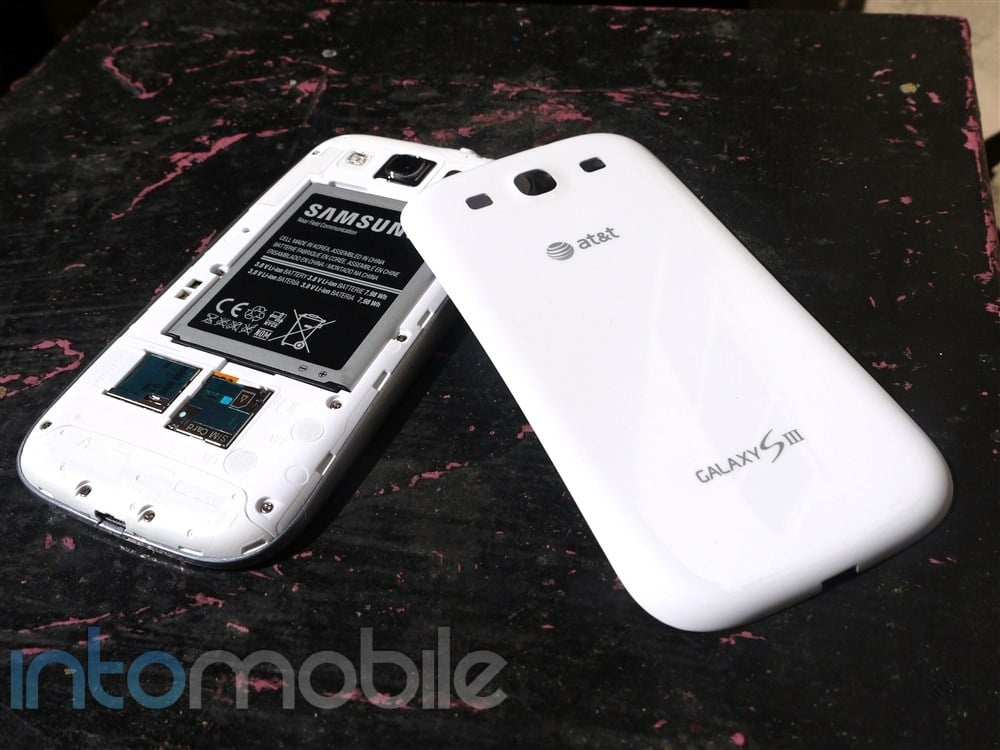
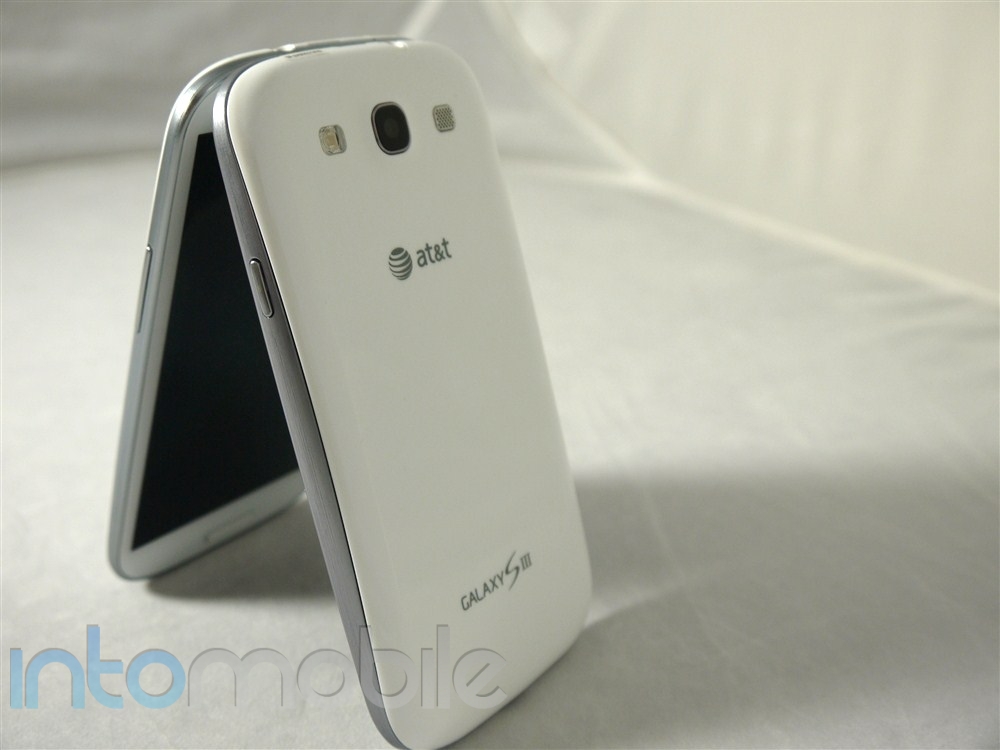
The rear side of the device will find the most complaints. The battery cover is a very plasticy and is coated in a shiny finish, which Samsung calls a Hyper Glaze. Said finish does give off a somewhat cheap feel to it but those thoughts wane significantly after prolonged usage of the device. Here you'll find the Galaxy S III and [Insert Carrier here] logo,  and the 8 megapixel camera, LED flash, and speaker all in a nice, symmetrical line.

Design

A stark departure from the Galaxy S II, the Galaxy S III ships with a completely new design that is ultra smooth from end to end. The edges of the device are encased in a metallic band that gets thicker towards the middle of the device, giving off a curved effect. The silver band around the device also provides a nice contrast against the white that's easy on the eyes. Avoiding hard edges throughout the device lends to a more natural look and feel, and since we know that Samsung's marketing the handset as "inspired by nature" it makes a lot of sense.

When putting the Galaxy S III right next to the Galaxy Nexus, you'll find many similarities. Of course, this is obviously due to the fact that both handsets were made from Samsung but you'll find that the two have a lot in common. Sexy isn't necessarily a word I would use to describe the Galaxy S III, and in no way is that an insult. The curved edges found throughout the device make for a more beautiful and subtle device, with everything laid out in a simple way.

If we were going to compare the Galaxy S III to the HTC One X, we'd give a nod to the latter. At least in overall design and build quality. The unibody design is easier on the eyes, but we'd be lying if we said we still didn't appreciate the ability to swap out the battery or expand the storage on the Galaxy S III.


Build Quality

Just because a phone is made of plastic certainly doesn't mean it's made of cheap plastic. This stands true with the Galaxy S III. All of Samsung's Android devices are heavy on plastics and we've come to accept that. What makes us more okay with this is the fact that Samsung handsets are rather durable. Case in point : Over the weekend I dropped my Galaxy Nexus, which fell down a set of three concrete stair, hitting every one. Hard. To my surprise, there were only a few scuffs on the edges and a small scratch on the screen protect. Pretty good for a fall that would likely have rendered an iPhone 4S unusable.

While some may be irked about the in hand feel due to the plastics, we'd say it becomes much less of an issue after you use the device for a while. Plus, it seems that all the people who have pre-ordered the device don't seem to mind the backing of the device, either.


Guts And Glory

The Samsung-made Exynos quad-core processor didn't make it into the US versions of the Galaxy S III but has been replaced by the incredibly fast 1.5GHz dual-core Qualcomm Snapdragon S4 processor. The entire experience we've had with the handset has been buttery smooth, and you can also thank the extra GB of RAM in the phone. The Galaxy S III is the first smartphone to rock 2GB of RAM, which might not necessarily be fully utilized until future updates of the OS and when Tegra-like games become more widely available.

We did a few simple benchmark tests on the Galasy S III and you can find the results below:

Linpack - Single Thread - 65.803 MFLOPS

Linpack - Multi-Thread - 106.549 MFLOPS

Quadrant - 3311

Neocore - 57.9 FPS

AnTuTu - 5157

Software

Samsung has done some exceptional work on the software front for the Galaxy S III. From very useful to downright gimmicky and useful, some features found in the Galaxy S III are meant to go unnoticed, as they are in place to make things simpler. Samsung's emphasis on nature-based sounds and animations are immediately noticeable from the second you unlock the device, so let's start there.


Lock Screen

Upon first turning on the phone and after signing into your Gmail account, you'll be presented with a revamped lock screen. Like the Galaxy S II, there's no wrong way to unlock the device, you just drag your finger across the screen in any direction to unlock. Instead of having the lock screen drag itself with you like on the Galaxy S II, a new water ripple effect takes its place, along with the accompanying water sound. It's nice. It's cute. It's different.

Samsung also took a page from HTC by allowing the user to launch a set of applications from the lock screen. Simple tap and drag one the desired application upwards to immediately launch it. Like Sense and even stock Ice Cream Sandwich, this feature works well if you want to get to an application quickly (like the camera) without having to fully unlock the device.

Another nifty feature that Samsung has added into the lockscreen is either a news or stock ticker at the bottom of the screen that will update periodically throughout the day.

Home Screen

TouchWiz has received a very nice facelift that makes it easier to use without completely changing the way you interact with it from previous versions. You're given up to  7 home screen panels to customize to your liking. You'll still be able to drag your finger over the dots above the dock to quickly jump to a specific homescreen and pinch the screen to view all panels. Overall, the Home Screen of TouchWiz pretty much remains intact from previous versions.

S-Voice

S-Voice is Samsung's answer to Siri, and like Apple's voice assistant, S-Voice needs a bit of work. This can be said about any sort of voice assistant on mobile phones these days as well. That said, there are a handful of nifty tricks you can do with S-Voice. You can check the weather, schedule a calendar appointment, set a timer, open (select) applications, send a memo, and much more. There's a lot to like about S-Voice, and even though it may be a direct answer to Siri, it's still a great improvement from the previous Galaxy S phone's voice assistant, Vlingo.


S-Beam

S- Beam is a pretty interesting feature that takes Android Beam to the next level. S-Beam essentially initiates a WiFi-Direct connection between two phones by using NFC to make things easier and allow users to share pictures and videos quickly.


Smart Stay

Smart Stay is what we'd call one of the more 'Human" features, as it's only there to help you save battery. When it's working, you won't necessarily know, and that's because it will make the screen dim when you're not looking at it. The 1.9 megapixel front-facing camera will track your eye movement and knows when you're looking at the screen. It's a behind the scenes feature that you never need to think about, which seems to be exactly what Samsung was going for.

Smart Alert

Smart Alert reminds the user that they have unread notifications or missed a call. If the phone has been idle, the phone will vibrate once it's picked up to let you know you have notifications waiting for you.

Direct Call

While it's a feature that you might forget to or won't care to use, Direct Call works well. It's a very simple feature that will automatically call someone you've been texting simply by putting your phone to your hear while in the open text thread.

Screenshots

There are two ways to take screenshots on the Galaxy S III. The simple "hold Home and Power" at the same time works but Samsung will now allow you to take a screenshot by swiping your hand across the screen from either side. It's easiest to swipe the screen with your hand when its in a karate chop style. Do not karate chop the phone.


Quirks and Irks

While there are many great new features in TouchWiz, it's not without an occasional quirk. Some of these range from simple application limitations, where some just make you scratch head and wonder why Samsung hadn't implemented certain things in an easier way.

While this could change in the future, one thing that irked me about S-Voice is that while you can ask it to open applications, it only seems to work on certain applications. Asking S-Voice to open an application like HBO Go or even Google Play yields nothing but a " What application would you like to open?" response.

Another oddity in TouchWiz is how folders are made in comparison to stock Ice Cream Sandwich. In TouchWiz, to make a folder, you must: Hold down on an empty space on the homescreen, tap Add to Home, Tap Folder, and then drag the application you want into said folder. Is it hard? No, but it surely doesn't beat dragging one application over another like in stock Ice Cream Sandwich.


Web Browser, Multimedia And Camera

Web Browser

The Galaxy S III's web browser hasn't changed much in the latest version of TouchWiz. You now have the option to make a webpage available for offline reading, and a couple more tweaks throughout. One thing that Samsung has always given its browser is a dedicated brightness setting. Now there are different color levels within the browser for power saving.

Like HTC's implementation, viewing and dismissing open webpages isn't as fluid as stock Ice Cream Sandwich. You're given thumbnails of the open webpages and they can only be dismissed by hitting a small x on the top right of each thumbnail. It's not hard to dismiss pages in the least bit but the swiping gesture found in stock Ice Cream Sandwich is a superior implementation in our opinion.

Multimedia

The Galaxy S III serves up a large assortment of way to consume or share media. The revamped video player shows live thumbnails of all the videos on your phone and also allows you to view nearby devices that you can view content from. From the video player, you can use the new popup video, which will open the video in a small window that you can move around on the screen. This allows you to surf the web, check your email, or whatever you might want to do on your phone without missing a moment of the video.

The redesigned Media Hub lets you rent or buy movies directly from your phone on the go, and when you're home, you can use AllShare to send content to and from your device to a compatible DLNA TV, set-top box, etc.


Camera

The camera is a great selling point on the Galaxy S III. Not only does it take great pictures, but Samsung has worked hard at making the software top-notch. We've always liked the customizable side bar, and now there's even more to love. From new shooting modes to saying, "Cheese" to take a picture, Samsung has made the camera software on the Galaxy S III our favorite, yet again.


Quick Camera Access

There are now two ways to access the camera application from the lockscreen. One is by adding the icon (which is there by default) to the dock on the lockscreen and simply dragging it to the center of the screen. This implementation is similar to HTC Sense, but another way you can get to the app is by using the new Quick Camera Access feature. When at the lockscreen, you can open the camera application by holding your finger on the screen and rotating the phone into the landscape position. While we can't say it's necessarily easier than swiping the icon upwards but you at least have the option of getting rid of said icon in favor of something else, and still access the camera quickly.

Buddy Photo Share

Buddy Photo Share is an interesting feature that will recognize the faces of people you take photos of. While you need to set it up first for it to know who is who, once you take a picture of one of your friends, a box will appear around their faces and you can immediately share the photo with them.

Samsung has also implemented some new shooting modes in the Galaxy S III, which include HDR and Burst Shot. Similar to what you'll find in HTC's more recent devices, Burst Shot will take a series of pictures when you hold down on the camera soft key and pick the best one for you.

Overall, the camera on the Galaxy S III is solid through and through. We did run into some interference with wind when recording videos, but we've experienced the same issue with many other handsets.

zoomed in photo


Call Quality And Battery Life

While using the AT&T version of the Galaxy S III, we ran into no calling issues whatsoever. Calls were loud and clear, with little to no interference on either side.

Battery life was a mixed bag with the Galaxy S III and as usual, we believe that it's a combination of both the large display and the LTE modem. One day I managed to get 25 hours out of the device, with very very little use (mostly on standby), and another day the handset only hung onto 15 hours of battery life in in the same conditions. That said, in the latter instance, the signal was abysmal, which could have made the LTE radio go into overdrive.

With normal use, the Galaxy S III performs very well for a smartphone of its caliber. It should definitely last you through the day, thanks to the 2100mAh battery inside, and we could imagine that T-Mobile's HSPA+ version might last you even longer.

The Final Take

So is the Galaxy S III what everyone has been waiting for? We're inclined to say yes. Some people may not be impressed with the new design of the Galaxy S III, but it's grown on me a lot since I first picked it up. The new design itself will be more attractive and approachable than the previous design, as the curved edges may appeal to a wider audience.

As far as being designed for humans, we're also inclined to give that a nod. That said, the fact of the matter is that Samsung could have marketed the Galaxy S III as being "designed for assholes" and it would still sell very well. There are a lot of features that work behind the scenes for the user, which does make the experience more "human."

Samsung and the Galaxy S III prove that it's no longer an Android vs iPhone race anymore. Hell, it's also not just a Samsung vs Apple race anymore. No, Samsung has taken a step up, getting closer to Apple than ever before. For that, it's now Samsung against the world; a status that Apple has only been able to maintain. Can you be that surprised when both companies collectively take up 90% of the smartphone market's profits?

The Galaxy S III is definitely the best Android phone we've come across this year, with only the HTC One X coming close to what Samsung has achieved. We really like the One X, but while HTC was busy refining virtually every aspect of Sense with the One line, Samsung was enhancing TouchWiz in many great ways.

We're definitely anxious to see what Google has in store for us later this yeah when at least one new Nexus handset will be announced. But for now, if you're looking for the best Android phone you can get on the four major carriers (and then some) in the US, look no further than the Galaxy S III.


zoomed in photo


Hands-on with the Nabi 2, an inexpensive NVIDIA Tegra 3 tablet for kids

June 19, 2012 by Kelly Hodgkins - 1 Comment

Fuhu, maker of the Android-powered Nabi tablet, is back with another product in its kid-friendly line of devices. The Nabi 2 is a an update to the original Nabi tablet that bumps up the processor and improves the overall performance of the device. It’s an interesting product — the hardware is better than most Android…

Read more
The Good
The Bad

Hardware

The Nabi 2 is a nice upgrade from the original Nabi, which had dual-core 1.1GHz ARM Cortex-A9 processor and 4GB of storage. The Nabi 2 boasts an impressive set of hardware specs including a 7 inch multi-touch capacitive touch screen  with 1024 x 600 resolution, a Quad-core NVIDIA Tegra 3 processor, 1 GB of RAM, 8 GB of Flash Storage, and 2-megapixel front-facing camera with 720p video. Other features include both Bluetooth and WiFi connectivity,  a microSD card slot, micro USB 2.0 port, mini HDMI, 3.5mm headphone jack, microphone and a 3,850mAh lithium-ion battery that's charged via a DC connector.

On the back is the Nabi grid, a panel with several rows of cube-shaped connectors that'll let you attach a wide variety of add-ons. Fuhu says it'll support car mounts, an external camera module, game add-ons and other accessories that'll plug into the back of the device. It's an interesting concept that lets Fuhu keep the price of the tablet down and still offer products that expand the functionality of the device.

Parents will also be pleased to know that the Nabi 2 ships with a protective rubber case. It covers the sides and corners of the device, but keeps the ports and the back Nabi grid exposed. Besides protecting it from a fall, the case also helps your child keep a good grip on the tablet.  The case is soft and flexible which means you can slip it off a little on the sides. Despite some rough handling by my kids, they never managed to remove it. The case is good for drops, but it offers no water protection. You have to watch out if your child is handling the tablet near drinks that can be spilled or a body of water like a lake or a pool.

The battery life is the only complaint I have against the device and it's a minor one. The Nabi 2 ships with a 3,850 mAh battery, which is smaller than the 4400 mAh of the Kindle Fire and the giant 11560 mAh battery of the iPad 3. Though the Tegra 3 processor has some battery saving features, it's not enough to make up for the smaller capacity.

For example, I handed the tablet to my kids and they got about 4-5 hours of non-stop usage. That's not terrible by any means, but it's not outstanding either. In the end, you just need to plan for it. If you have a long car trip, then make sure you have a way to charge the device. Personally, I like the tradeoff of having a faster device with slightly less battery life than a slower device that lasts all day.


Software

The software is what sets the Nabi 2 apart from its competition. Kids will enjoy the colorful, icon-based UI, while geeky parents will appreciate the underlying Android 4.0 Ice Cream Sandwich OS. The tablet is setup so kids can easily move from app to app and explore the device without accessing the core setting of the OS. As someone whose children have deleted apps and tweeted while using my iPad, I appreciate how nice it is to have a children's side of the device that's separate from the parent's side.

The parent's side is accessed via the appropriately named Mommy Mode. It's password protected so only adults can access this section. This part of the tablet lets you browse through the underlying Android OS. It's here that you'll find the standard Android web browser, settings and other familiar Android components. The Google Play store is not there, but there is a curated App Zone that gives you access to 500 kid-selected and mom-approved apps. You can also launch Skype and talk to grandparents who may live far away.

The tablet ships with 25 free games (some limited demos), 50 free songs, 30 free books, and a free 30-day trial to Spinlets+ TV, a kid-friendly video streaming service. Not surprisingly, my kids loved the games, like Angry Birds and Jett Tailfin Racers, that ship on the tablet, and their performance was as smooth as silk with the Tegra 3 processor. There's also a series of educational apps from Fooz Kids University that covers science, social studies, math and english.

If your kids are capable of doing chores, the Nabi 2 ships with a Chore List app that lets you setup and assign jobs for your children to do each day. Children can earn Nabi coins for completing chores (or lessons in Fooz Kids University) and then spend them in the companion Treasure Box app. Kids can spend their coins on games, apps, music, and wallpapers.

The Final Take

First and foremost, the Nabi 2 is an Android tablet which makes it more than a toy, despite it's playful design. This mixture of kid-friendliness with the power of the Tegra 3 places the Nabi 2 well above learning devices like the LeapFrog Leapster Explorer. Though it's still an Android tablet at heart, the Nabi 2 isn't as wide open as the iPad which has little to no parental controls. It's also much less expensive which makes it easy to hand over to your children without remorse.

The parental controls and the children-focused apps sets the Nabi 2 apart from the Kindle Fire which has parental controls, but connects to Amazon's website. My kids have a Kindle Fire that we use for reading and educational apps, but I'm uncomfortable with the close tie to Amazon. Amazon isn't bad per se, but I have run into problems with my children accidentally buying stuff (a $400 camera I left in my Amazon shopping cart) and accessing videos from my Unbox library. The Nabi 2, though, has a controlled environment with kids-only content that'll let you hand over the device to your kids and not worry about them getting somewhere they shouldn't.

After seeing how much my kids thoroughly enjoyed using both the educational apps and the games, there's little doubt the Nabi 2 will set a new standard for devices that target children. The Nabi 2 tablet will launch in the US in July. It will be available in select retail stores and online for $199.99.


Sprint EVO 4G LTE Review

May 16, 2012 by Marin Perez - 7 Comments

The HTC EVO 4G LTE is coming to Sprint and it brings the much-vaunted One Series to the Now Network. In this review, we’ll see how good this LTE-enabled phone really is.

The Good
  • This phone feels like a premium device.
  • The camera takes great pictures.
  • The design feels one-of-a-kind.
The Bad
  • The Sprint 4G LTE network is virtually nonexistent.
  • The unique design isn't for everyone.
  • Sense 4.0 may not appeal to all.

Hardware

The EVO 4G LTE is essentially the same innards as the One X but you couldn't tell that from the design. This phone packs in a ton of horsepower in a very exciting package. Love it or hate it, the EVO 4G LTE has a unique design which is quite eye-catching.

Design

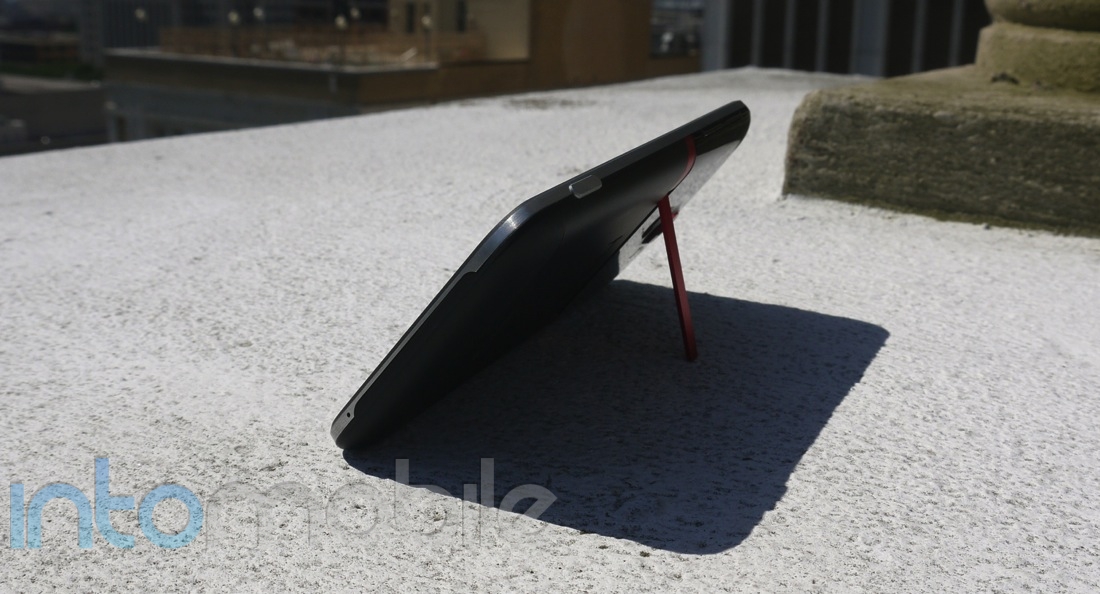
You can definitely see the DNA of the EVO series in this phone, whether it's the large speaker above the screen or the probably-useless kickstand.  I think it could eventually be a polarizing design but I have to give HTC credit for trying something new.

The 4.7-inch 720p HD display sports IPS technology and takes up most of the face of the device along with the aforementioned large speaker and the back, home and multitasking button underneath it. There's a silver trim along the device and the right spine sports a single volume rocker and the large, grey camera button. The top has the power/unlock button and a standard headphone jack, while the left spine has a standard microUSB port.

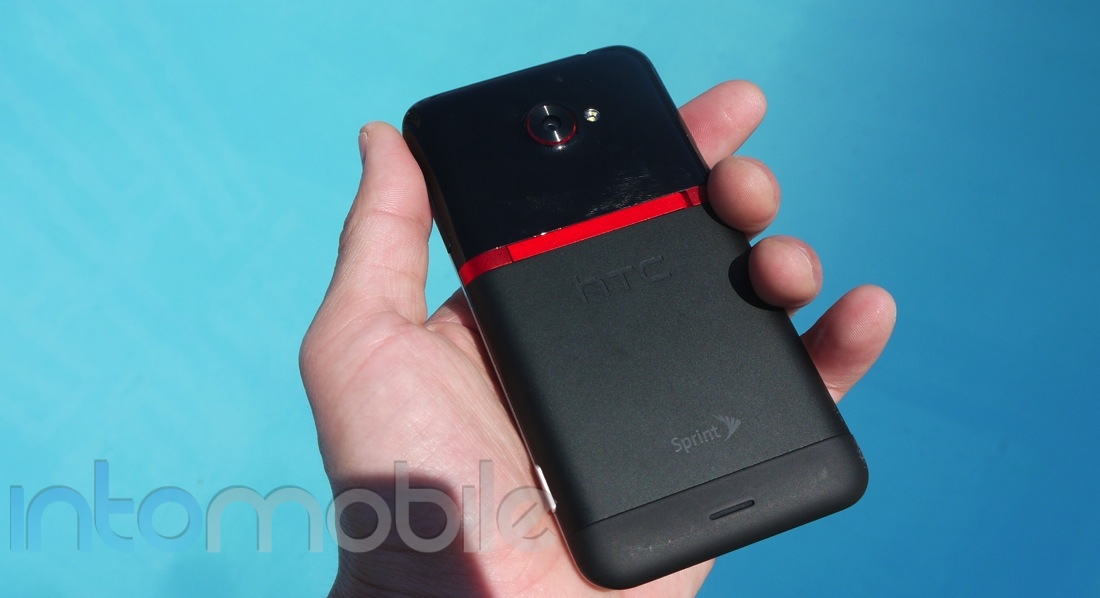
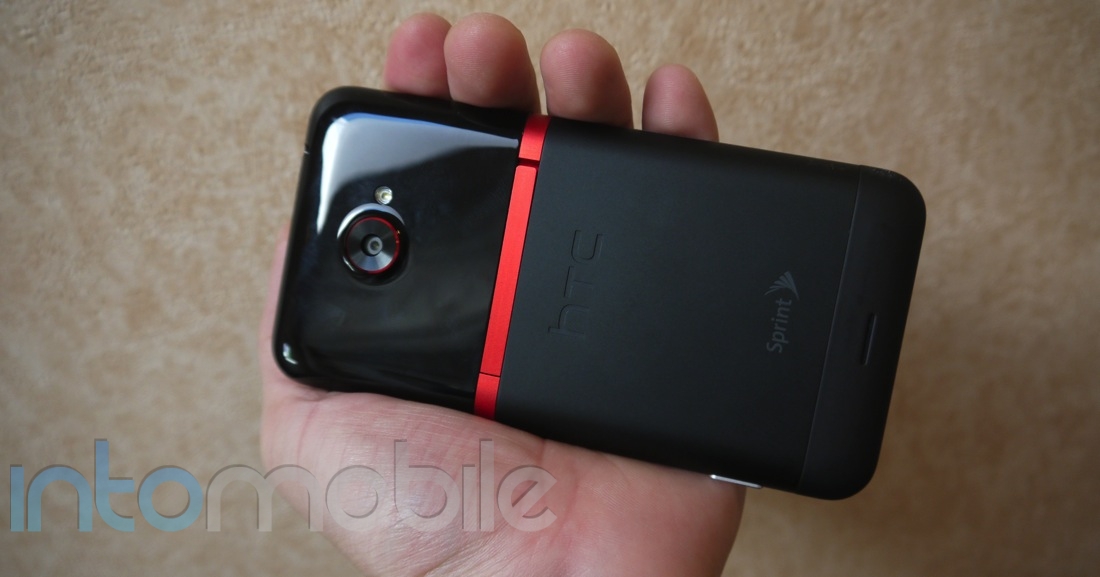
The back of the EVO 4G LTE is where things get interesting, as it's a collage of different colors and textures. The red kickstand separates two different-looking parts of the back: the bottom portion is a matte greyish black and the top is a glossy pure black. I thought it looked really weird the first time I saw it.

As I lived with it though, I began to appreciate the EVO 4G LTE more. I'm sure that some of you out there may prefer a more traditional design, though. I do prefer the look and feel of the One X more but the EVO 4G LTE is still a premium device.

Then there's that bloody kickstand. The EVO 4G brought the kickstand to our collective conscious with modern smartphones and I'm still not sold. The EVO 4G LTE's kickstand works well and looks good but I don't see much use for it. If I'm watching movies on my phone, it's generally in a public transportation situation where I can't lay it down and if I'm on a plane I'll use a tablet or a computer.

The one good use case I've heard of is to have the kickstand turn this phone into one of the coolest nightstand alarm clocks. Your mileage may vary on the kickstand but I'd rather see it disappear and make the device thinner.

Build Quality

One of the reasons I can handle the "interesting" design is because the EVO 4G LTE is an incredibly well-built phone. The EVO 4G LTE is a premium device that feels spectacular in your hand.

Because it's a 4.7-inch screen, the device is somewhat long compared to something like an iPhone but it's slim, light and easy to operate with one hand. I'm not terribly concerned about

Guts And Glory

The HTC EVO 4G LTE is powered by a dual-core Qualcomm SnapDragon S4 and this powerhouse chip hasn't let me down so far. For the most part, the EVO 4G LTE performed like a champ and I'm confident that this will continue to be the case for the life of the contract.

There's not much lacking when it comes to the guts, as you get the GPS, Bluetooth, 8-megapixel camera with ImageSense technology and nearly everything else you'd want in a device like this. The LTE radio is supposed to be a great thing but the nearly-nonexistent Sprint LTE network can lead to some problems (more on that below).

Otherwise, the HTC EVO 4G LTE is packed with all you power you could want for surfing the web, watching videos, playing games and making calls and texts. It's all crammed in to a sleek design, too.

Software

The HTC EVO 4G LTE runs Android 4.0 Ice Cream Sandwich with Sense 4 and the overall experience isn't that much different than that of the One X, so I encourage you to read that review. For those unfamiliar, Android is an extremely powerful and flexible platform that is every bit the equal of iOS in most ways and it's drop-dead simple to make calls, browse the web, download new apps and use media. I still say iOS has a bit more overall polish than Android but Google's platform has a lot going for it.

The Google Play store is filled with a variety of apps and while some may not be as pretty as its iOS sibling, we're seeing a lot of app makers pump out beautiful Android products. You also have the added advantage of being able to use widgets and third-party apps can easily integrate to many of the phone's core operations. If you want to share a photo to Facebook on the iPhone, you have to launch the app first and then either take the picture or pick one from your gallery. With Android, it's as simple as launching your camera, taking the picture and then choosing to share with Facebook (if you have it installed).

The EVO 4G LTE has Sense built on top of Android and it does a lot of things right to make the Android experience a bit prettier. Those of you who love stock Android aren't going to be swayed by this but it's still pretty solid. You get the quick-launching apps from the home screen, a Dropbox hookup, Beats Audio and other HTC services.

I think I was just so in love with the One X to really drill down on some things that bother me on Sense 4 and one is kind of major: the multitasking button. When you hit this on a stock Android, little tiles are overlaid on your screen and you can click on them to switch to an app or slide it to kill it. HTC's multitasking button brings you to a separate screen and you flick up to dismiss apps. I just think the stock way is a bit more efficient.

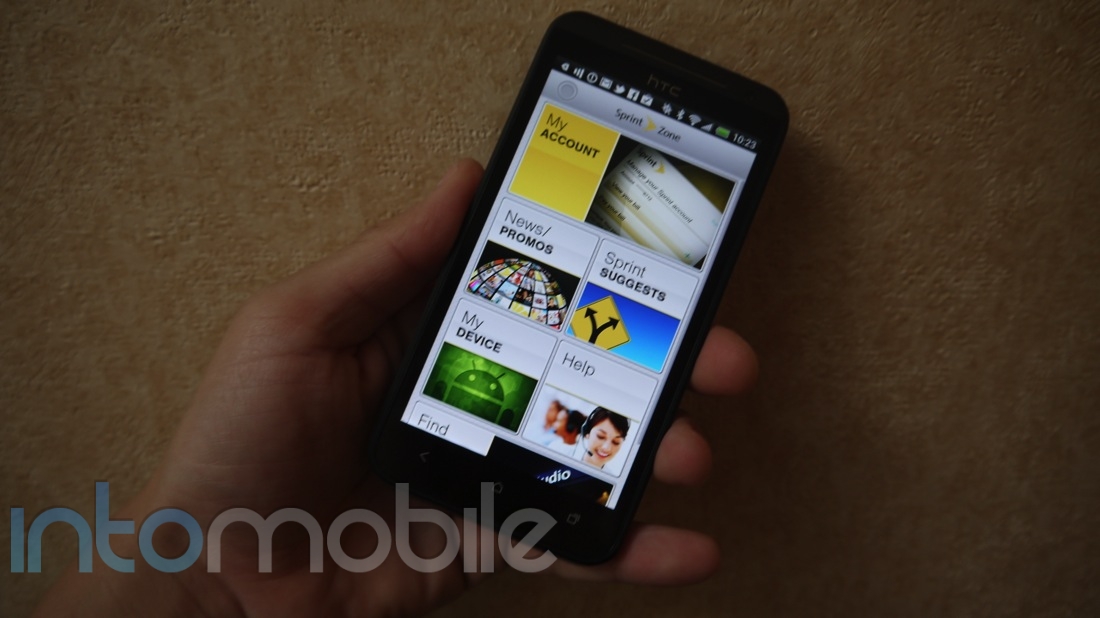
It's a Sprint phone so you can expect some Sprint software on this bad boy, as it comes preloaded with the Sprint Zone but there's not too much "bloatware," thankfully.

The software on the EVO 4G LTE is worthy of the sexy hardware.

Web Browser, Multimedia And Camera

Web Browser

The EVO 4G LTE uses the Android browser with a few tweaks and it's pretty solid. I don't like the way it handles tabs because you have to go to a separate screen to manage these but I've downloaded Chrome for Android and haven't looked back. Either way, text and images look good on that large screen and it can handle most modern web technologies. It also has some good auto-zooming and wrapping on text, which is something that's still lacking in some devices.

The weird thing about the EVO 4G LTE is that I can't use LTE at all because it's not yet live in San Francisco or New Orleans (the two cities I've been since I've used this device). There's also no WiMax fallback in this so you're stuck on Sprint's CDMA 3G network and I've found this to be quite slow. Maybe I'm just used to 4G now but using data can be a pain - I've gotten some abysmal speeds in both cities.

The upside is that Sprint plans to roll out its LTE network shortly and it should be available in most major markets mid-way through your contract with the EVO 4G LTE. But without that, it's just an EVO on a slow, slow network and that's kind of a shame.

Multimedia

The HTC EVO 4G LTE is a high-quality media device and Android gets better on this front every day. The screen is bright, big and pretty nice (a slight bit of over saturation on colors for my taste) for watching videos and you're given a variety of content options. You can use the HTC Watch service to buy movies and the Google Play store also offers many things to watch.

You can also look forward to Beats Audio built in for some improvements to the audio quality. I use a ton of third-party apps like Spotify, Pandora and Stitcher to get the most out of the audio side of things and these all run well on HTC's latest phone.

Camera

The HTC EVO 4G LTE has an amazing camera. The ImageSense technology that debuted in the One X comes to this Sprint superphone and it's a really good thing. Pictures snap almost instantaneously and you can even snap photos while you're recording 1080p HD videos. I'm not in love with the low-light performance or the ability to zoom and maintain a high quality but you're going to love the camera on the EVO 4G LTE.


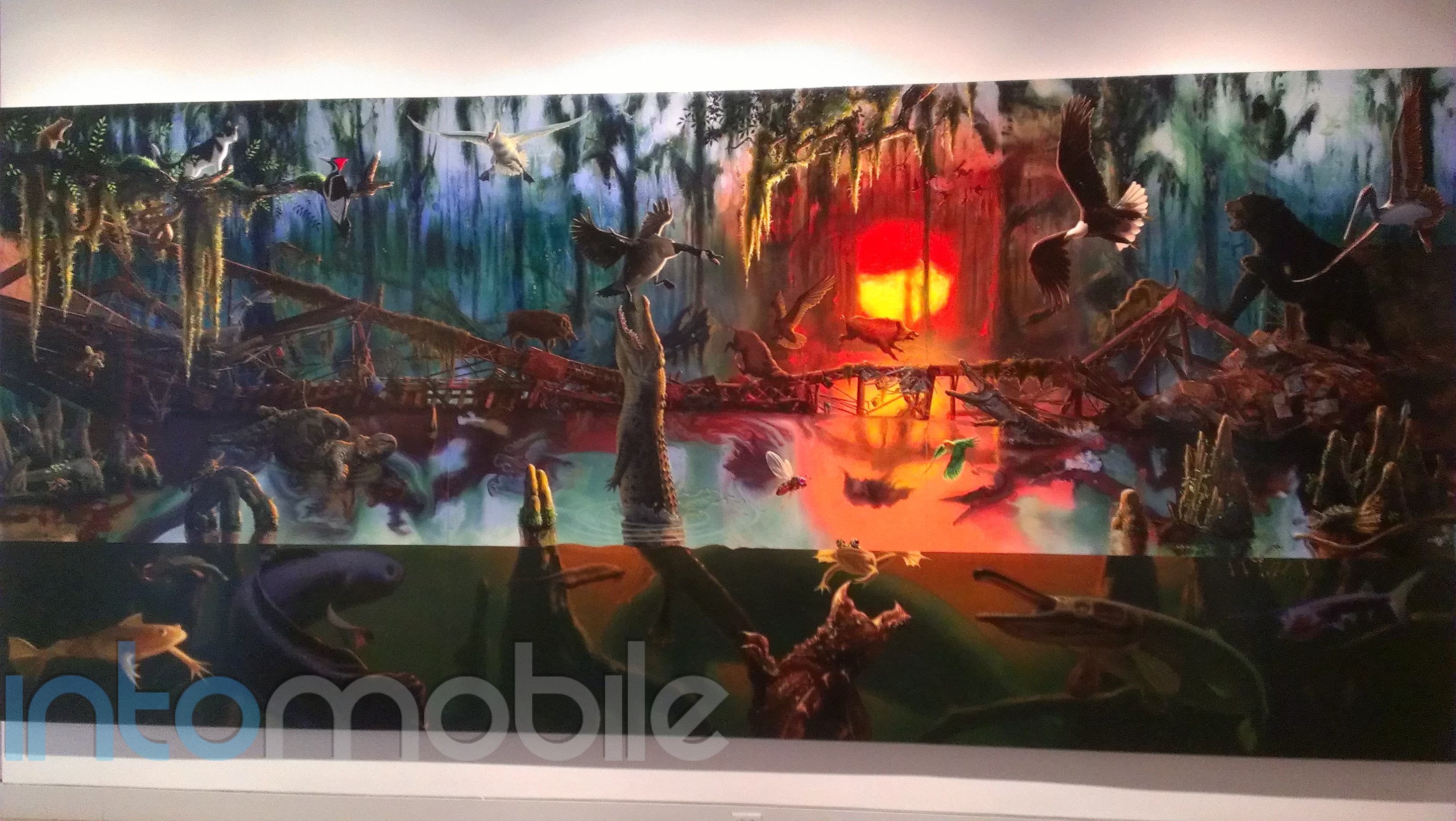
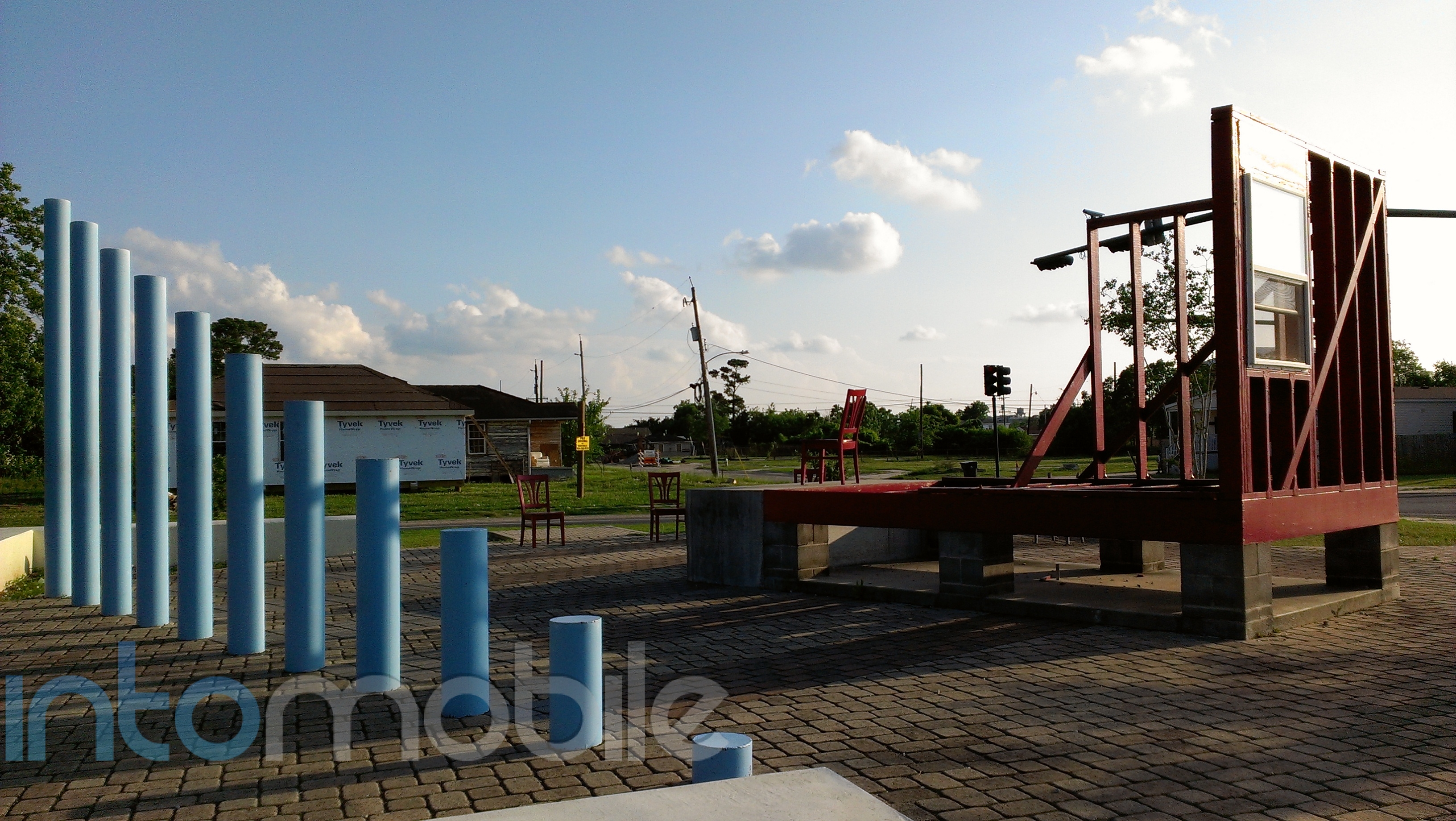
EVO 4G LTE samples

EVO 4G LTE samples


EVO 4G LTE samples

Call Quality And Battery Life

The HTC EVO 4G LTE comes with the highly-touted HD Voice and it really does make a big difference in the call quality but it requires both parties to have HD Voice, which is still a ways away. When it's working, this greatly reduces background noise and it sounds good enough to make me actually want to use voice calls again.

Even without the HD Voice, the call quality with the EVO 4G LTE is pretty solid. I could hear those on the other end clearly and was told my voice was coming through with the proper amount of volume. You could tell I was using a smartphone but it wasn't anything bad.

The battery life has been kind of tricky for me, as I first got the device during a 2 1/2 hour photo-shooting tour and the battery drained like crazy. Now that I've been using it outside of that situation, it seems to have "grown into" its normal battery life, which is pretty much your standard full work day. I don't know how this will be impacted when I'm actually using 4G LTE, though.

The Final Take

It's still kind of weird that the HTC EVO 4G LTE launched before there's any Sprint 4G LTE network. We know it's coming to Atlanta, Baltimore, Dallas, Houston, Kansas City and San Antonio but the rest of the footprint is unclear. I guess you can take solace in the fact that the network should be built out mid-way through your contract but Sprint's CDMA 3G network just seems painfully slow.

It's a shame too, as the HTC EVO 4G LTE is a beautifully-designed piece of technology. Love or hate the back cover and kickstand, it's an eye-catching device that can be put up against any of the top phones out there. It's definitely the best Android phone on Sprint and if there was a real 4G LTE network, it would probably be better than the iPhone.

REVIEW: HTC One X for AT&T

May 1, 2012 by Blake Stimac - 5 Comments

We’ve already put our geeky paws all over the international version of the HTC One X, which has officially set the stage for a heated smartphone battle in 2012. Now we have the HTC One X for AT&T in our hands and while it’s still very much the same handset we loved before, some internals have…

Read more
The Good
  • The monster 4.7 inch display is gorgeous
  • The camera takes some seriously beautiful shots
  • The Snapdragon S4 CPU kicks some ass with its LTE support
The Bad
  • Might be a bit big for some people
  • Although refined, Sense may not be everyone's cup of tea
  • LTE is still a battery killer and it's no different with the One X

Hardware

With the exception of the Tegra 3 and Snapdragon S4 in the One X variants, both handsets are virtually identical. Because of this, you'll find a lot of similarities from our previous review.

At this moment in time, the HTC One X is by far the best Android handset to exist, period. It's taken quite a while for us to officially dethrone the Samsung Galaxy S II, even as handfuls of handsets with better hardware have come and gone since it's arrival.  But the One X is the cat's meow. It's beautiful and solid, which something we'd expect from HTC but it screams a kind of quality and attention to detail that up until now, the company has yet to achieve. This bodes very well for HTC in the coming years and we're definitely glad to see that.

Design

One can tell that HTC sat on this handset for quite a while to make it as great as it can be, and it worked. Internal hardware aside, the One X is a downright beautiful phone and is unlike a lot of handsets on the market today.

The 4.7-inch display takes up the bulk of the face and it looks subtly curved to provide for good viewing angles. As you would expect from any high-end smartphone, the One X sports a 720p Super LCD 2 screen that's bright, beautiful and responsive to the touch.

There's a large speaker above the screen to go along with the front-facing camera. Underneath the display, you'll find three capacitive Android buttons (Back, Home and Multitasking) and I'm not quite sure how I feel about this. Android Ice Cream Sandwich doesn't require these buttons anymore and I wonder if the One X may have been better off letting all of these actions being handled on the screen.

The screen is quite beautiful and it matches the gorgeous rest of the device. The One X is made of precision-machined polycarbonate material and HTC put on a high-gloss "piano" finish that is aimed at mimicking piano keys. I don't care what you call it, I found it to be stunning when I first took it out of the box (especially the white version).

It's a relatively minimalist design, as the embedded battery means you can't take off the back cover but it leads to a cleaner unibody design. The right spine sports a single-piece volume rocker, the headphone jack's on top, the microUSB port is on the left and a microphone is on the bottom. That polycarbonate backing feels delightful in the hand. It's relatively bare too except for the HTC and Beats Audio branding, a speaker and the large 8-megapixel camera.

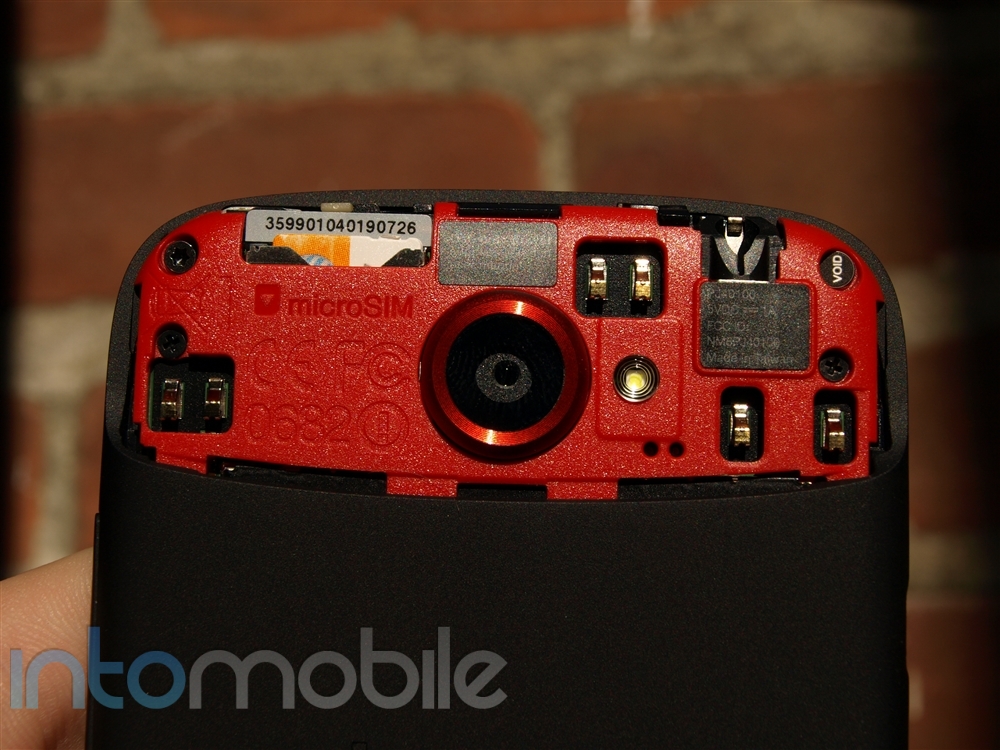
If you want to get to the microSIM, you have to use the provided tool to pop out the microSIM tray, though a tack does the trick as well.


Guts And Glory

The One X sports a 1.5GHz dual-core Snapdragon S4 processor, which makes it one of the most powerful phones on the market. Games, web browsing, HD video and app switching are all handled smoothly. The CPU switcheroo from the NVIDIA Tegra 3 was solely done for the fact that the Qualcomm chipset supports LTE and we won't see any NVIDIA processors supporting the latest 4G networks until the end of the year and we can't wait for that marriage. Nonetheless, the processor inside the AT&T One X flies.

Besides the 1.5 GHz dual-core processor, the One X is also packed with 1 GB of RAM, 16 GB of storage, multiple sensors, NFC, WiFi, LTE and HSPA+ connectivity, Beats Audio and everything you'd want in a powerful smartphone.

As far as benchmarks are concerned, the AT&T One X isn't in short supply of power. Between the Tegra 3 and the S4, benchmark apps show better results towards NVIDIA's offerings but fortunately, you won't see much of a difference between the two unless you're playing some heavy games. That said, the international version of the handset has access to the Tegra Zone app portal, which is something you won't find support with on AT&T's offering, so that console quality liking gaming experience won't be found here, but it holds its own in most areas.

Software

HTC has brought many of the familiar Sense elements to the latest version, as the look and feel are instantly recognizable if you've ever used Sense before. This includes the 3D carousel for home screens and lock screen with quick-action apps and widgets. That last aspect is really cool as you can set up a few icons on the lock screen, drag the app you want into a the ring and it will launch into the app immediately. If you just want to unlock it, they you pull the ring from the center of the screen up.

There's also built-in Dropbox integration which gives you 25 GB of free storage for two years. If you already have a free or paid account, you get that on top of the 25 GB - so, my free 2 GB account will give me 27 GB. The nice thing is that you can tie your camera to this to automatically upload to Dropbox. While you can also do this with the Google+ integration, some may like the Dropbox storage better because it's more accessible from various devices and operating systems. It's also really good for sharing your 1080p HD videos, as these are sometimes too large to attach to an e-mail.

Sense has been scaled back in a few ways, as HTC is attempting to take out some of the bloat that began to make some users turn away from previous versions of the custom UI. For the most part, Sense has been refined for the better, in that it should be more approachable for users coming from other Android devices. One tweak that makes this apparent is that HTC has replaced the original dock on the homescreen with a more traditional Android dock. It's subtle tweaks like this that make the experience a nice one if you're coming from, say, a Galaxy S II.

I felt like the software on the One X was pretty darn good but that doesn't mean it's without flaws. I think HTC did a good job of trying to make Android look more visually appealing but if you haven't liked Sense in the past, I'm not sure if this is going to push you over the edge. Although refined, this is still the Sense UI, and it's not that dramatic of a change from previous versions.

There are a few software inconsistencies that we wish HTC had left untouched from stock Android 4.0. These issues wouldn't necessarily make someone avoid the handset but small things like not having the option to automatically share a screenshot once taken (you have to leave the picture and go into your gallery if you want to share it) and the heavily customized keyboard. The latter is something that may get to you, as it feels miles behind the stock Android 4.0 keyboard, which is more than usable than ever in this version of the OS. What's even more irritating is that HTC has completely removed the stock keyboard and you'll have to download an alternative from the market if you don't want to use the provided keyboard.

Unlike the international version we handled previously, the AT&T One X is littered with bloatware. Luckily, a new feature in Android 4. 0 allows you to disable these apps. Disabling  doesn't uninstall an application but it will no longer show in your app drawer. That said, not all apps are treated equally, and AT&T Ready2Go cannot be disabled for whatever reason.


Web Browser, Multimedia And Camera

Web Browser
The HTC One X has an excellent web browser that really makes surfing the Internet a great experience on the go. The thing can handle HTML5 with ease, it even has Adobe Flash support and what I really appreciate is that it intelligently zooms the text for your screen. The One X does and it does it well. This text wrap feature is found in the stock Android 4.0 web browser but other methods allow for a better multi-touch experience and sacrifice this feature in the process, like Google Chrome for Android and iOS' web browser.

One gripe we found within the browser is that unlike stock Android 4.0, tabs are not easily dismissible. Stock Android 4.0 allows you to swipe tabs away in a single gesture, where Sense's previous implementation of tapping on the X to close a tab remains. It's not that big of a deal but it's a less fluid experience. Still, we have our doubts that people will avoid the browser because of something so simple.
Multimedia

You have multiple options for getting content on your One X.  The 4.7-inch screen looks great, so movies play well and the screen is large enough to comfortably watch on the go. You also have the HTC Watch store and it enables you to rent and buy movies and TV shows.

Of course, you can always get content from the Play Store, as it includes apps, movies, audiobooks, music and more. Speaking of music, this phone has the Beats Audio technology built in and this provides a much better bass experience than I'm used to on a phone. I still think the external speaker gets a tad bit distorted if you're blasting music at the top level but listening via headphones is a blast. Beats Audio support shouldn't necessarily be the reason you grab this handset, though. It's definitely nice, but unless you're an audiophile, it's likely not going to be the experience you want to justify the purchase. Luckily, it's just the icing on the cake to a solid handset.
The One X supports DLNA like most smartphones today and you can easily share content to and from your phone over a WiFi network. While it will be sold separately, HTC will soon be rolling out the Media Link HD, which will allow you to send virtually anything on the phone with a simple gesture. We wouldn't say that it's fully cooked but it's an interesting accessory for the One X nonetheless.

Camera

HTC has put a lot of work into the camera on the One X and it definitely pays off. The One X has the one of the best cameras I've ever seen on a phone, which can truly replace a digital camera and it has a very pleasant UI.

As for the details, HTC built a custom image chip for this thing and the lens packs a f2.0 lens and it has an 8-megapixel backside illuminated sensor. What this means is that shots come out bright, crisp and very detailed. You also have five levels of LED flash and a 1.3-megapixel front-facing camera that can do 720p HD video.

The camera is also capable of shooting 1080p HD video and the neat thing is that you can also snap stills while shooting video. HTC lucked out on with this feature, as many seem to forget that stock Android 4.0 can do this natively, and it's a feature the company seems to love to boast about.

There's virtually zero shutter lag within the camera and it's simple to add things like filters. You also get things like facial detection, geo-fencing and quick sharing to various social networks. Another neat feature is that you can hold down the shutter button and you'll be able to take multiple shots in a row. You can then choose your best one and delete the rest, or you can just keep all of them.

My only real complaint is that there's no on-screen way to switch to the front-facing camera quickly (you have to dive into a menu) and I still found low-lighting photos to be a little lacking. As you would expect, the zoom isn't as good as a standard digital camera but it's almost there and the quality of the photos is so good that you can easily ditch your standalone camera.

From the shutter lag speed to the ability to take photos while shooting HD videos, the HTC One X sets the standard for excellence in smartphone photography and I'm betting many of you will very happy with this.

All photos were taken with auto settings. First two photos were taken on a cloudy day, the other two in direct sun.


Call Quality And Battery Life

Call quality fared quite well on AT&T's network here in San Francisco, which isn't always the case. Calls were more than acceptable on both ends, with little to no interference throughout the duration of the call.

As long as you're not surfing away on LTE constantly, you should be able to get through a day on a single charge with the One X for AT&T. If you're one to stream movies and Pandora for hours on end, like most phones out there, you'll see a significant drop in battery life in a short amount of time. LTE is a big battery killer and since there's no easy way to turn it off, you'll likely need to wait for a solution to pop up before you can rely solely on HSPA+. The gorgeous screen will also eat into your battery life as well, which is unfortunate since it's so nice.

The Final Take

Like the international version, the HTC One X is a force to be reckoned with. It's sleek, sexy, and fast in most of the places you'll want it to be. Personally, I would have still preferred the Tegra 3 over the Snapdragon S4, as the fact that HTC had gone with a non-Qualcomm based CPU for once was one of the more appealing attributes of the One X to begin with. This doesn't make the S4 bad in in any way but at this point in time, I couldn't care less about LTE since it's still quite immature and needs to allow a user to have their handset last a full day before it's ready for prime time. LTE is insanely fast on AT&T's network but I'm more than fine having an average of 8-10 Mbps on HSPA+ than 40Mbps down and sacrifice a majority of my battery life.

Processors and radios aside, the One X is one of the best phones available in the US today, hands down. Unfortunately, we're about to see HTC's darling go head to head with the most anticipated Android phone this year, the Samsung Galaxy S III. While we don't doubt that the One X will be able to hold its own against Samsung's upcoming flagship device, we would have been much happier to see HTC's One line get out of the gate a little earlier.

If you can't wait to get a piece of next-generation technology in your hands on AT&T, look no further than the One X.


HTC One S Review : Is this the ‘One’ for you?

April 5, 2012 by Blake Stimac - 20 Comments

By now, we hope you’ve taken the time to read our HTC One X review, and now it’s time for the HTC One S to be put under the microscope. The One S is second in command in the new HTC One line but for those who aren’t in love with the idea of having a…

Read more
The Good
  • The Snapdragon S4 is snappy and powerful
  • Sense 4 is the custom UI we've been waiting for from HTC
  • Camera takes great shots
The Bad
  • We wish HTC has provided a better display for the One S
  • We like the new Sense a lot but HTC may not have refined it enough for everyone's tastes.
  • The phone's design may look rather boring and already-done to a passerby.

Hardware

The One S is a beautiful piece of hardware, but that's not much of a surprise. HTC is known for its beautiful designs. That said, the One S is different. With the Micro Arc Oxidation process, the handset is not only beautiful, it's also incredibly durable. More on that later.

The One S packs in some great internal hardware, including the 1.5 GHz dual-core Snapdragon S4 processor, 4.3 inch qHD Super AMOLED display, 8 megapixel ImageSense camera with multi-mode LED flash, VGA front-facing camera, 16GB internal storage with 25GB of free DropBox cloud storage, Beats Audio support, every sensor you could expect, like accelerometer, Gyroscope, G-Sensor, proximity and ambient light sensor, and the expected WiFi, Bluetooth, and GPS.

Just like the new Sense UI, the design of the One line has been streamlined, which makes for painfully simple, yet elegant designs. The particular unit we're reviewing is the unlocked version, so you wont find any carrier branding on it, but that will surely change when T-Mobile begins offering the device.

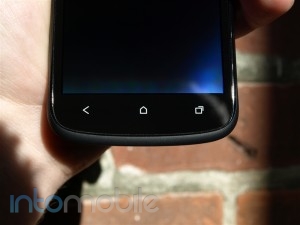
The front of the One S is very simple. The face of the device is covered by the 4.3 inch display, as you'd expect, along with the front-facing camera on top, with the proximity and ambient light sensors hidden right below. Below the screen, you'll find the the capacitive soft buttons for back, home, and multitasking. The decision to keep the capacitive buttons is a bit of a grey area. While Ice Cream Sandwich no longer requires physical buttons for navigation, HTC has decided to keep them. The only real downside to this is that you won't be able to customize these buttons if you like to apply custom ROMs, like on the Galaxy Nexus. Still, it's hardly something to complain about.

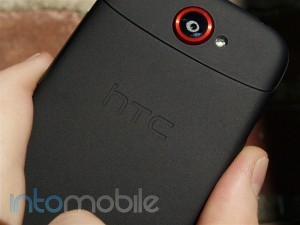
The left side of the One S has the micro USB port for charging, with a long and thin volume rocker on the right side. The top of the devices houses the power/lock button, 3.5mm headphone jack, noise-cancelling microphone, and a small tab to access the micro SIM. The rear of the the handset only has the camera and LED flash on the top, and the speaker grill with the Beats Audio logo at the bottom.

While some people may be a little bummed that the One S (or the One X, for that matter) lacks a dedicated micro-HDMI port, it does support MHL. There was certainly a point in time that I wouldn't even consider a phone that didn't have a HDMI port but once I actually owned a phone with said port, I never really used. DLNA does the job just fine without the need of a wire, so I can see why some handset manufacturers are opting for MHL.

Possibly our one gripe about the One S is that HTC didn't include NFC. Whether it was because of the back piece causing interference or not, we wish that HTC would have come up with some sort of solution. No, NFC isn't that big of a deal yet but  it's going to do nothing but grow in the future. The One S' lack of NFC isn't a deal breaker but if you ever wanted to try out Google Wallet, Android Beam or any other interesting feature using NFC, you're out of luck.

Design

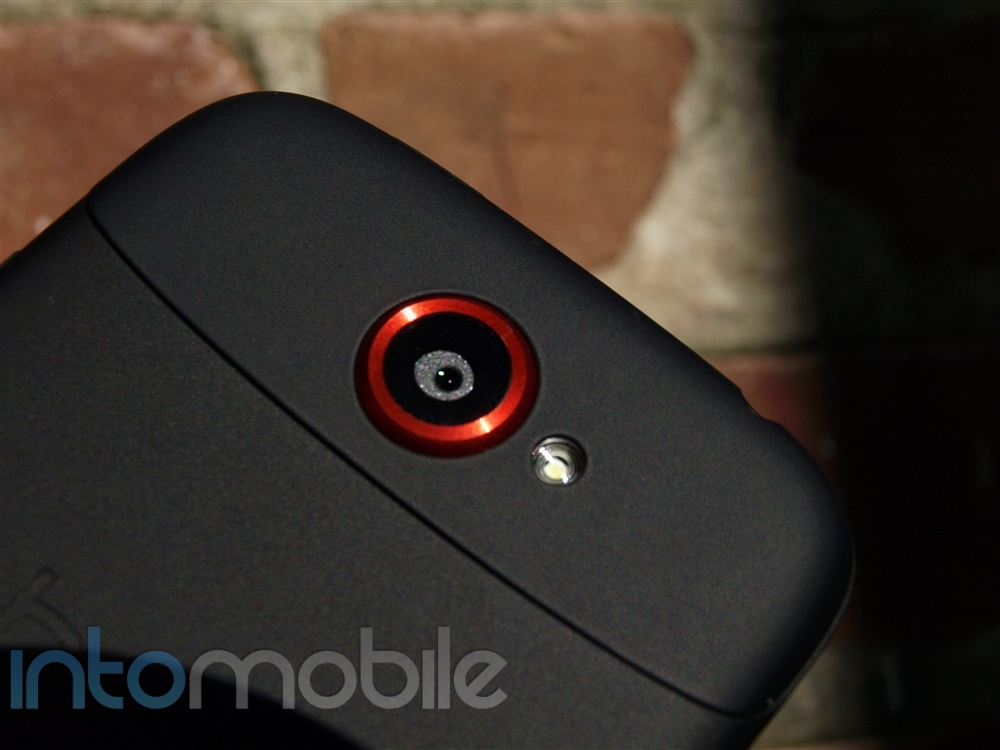
No qualms here. The design of the One S is signature HTC. Simple and elegant. That said, a friend saw me pull the phone out of my pocket and said that it 'looks like a phone that's already been out before." We do suppose that we could see why someone could say that, as it could be mistaken for the Droid Incredible (at a glance), especially with the red ring around the camera, but that's about it. Even then, we won't be mistaking the One S for the Droid Incredible any time soon.

On the other hand, if you're expecting wow-factor for the One S' design, you're not going to find it. Like some LG handsets that went for understated and came off as boring, one could say the same for the One S. We're not necessarily saying this, as we're pretty fond of what HTC has done here, but don't expect this handset to turn heads. You really need to hold it to get a feel of how nice this phone is.

Build Quality

As if you ever needed to question HTC's build quality for its phones, the One S is probably one of the most solid smartphones we've put our geeky paws on before. As we said before, HTC has put the handset's back plate through a Micro Arc Oxidation processor, which essentially hits the strong aluminum backing with 10000 volts of energy. This causes a chemical reaction to the aluminum and leaves a ceramic finish that's much harder than the "un-volted" aluminium.

The finished product is an incredibly strong casing that has a matte finish. In the hand, the phone feels pretty indestructible, save for the face of the handset.

Dropping the phone on a hard surface may give you some scuffs but wouldn't likely do actual damage to the phone. HTC has done it, yet again.

Software

Outside of the solid hardware of the One S, it also packs the latest and greatest version of HTC's Sense UI. Sense 4.0 has been scaled back in a lot of ways compared to previous versions of the custom user interface, which could make the transition for users coming from another Android device that isn't made by HTC  a little easier.

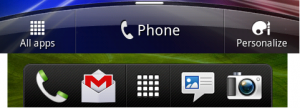
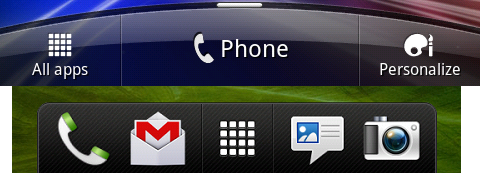
HTC had gotten rid of the original dock it once had from previous versions in favor of a more traditional dock found on most Android devices today. It's still "Sensi-fied" in terms of looks but gone is the large phone soft key and the Personalize button you probably never used. There are a handful of changes in the new Sense, but we'd say the dock switch-up is likely to be the most dramatic and noticeable.

Sense 4 is still very much Sense. You'll still have the 7 homescreens to customize that produce a carousal-like animation. The widely-known Sense clock, application tray, and other Sense appendages remain largely intact, though refined in their own ways. Don't expect a massive overhaul in the look and feel department, as the word to describe Sense 4 is "refined".

Like the One X, the One S has no expandable memory via a microSD card. Instead, HTC and DropBox have partnered up to give users 25GB of storage for free. You'll have access to this data for about 2 years, the life of the contract with the carrier.

There's a lot more to Sense 4. So much that we're going to have our own review of HTC's latest version, so stay tuned.

Web Browser, Multimedia And Camera

Web Browser

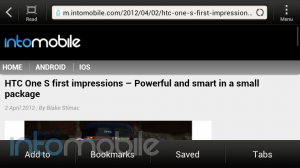
Sense 4.0's web browser has undergone a few tweaks here and there, which makes the browsing experience solid. A simple gesture has been added to the browser that allows you to add the page to your homescreen, bookmarks, or reading list (add to), access your bookmarks, saved pages, or go directly into your open tabs. All you need to do is swipe down on any web page and these options will appear at the bottom of the screen.

Going back to the tabs, its layout hasn't changed much from previous versions of Sense but you are given the option to open a new tab or new incognito tab from this page. Unfortuately, you're still required to tap on a 'X" to close a tab and we wish that we could see the same swipe to dismiss gesture to close a tab, like on the Galaxy Nexus.

Many more settings are found within the browser, which should satisfy the geekiest of geeks. Overall, the new browser within Sense is quite nice.


Multimedia

The One S isn't in short supply of multimedia option by any means. Other than the Google Play Store, the One S offers up HTC Watch for renting movies and TV shows on the go. Watching movies may not necessarily be the best experience on the 4.3 Super AMOLED display but it's certainly not unbearable.

If you're not looking to grab a MHL adapter for the One S, you can just as easily share your content through DLNA. Whether its to a PS3, or some other media server on the same Wi-Fi network, sharing content to other DLNA compatible devices is very easy.

When you're on the go and watching a movie, you can expect some exceptional sound coming from this device. It's not at all surprising that the One S comes with Beats Audio support but HTC has put the eargasmic tech lower into the software stack, allowing for much more support throughout the device.


Camera

This is one area where the One S shines. Rocking the new ImageSense camera, HTC has put a lot of effort into the new One line's shooters and it shows.

Like other HTC handsets with impressive cameras, you won't find any shutter lag on the One S. Not only that, it actually takes great pictures in the process, which also shouldn't come as a surprise. HTC's focus on the camera experience has helped it differentiate its handsets from any other Android manufacturer today and it's not done yet.

The layout of the software is very simple and we really like that HTC has put the important features front and center. Along the left side of the viewfinder, you'll find flash, mode, and settings menu icons. On the right side, you'll find effects, camera shutter, video recording, and gallery options. While we do wish that there were some sort of customization options à la Samsung's Touchwiz, it's very easy to use.

Unlike other camera software, which just switches from camera to video modes, pressing the video button on the One S will immediately begin to record video. We suppose you'll get used to it but in our short time with the handset, we never did.

Like we said, the camera takes some great pictures but at some point you can see that the color saturation is a bit intense. The sky in the top two pictures looks nice and vivid but it's not a true color representation. Still, it's hard to speak ill of this camera.

We caught quite a bit of noise from the wind while recording video,

Call Quality And Battery Life

We can't really speak much for the call quality of the One S since this is an unlocked unit. We were using the phone on AT&T, which has a pretty notorious reputation here in San Francisco. Calls weren't awful, nor were they exceptional. Either way, we're not counting off for this. We'll wait and see what T-Mobile's version brings to the table later this year.

Battery life is on par with what you'd expect a powerful handset of this caliber to endure. You'll get through a day but not much more, which is nothing you haven't heard before. Of course, heavy usage of just about any phone will yield results that are less than stellar. While this phone isn't much different, we're pretty impressed with the battery life when it comes to moderate usage.

The Final Take

Simply put, the One S is a great phone that is a joy to use and hold. There are enough bells and whistles to satisfy most users today, and it's packaged in a shell that's both solid and sexy. And I'm going to reiterate that this probably is the most solid device I've ever touched.

HTC has clearly redefined what it is to create a phone with its logo on it and we couldn't be happier with the One line. Both the One S and One X signal a new beginning for HTC and if these handsets are apart of the first wave, we can't wait to see what's in store for the future.

At this moment in time, we probably couldn't suggest a better pair of phones. Sure, in a few months something bigger and better will come out but will likely lack the styling and solidity that the One line shares. Even if the competition brings the heat, we at least know that the One S can withstand it.

If you've been longing for a HTC comeback, you just got your wish.


Nokia Lumia 900 review: The best Windows Phone yet

April 3, 2012 by Marin Perez - 14 Comments

The Nokia Lumia 900 has a lot of expectations on it, as it’s trying to give Windows Phone a much-needed shot in the arm and it marks Nokia’s best chance of making a comeback in the United States. In this review, we’ll see if it can live up those heavy expectations and if it can…

Read more
The Good
  • It's an attractive phone.
  • Good performance with the fresh Windows Phone look.
  • The camera is quite nice.
The Bad
  • The Windows Phone app selection is still not great.
  • Not bleeding-edge specs.
  • Unclear update schedule.

Hardware

If you think the Lumia 900 looks like a blown-up version of the Lumia 800, you wouldn't be off by much. The Lumia 900 does sport a larger screen, a front-facing camera, 4G LTE support and a few other features but it's the same design DNA you'd expect from Nokia. The Lumia 900 is an eye-catching device that looks and feels pretty good.

The horsepower inside is still more than adequate even if it can't match top-of-the-line devices out there. That's ok though because it performs like a champ.

Design

The Lumia 900 has a unique design that makes it stand out from the crowd, as the one-piece polycarbonate backing feels really good in your hand. The finish feels good on your hand but it's still sturdy enough to deal with a drop or two.

The 4.3-inch screen takes up the majority of the face and the Clear Black display looks really nice. It really does feel like the content is "floating" to the top of the screen. While the screen is pretty solid, the 800 X 400 resolution is not quite as nice as devices like the HTC One X or the Retina Display on the iPhone 4S.

You have the standard Windows Phone buttons under the screen (back, Windows, search) and a front-facing camera can be found on top. This enables you to easily take self portraits or use apps like Skype to make video calls.

The right spine has metallic buttons to handle the camera, power/unlock and the volume rocker. I'm not in love with the placement of the power button because it's in the middle of spine, between the rocker and the camera button.

The top sports the standard headphone jack, an exposed microUSB port and the microSIM slot. You get an included tool to pop out the microSIM tray and I preferred the way the Lumia 800 handled this with a tray that easily opens with your finger. This tray and microSIM are necessary to create the unibody design and you're probably not going to change the microSIM that often, so it's just a minor beef.

Nokia Lumia 900 review for ATThe left spine is clean and the bottom just has a relatively large speaker. The back has the 8-megapixel camera and dual-led flash in the center and, as I've mentioned before, the polycarbonate finish feels really nice and comfortable. I have the Cyan version and like that Nokia is trying non-standard colors but I know many of you may not dig this.

My only other quibble with the design is that I think the corners should have been more rounded, as it can kind of stick into your palms depending on how you hold it. It's much larger than the Lumia 800 but I still found it to be quite manageable with one hand.

Build Quality

Nokia Lumia 900 review for ATFor all the struggles Nokia has been going through, the company still knows how to make high-quality phones. The look, feel and polish of the Lumia 900 are right up there with any high-end smartphone.

The polycarbonate backing provides a solid in-hand feel that looks pretty great and subtle little touches like slightly raising the screen definitely get noticed. Along with the square corners complaint, I think the side metallic buttons could feel a bit more premium. It's also bulkier than other modern devices but not overly so - it feels really solid and not too heavy.

Other than that, the Lumia 900 is a well-built phone that is visually appealing.

Inside, you're looking at a 1.4 GHz single-core Snapdragon processor with WiFi, 4G LTE, Bluetooth, GPS and all the other goodies you'd expect from a smartphone. There's only 16 GB of onboard storage but some of that is mitigated by the fact that you get 25 GB of free cloud storage thanks to the baked-in SkyDrive. The lack of NFC is also a bit of a disappointment.

We're in an era where dual-core and quad-core processors are quickly becoming the norm, so you may think the single core processor might be underwhelming. That hasn't been the case at all in my usage. Microsoft and Nokia have done a ton of optimization to make sure that it performs really smoothly.

Software

Nokia Lumia 900 review for ATThe Lumia 900 comes with Windows Phone Mango and you should read our in-depth review here. If you haven't used Windows Phone before, you should know that it's a very beautiful operating system that is probably just as good as iOS and Android but it goes about things in a different way.

The main interface is filled with live tiles that automatically update to deliver more ambient information. For example, you can set up multiple tiles to show you up-to-date weather or you can know when your friends have updated their Facebook profile.

The UI is actually refreshing since I've spent so many times looking at phones that are just static icons in a grid and things like the unified people hub does make it easy to keep track of all your social networks in one app. The Lumia 900 comes preloaded with a bunch of AT&T software and some of it is actually pretty cool like the U-Verse Mobile app. Thankfully, you can completely remove these apps with just a few taps and holds.

This is also the only mobile platform that comes with Xbox Live and Microsoft Office access. Gaming on the Lumia 900 is pretty good but it doesn't appear as if game makers have a strong focus on Windows Phones compared to the iPhone.

Windows Phone Mango is quite a nice platform but a few things have started to bug me. The fact that the search button isn't contextual and  it will just kick you to the normal Bing search instead of searching through the app you're using. There were other platform things that drove Stefan crazy and most of those are still there. In particular, the need to use the Zune software to transfer most content from your computer to the phone is a pain (there is a nice Nokia Contacts app though).

I wouldn't say there's anything really wrong with the platform but it does take some time to get used to, especially if you're coming from Android or iOS. Microsoft likes to say that Windows Phone is task-oriented instead of app oriented in order to let you get in and out of your phone quickly. You can actually see this design philosophy throughout the whole platform.

This can kind of be a double-edged sword though, as the Windows Phone Marketplace for apps isn't as robust as the Apple App Store or the Google Play store. It's growing at a great pace and most apps look really good but there are still a few key apps that aren't on the platform.

Many of these are apps that people expect like Pandora and while there are alternatives, you may find yourself wanting. For example, I'm a big user of Box for my online storage needs but there's no native app yet. Sure, you can use the mobile version or opt for Microsoft's SkyDrive but I have my preferred setup and I can't do that on Windows Phone as easily as I could on an iPhone or on an Android phone.

Nokia Lumia 900 review for ATNokia tries its hardest to make its presence known on the software side but it's difficult to do when you consider that Windows Phone Mango was pretty much finished by the time it announced its partnership with Microsoft. Additionally, Microsoft doesn't allow much monkeying with its platform but it and Nokia have a "unique" relationship, so look for deeper ties down the road. For example, we're going to see Nokia's mapping service eventually become the default map in Windows Phone.

Because it couldn't tinker that much, the Nokia experience out of the box is somewhat minimal on the software side. There's the customized ESPN app to give you sports scores and stories, as well as the Tango app for video calls across platforms. You can also download Nokia-based apps like Nokia Drive and TuneIn music and I definitely suggest you get the Drive app because it provides free turn-by-turn directions without even needing an Internet connection.

Nokia has taken some steps to make the Lumia 900 a better experience for first-time smartphone buyers. You can set up an appointment with a Nokia specialist who will speak with you over the phone in order to set it up. I've been setting up phones for years now, so I forget how daunting it can be for the first time. I think this is a great move by Nokia.

The app selection is still an issue but Windows Phone Mango and the Lumia 900 still provide an excellent experience, especially if you're a first-time smartphone user.

Read the full review of Windows Phone Mango here.

Web Browser, Multimedia And Camera

Web Browser

Nokia Lumia 900 review for ATThe Lumia 900 comes with Internet Explorer 9 and it's a good way to surf the web. Most sites will work pretty well but I did run into a few issues with HTML5 sites. For example, the Gmail HTML5 site didn't work and it booted it to the mobile-only version. Additionally, even our site sometimes won't go to the proper mobile site and will default to the desktop version. It's not a big deal though.

Don't expect any plugins like Silverlight or Flash but that's fine, as that is the way the mobile Internet is going. The majority of sites render well, the intelligent zooming is spot on and the 4G LTE makes it a lightning fast experience.

Multimedia

Nokia Lumia 900 review for ATMicrosoft is the one company that arguably can match the content ecosystem of iTunes with its Zune Store and you can expect a solid audio and visual experience. Videos look good on the screen even if you can't get full HD content (I don't know if you care about that on a small screen). The Zune app also lets you find a lot of music, podcasts and radio stations with ease.

One issue that I have is that you have to use the Zune desktop software to really hook up with your phone and this is a bit cumbersome. The next version of Windows Phone is supposed to remove that but until we get that on the Lumia 900, you'll have to deal with it.

As I mentioned before, apps like Pandora aren't available but you can find music alternatives like Rdio. The large speaker also sounds really good even on full blast and using the headphone experience is also quite nice.

Camera

Nokia Lumia 900 review for ATI was a bit underwhelmed by the camera on the Lumia 800 but I'm happy to report that the Lumia 900 has a really nice camera that can take great shots. As you can see from the photos below, the Lumia 900 can take some gorgeous shots. As with any phone, low-light shooting isn't ideal but I found shots with the flash didn't turn out too badly.

Windows Phone has a nice camera interface too, as you can hold the physical camera button to launch the camera instantly from any screen you're on. This is great because it helps you capture those special moments without having to dive through apps and launch them.

You also get multiple camera options like filters and you can adjust the scene mode that you want to shoot in. Most people just use the standard automatic settings, so that's what I did in the pictures below. The front-facing camera is solid for portraits and video calling but don't expect too much out of it.

With that said, devices like the One X have pushed camera software forward and some things in the Lumia feel a little old when compared to the cream of the crop. For example, the shutter lag on the Lumia 900 is not bad at all but it doesn't come close to the instantaneous nature of the HTC device. Part of that is because the Lumia has a transition animation but I prefer taking as many shots as possible as quickly as I can.

I also don't like how when you tap to auto-focus, it automatically takes the picture. Minor quibbles aside, you'll be happy with the camera on the Lumia 900 (click through for a larger image).

Nokia Lumia 900 photo samples

Nokia Lumia 900 photo samples

Nokia Lumia 900 photo samples

Front-facing camera:

Nokia Lumia 900 photo samples
The 8-megapixel camera can record HD video but it's only 720p HD. While it's not 1080p, it can still look pretty good and I found the file size wasn't too large. Judge for yourself.

Call Quality And Battery Life

Nokia Lumia 900 review for ATThe Lumia 900 had nice call quality throughout the San Francisco Bay Area. People said I sounded clear but there was a faint hiss in a few calls. I didn't notice that on the receiving end and only heard that complaint a few times but overall, I liked what I was hearing from this device.

The Lumia 900 also has AT&T's 4G LTE and it was blazing fast in my neighborhoods. I routinely got 12+ Mbps down and peaked at over 20+. You really notice it when you're downloading apps and it only takes a few seconds. The only issue is that you'll be able to quickly burn through your data caps, so be sure to switch to WiFi whenever you can.

The latest Nokia device also has solid battery life, as you can get through a full day under most circumstances on a single charge. You're likely going to have to charge it every night but that's what you have to do with most any smartphone that isn't the Droid Razr Maxx.

The Final Take

Nokia Lumia 900 review for AT
The Lumia 900 is probably the best Windows Phone out there right now, as it sports a stylish design, a refreshing user interface, super-fast 4G LTE service and a really nice camera. Nokia has also done a great job of offering additional services and the $99 price tag is a steal when you consider how good the Lumia 900 is.

On the downside, the app selection in the Windows Phone Marketplace is a bit limited and there are legitimate concerns about the update schedule. Still, this is a fine, eye-catching device that will satisfy a lot of people. This doesn't guarantee Nokia's success in the United States but it's a nice start.

Nokia Lumia 900 photo samples

Nokia Lumia 900 photo samples
Nokia Lumia 900 review for AT

Nokia Lumia 900 review for AT

Nokia Lumia 900 review for AT

Nokia Lumia 900 review for AT

Nokia Lumia 900 review for AT

Nokia Lumia 900 review for AT

Nokia Lumia 900 review for AT

Nokia Lumia 900 review for AT

HTC One X review: Setting the new standard

April 2, 2012 by Marin Perez - 26 Comments

HTC One X review

The HTC One X is one of the world’s first quad-core smartphones and in this review, we’ll see if that Tegra 3 chip and the new version of Sense can really propel this to the next level. Note: We reviewed the international version which has the quad-core processor but the One X that’s coming to…

Read more
The Good
  • Amazingly well-designed phone.
  • The camera is incredible.
  • Just a great device overall.
The Bad
  • Some inconsistencies in Android UI.
  • Those who don't like HTC/Sense may not like this.

Hardware

The HTC One X is an amazing combination of grace, elegance and power in a jaw-dropping form factor. I really, really like this phone. The Tegra 3 chipset provides a strong foundation for this device and HTC's camera technology is stellar. There are still some minor issues I have with the One X but it still provides a best-in-class smartphone experience.

Design

The One X is the culmination of everything HTC is about: it's a sweet symphony of curves and gorgeous materials that come from a very confident design company.

The 4.7-inch display takes up the bulk of the face and it's subtly curved to provide for good viewing angles. As you would expect from any high-end smartphone, the One X screen sports a 720p resolution and it's bright, beautiful and pretty responsive to the touch.

There's a large speaker above the screen to go along with the front-facing camera. Underneath the display, you'll find three capacitive Android buttons (Back, Home and Multitasking) and I'm not quite sure how I feel about this. Android Ice Cream Sandwich doesn't require these buttons anymore and I wonder if the One X may have been better off letting all of these actions being handled on the screen.

The screen is quite beautiful and it matches the gorgeous rest of the device. The One X is made of precision-machined polycarbonate material and HTC put on a high-gloss "piano" finish that is aimed at mimicking piano keys. I don't care what you call it, I found it to be stunning when I first took it out of the box (especially the white version). It looks fantastic, it's light, thin and even though it's not metal like the iPhone, it still feels very sturdy and rugged.

It's a relatively minimalist design, as the embedded battery means you can't take off the back cover but it leads to a cleaner unibody design. The right spine sports a single-piece volume rocker, the headphone jack's on top, the microUSB port is on the left and a microphone is on the bottom. That polycarbonate backing feels delightful in the hand. It's relatively bare too except for the HTC and Beats Audio branding, a speaker and the large 8-megapixel camera.

I f you want to get to the microSIM, you have to use the provided tool to pop out the microSIM tray. I've never been a fan of this (even on the iPhones) but it works well enough and when it's locked in, it fits in perfectly.

The HTC One X has a simple, well-executed design that sets the standard for all high-end smartphones.


Guts And Glory

HTC One X reviewThe One X is not just beautiful, it's also packed with power.

The One X sports the quad-core Tegra 3 processor and this probably makes it the most powerful phone on the market. Games, web browsing, HD video and app switching are all handled smoothly. We also saw the most impressive benchmarks we've seen on a smartphone. For those who really care, we saw Quadrant benchmarks of 4788 and a CF Bench of 24036, 6438 and 13477.

Basically, this rocks and those numbers blow away anything else we've seen.

Speeds and feeds are one thing but what I appreciate about the One X and Tegra 3 is that this power is used to deliver a better user experience. Things like being able to consistently switch between apps without any stuttering or lagging may not get commercials but these definitely add up over time. NVIDIA likes to claim it provides "console-quality graphics" and it really does. This phone is capable of playing some games with gorgeous graphics and complex in-game physics.

Besides the 1.5 GHz quad-core processor, the One X is also packed with 1 GB of RAM, 32 GB of storage, multiple sensors, NFC, WiFi, HSPA connectivity (4G LTE coming to the AT&T version), Beats Audio and everything you'd want in a powerful smartphone.

]

Software

HTC One X reviewThe HTC One X uses Android Ice Cream Sandwich with the latest version of Sense and it provides a really nice on-the-go experience. For those who don't use Android, you should know that it's a great way to make calls, send texts, browse the web, send e-mails and get new apps, movies and books from the Google Play store.

The general consensus on Google Play app store is that it's not as robust or filled with gorgeous programs as the iOS counterpart and I still think Apple's store has a bit of an advantage but that's quickly changing. You can find nearly everything you'd want in Google Play and the latest generation of Android apps are really pushing the envelope when it comes to app design.

You also get the cool ICS elements like being able to dismiss individual app notifications by just swiping them to the side. This is a small but crucial thing, I've found. For a deeper take on Android Ice Cream Sandwich, read our full review here.

HTC put its latest version of Sense on the One X and we'll cover that in detail below. There are still a few things in Android ICS which bother me though. I don't like how in core apps like Gmail and Play that all the action buttons are located on the top - I feel like this makes it a bit difficult to operate with one hand. It's not a game killer by any means but there are still just a few things in the core platform which just aren't as intuitive as it could be.

Thankfully, HTC tries to address some of those with Sense.

Sense 4

HTC One X reviewHTC has thrown its latest version of Sense on the One X and even though Google has placed some UI restrictions on the latest version of Android, HTC has  done of really good job of bringing its unique styling to the device without really sacrificing any functionality. HTC representatives have told me before that they don't need their phones to look like Tron and I tend to agree, so I'm happy to see how well the software on the One X performs.

HTC has brought many of the familiar Sense elements to the latest version, as the look and feel are instantly recognizable if you've ever used Sense before. This includes the 3D carousel for home screens and lock screen with quick-action apps and widgets. That last aspect is really cool as you can set up a few icons on the lock screen, drag the app you want into a the ring and it will launch into the app immediately. If you just want to unlock it, they you pull the ring from the center of the screen up.

There are a lot of other little new features which are pretty nice in the latest version of Sense, as there's a neat task integration function that lets you assign tasks to contacts. There's also built-in Dropbox integration which gives you 25 GB of free storage for two years. life of the device (roughly two years)

If you already have a free or paid account, you get that on top of the 25 GB - so, my free 2 GB account will give me 27 GB. The nice thing is that you can tie your camera to this to automatically upload to Dropbox. While you can also do this with the Google+ integration, some may like the Dropbox storage better because it's more accessible from various devices and operating systems. It's also really good for sharing your 1080p HD videos, as these are sometimes too large to attach to an e-mail.

I felt like the software on the One X was pretty darn good but that doesn't mean it's without flaws.I think HTC did a good job of trying to make Android look more visually appealing but if you haven't liked Sense in the past, I'm not sure if this is going to push you over the edge.  I also experienced some weird visual glitches and a random reboot in my unit but a software update fixed all the issues I had.

HTC has done a good job of utilizing the additional features of Android Ice Cream Sandwich and adapting its Sense UI on top of it. Check out the video below for a deeper look at the software on the One X.


Web Browser, Multimedia And Camera

Web Browser

HTC One X screen shotsThe HTC One X has an excellent web browser that really makes surfing the Internet a great experience on the go. The thing can handle HTML5 with ease, it even has Adobe Flash support and what I really appreciate is that it intelligently zooms the text for your screen. This is something that should be standard on smartphones now but I still see way too many phones that can't properly optimize the page for your screen size. The One X does and it does it well.

My only gripe with the One X browsing experience is that you can only use six tabs at a time. It's reasonable but I'd prefer it automatically closing tabs instead of me having to manually do it.

Multimedia

The HTC One X is a great multimedia machine but some may still yearn for the overarching iTunes media infrastructure that iPhone users get. The 4.7-inch screen looks great, so movies play well and the screen is large enough to comfortably watch on the go. You also have the HTC Watch store and it enables you to rent and buy movies and TV shows.

Of course, you can always get content from the Play Store, as it includes apps, movies, audiobooks, music and more. Speaking of music, this phone has the Beats Audio technology built in and this provides a much better bass experience than I'm used to on a phone. I still think the external speaker gets a tad bit distorted if you're blasting music at the top level but listening via headphones is a blast.

Camera

HTC One X reviewHTC has put a lot of work into the camera on the One X and it definitely pays off. The One X has the one of the best cameras I've ever seen on a phone, can truly replace a digital camera and it has a very pleasant UI.

As for the details, HTC built a custom image chip for this thing and the lens packs a f2.0 lens and it has an 8-megapixel backside illuminated sensor. What this means is that shots come out bright, crisp and very detailed. I encourage you to click through on the photos below for the full resolution.

The camera is also capable of shooting 1080p HD video and the neat thing is that you can also snap stills while shooting video. This is a small feature but one I haven't really seen from other top-tier phones and I could definitely see it come in handy. You also have five levels of LED flash and a 1.3-megapixel front-facing camera that can do 720p HD video.

Take a look at the video below for a look at how the camera UI works. I think it's a very smart way to take pictures, as there's virtually zero shutter lag and it's simple to add things like filters. You also get things like facial detection, geo-fencing and quick sharing to various social networks. Another neat feature is that you can hold down the shutter button and you'll be able to take multiple shots in a row. You can then choose your best one and delete the rest, or you can just keep all of them. There

My only real complaint is that there's no on-screen way to switch to the front-facing camera quickly (you have to dive into a menu) and I still found low-lighting photos to be a little lacking. As you would expect, the zoom isn't as good as a standard digital camera but it's almost there and the quality of the photos is so good that you can easily ditch your standalone camera. You'll also notice in the sample video below that the audio recording is very poor in high-wind situations but that's to be expected.

From the shutter lag speed to the ability to take photos while shooting HD videos, the HTC One X sets the standard for excellence in smartphone photography and I'm betting many of you will very happy with this.

(All photos are on standard settings and the first one is using the flash.)


HTC One X sample photos


HTC One X sample photos


HTC One X sample photos

The 1080p HD video on the HTC One X comes out looking pretty fantastic whether you play it back on the phone, a computer or even on a TV. The sample video below was taken in very windy conditions, so the audio's not the greatest of quality but it's actually pretty good considering how windy and noisy the area was.

Call Quality And Battery Life

HTC One X reviewI'm using the international version in the San Francisco Bay Area on AT&T and I've found the call quality to be quite good. Callers sound clear without any hissing or echoing and they told me I sounded similarly clear. Be warned though, if you're using something like Google Voice, the call quality can be out of the hands of the phone - Seriously Google, get your call quality game together. Also, the AT&T version will have 4G LTE.

The battery life on the One X is pretty darn good and it better be, considering you can't swap the battery. I was able to get through a full day on a single charge and that's about what I expect from a high-end smartphone. I did find that charging from zero seemed to take a bit longer than I thought it would but it's by no means slow. I'm happy with the battery life but I'm not blown away like I was on something like the Droid Razr Maxx.

The Final Take


HTC One X review

The HTC One X is an amazing smartphone that provides a ton of power in an elegant and beautiful package. I've been really happy with the form factor, the overall experience and the quality of the camera. On the downsides, those who don't like Sense won't be won over by this and I did notice a few minor software bugs that were quickly ironed out by an update. Still, the One X is the cream of the crop right now.

Will there be better devices later this year? Probably, as technology always moves forward at a quick pace. But if you want a great device that looks good, feels good, performs like a champ and should be sort of future-proof, then this is the one.


HTC One X review
HTC One X review
HTC One X review

HTC One X review
HTC One X review
HTC One X review

HTC One X review
HTC One X review
HTC One X review

HTC One X review
HTC One X review
HTC One X review

HTC One X review
HTC One X review
HTC One X review

HTC One X review
HTC One X review
HTC One X review

HTC One X sample photos

HTC One X sample photos
HTC One X screen shots

HTC One X screen shots

HTC One X review

Review: T-Mobile S Galaxy Blaze 4G – Galaxy S II mini?

March 23, 2012 by Blake Stimac - Leave a Comment

Samsung doesn’t seem to have a problem bringing the world smartphones and tablets in virtually every shape and size it can think of, and for the most part it has worked out for them. Still, it’s usually pretty easy to pick out a low-end phone from a high-end phone that comes from Sammy, but looks can…

Read more
The Good
  • For under $200, you're giving up a few specs here and there but the Blaze 4G provides a lot of bang for your buck
  • It's nothing incredibly impressive but not having to remove the battery cover to access your external storage is always a plus in our book.
  • For a 5 megapixel camera, the Blaze 4G can take some great shots.
The Bad
  • In a world where most Android phones have a 4+ inch screen, the Blaze 4G may seem a little small
  • Whether is a processor or software issue, and it's rare when it happens, but the Blaze 4G will snag and lag every once in a while.
  • To no surprise, the Blaze 4G is filled with useless T-Mobile bloatware you'll probably never use.

Hardware

The Blaze 4G is an interesting phone. Without the smaller display, the Blaze could be mistaken for a equally as powerful handset when put next to the Galaxy S II. What is lacks in wow factor, it makes up for with power. At first glance, the 3.97 inch screen would make just about anyone think that this is a budget Samsung Android phone but you'd be mistaken. The Blaze 4G likely won't look like anything special when you first see it, and while it's no Galaxy S II, it packs a nice punch in a small package.

While large screens (4.3 inch and up) are all the rage now with Android phones, the Blaze looks like it missed it's ship with its 3.97 inch display panel. Even thought it may seem a bit small now, 4 inches really is a sweet spot and a phone with this screen size usually has a nice in-hand feel. The Blaze 4G's display is also no HD panel, so don't get too excited. We can't say that we have an issue with the handset's WVGA Super AMOLED display but we also would have liked to see the screen resolution up to at least qHD status. Nonetheless, the screen itself makes colors pop and shows blacks for what the really are - void of color (or light at all, for that matter).

Below the screen is your standard affair. Since this phone is running Gingerbread, you'll find the 4 Android navigation buttons for menu, home, back, and search. Above the display, you'll find the earpiece, proximity and ambient light sensors, as well as the 1.3 megapixel front-facing camera. And of course, you'll find both T-Mobile's and Samsung's logos on the face of the device.

The left spine of the Blaze houses your volume rocker, as well as a small tab for removing the battery cover, where the bottom only has the micro USB port and microphone hole for calls. The top side of the device is where you'll find the standard 3.5 mm headphone jack,  and the left side not only houses the power/lock button but also quick access to the hot-swappable micro SD card. I found it a little tricky to get the microSD card out of the side but it shouldn't be much of an issue if you have nails instead of numbs.

Design

The Blaze 4G comes with a familiar design with some subtle tweaks here and there. With the exception of a few design elements, the Blaze 4G could easily be called the Galaxy S II mini for T-Mobile, as they both share many similarities. The metallic border is the same, as well as the textured battery cover, with the Blaze's texture being a bit finer and more smooth.

Unlike the Galaxy S II, the Blaze's metallic border carries out to the back of the phone above the camera, which doesn't necessarily deserve any oohs and awes but it doesn't take away from the overall look, either.

While it looks like the Blaze 4G shares the same bump on the rear as most Galaxy devices, it's really not there. There's a small line on the bottom of the battery cover that gives the illusion that it's there but the handset pretty much lies flat on a table.


Build Quality

As you'd expect to see in virtually any Samsung smartphone today, the Galaxy S Blaze 4G is made of plastic. That said, it feels solid in the hand due to its compact size (keyword: feels). While plastics tend to be more sturdy than slabs of glass and metal, the Blaze 4G is anything but unbreakable. We wouldn't go as far to say that it's fragile by any means but dropping it would at least scuff up that nice chrome looking finish around the edges.

Still, we doubt you'll have any worries with the handset as far as build quality is concerned, especially if you've owned a Samsung phone before.

Guts And Glory

Inside the Blaze 4G and beyond the snappy 1.5 GHz dual-core Snapdragon S3 CPU, you'll find 1GB of RAM, and only a couple of GBs of internal storage (roughly about 2.3GB available to the user). The phone also ships with a 4GB microSD card out of the box, which you can expand to 32GB if you need some extra space, and you probably will.

Other features include WiFi, Bluetooth, GPS - pretty much everything you'd expect to see in any Android phone today, mid-range or otherwise. The battery itself also has NFC inside it, so when the handset receives the Android 4.0 Ice Cream Sandwich update, you can Beam your brains out, use Google Wallet, etc. For now, you can use NFC to write and read tags.

The handset wouldn't be named the Blaze 4G if it didn't have some sort of high-speed data access, right? The Blaze 4G supports T-Mobile's HSPA+ 42 network, which should give you some impressive speeds if you have the right coverage. HSPA+ is usually a hit or miss affair but the Blaze 4G was definitely a hit. We were given a few select "prime locations" to test the network speeds with the Blaze, and even without being near any of these places, the handset was getting an average of 15Mbps down and around 3-4Mbps up.

HSPA+ may not be as fast as LTE but if I can consistently get around 15Mbps down, I'll never care about LTE. LTE is insanely fast but most people don't need that sort of data speed and they definitely don't need the dead battery they will be left with after using it for a short while. "Faux G" or not, T-Mobile's HSPA+ and the Blaze 4G hit the sweet spots.

Software

The Galaxy S Blaze 4G ships with Samsung's custom UI layer, TouchWiz. For the most part, we prefer stock Android, especially if a phone is running Ice Cream Sandwich but Touchwiz is one one the least intrusive software layers we've come across. That doesn't necessarily make it the best but it's nothing like HTC Sense used to be.

If you're not familiar with TouchWiz, it's a fairly easy to use, not over-bloated custom user interface that resembles iOS in a handful of ways. Still, TouchWiz may not be the prettiest custom UI (HTC still takes the cake as far as beauty) but it's more than usable, especially with the upgrades Samsung has provided with the new Galaxy S II models. There's nothing too special about TouchWiz but there's still a lot to like.

What we like about TouchWiz the most is that it isn't over designed. You clearly see that this is Android and the custom UI layer doesn't attempt to cover it up. It's there to enhance the experience and for the most part, it does a decent job. You're given 7 home screen panels that you can customize to your liking and a quick pinch gesture on any home screen will reveal all of the panels for you to edit or remove them.

Below the panel but above the dock, Touchwiz has dots to indicate what home screen panel you're on and you can easily tap on another to jump to that particular screen. A very simple, yet nice addition added to TouchWiz is that you can actually drag across the dots and scroll through the pages even faster.

One of the main annoyances of this phone is all of the bloatware that T-Mobile has preinstalled. This isn't anything new by any means but when carriers like Sprint allow the user to uninstall said preinstalled applications, it looks like T-Mobile wants those applications you'll probably never use on the phone for good. Not only does this create annoyances to the user but these applications are taking up space in the ROM of the phone and there's not a lot to spare with the Blaze 4G. That said, you can push a lot of applications to the external microSD card now, so it's not going to leave you with no space at all.

Web Browser, Multimedia And Camera

Web Browser

The web browser on the Blaze 4G is the exact same browser you'll find on just about any other Samsung Android phone today. It's been slightly modified in a couple of ways, but mostly in the aesthetics department. This isn't necessarily a bad thing but the older Android web browser is starting to show some age.

One difference in the browser from the stock Android browser is the way open web pages are handled. Samsung has implemented a large icon view so you get a thumbnail of what the page you're on looks like. We've also seen other manufacturer's do something similar, but it's a welcomed addition.

Another thing that Samsung does with its browser that we still have trouble understanding is that it has its own dedicated brightness setting. Sure, maybe you want the rest of your phone to be dimmed but want to see the browser in full brightness - that much we can understand, but we doubt its a necessity to anyone.

Multimedia

The Blaze 4G isn't in short supply out multimedia outlets, thanks to some of Samsung's own applications and T-Mobile's bloatware. You'll find applications like Samsung's Media Hub, two (stock and Samsung's) music players, T-Mobile TV, Slacker Radio, and more.

So you have the media on your phone, or want to get it without having to download and app to your device? No Problem. Also like most Samsung Android phones, the Blaze 4G supports DLNA, which allows you to share your content to other DLNA compatible devices, or stream content from a media server on a WiFi network directly to your phone.

Camera

Surprisingly, the Blaze 4G's camera is a strong point in the phone. This isn't to say we were expecting it to be bad but it's just hard to be impressed with a 5 megapixel camera these days.

Samsung provides some of the best camera software in the market for its Android phones, as it allows you to bring certain features to the forefront with a customizable grid that is always a tap away.

On top of that, the camera itself takes some great shots! Photos aren't going to blow you away but we were pretty impressed by the image quality in some photos. Video recording wasn't as good as it could have been but if you're just looking to record a few videos to send or show off on your phone, you likely won't have a problem.

The pictures below were taken in the late afternoon, in the shade.


Call Quality And Battery Life

Call quality was pretty good on the Blaze 4G. Calls were clear on both ends with no interference whatsoever.  To make your call quality even better, T-Mobile offers up WiFi calling with the Blaze 4G, too.

Battery life was fairly decent. It wasn't bad and should get your through the day but not much more than that. We've certainly seen much worse battery life on smartphones (read: any LTE phone that isn't the Droid RAZR Maxx).

The Final Take

Overall, the Galaxy S Blaze 4G is a good phone that comes at a great price. The main features that you'll really be sacrificing with this handset is the screen (type and size), camera, and storage (only about 2 GB internal). Other than that, the processing power behind this phone makes it a great option for just about anyone who wants a new phone on the cheap(ish) and doesn't want to sacrifice too much in the process. Couple this with T-Mobile's speedy HSPA+ network and you have a well rounded phone that could be considered the Galaxy S II mini. It deserves the title.

Personally, I wouldn't own this phone, but only for the fact that I've been spoiled by the Galaxy S II and Galaxy Nexus' screens. Going back to a phone that has a screen under 4 inches would be incredibly hard but other than that, I'd suggest this phone to someone who isn't looking for top of the line but doesn't want to buy an "ancient" smartphone just because its cheap.


« Previous Page
Next Page »

Back to top ▴

Follow IntoMobile

38k
36k
4k
13k
12k

Most Recent Posts

  • Realme P4R arrives in India with massive 8,000mAh battery and 144Hz display
  • Samsung plans to expand Exynos chips to more devices in 2027
  • OnePlus Turbo 6X and Turbo 6X Pro launch in China with massive batteries under $207
  • OnePlus 15 may support Quick Share and AirDrop file transfers
  • Galaxy Z Flip 8 clears FCC certification ahead of summer launch

Get Updates Via E-Mail

  • This field is for validation purposes and should be left unchanged.

About IntoMobile

  • About IntoMobile
  • Contact IntoMobile
  • Send us News Tips
  • Privacy Policy

Social Links

  • IntoMobile on Facebook
  • IntoMobile on Twitter
  • IntoMobile on Google+
  • IntoMobile on YouTube

Copyright © 2006-2021 IntoMobile. All rights reserved.